
WordPress Autoblogging with AI
"Turned my YouTube videos into blog posts in minutes. Saves me hours weekly."
Easy Setup
Connect Your WordPress Site in Minutes
Install the free RightBlogger plugin from WordPress.org and click Connect, or connect manually with an application password. Use the plugin if you can: SEO plugin meta, authors, custom post types, IndexNow, and the Site Agent all run through it.
Connect WordPressExample- AI featured image
- SEO title and description
- Pick a category
Automation Clarity
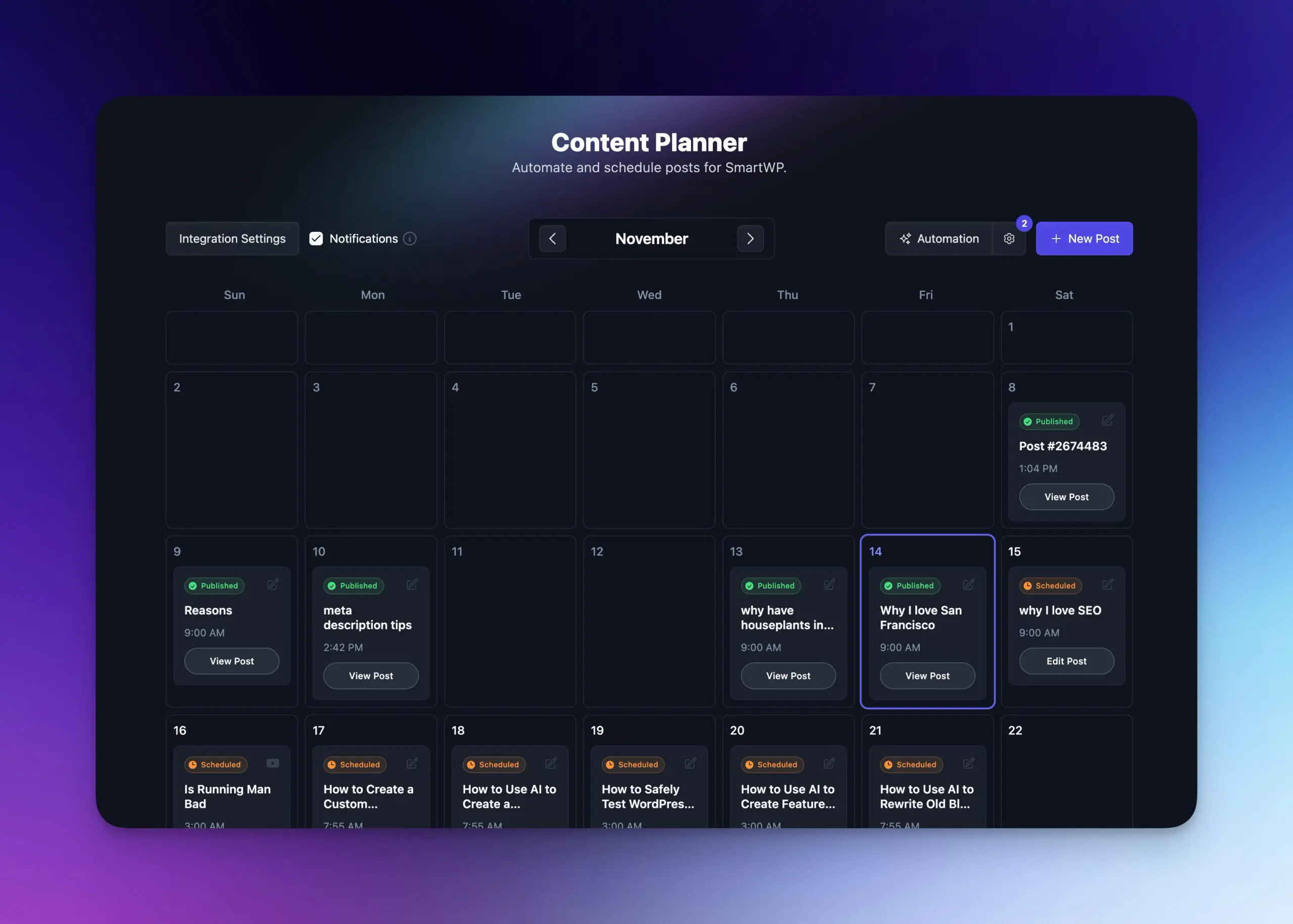
Choose Fully Automated or Review-First Publishing
Each project has its own default post status, so you decide per site what goes live on its own.
- Fully automated mode
Posts are written, scheduled, and published to WordPress on your calendar.
- Review-first mode
Posts land as Draft or Pending Review, so nothing goes live until you publish it.
- Hybrid workflow
Run one site on autopilot and keep approval on another from the same dashboard.
Smart Content Creation
Generate SEO-Friendly Blog Posts with AI
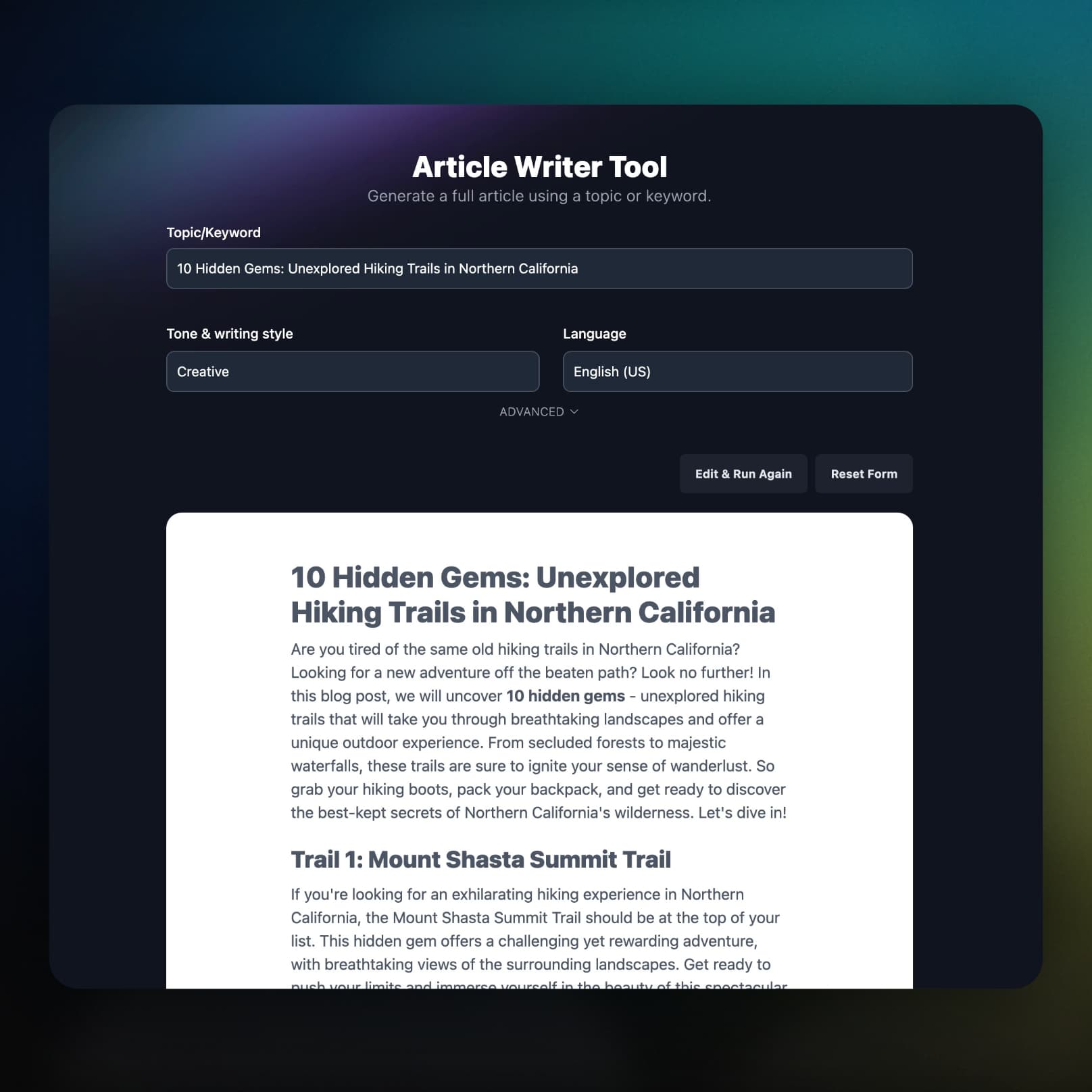
RightBlogger writes long-form articles from your keywords, and you can edit any of them before they reach WordPress.
- AI SEO Editor
Edit and optimize your draft in RightBlogger before you publish.
- Categories and tags
AI picks from the categories and tags already on your site.
Instant Publishing
One-Click Publishing and Scheduled Autopilot
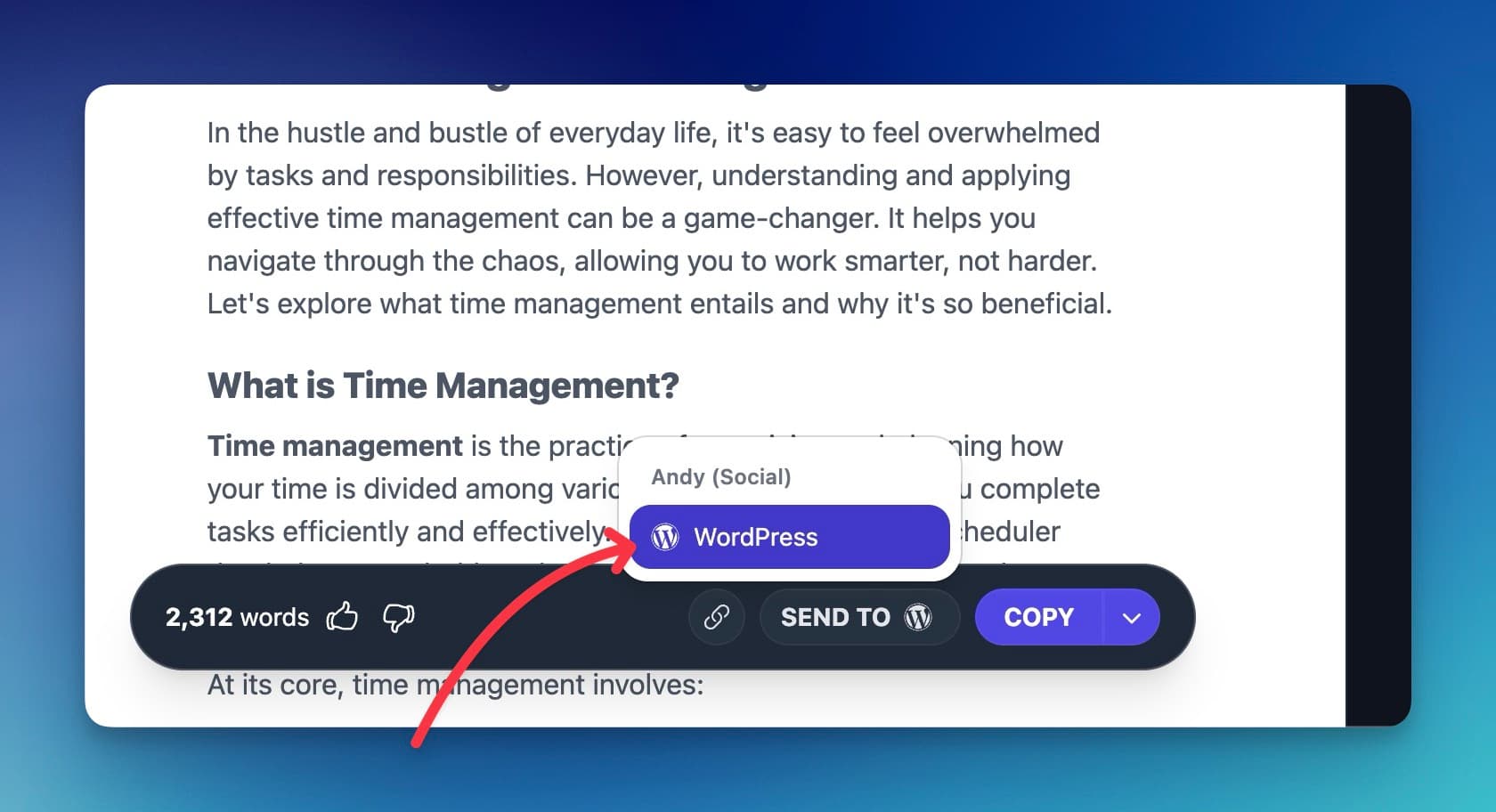
Send a finished article from the editor in one click, or let the Content Planner publish on schedule.
- Native Gutenberg blocks
Articles arrive as block editor content, not one block of pasted HTML.
- IndexNow search engine pinging
With the plugin on a paid plan, Bing and Yandex are notified when a post goes live.
Everything Included
What Else Comes With the WordPress Integration
Your SEO plugin, your media library, your authors and post types, and what happens when a post fails.
It finds your SEO plugin
Meta title, description, and focus keyword go into Yoast SEO, Rank Math, AIOSEO, SEOPress, The SEO Framework, or Squirrly SEO.
Images live on your site
The featured image, and with the plugin every in-article image, uploads to your Media Library with alt text instead of being hotlinked.
Custom post types
Publish to a custom post type instead of a standard post.
Posts under the right author
Pick the WordPress author each post is credited to.
You hear about failures
If a scheduled post cannot reach your site, you get an email with the reason and a link to that post in the Planner.
Part of the full platform
Keyword research, Search Console reporting, social sharing of new posts, and the Site Agent, which improves posts already on your site.
Frequently Asked Questions
Can't find an answer? Contact us.
What is the best tool to automate a WordPress blog?
RightBlogger automates a WordPress blog end to end in one platform: keyword research, long-form SEO articles, AI featured images, meta for your SEO plugin, scheduled publishing (or Draft / Pending Review), sharing each new post to X, LinkedIn, Facebook, Threads, and Pinterest (Solo plans share to LinkedIn only), Search Console reporting, and a Site Agent that improves posts already live. It connects through a free WordPress plugin.
How do I automate a WordPress blog with AI?
Connect your site, pick a post status, and turn on an automation. (1) Install the free RightBlogger plugin from WordPress.org (search "RightBlogger" under Plugins > Add New) and click Connect to RightBlogger under Settings > RightBlogger. (2) Set the default post status: Published for hands-off, Draft or Pending Review to check each post first. (3) Add your keywords or topics to an automation in the Content Planner. RightBlogger then writes, optimizes, and publishes posts on that schedule.
How do I connect RightBlogger to my WordPress site?
Install the free RightBlogger plugin, open Settings > RightBlogger in WordPress, and click Connect to RightBlogger. You can also connect manually with your site URL, username, and a WordPress application password, but SEO plugin meta, authors, custom post types, IndexNow, and the Site Agent need the plugin. The setup guide walks through both.
Which SEO plugins are supported?
RightBlogger fills in SEO fields for Yoast SEO, Rank Math, All in One SEO (AIOSEO), SEOPress, The SEO Framework, and Squirrly SEO. Each post gets a meta title, meta description, and focus keyword (The SEO Framework has no focus keyword field, so it gets title and description). This needs the plugin connection; an application password connection cannot write SEO plugin fields.
Can RightBlogger generate featured images for my posts?
Yes. Turn on Auto featured image in your WordPress integration settings and RightBlogger generates a unique AI image for each post, uploads it to your Media Library with alt text, and sets it as the featured image.
Will my posts be published immediately or saved as drafts?
You choose per project: set the WordPress Default Post Status to Published, Draft, or Pending Review in your project settings. Published runs fully hands-off; Draft and Pending Review keep an editorial check before anything goes live.
RightBlogger also publishes to






Automated SEO Blog Posts for Your Site
Research, write, publish, and share from one account.
7-day free trial. Cancel anytime.




