
Ryan Robinson
Co-Founder, Marketing
Ryan has spent 10+ years building blogs that rank, attract loyal readers, and turn SEO traffic into revenue.
Visit ryrob.com
"For the price and ease of use, what RightBlogger offers is unmatched."
Connect Notion with OAuth and choose which pages and databases to share on Notion's own permission screen. RightBlogger only sees what you pick.
Connect NotionExamplePick a database and map article fields to your own properties: status, publish date, target keyword, meta title, and meta description. Obvious matches are mapped for you by name.
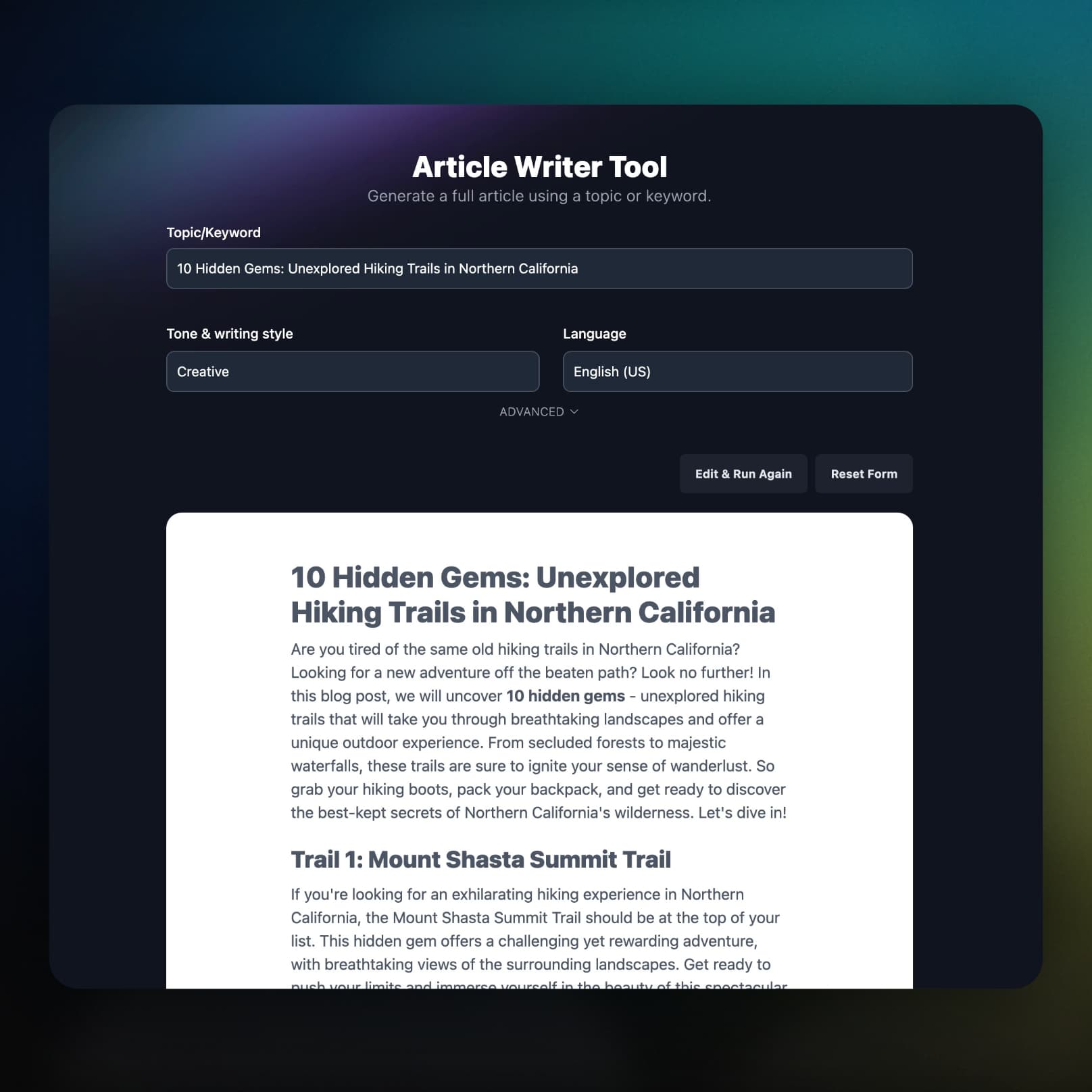
Send a finished article to Notion as a new page in one click, or schedule it from the Content Planner. Headings, lists, links, images, and tables come across as Notion blocks.
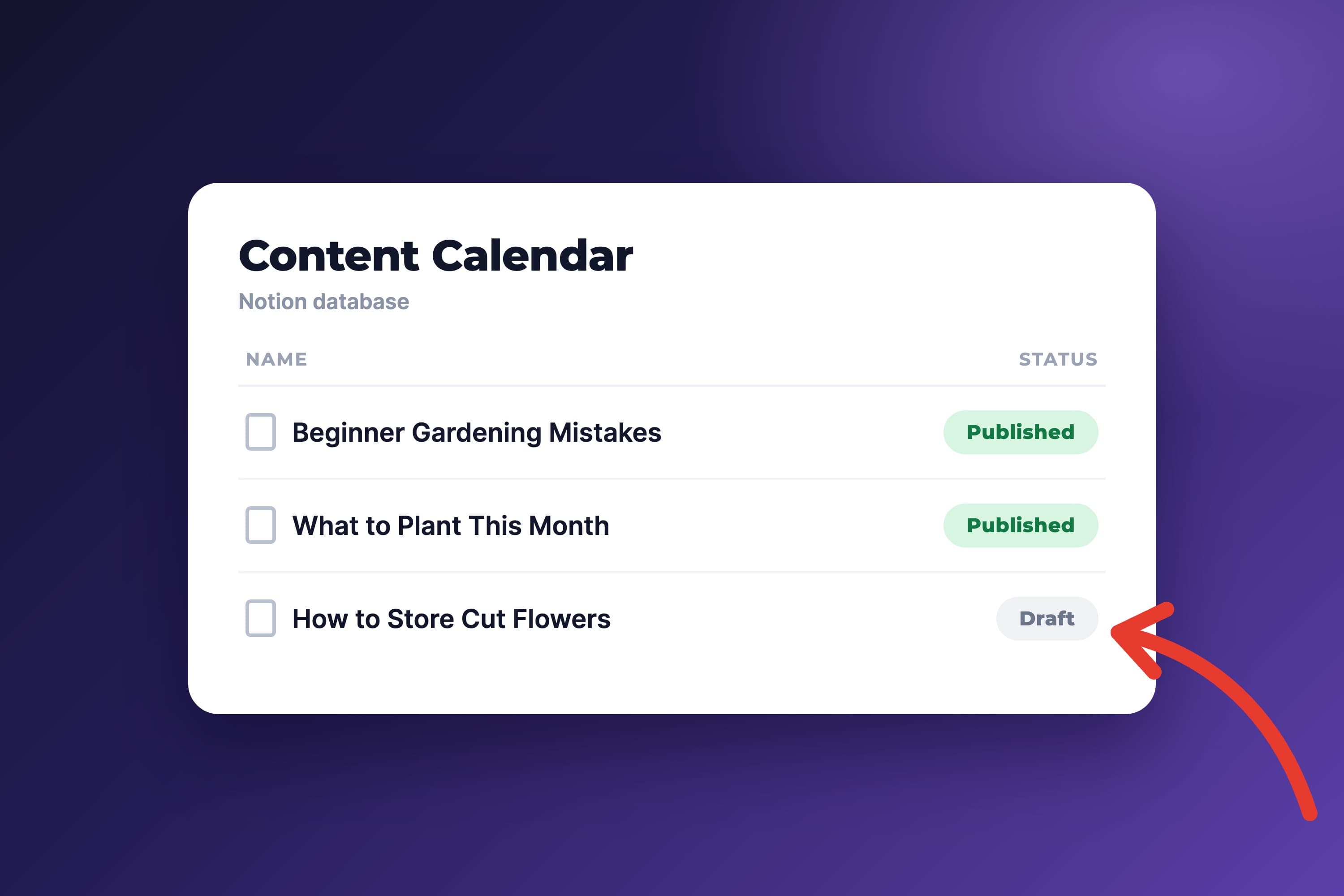
The details that decide whether an integration is worth using: what lands on each page, and what happens when something breaks.
No database yet? One click creates a content calendar named after your project, with Status, Publish date, Target keyword, Meta title, and Meta description properties.
Pick which value of your Status property means draft and which means published, and each new page lands in the right state.
Meta title, meta description, and target keyword are generated with the post and written into the properties you mapped.
Turn on AI cover images and each new page gets one, so a gallery view of your content is not a wall of plain rows.
If a scheduled post cannot reach Notion, you get an email with the error and a link to retry it from the planner.
Keyword research, the AI SEO editor, and Search Console reporting come on the same plan, so your Notion pipeline starts with real research.
Can't find an answer? Contact us.
Connect Notion once with OAuth, pick a database in your project settings, and map the fields you care about. After that, publish any article to Notion in one click or schedule it from the Content Planner, and RightBlogger creates a new page in the database with the article body and your mapped properties filled in.
No, the Create one for me button makes a ready-made content calendar (Name, Status, Publish date, Target keyword, Meta title, Meta description, Tags, URL) you can publish to right away. If you already have a content database, pick it and map your fields instead.
The article title always goes to your database's title property, and everything else is optional: map Status, Publish date, Target keyword, Meta title, and Meta description to your own properties. Each dropdown only lists properties of a compatible type, and RightBlogger auto-maps the obvious ones by name.
Yes, through a Status property, since Notion pages have no draft or live state of their own. Pick which Status value means draft and which means published, then turn Mark as published on or off per project, and each new page gets the matching status.
Yes, add Notion as the destination in the Content Planner, queue your topics, and RightBlogger writes each article and adds it to your Notion database on schedule.
Articles are sent in Notion's native Markdown format, so headings, bulleted and numbered lists, links, quotes, code blocks, images, and tables become proper Notion blocks.
Yes, RightBlogger connects through Notion's official OAuth and can only reach the pages and databases you select. The connection can read, create, and update content, nothing else, and you can disconnect it at any time from your project settings or from Notion.
RightBlogger is built by Ryan and Andy, two established names in SEO with a decade-plus of real blogging experience.
Co-Founder, Marketing
Ryan has spent 10+ years building blogs that rank, attract loyal readers, and turn SEO traffic into revenue.
Visit ryrob.com
Co-Founder, Product
Andy has 10+ years of SEO and product experience building practical systems that help content teams grow.
Visit ihitthebutton.comResearch, write, publish, and share from one account.
7-day free trial. Cancel anytime.