

AI Blog Automation for Webflow
"RightBlogger is worth every penny. The tools actually deliver results that rank."
Works With Any Webflow Collection
Connect WebflowExampleWebflowAPI key ••••••••••Connected- SEO title and description
Generate Webflow-Ready Content
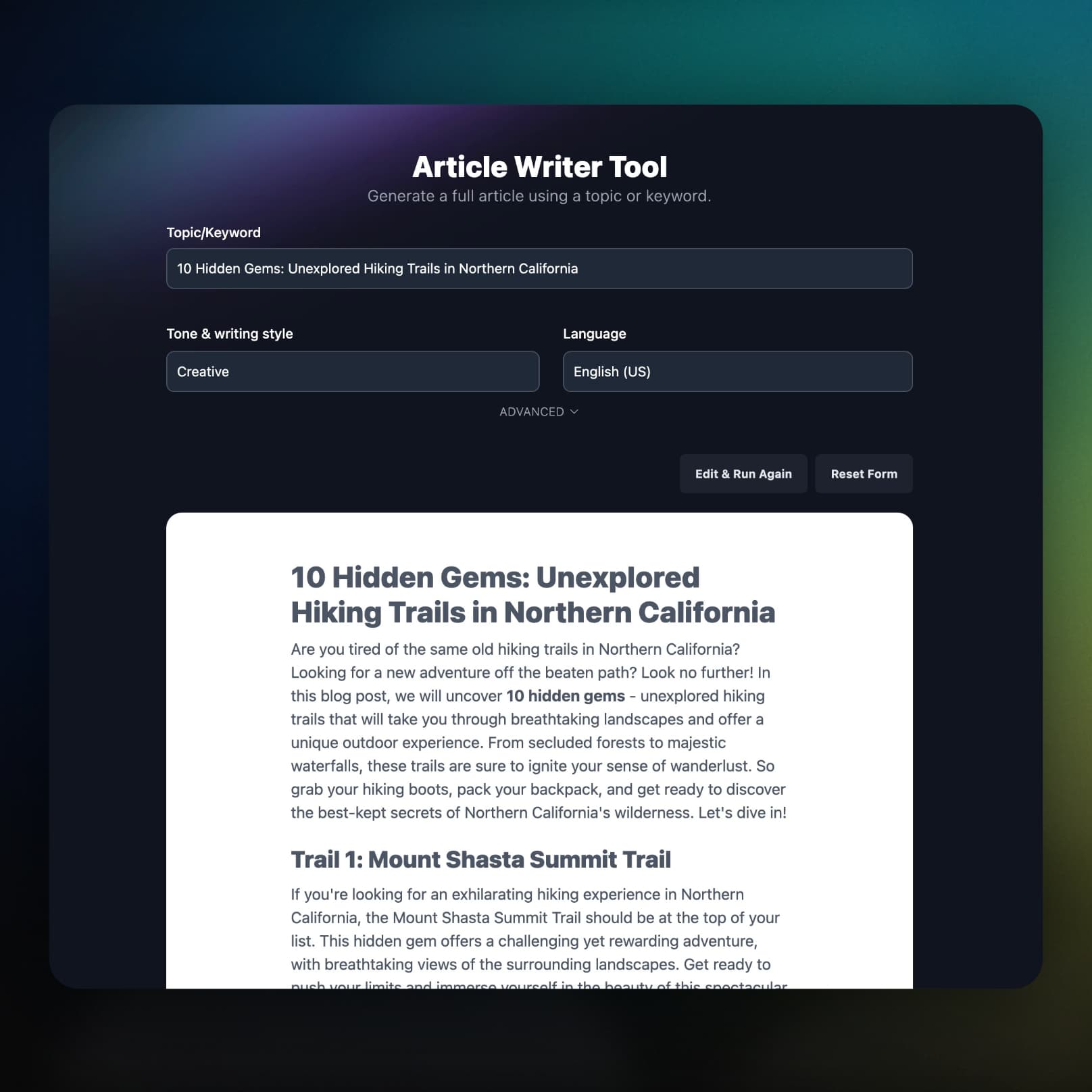
Long-form articles built from keyword research arrive as HTML in your body field, with the title and a URL slug set from the headline.
Schedule Posts to Webflow
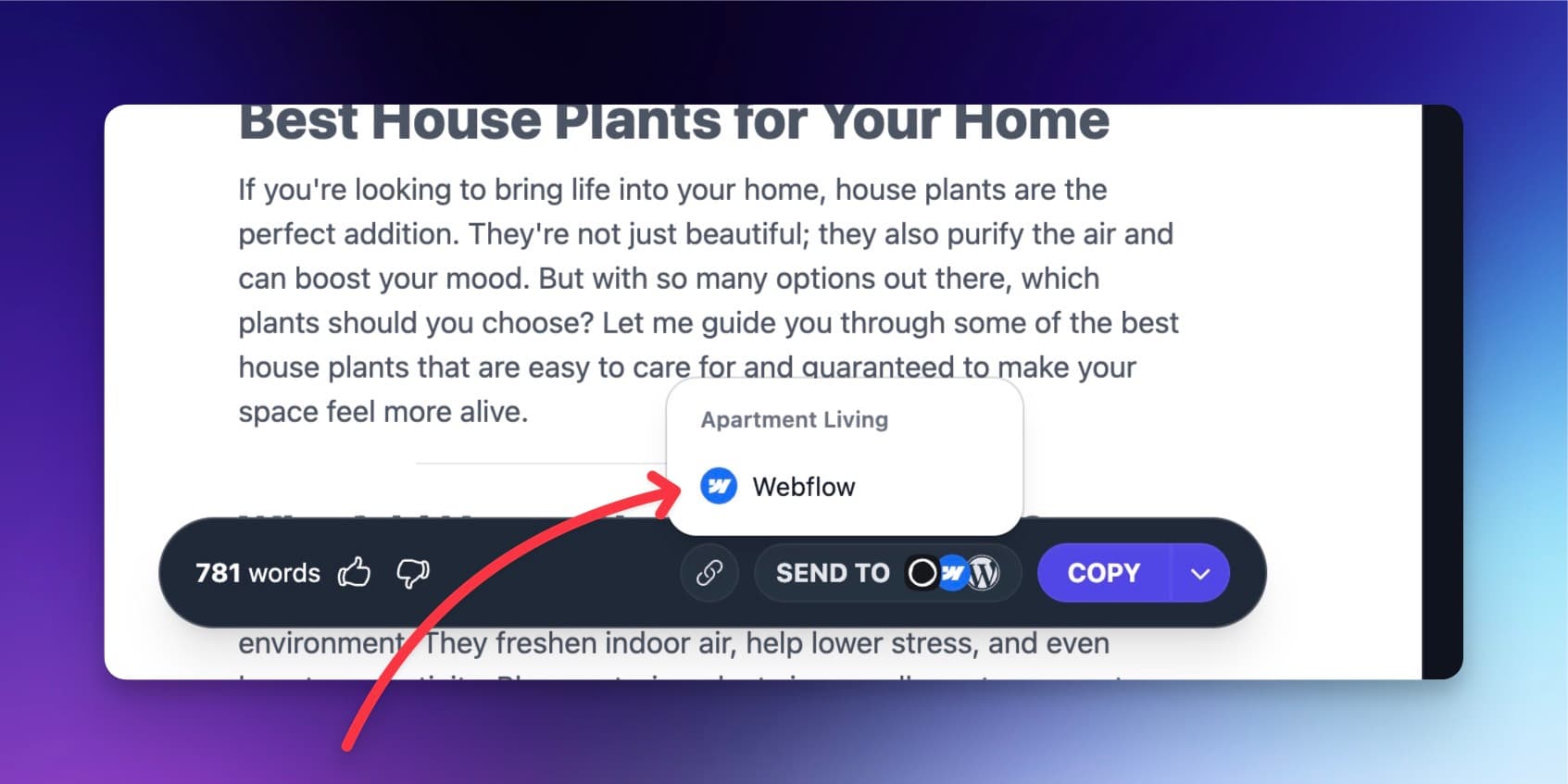
Queue topics in the Content Planner and RightBlogger writes and sends each article to your collection on the date you pick. Or send any article from the editor in one click.
What Else Comes With the Webflow Integration
The details that decide whether an integration is worth using: your SEO fields, your domain, and what happens when something breaks.
Your SEO fields, mapped once
Pick the plain text fields for meta title and description (Webflow's Blog Posts fields are picked for you) and every new item launches with them filled.
Draft or live item
New items are saved as Webflow drafts by default. Turn on Publish instantly to create them live.
Links use your real domain
RightBlogger resolves your custom domain from Webflow, so the post URL you get back is the live one, not the webflow.io fallback.
Shared when it goes live
Published items come back with their live URL, so a social automation can share each new post.
You hear about failures
If a scheduled item cannot reach Webflow, you get an email with the error and a link to retry it from the planner.
Part of the full platform
Keyword research, the AI SEO editor, Search Console reporting, and the Site Agent that improves items already live are all on the same plan.
Frequently Asked Questions
Can't find an answer? Contact us.
What is the best way to automate a Webflow blog?
Connect RightBlogger to your Webflow CMS collection and turn on Autoblogging: it researches keywords, writes each article, and publishes it to the collection through the Webflow API on your schedule. Items land as drafts or go live, published posts can be shared to social automatically, and the Site Agent adds internal links and rewrites weak meta titles and descriptions on items already live.
How do I connect RightBlogger to my Webflow site?
Create a Webflow API token in Site settings > Apps & integrations with Sites read and CMS write access, then paste it into the Webflow integration in your project settings. Pick the site, the CMS collection, and the field for the post body, plus optional meta title and meta description fields. See the full setup guide.
Can I publish to any Webflow collection?
Yes, any Webflow CMS collection with a Rich Text or Plain Text field for the body works, not only blogs. RightBlogger fills Name, Slug, the body field, and the meta fields you map; other fields are left empty, so make any extra required fields optional.
Can I save posts as drafts in Webflow?
Yes, new items are saved as drafts by default, so nothing appears on your site until you publish it in Webflow. Turn on Publish instantly in the Webflow integration settings to create items live instead.
Can I schedule and automate posts to Webflow?
Yes, Autoblogging schedules posts to your Webflow collection: queue topics in the Content Planner, pick the dates, and RightBlogger writes and sends each article on its day.
What content does RightBlogger send to Webflow?
RightBlogger sends the post title to Name, a slug made from the title, the full article as HTML in your body field, and a meta title and meta description when you map those fields. It does not set a featured image or reference fields such as categories, so add those in Webflow if your template needs them.
RightBlogger also publishes to





Automated SEO Blog Posts for Your Site
Research, write, publish, and share from one account.
7-day free trial. Cancel anytime.




