
Content Automation with Webhooks
"RightBlogger is worth every penny. The tools actually deliver results that rank."
Easy Setup
Connect Any Service in Minutes
Paste a webhook URL into your project and you are set. No API keys or OAuth, just a URL that accepts a JSON POST.
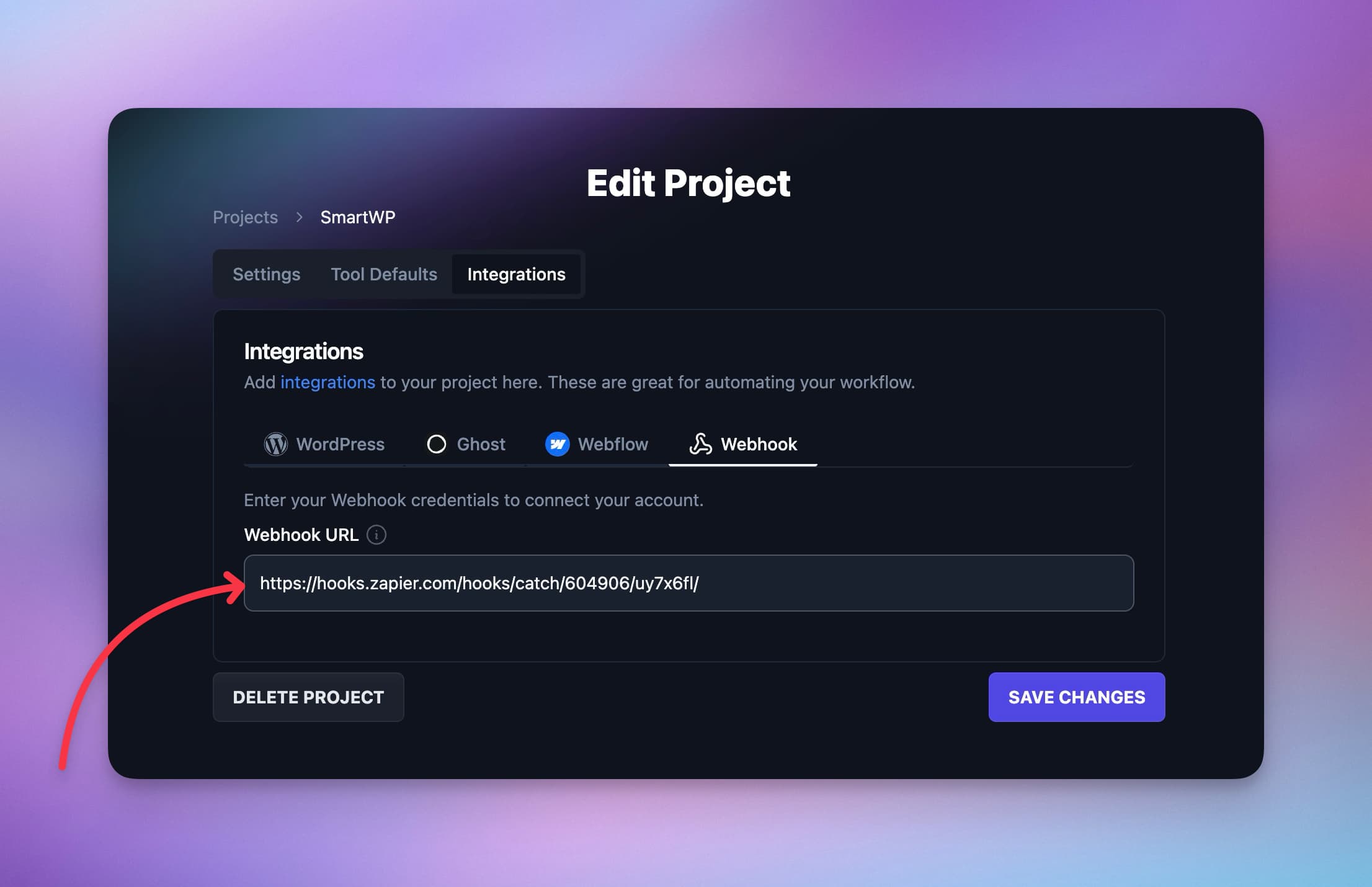
Developer-Friendly
Built for Flexibility and Control
Every post arrives as structured JSON, and after each send RightBlogger shows your endpoint's status code and response so you can confirm delivery or debug.
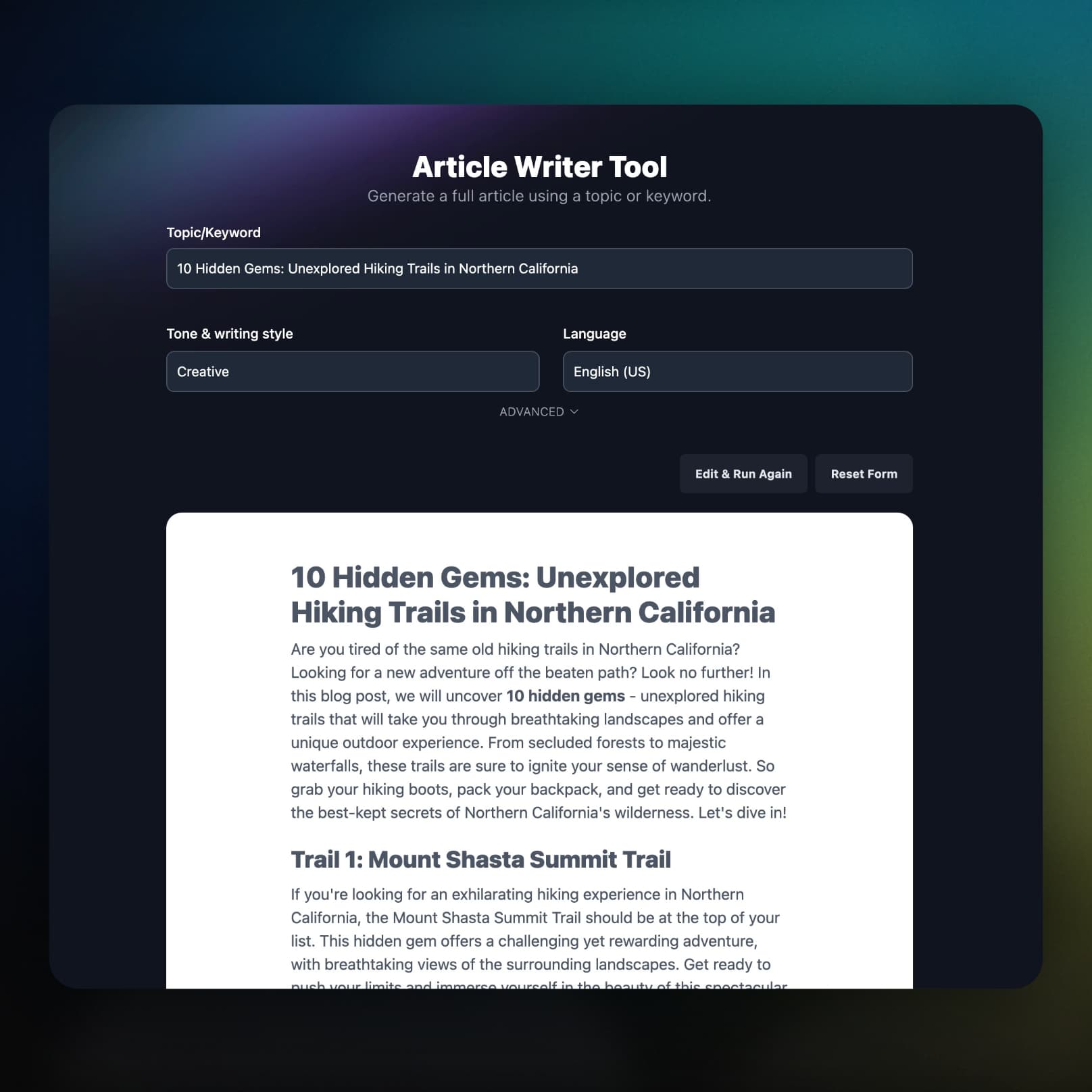
Universal Publishing
Send Content Anywhere
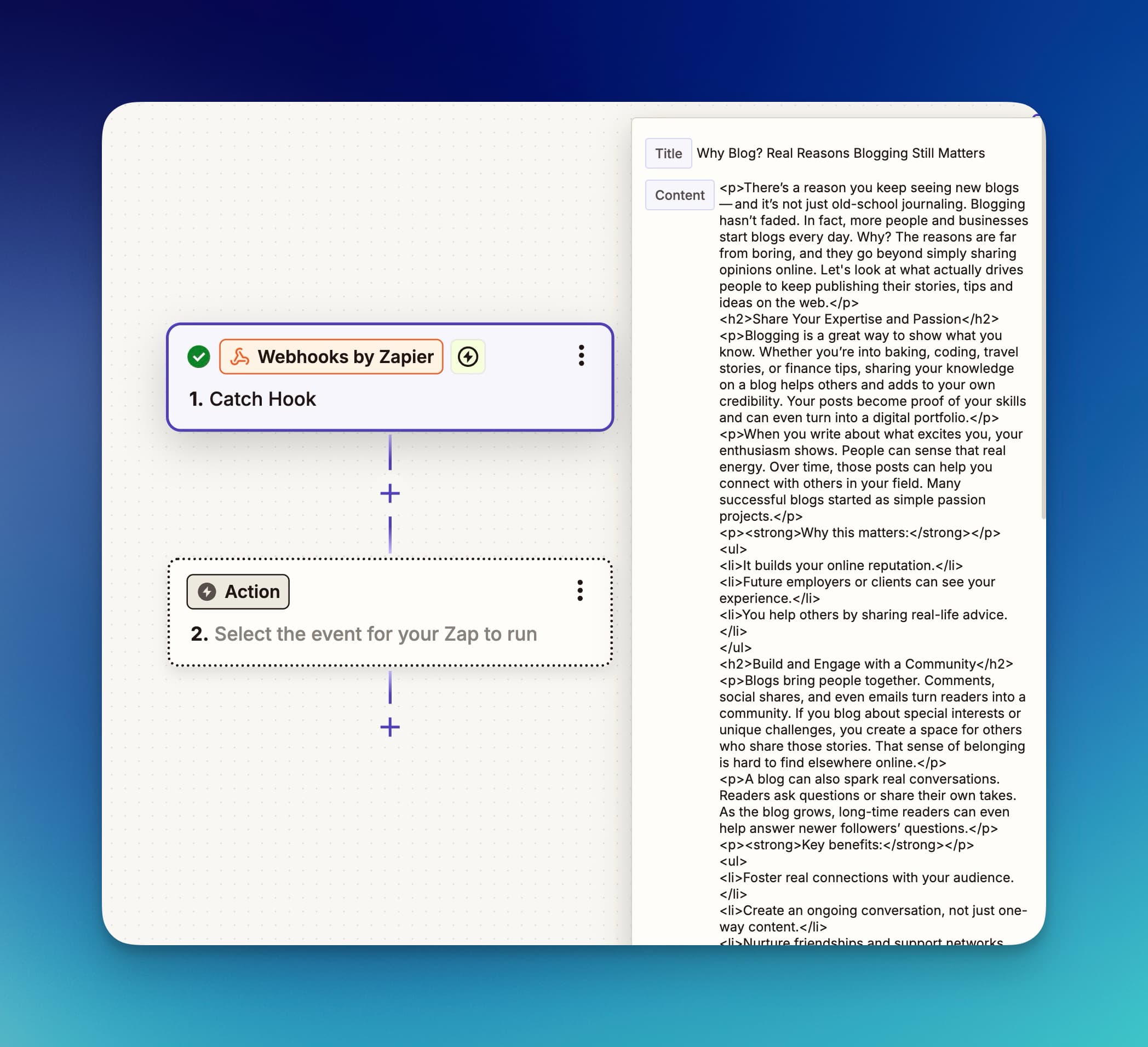
Point the webhook at Zapier, Make, n8n, a serverless function, or your own API, and route each post wherever it needs to go.
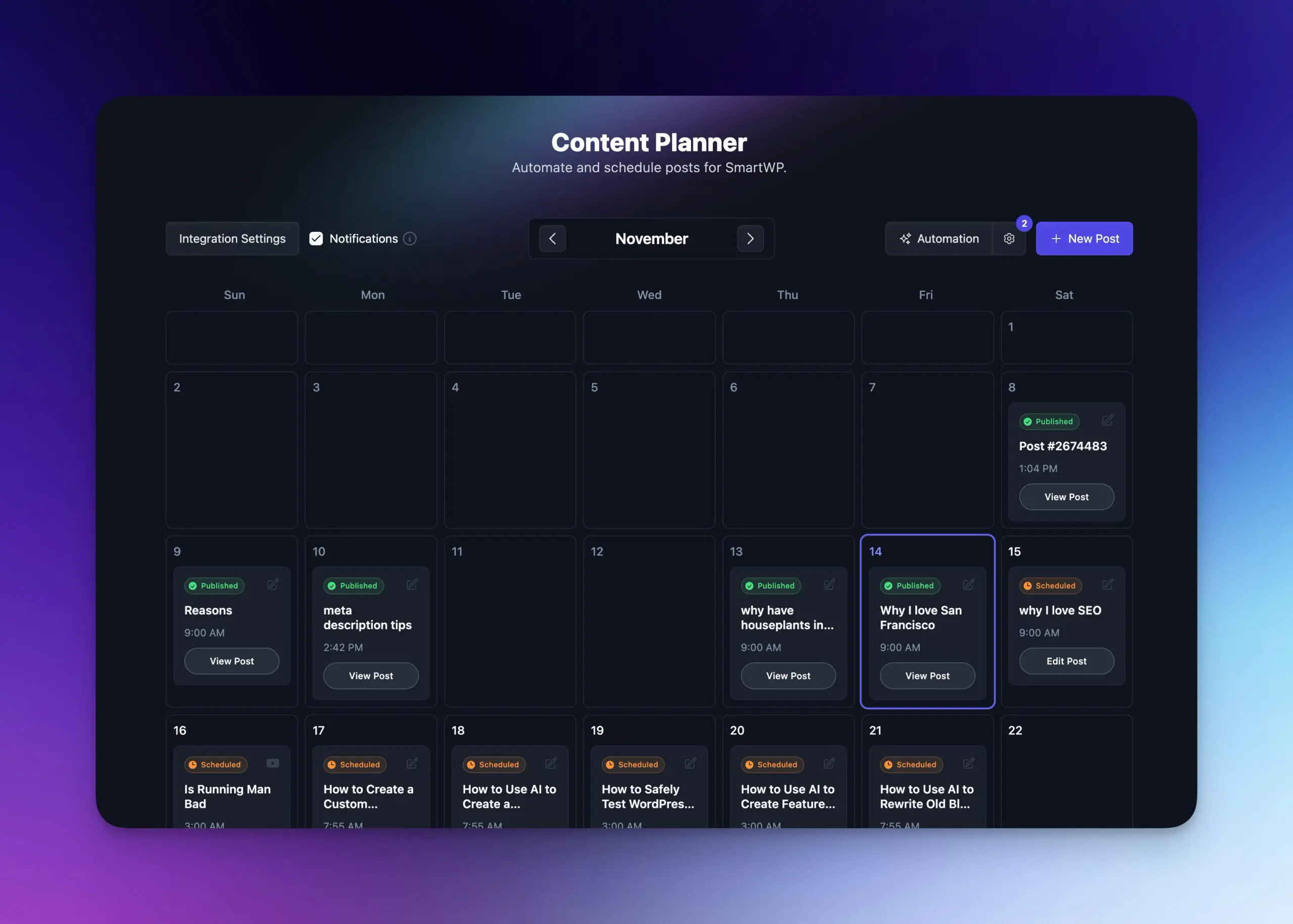
Autoblogging
Automate Content Delivery via Webhooks
Pair the Content Planner with a webhook and scheduled posts are sent to your endpoint automatically.
- Scheduled delivery
Plan a content calendar and each post is sent to your webhook on its date.
- Learn more about autoblogging
Everything Included
What Is Actually in the Payload
Here is what arrives at your endpoint with every post.
HTML and Markdown
Every post is sent as rendered HTML and as Markdown, so it drops into a static site generator or CMS without conversion.
SEO data included
Meta title, description, focus keyword, and permalink slug arrive as their own fields.
Excerpt and project context
A ready-to-use excerpt plus the source project's ID and name, so multi-site pipelines can route on it.
Optional video embeds
Turn on Embed YouTube videos and bare YouTube links in the HTML become embedded players.
Generation options
The writing options set for a post, such as keywords, tone, language, point of view, and audience, arrive with it.
You hear about failures
If your endpoint rejects a scheduled post, you get an email with the reason and a link to that post in the Planner.
Frequently Asked Questions
Can't find an answer? Contact us.
What data does RightBlogger send in the webhook payload?
RightBlogger sends a JSON POST request with title, content (HTML), content_markdown, excerpt, an seo object (title, description, keyword, permalink), a project object (id, name), and sent_at. When available, request_id and the generation options (keywords, tone, language, point of view, audience) come too. Requests carry Content-Type: application/json and a RightBlogger/1.0 User-Agent. See the webhook setup guide for a full example.
Do I get Markdown or HTML?
Both, in every payload: content holds HTML and content_markdown holds the same article as Markdown for static site generators like Hugo, Astro, Jekyll, or Eleventy.
How do I publish to a static site or a headless CMS with webhooks?
Point the webhook at any endpoint that accepts an HTTP POST, such as a serverless function that commits content_markdown to your repo, a Cloudflare Worker, or a function that writes to Strapi or Sanity. Map the seo fields to front matter, excerpt to the description, and permalink to the slug. Nothing needs installing on the receiving end.
Are YouTube links and images handled before sending?
YouTube links become embedded players only if you turn on Embed YouTube videos in the webhook settings; it is off by default, and content_markdown always keeps the plain link. Images stay in the HTML as full URLs, ready to fetch and rehost if your pipeline does that.
How do I connect RightBlogger to Zapier?
Create a Zap with Webhooks by Zapier as the trigger, choose Catch Hook, and paste the URL Zapier gives you into your project settings in RightBlogger. Each post then arrives in Zapier as JSON you can route to Notion, Airtable, Slack, Google Sheets, or any other Zapier app.
Can I use webhooks with Make, n8n, or other automation platforms?
Yes, any platform that accepts incoming webhooks works. In Make (formerly Integromat), use a Custom Webhook module; in n8n, use the Webhook trigger node. The JSON shape is the same on every platform, so title and content parse the same way everywhere.
How does RightBlogger handle webhook responses?
RightBlogger reads your endpoint's HTTP status and response body, parsing it as JSON when the response is application/json and keeping the raw text otherwise. After a send, the confirmation shows the status code and response; any non-2xx status counts as a failed delivery.
Can I send posts to more than one endpoint?
Each project sends to one webhook URL. To fan out, send to one automation platform and branch there (Zapier, Make, and n8n all route one incoming payload to several services), or create a RightBlogger project per destination.
Can I schedule automated webhook deliveries?
Yes. Queue topics in the Content Planner with autoblogging, and RightBlogger writes each post and fires the webhook on its scheduled date.
RightBlogger also publishes to






Automated SEO Blog Posts That Work
Try RightBlogger for free, we know you'll love it.
7-day free trial. Cancel anytime.




