
AI Blog Automation for Shopify
"RightBlogger is worth every penny. The tools actually deliver results that rank."
See it in action
Watch RightBlogger publish to Shopify
A quick walkthrough of connecting your store and sending an AI-written, SEO-optimized post to your Shopify blog.
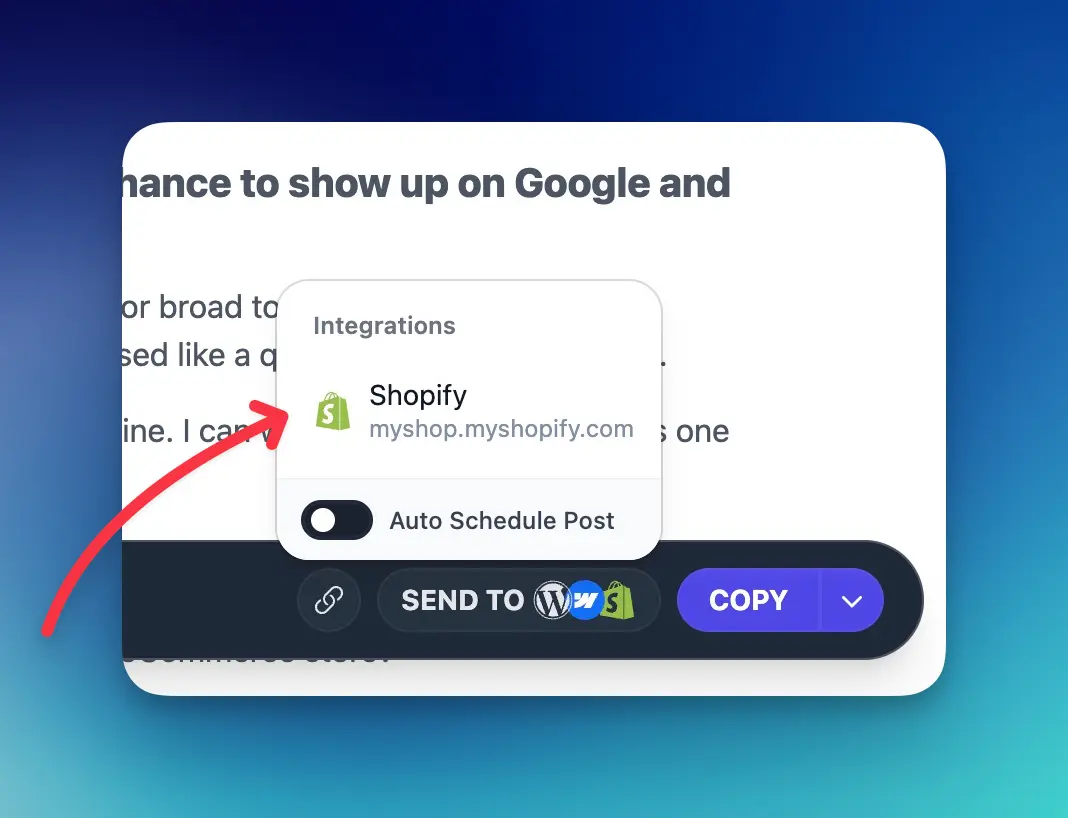
Connect Your Shopify Store in Seconds
Connect ShopifyExample- AI featured image
- SEO title and description
Write the Posts Shoppers Search For
Create buying guides, how-to articles, and product comparisons that answer the questions shoppers ask before they buy.
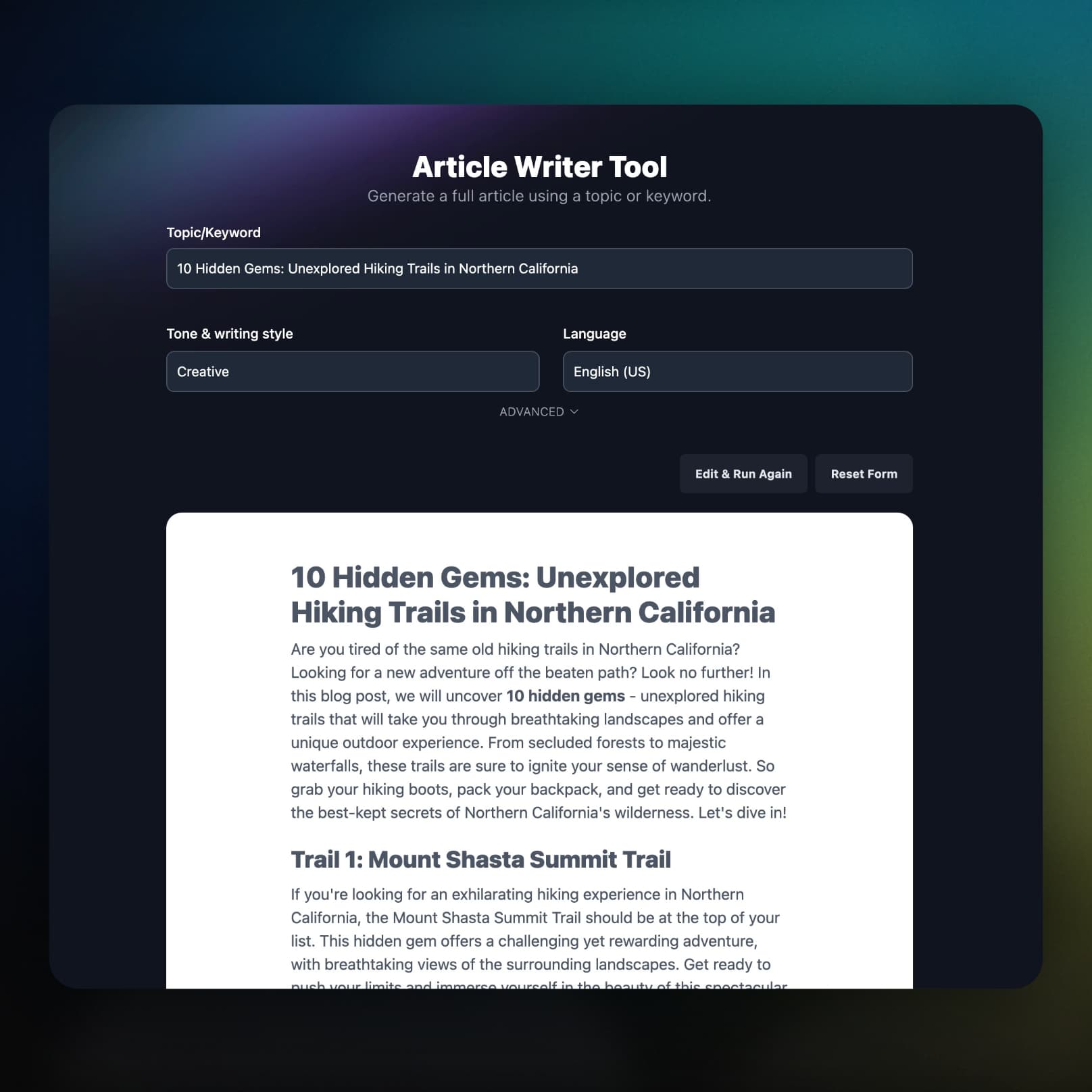
Publish with Full SEO Optimization
Every article arrives with a meta title and description, a keyword-based URL handle, an excerpt for blog listings, and a featured image with alt text.
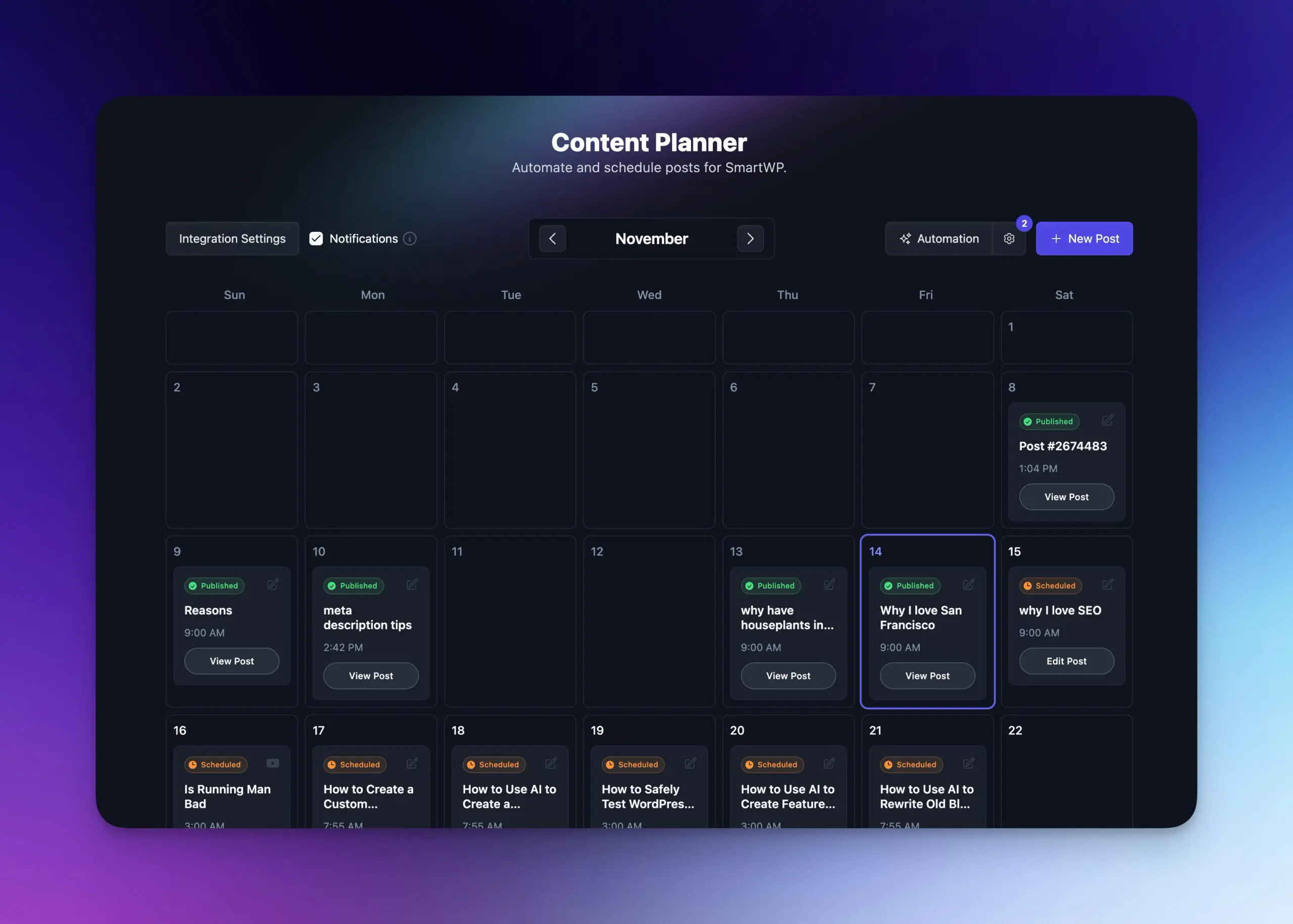
Put Your Shopify Blog on Autopilot
Add topics or keywords to the Content Planner, set a schedule, and RightBlogger writes each post and publishes it to Shopify on its date.
- Plan your content calendar
Map out seasonal campaigns, launches, and evergreen posts on one calendar.
- Automated publishing
Set keywords and a frequency, and posts go out without you.
- Draft or publish instantly
Review each post as a hidden draft, or let it go live on schedule.
- Share each new post
Automations can post every new article to your social accounts.
- Learn more about autoblogging
What Else Comes With the Shopify Integration
The details that decide whether an integration is worth using: where SEO fields land, who gets the byline, and what happens when something breaks.
Real Shopify SEO fields
Meta title and description go into the title_tag and description_tag metafields your theme reads, not the post body.
Your byline, your blog
Set the author name once and pick which blog on the store each project publishes to.
Stays connected
Shopify access tokens refresh automatically, so scheduled posts keep publishing.
Site Agent on live articles
It audits published articles for internal links, weak meta descriptions, and broken links, then proposes or applies fixes.
You hear about failures
If a scheduled post cannot reach your store, you get an email with the reason and a link to that post in the Planner.
Part of the full platform
Keyword research, the AI SEO editor, and Search Console reporting come on the same plan.
Frequently Asked Questions
Can't find an answer? Contact us.
Why should I add a blog to my Shopify store?
A blog lets your store rank for the questions shoppers search before they buy, which product pages alone rarely answer. Each post is also a place to link naturally to the products it mentions.
How do I connect my Shopify store to RightBlogger?
Open your project settings, click Connect Shopify Store, and approve the RightBlogger app in Shopify. The connection uses Shopify OAuth, so there are no API keys or store URLs to copy. Once it redirects back, pick the blog your posts should go to.
What content does RightBlogger send to Shopify?
Each article goes to Shopify with its title and body, a featured image with alt text, a meta title and description, a URL handle, an excerpt, and your author name. The featured image and excerpt each have an on/off toggle in the connection settings.
Will my posts publish immediately or save as drafts?
Posts save as hidden (unpublished) articles in your Shopify admin unless Publish Immediately is turned on in the connection settings. With it on, each article goes live on your storefront as soon as RightBlogger sends it.
Does RightBlogger fill in Shopify SEO fields?
Yes. The meta title and description are saved to the article's title_tag and description_tag metafields, which is what your theme outputs as the page title and meta description. The URL handle is generated to include the post's focus keyword.
Which blog do posts go to if my store has more than one?
Posts go to the blog you select in your project settings. Stores often have a default News blog plus others for guides or announcements. To publish to two blogs, use two RightBlogger projects, each pointed at its own.
Who is listed as the author on Shopify posts?
The Default Author Name from your connection settings is used on every article. Leave it blank and RightBlogger uses the name on your account, so you can credit a brand or an editor instead of whoever set up the integration.
Can I connect more than one Shopify store?
Yes. Create a RightBlogger project per store and connect each one through Shopify. Each project keeps its own blog, author, publishing setting, and schedule, so you can run several stores from one login.
Can I automate blog content for my Shopify store?
Yes. Add product-related keywords to the Content Planner, set a schedule, and Autoblogging writes each article and publishes it to Shopify on its date. Automations can also share each new post to X, LinkedIn, Facebook, Threads, and Pinterest (Solo plans share to LinkedIn only), and the Site Agent keeps improving articles after they're live.
What types of content work best for Shopify blogs?
Buying guides (e.g., "How to Choose the Right Running Shoes"), how-to tutorials featuring your products, product comparisons, and seasonal gift guides tend to match what shoppers search for. RightBlogger can write each of these for your niche.
RightBlogger also publishes to






Automated SEO Blog Posts for Your Site
Research, write, publish, and share from one account.
7-day free trial. Cancel anytime.




