






Ryan Robinson
Co-Founder, Marketing
Ryan spent 10+ years scaling one of blogging's best-known brands on content that ranks, earns links, and converts.
Visit ryrob.com



"My favorite autoblogging tool - SEO traffic up at least 35% in under four months."
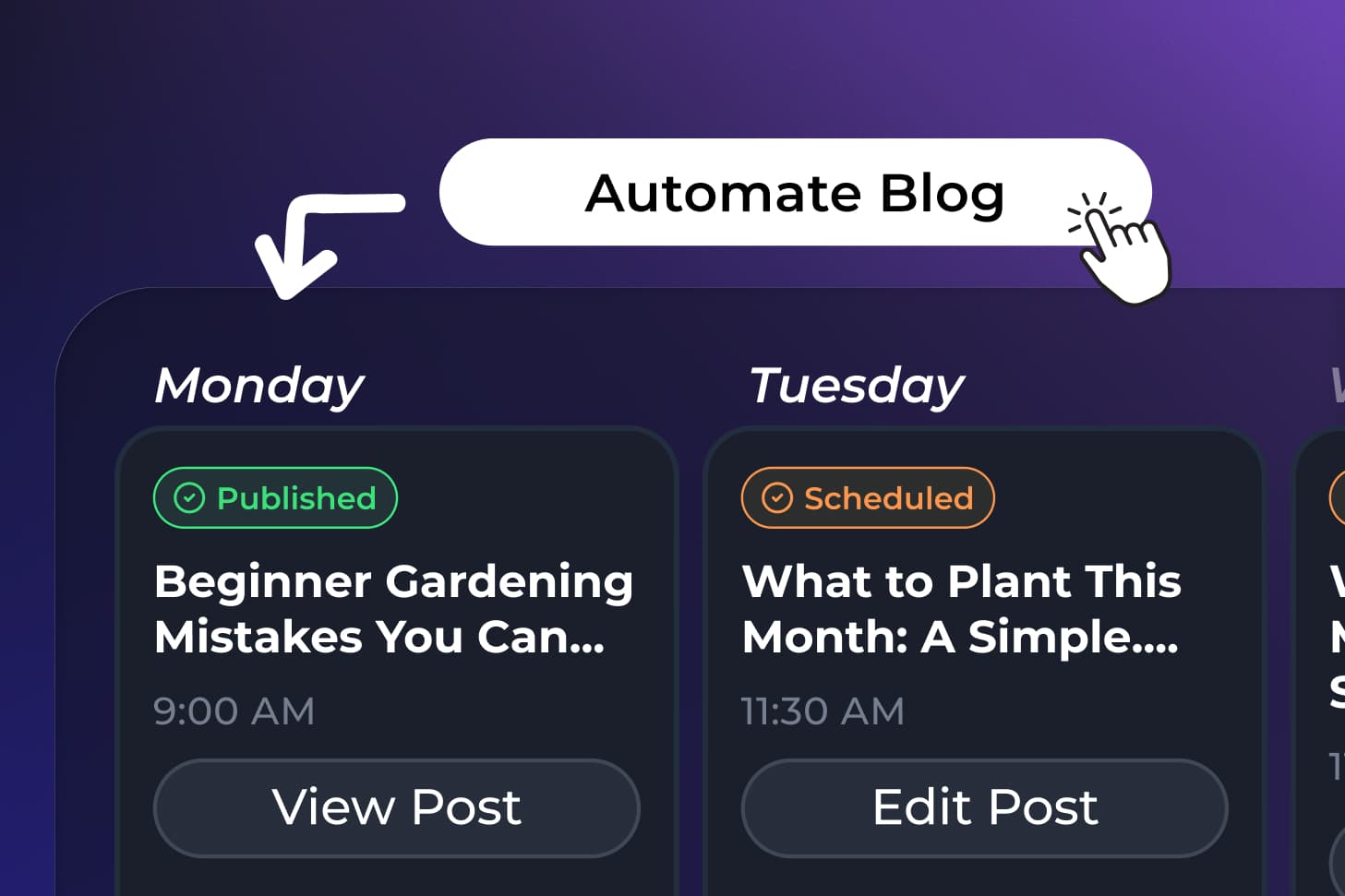
Content Planner is autoblogging built into RightBlogger. Schedule posts weeks ahead on a calendar. AI writes each one and publishes it at the time you picked.
Every upcoming post on one calendar, months ahead if you want.
Automations scan your site for ideas, or you enter a keyword. Either way, AI writes the full SEO-optimized article.
Publish live, send a draft to your site, or keep each post as a draft in RightBlogger until you push it.
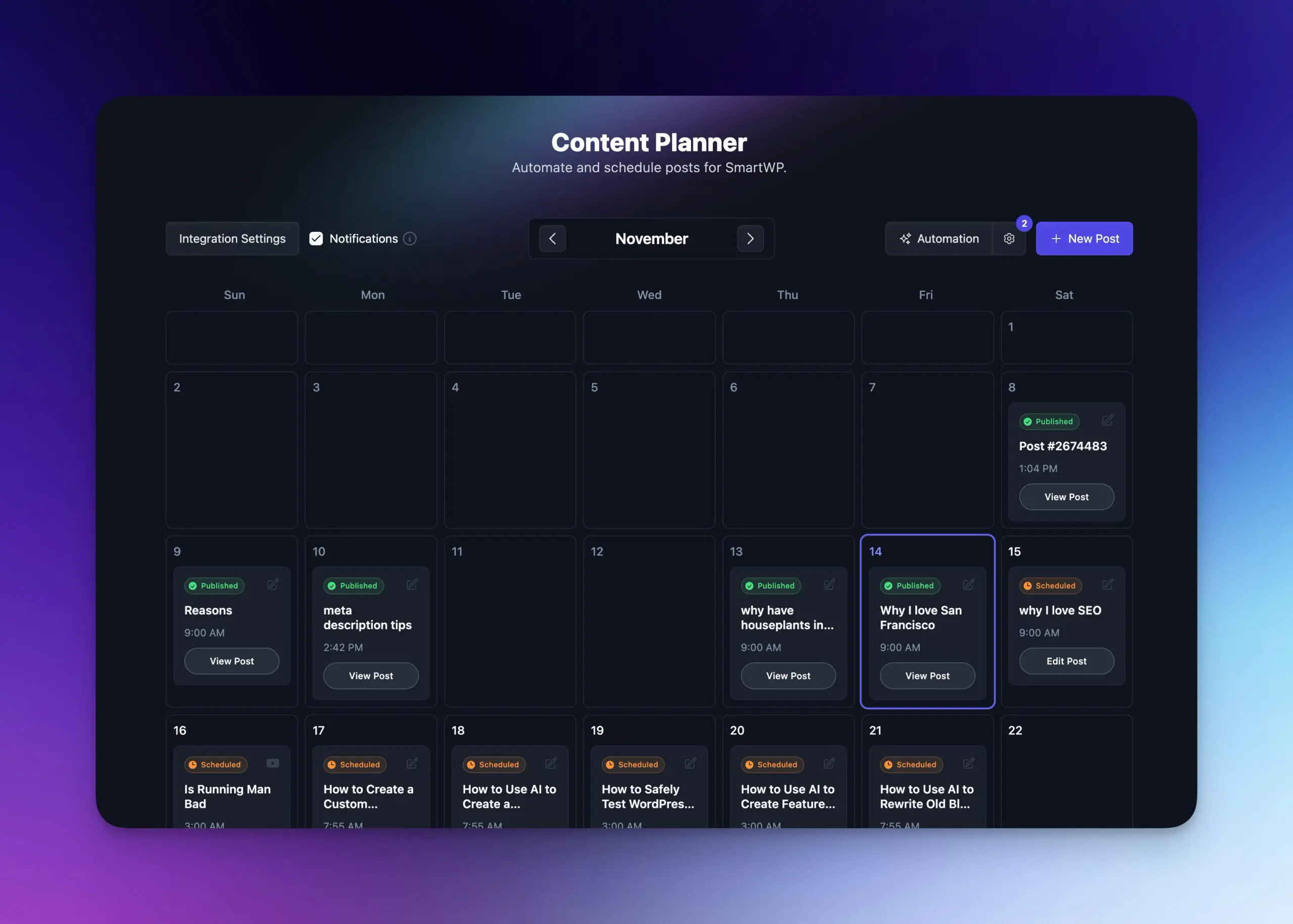
Let Content Planner post on a steady rhythm, or hand-pick every article and date. Either way, your calendar stays full without the stress.
Queue daily, weekly, or monthly posts and let the automation publish them.
Drop any existing article onto the calendar and decide exactly which days get published.
Enter a keyword once and new articles keep arriving on the cadence you set.
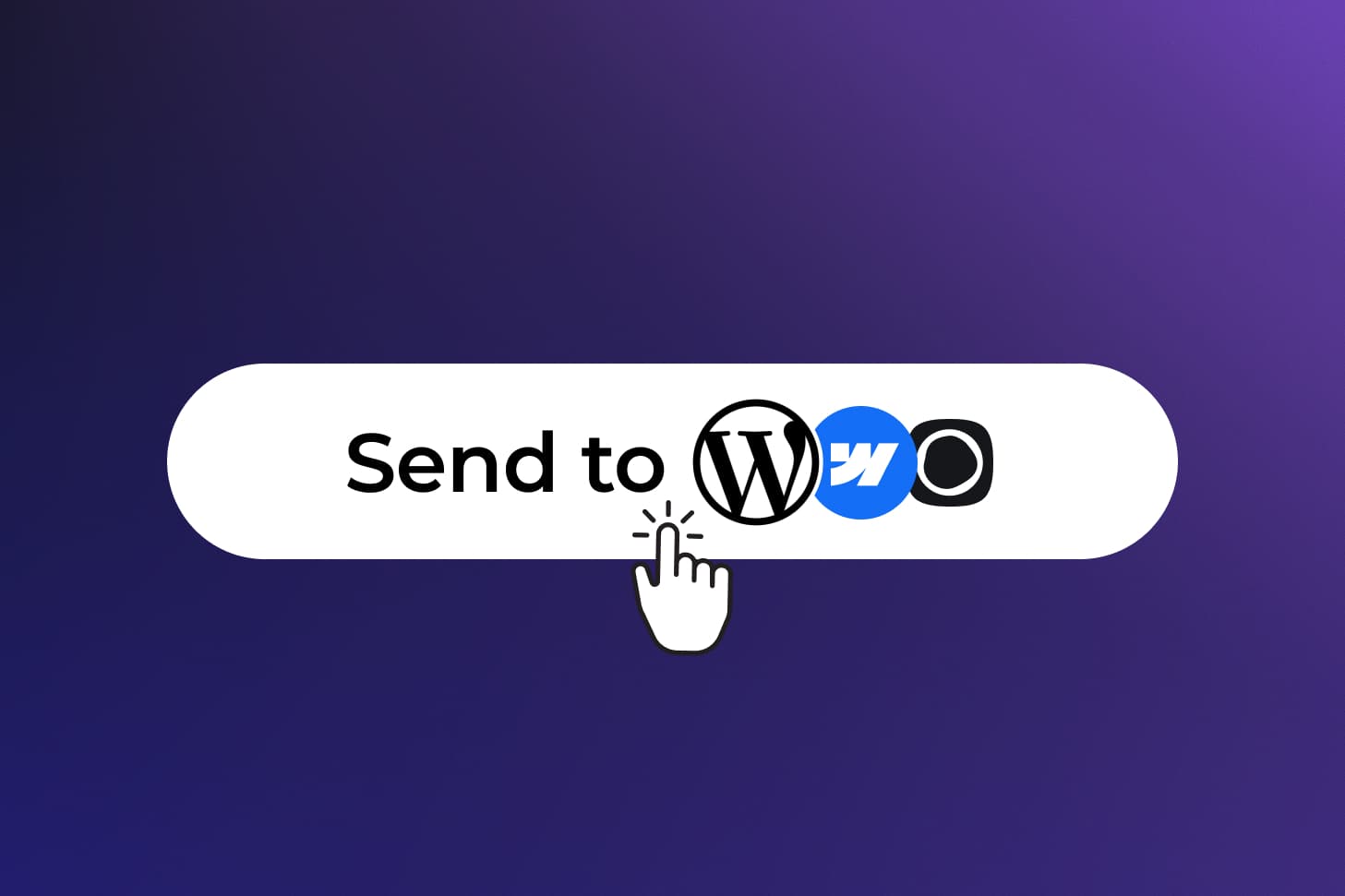
WordPress, Webflow, Ghost, Shopify, and more. Connect in minutes and keep the site you already have.
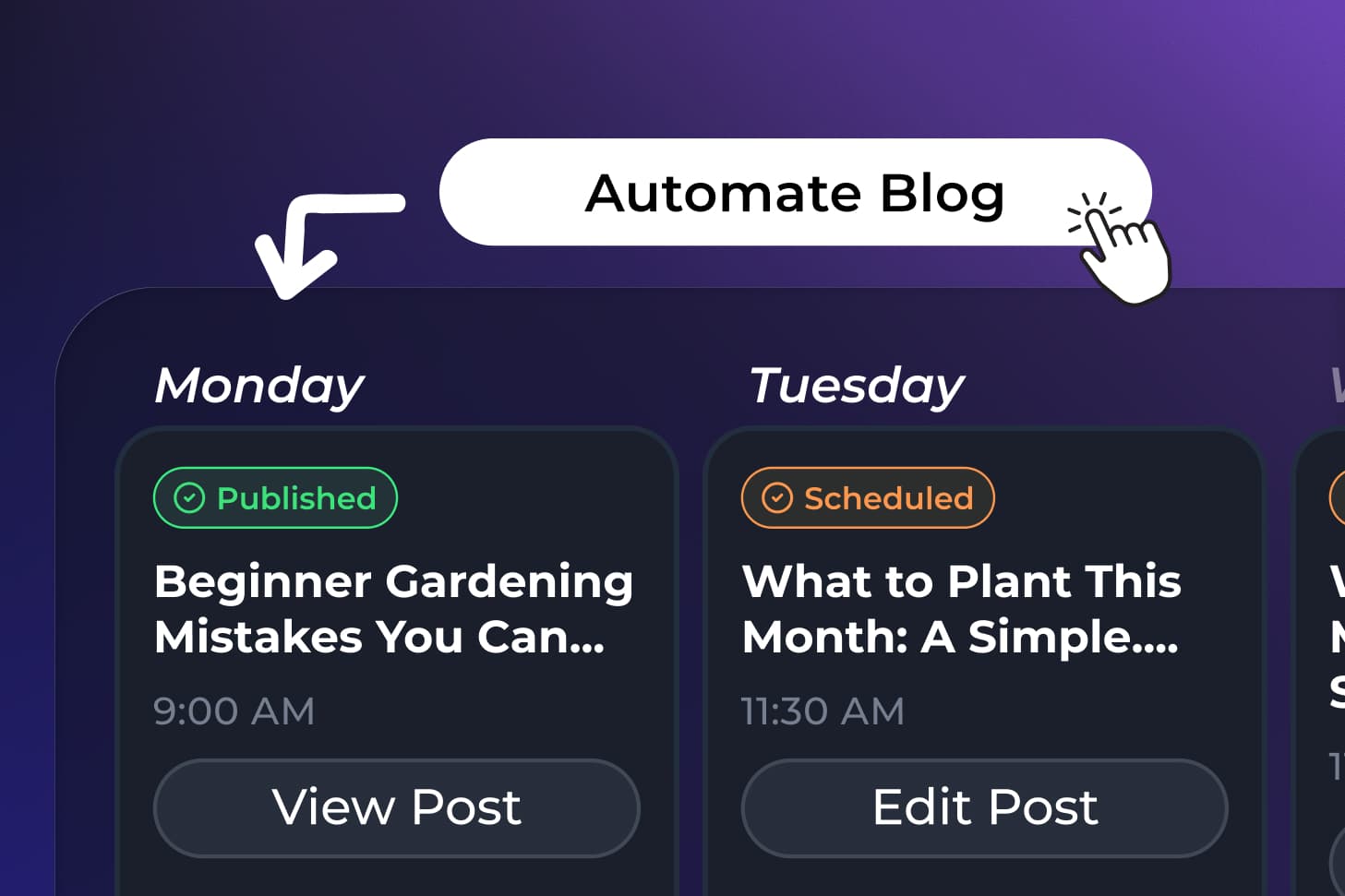
Pick your topics, cadence, and MyTone voice once. RightBlogger researches, writes, and optimizes each post for search.
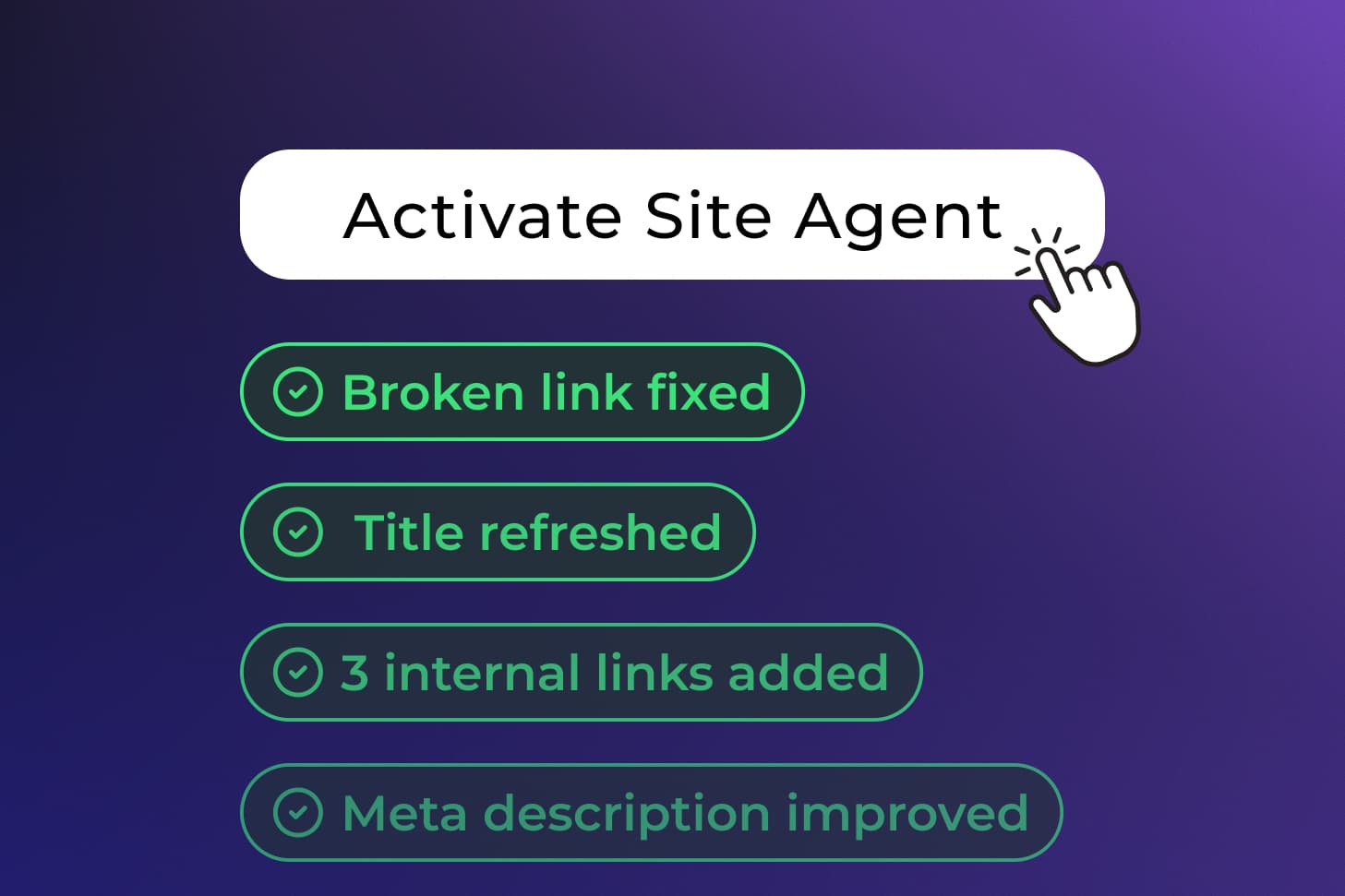
New posts publish on schedule. Site Agent maintains what's already live.
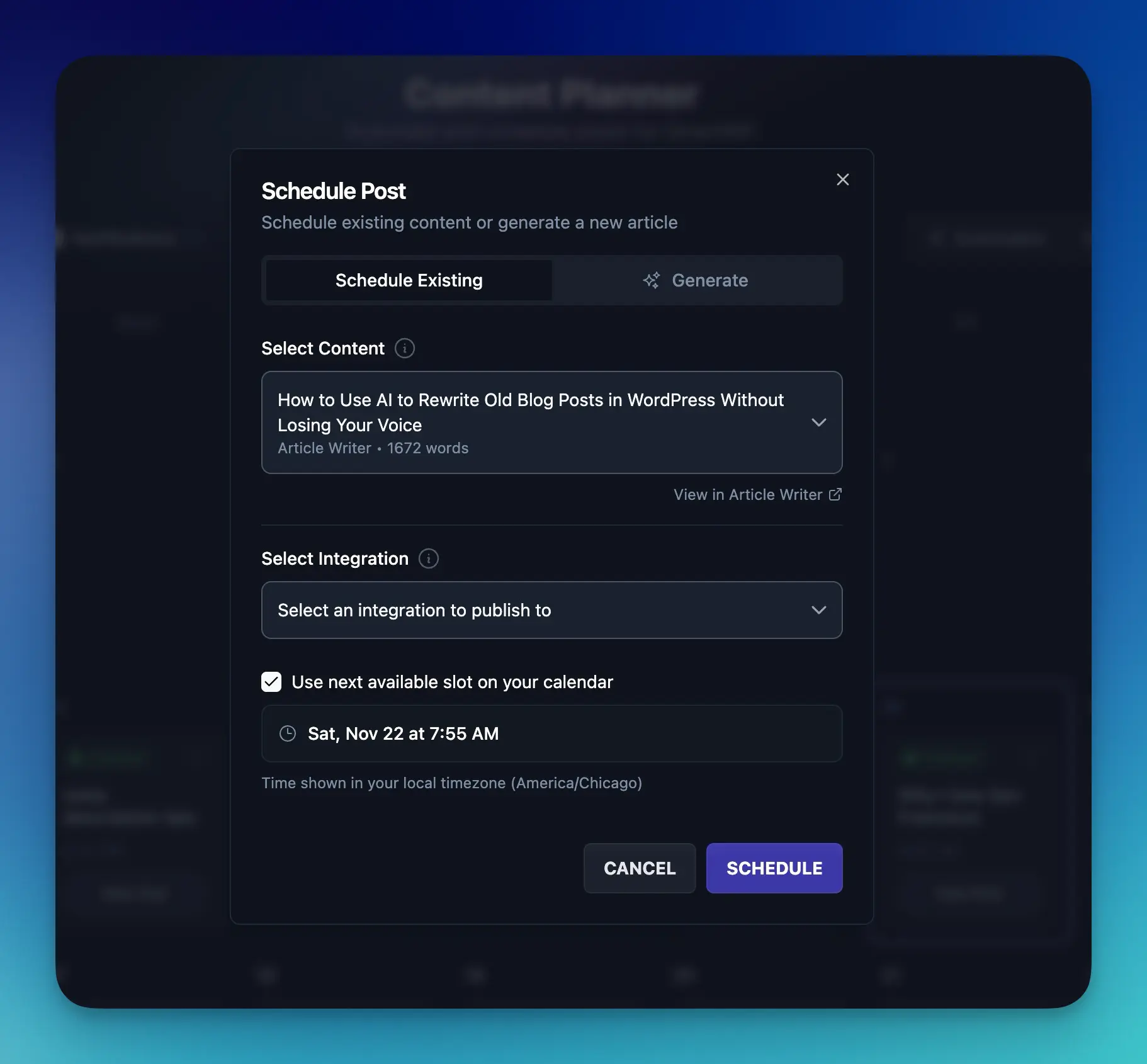
Let Content Planner find the next open slot, or choose the exact date and time yourself. Everything runs in your timezone.
Finds the next day with nothing scheduled and takes it.
Pick the exact date and time. Useful for launches and promotions.
An email lands when a post publishes or a draft is ready for review. No logging in to check.
Integrations
One click. No code. Not a website builder.
Scheduling is the part people expect. These are the parts that make a schedule actually run without you.
You do not feed it a list. RightBlogger researches your niche and suggests keyword-backed topics with real search demand, so the calendar fills with posts worth publishing.
Connect a channel and every new video turns into a full article with the video embedded, so one upload earns Google traffic and AI citations too.
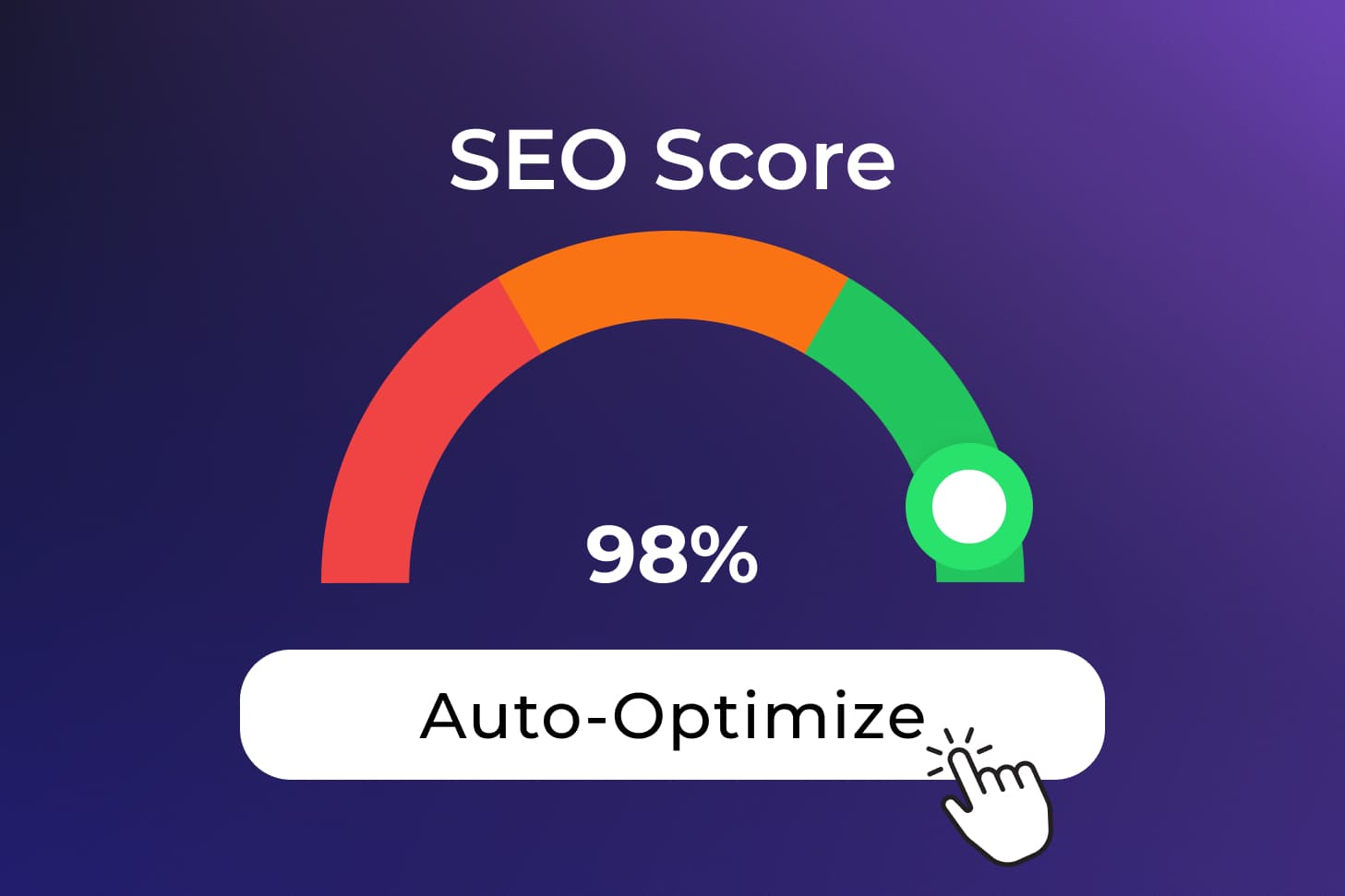
Posts land with the SEO title, meta description, and focus keyword filled in for Yoast, Rank Math, AIOSEO, or SEOPress, a featured image in your project's image style or a stock photo from Pexels or Unsplash, internal links to your existing posts, and categories already assigned.
Point each automation at a different site, so agencies and multi-site owners run separate schedules, topics, and voices side by side.
Choose which days the automation publishes and keep the rest for posts you write yourself. Both appear on one calendar, and neither one pauses or delays the other.
New posts can auto-share to your social accounts, and the Site Agent revisits what is already live to add internal links, sharpen meta descriptions, and fix stale years.
RightBlogger handles the repetitive 80% so you can add what only you can: lived experience, original examples, and your point of view.
Research, drafting, structure, formatting, and SEO foundations. Automated, so publishing weekly stops being a grind.
Add personal anecdotes, unique photos, screenshots, and expert opinion to make every post genuinely helpful and hard to copy.
Google rewards real experience. Your final pass is the E-E-A-T signal AI-only sites cannot fake.
Blog automation and unlimited AI words on every plan. Try it free for 7 days. Cancel anytime.
For bloggers with one site
$588/yr billed annually
Save $120/yrFor bloggers with multiple sites
$23 per site
$828/yr billed annually
Save $240/yrFor agencies managing client sites
$19.90 per site
$2,388/yr billed annually
Save $1,200/yrNot ready for a trial? Create a free account and use the tools with 2,000 free words every month. No credit card required.
Can't find an answer? Contact us.
Yes. Google cares about helpful, original content, not whether a human or AI typed the first draft. RightBlogger's autoblogging creates SEO-optimized articles, and you add your own stories, examples, and edits before publishing. That combination keeps your content valuable to readers and safe in the eyes of search engines.
Think of autoblogging as "AI plus you." RightBlogger handles research, drafting, and scheduling. You handle stories, opinions, and final edits. Before any post goes live, spend a few minutes adding personal examples, screenshots, and strong opinions based on real experience. Even a 10-minute review keeps your brand voice sharp. To match your voice, build a MyTone from your own posts: RightBlogger uses excerpts of your writing as examples in every automated article.
AI Overviews draw on pages Google already ranks, so the work is the same as for search: answer the query well, add first-hand experience, and keep pages indexable. RightBlogger handles structure and on-page SEO, adds Key Takeaways and FAQ sections, and Site Agent keeps live posts current.
Yes. Google increasingly ranks sites that show depth across a topic, not just one-off posts. With Content Planner, you can publish related articles on a consistent cadence so your site becomes a connected resource hub, not a random collection of pages. That topical coverage helps lift the visibility of individual posts over time.
Focus on information gain. RightBlogger can handle the 80% foundation like structure, SEO, and drafting, but your final 20% makes the content stand out. Add one original screenshot, a personal anecdote, a unique data point, or a strong expert opinion before publishing. That human layer makes your post harder to copy and more aligned with Google E-E-A-T signals.
RightBlogger can automate topic research, keyword-based content ideas, full article drafts, scheduling, publishing to your CMS, social promotion of each new post to X, LinkedIn, Facebook, Threads, and Pinterest, and ongoing maintenance of published posts with the Site Agent. It also supports YouTube-to-blog automations so every new video becomes a blog post with the video embedded. You stay in control of the final edits and approval.
Content Planner works with WordPress, Shopify, Webflow, Framer, Ghost, Wix, Duda, Blogmaker, HighLevel, Notion, DropInBlog, and Git, plus webhooks for anything else. Connect once, then start scheduling and publishing automatically. Posts can arrive as drafts for your review or publish right away. WordPress connects through our free plugin from WordPress.org.
Yes. Plans that include team seats (Pro and Agency) let you add members to a project from your project settings. Editors and owners can create and manage scheduled posts and automations for that project. Viewers can follow the calendar but cannot create or fire automations, or publish or reschedule posts. Everyone shares the same calendar and limits. Only the project owner can change integrations and project settings. Compare plans to see how many seats each one includes.
The Content Planner shows why a post failed so you can fix it and resend. If your site connection breaks, the automation pauses before writing posts that cannot publish, and we email you. Reconnect your site, then resume the automation in the Content Planner.
A good starting point for most bloggers is one post per week. That gives you time to review each article, add your personal touch, and run SEO optimization before it goes live. You can speed up to daily or slow down to monthly once your review flow feels right.
The Basics
Autoblogging is software planning, writing, scheduling, and publishing blog posts for you, then promoting and maintaining them. You set the niche and the cadence, then review posts as drafts or after they publish.
Built by SEO Practitioners
Autoblogging is built by Ryan and Andy, who have each spent 10+ years blogging for a living. Every workflow here comes from publishing that actually ranked.
Co-Founder, Marketing
Ryan spent 10+ years scaling one of blogging's best-known brands on content that ranks, earns links, and converts.
Visit ryrob.com
Co-Founder, Product
Andy has spent 10+ years in SEO and product, building content systems that ship optimized posts and grow organic traffic.
Visit ihitthebutton.comResearch, write, publish, and share from one account.
7-day free trial. Cancel anytime.
