

AI Blog Automation for HighLevel
"For the price and ease of use, what RightBlogger offers is unmatched."
Connect Your HighLevel Sub-Account With OAuth
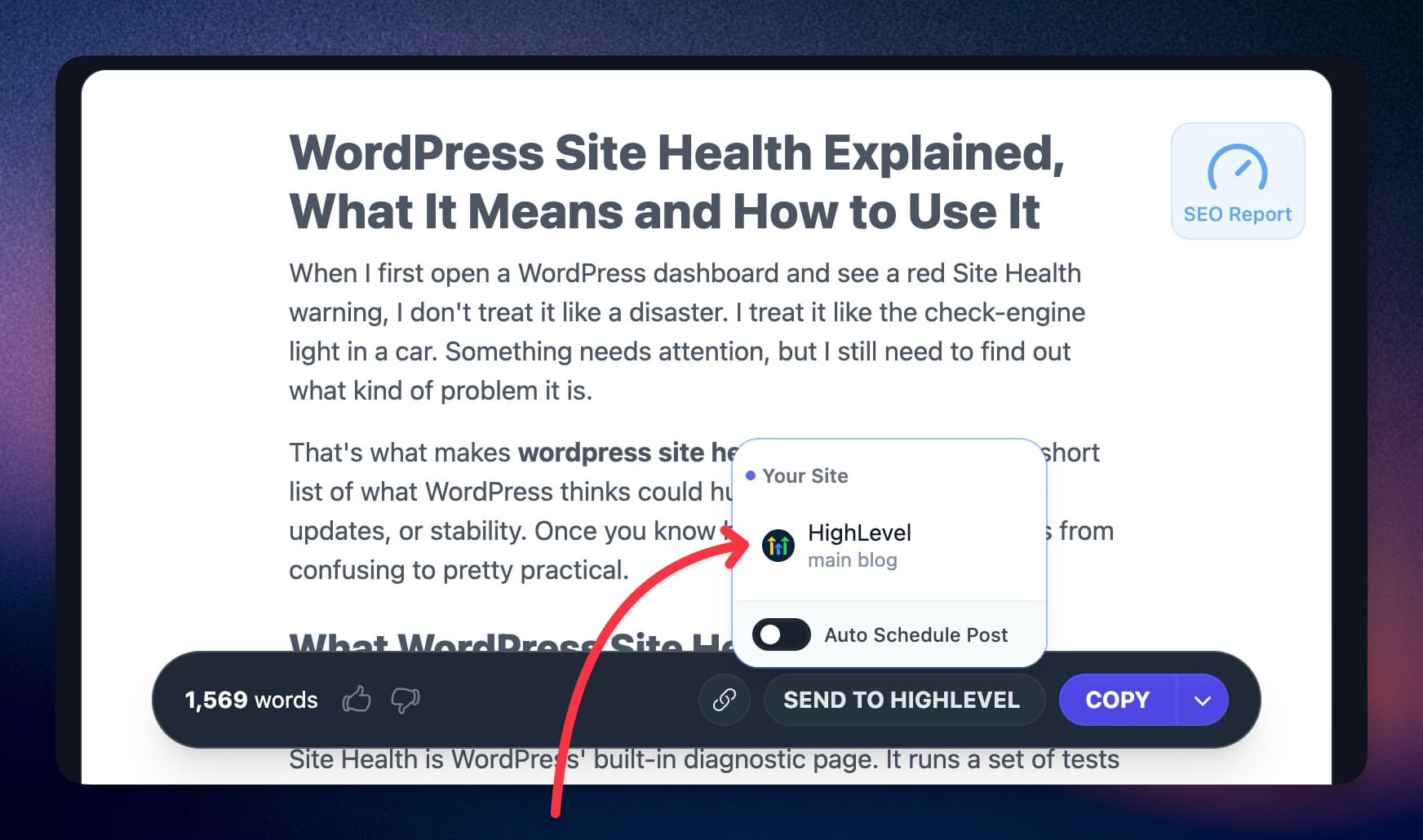
Connect HighLevelExampleHighLevelSigned in with HighLevelConnected- AI featured image
- Pick a category
Let Your Team Publish Without CRM Logins
Invite teammates to the RightBlogger project and they publish through the owner's HighLevel connection, so nobody shares CRM credentials.
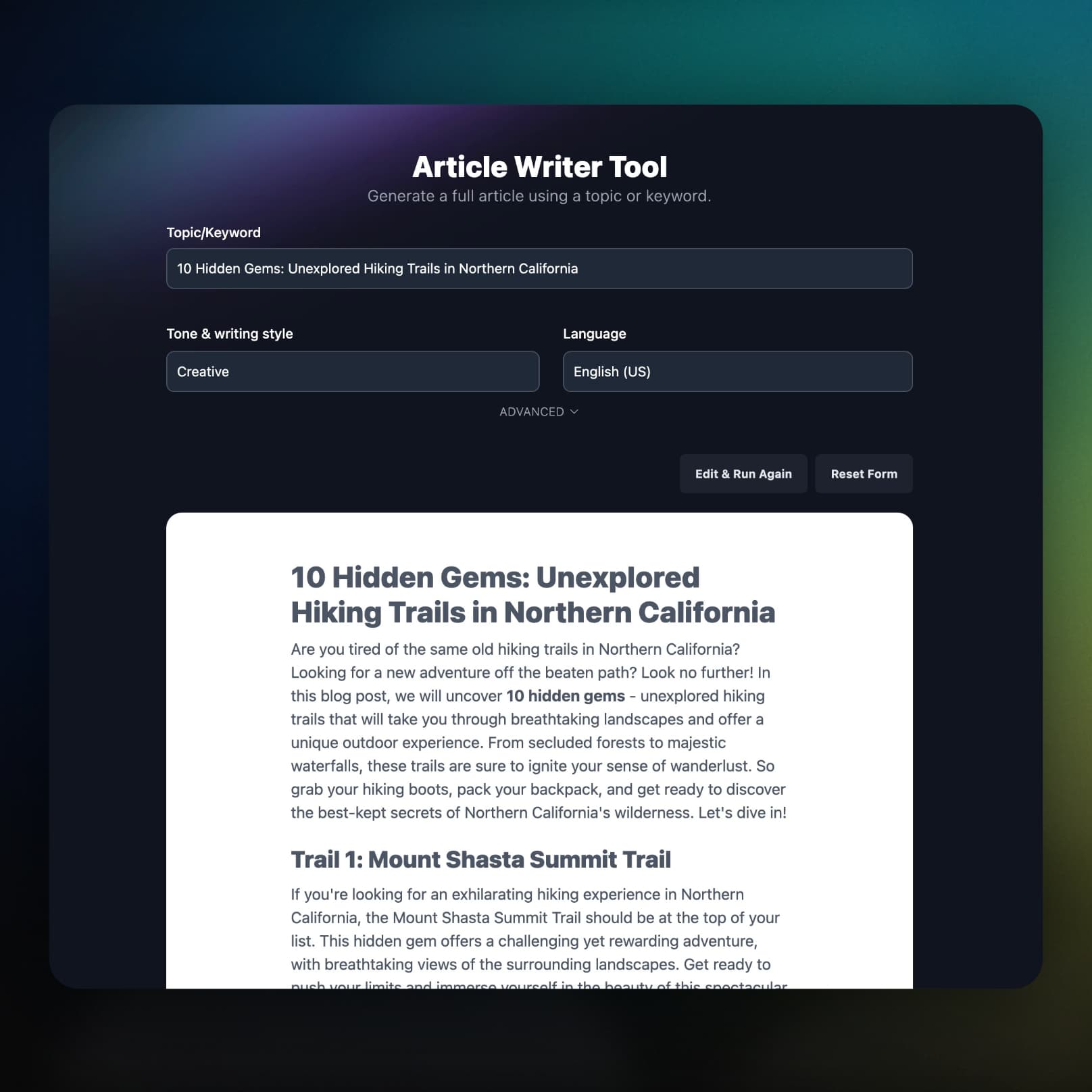
Images on Your CRM, SEO Fields Filled In
The featured image and every inline image upload to the sub-account's media library. Each post also ships with a meta description, a URL slug, and image alt text.
Put Your HighLevel Blog on Autopilot
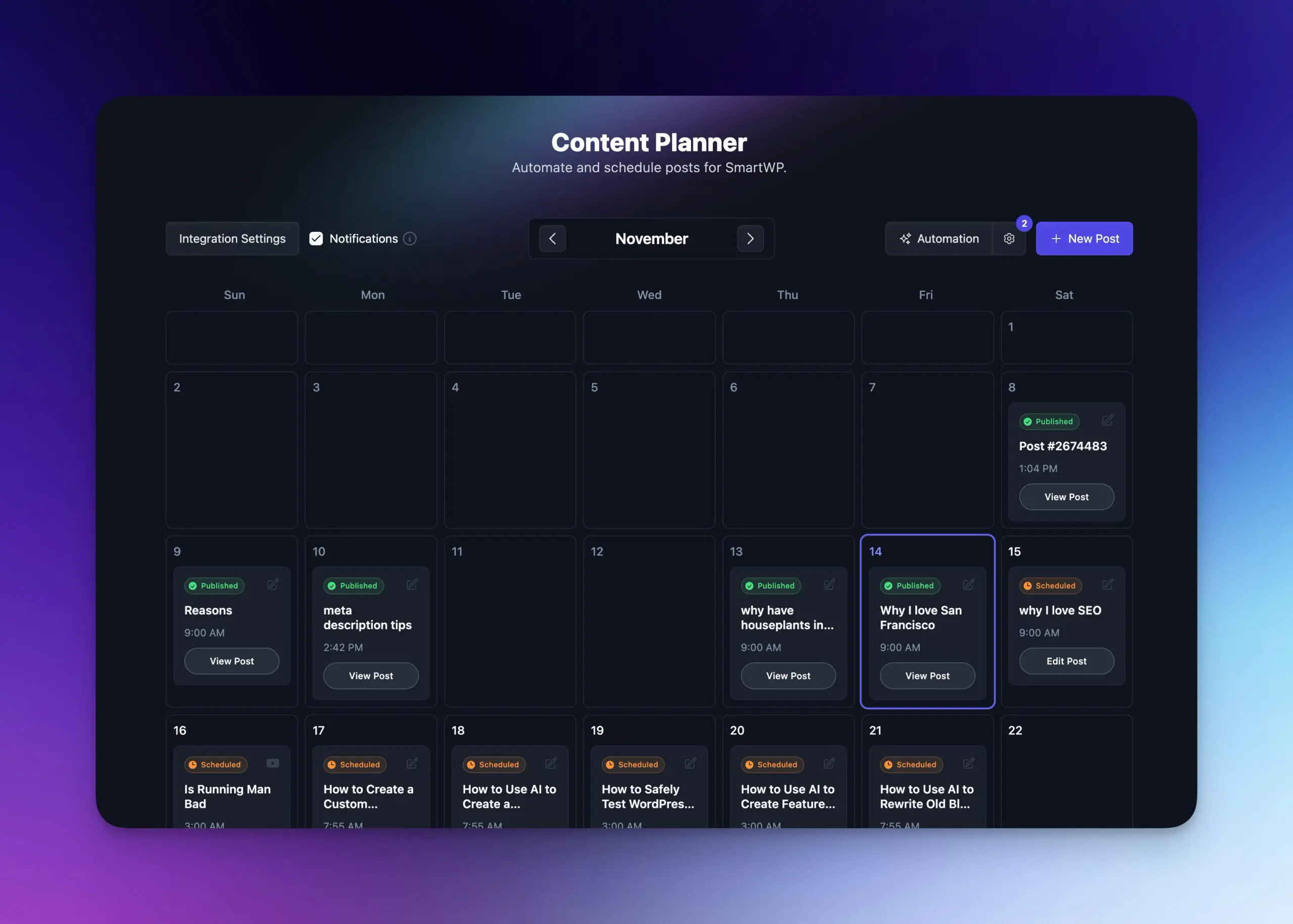
Schedule topics around your services in the Content Planner, and RightBlogger writes each post and publishes it to HighLevel on its day.
- Plan your content calendar
Map seasonal campaigns, service launches, and evergreen topics on one calendar.
- Automated publishing
Set keywords and cadence. RightBlogger writes and publishes while you stay focused on clients.
- Draft or publish instantly
Review posts in HighLevel first, or let them go live on schedule.
- Learn more about autoblogging
What Else Comes With the HighLevel Integration
How posts get categorized, how the connection stays alive, and what happens when something breaks.
Categories picked for you
RightBlogger reads the categories already in the blog and picks the ones that match the post.
Defaults set once
Set the default status, author, and fallback category per project, so every post has the author and category HighLevel requires.
Stays connected
RightBlogger refreshes the HighLevel access token on its own, so scheduled posts keep publishing without a reconnect.
One click to the post
Every sent post links straight to its edit page in your HighLevel dashboard.
You hear about failures
If a scheduled post cannot reach HighLevel, you get an email with the reason and a link to that post in the planner.
Part of the full platform
Keyword research, the AI SEO editor, and Search Console reports come on the same plan.
Frequently Asked Questions
Can't find an answer? Contact us.
Why should I add a blog to my HighLevel site?
A blog gives your HighLevel site pages that can rank for service-related searches and bring in leads without ad spend. Each post is also a natural place to link to your funnels and offers.
How do I connect my HighLevel sub-account to RightBlogger?
Open your project settings, choose HighLevel under Integrations, click Connect Account, pick your sub-account, and approve the OAuth 2.0 request. Then select the blog to publish to and set a Default Author, Default Category, and Default Status. No API keys or location IDs are needed.
What content does RightBlogger send to HighLevel?
Each post includes the title, the article body as HTML, an AI featured image with alt text, a meta description, a URL slug, its categories, and your default author. Inline images in the body upload to your HighLevel media library before the post is created.
Will my posts publish immediately or save as drafts?
That follows your Default Status: set it to Published and posts go live the moment RightBlogger sends them, or to Draft and they wait in your HighLevel blog admin for review.
Does RightBlogger assign blog categories in HighLevel?
Yes, from the categories that already exist in that blog. RightBlogger reads the post, picks the categories that match, and falls back to your Default Category when none fit or the blog has none yet. Turn off Auto-select categories to always use the default.
Where do the images on my HighLevel posts live?
In the HighLevel media library for that sub-account. RightBlogger uploads the featured image and every inline image there before creating the post; if one upload fails, that image keeps its original URL so the post still renders.
What do I need to set up in HighLevel first?
A blog, at least one author, and at least one category in the sub-account, because HighLevel requires an author and category on every post. Then pick the blog in your project settings after connecting; if the sub-account has no blog yet, RightBlogger tells you instead of failing silently.
Can I automate blog content across multiple HighLevel sub-accounts?
Not from one RightBlogger login yet: each login connects one HighLevel sub-account at a time, and connecting a different one replaces it. Within that sub-account, each RightBlogger project can publish to a different blog on its own autoblogging schedule.
Can RightBlogger update posts already published on HighLevel?
No. The HighLevel integration creates new posts, and you edit published posts in HighLevel. Site Agent, which improves live posts, works with WordPress, Shopify, Webflow, Framer, Ghost, Wix, and Git.
Are my HighLevel credentials secure?
Yes. RightBlogger connects through the official HighLevel marketplace OAuth 2.0 flow, so it never sees your password, and it requests only blog, media, and location scopes. Access tokens refresh automatically, and you can remove the connection anytime from your project settings.
RightBlogger also publishes to





Automated SEO Blog Posts for Your Site
Research, write, publish, and share from one account.
7-day free trial. Cancel anytime.




