
Wix Autoblogging with AI
Easy Setup
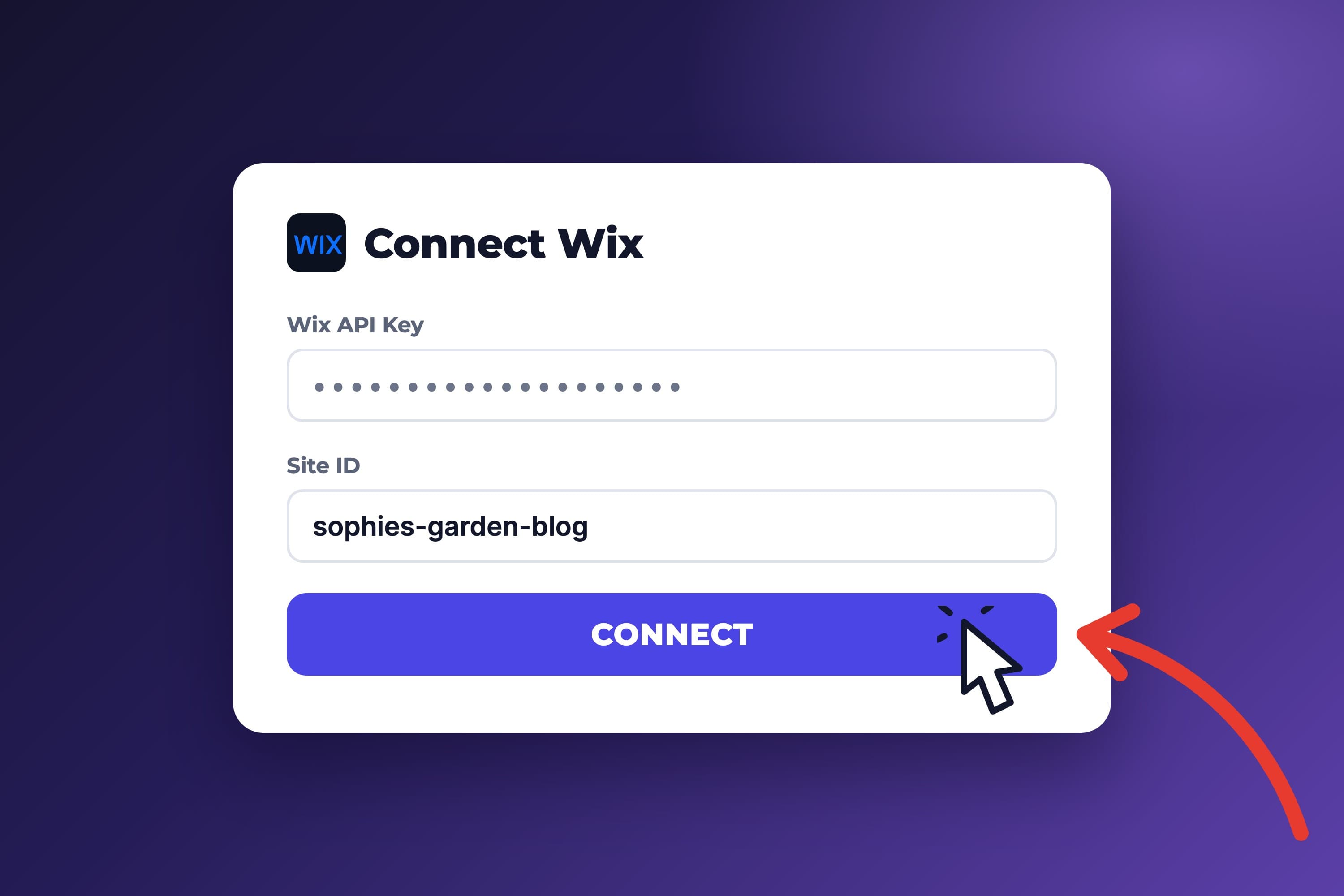
Connect Wix in Minutes
- Official Wix APIs
Posts are created through the Wix Blog API, not a browser workaround.
- See setup steps
Smart Publishing
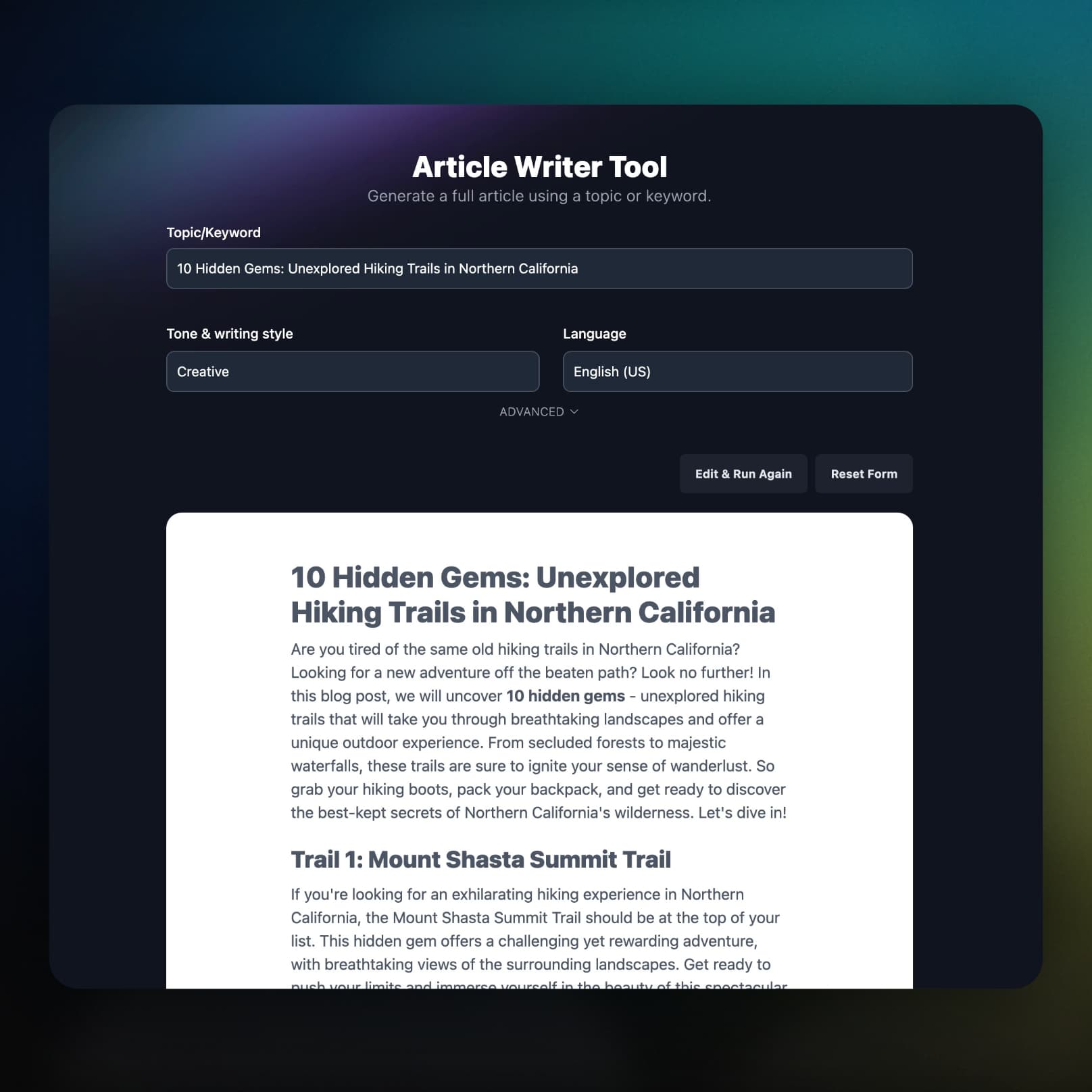
SEO and Featured Images Included
Each post arrives with its Wix SEO fields filled and a featured image, so there is less to fix after publishing.
- SEO fields auto-filled
Sets the title tag, meta description, keywords, and URL slug.
- Featured image workflow
An AI image is imported into your Wix Media library and set as the cover.
- Alt text included
The image gets alt text from the post's focus keyword or title.
Automation Controls
Draft or Publish, Your Choice
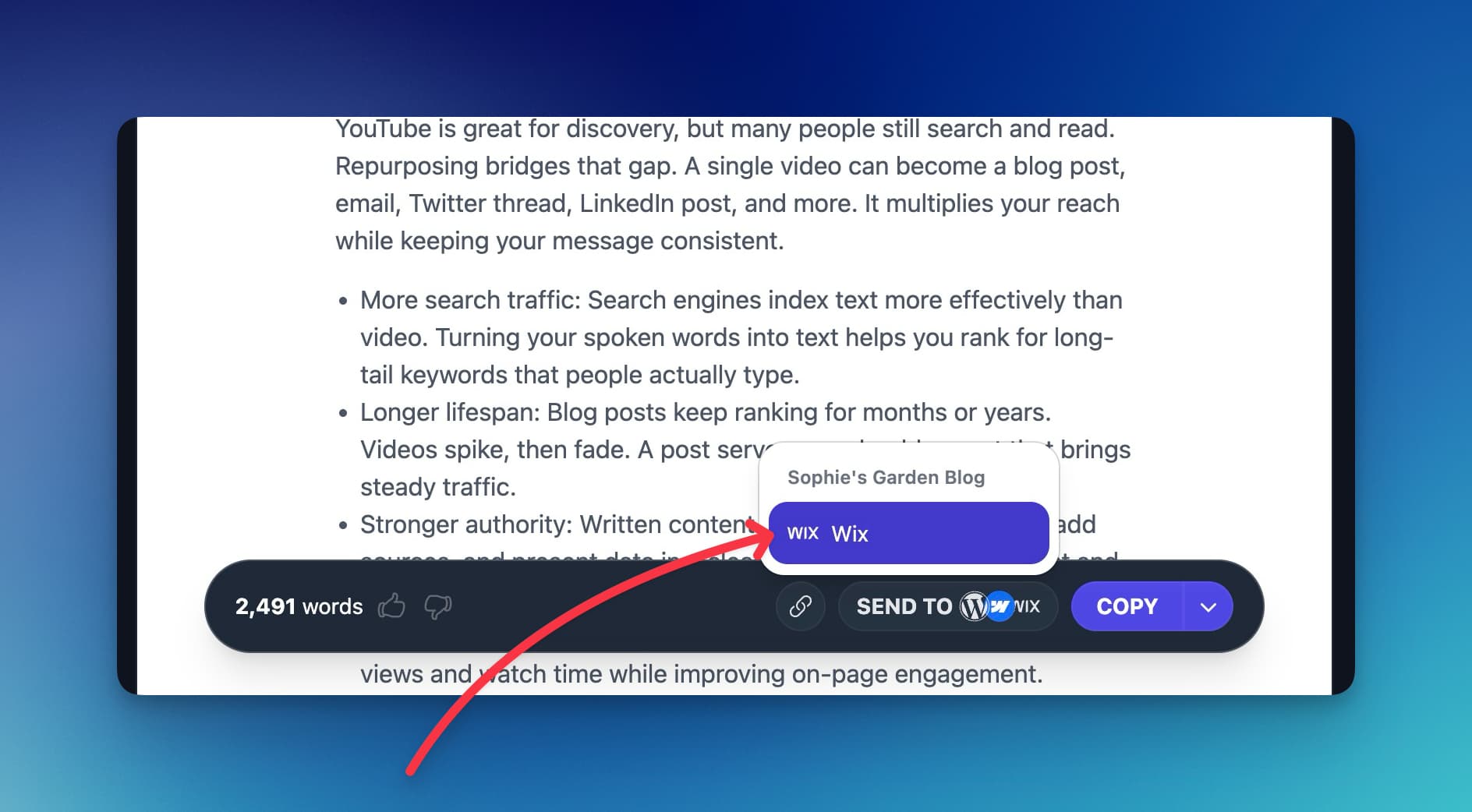
Send posts to draft for review, publish them right away, or schedule them with autoblogging.
- Review-first workflow
Posts land as Wix drafts when you want a final check.
- Instant publishing
Turn on Publish immediately and posts go live on creation.
- Scheduled autoblogging
The Content Planner writes and sends posts on the cadence you set.
Everything Included
What Else Comes With the Wix Integration
The details that decide whether an integration is worth using: your taxonomy, your formatting, and what happens when something breaks.
It uses your taxonomy
Categories and tags are picked from the ones already in your Wix blog, or fixed by ID.
Post owner handled
When Wix requires a post owner, RightBlogger finds a site member instead of failing the publish.
Native Wix formatting
Headings, lists, images, quotes, and tables become editable Wix blocks, not one HTML embed.
Image problems do not block posts
If Wix rejects the featured image, the post still publishes without it.
You hear about failures
If a scheduled post cannot reach Wix, you get an email with the reason and a link to that post in the Planner.
Part of the full platform
Keyword research, the AI SEO editor, Search Console reporting, and the Site Agent for live posts come on the same plan.
Frequently Asked Questions
Can't find an answer? Contact us.
What is the best tool to automate a Wix blog?
RightBlogger automates a Wix blog end to end: it researches keywords, writes the article, fills the Wix title tag, meta description, and URL slug, adds a featured image, and publishes through the Wix Blog API. It can also share each new post to social and improve live posts with the Site Agent.
How can I run a Wix blog on autopilot with AI?
Connect Wix with your API key and Site ID in project settings, add keywords or topics to the Content Planner, and turn on Autoblogging. On each scheduled date RightBlogger writes the post, adds a featured image, fills the SEO fields, picks categories and tags from your Wix blog, and sends it to Wix.
Can AI write and publish Wix blog posts automatically?
Yes. RightBlogger creates each post as a Wix draft with the body, categories, tags, and SEO fields filled in. With Publish immediately turned on, it publishes the draft right away; otherwise it stays in draft for you to review in Wix.
What credentials do I need to connect Wix to RightBlogger?
You need your Wix API key and Site ID. Account ID is only needed when your API key can access more than one Wix account, and Blog ID and Member ID are optional. Add them in your project settings; the Wix setup guide shows where to find each one.
Which SEO fields does RightBlogger fill in for Wix?
RightBlogger sets the Wix title tag, meta description, keywords (the focus keyword), and URL slug on every post. Turn off Auto SEO metadata in the connection settings to fill the title tag, description, and keywords yourself.
Does featured image automation work with Wix?
Yes. RightBlogger generates an AI featured image, imports it into your Wix Media library, and sets it as the post's cover image with alt text. If Wix rejects the image, RightBlogger retries, then publishes the post without it rather than failing.
How do I organize posts with Wix categories and tags?
RightBlogger picks matching categories and tags from the ones that already exist in your Wix blog, and you can also set default category IDs and tag IDs to apply every time. It does not create new ones, so add your categories and tags in Wix first.
Will complex formatting always be perfect in Wix?
Mostly. Headings, lists, links, images, quotes, and tables convert to native, editable Wix blocks. Custom embeds, interactive charts, or advanced HTML may land in an HTML block and need a quick fix in the Wix editor.
RightBlogger also publishes to






Automated SEO Blog Posts That Work
Try RightBlogger for free, we know you'll love it.
7-day free trial. Cancel anytime.




