

AI Blog Automation for Duda
"RightBlogger is worth every penny. The tools actually deliver results that rank."
Streamlined Workflow
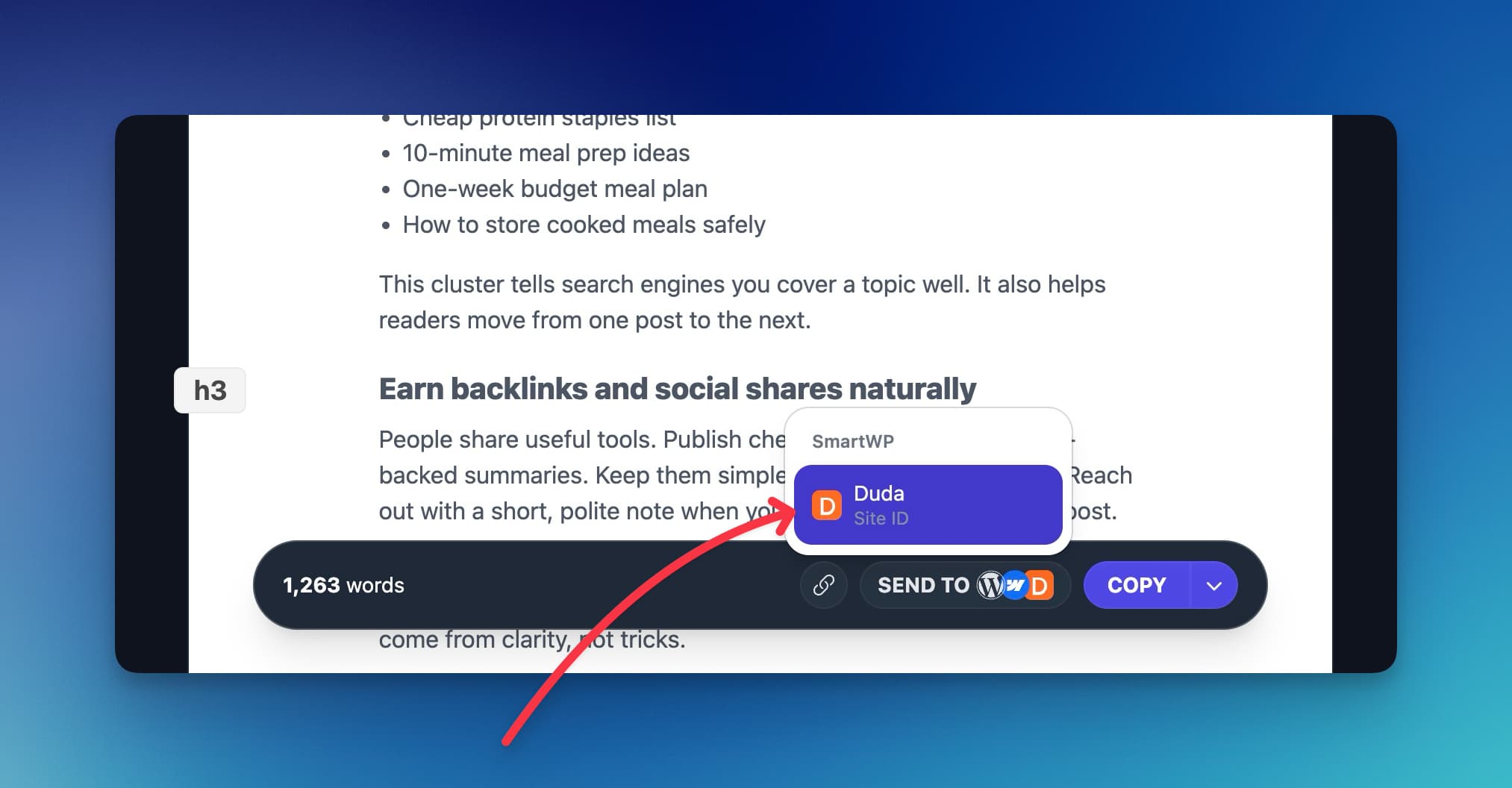
One Click To Publish
- Drafts by default
Posts land in the Duda blog editor for review and editing.
- Publish immediately when you want
Turn on one toggle and RightBlogger publishes each post right after import.
- Author, categories, and tags
Set defaults once per project and every Duda post gets them.
- See setup steps
SEO-Driven Content
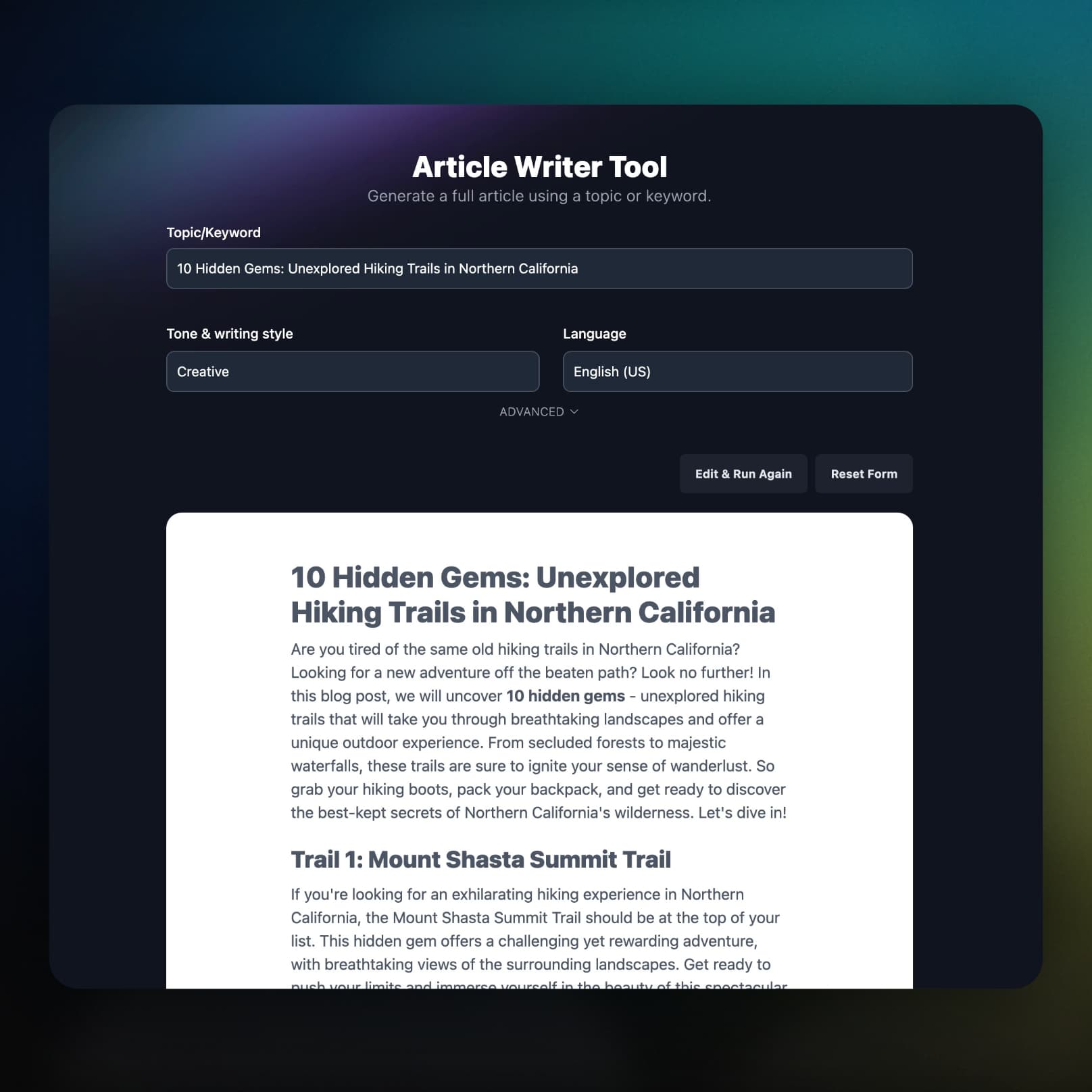
Long-Form SEO Articles, Ready for Duda
Write articles around a target keyword, in your own tone, with internal links, then send them to Duda with the extras filled in.
- Featured image included
An AI image is set as each post's Duda main image and thumbnail.
- Post summary auto-filled
The post description is filled from the article's opening lines.
- Video embeds stay intact
YouTube links become real embeds before the post reaches Duda.
Autoblogging
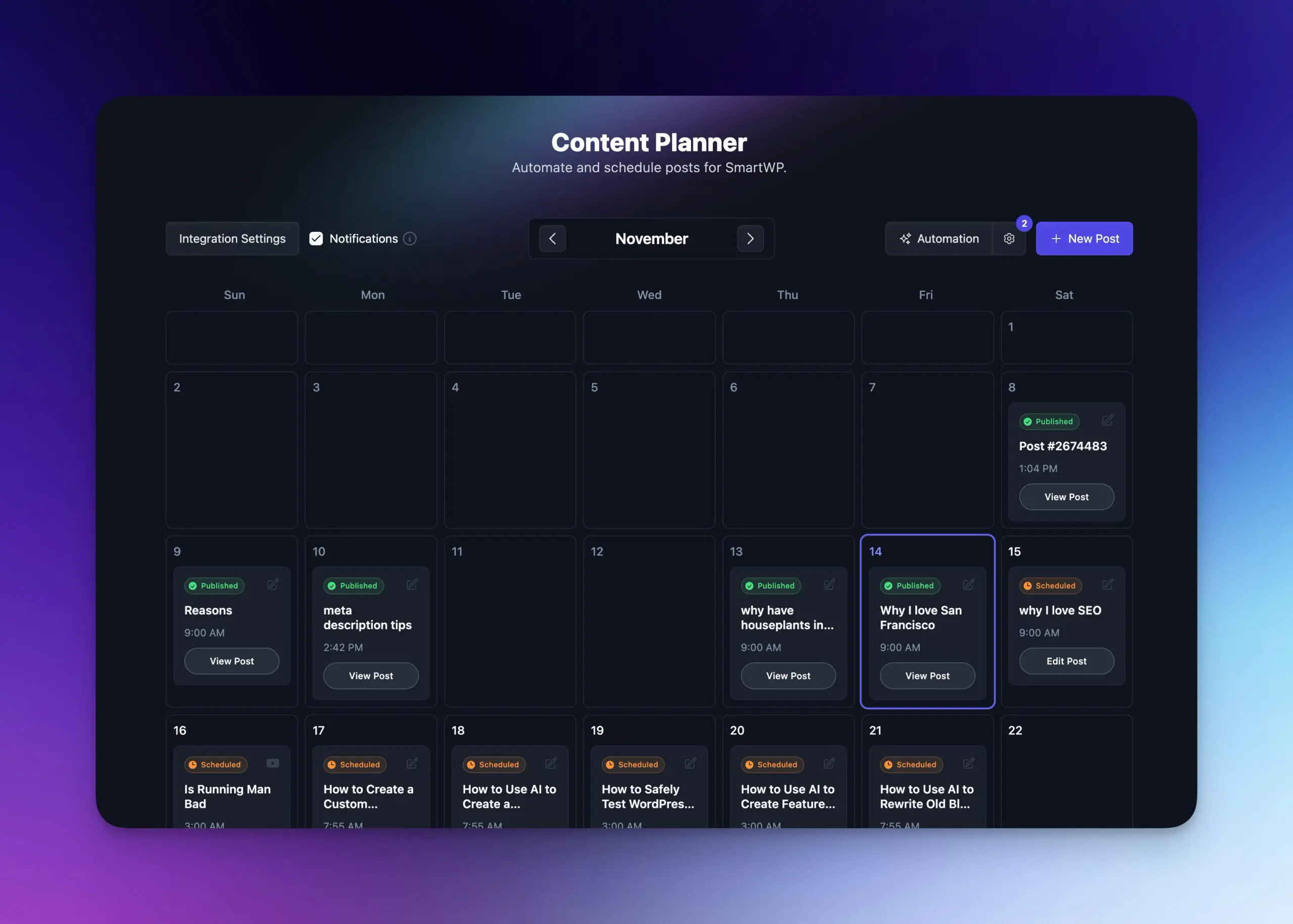
Schedule & Auto-Publish to Duda
Add topics or keywords to the Content Planner, set a cadence, and RightBlogger writes each post and sends it to Duda on its date.
- Visual calendar
See every scheduled post and plan weeks or months ahead.
- Autoblogging on autopilot
Enter keywords and a schedule, and posts go out without you.
- Share each new post
Automations can post every new article to your social accounts.
- Learn more about autoblogging
Everything Included
What Else Comes With the Duda Integration
The details that decide whether an integration is worth using: credentials, images, languages, and what happens when something breaks.
Credentials used on one site
Your Duda API user and password are stored per project and only used on the site ID you connect.
A project per Duda site
Run every client site from one login, each with its own credentials, defaults, and schedule.
Your image style, or your image
Generated images follow your project's image style. Pick your own image in the SEO tab and it is used instead.
Write in your site's language
Articles can be written in other languages, and the post summary follows.
You hear about failures
If a scheduled post cannot reach Duda, you get an email with the reason and a link to that post in the Planner.
Part of the full platform
Keyword research, the AI SEO editor, and Search Console reporting come on the same plan.
Frequently Asked Questions
Can't find an answer? Contact us.
What is the best tool to automate a Duda blog?
RightBlogger automates a Duda blog end to end: it researches keywords, writes the article, generates a featured image, and sends the post to your Duda blog through the Duda API. It can also share each new post to social, for a single site or every client site in your agency.
Can AI write and publish Duda blog posts automatically?
Yes. Add keywords or topics to the Content Planner, set a schedule, and Autoblogging writes each post, adds a featured image, and sends it to Duda on its date. Posts arrive as drafts, or go live right away with Publish immediately on.
What Duda credentials do I need to get started?
You need three things: your API user, API password, and Duda Site ID (also called the Site Alias, found in your site details). The API user and password come from the Duda Partner Portal. Add them once in your project settings; the Duda setup guide shows where to find each one.
Do I need API access on my Duda plan?
Yes. The Duda API is only available on custom Duda plans, and RightBlogger publishes through it, so you need API credentials from the Partner Portal. If you don't see API settings in your account, ask Duda to enable API access, then connect.
How does Duda handle AI-generated featured images?
RightBlogger creates an AI image for each post and sets it as the Duda main image and thumbnail. It is on by default; turn off Auto featured image in the connection settings to add your own images instead, or pick one in the post's SEO tab.
Does Duda import posts as drafts or publish them immediately?
Posts import as drafts by default, so you can review each one in Duda's editor before it goes live. Turn on Publish immediately in the connection settings and RightBlogger publishes each post right after import.
Can I set an author name and tags for Duda posts?
Yes. Set a Default Author Name and Default Tags (comma-separated) in the connection settings, and RightBlogger adds them to every post. Previously saved category values are included as tags. These are fixed defaults per project, not picked per post.
Can RightBlogger update posts already published on Duda?
No. The Duda integration creates new posts, and edits to existing posts happen in the Duda editor. The Site Agent, which improves live posts, supports WordPress, Webflow, Ghost, Wix, Shopify, and Framer.
RightBlogger also publishes to





Automated SEO Blog Posts That Work
Try RightBlogger for free, we know you'll love it.
7-day free trial. Cancel anytime.




