
Ryan Robinson
Co-Founder, Marketing
Ryan has spent over a decade building content engines that turn niche topics into durable, compounding organic traffic.
Visit ryrob.com

"RightBlogger is worth every penny. The tools actually deliver results that rank."
Easy Setup
Connect GhostExampleGhostAPI key ••••••••••ConnectedSmart Content Creation
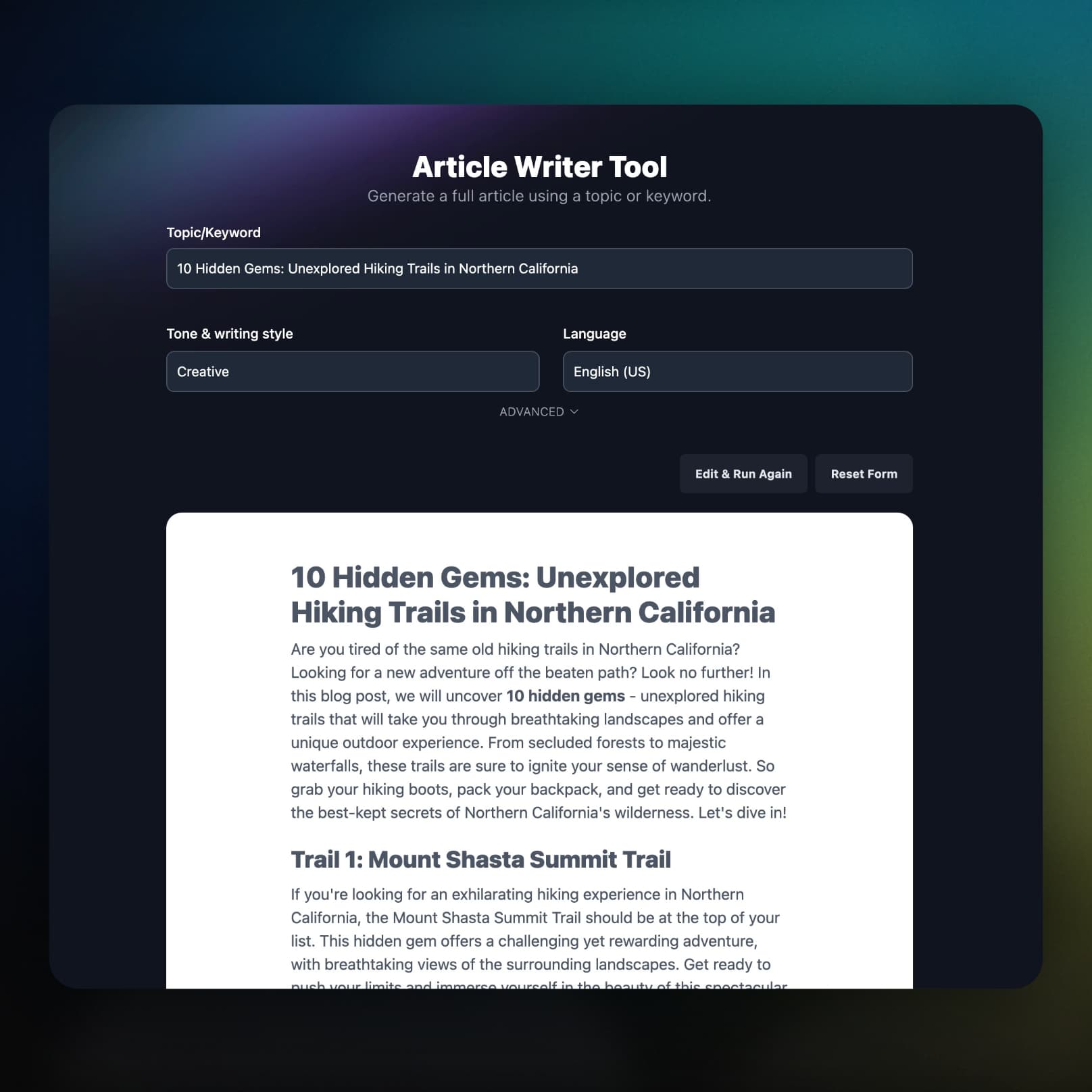
RightBlogger researches your keyword and writes a long-form article on it, ready to send to Ghost.
Simple Publishing
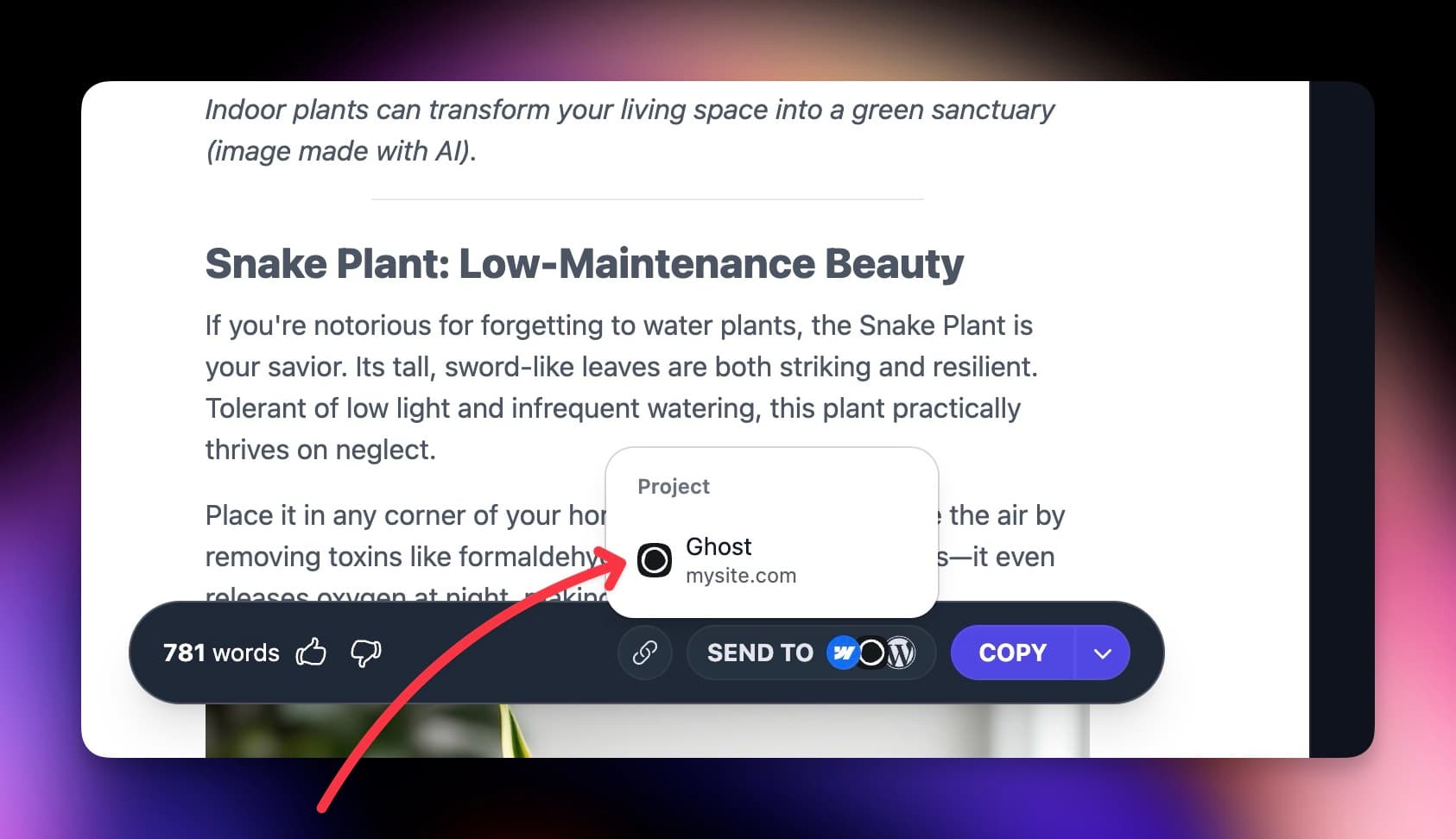
Send a post with one click, or schedule it in the Content Planner. Each project publishes live or saves a draft for review.
Everything Included
How your formatting survives, what runs on your site, and what happens when something breaks.
Posts go to Ghost as HTML, so headings, lists, tables, and links arrive intact.
No plugin, no theme edits, and nothing on your site to keep updated.
The Site Agent edits your published Ghost posts in place, including Ghost's built-in meta title and description.
Once a post goes live, RightBlogger can share its Ghost link to your connected social accounts.
If a scheduled post cannot reach Ghost, you get an email with the reason and a link to that post in the planner.
Keyword research, the AI SEO editor, and Search Console reporting come on the same plan.
Can't find an answer? Contact us.
Connect Ghost to an AI blog automation tool like RightBlogger, which writes articles, publishes them through the official Ghost Admin API on a schedule, shares each new post to social, and updates live posts with the Site Agent. Ghost handles delivery (newsletters, memberships, hosting); RightBlogger handles the writing and upkeep.
Connect Ghost in your project settings with your site URL and Admin API key, add topics to the Content Planner, and pick a cadence. RightBlogger writes each post on schedule and sends it to Ghost as a draft or a published post, depending on your Publish instantly setting.
In Ghost Admin, go to Settings → Integrations, click Add custom integration, and copy the Admin API key (not the Content API key, which is read-only). In RightBlogger, open your project settings, choose Ghost under Integrations, and paste the key and your Ghost site URL. The Ghost integration guide has screenshots.
Yes. RightBlogger connects through the official Ghost Admin API (v5.0) with the Admin API key from a custom integration, so no password is shared and nothing is installed on your site.
Yes. Leave Publish instantly off and posts arrive in Ghost as drafts you can edit before they go live; turn it on and they are published immediately. The setting applies per project, to one-off sends and scheduled posts alike.
It stays intact: RightBlogger sends clean HTML with Ghost's source: html flag, and Ghost converts it into native editor content with your headings, links, bold text, and lists preserved.
Yes. Use the Content Planner calendar to set publish dates and times for your Ghost posts, queue content weeks ahead, and let RightBlogger write and send each one on its day.
Not yet: RightBlogger sends the title and the formatted article body, so add tags, a feature image, and a custom excerpt in Ghost before you publish. Leaving Publish instantly off gives you a draft to finish them on.
Built by Working Bloggers
RightBlogger's Ghost workflow comes from years of shipping content on real sites, where consistency, editorial quality, and SEO all have to work together.
Co-Founder, Marketing
Ryan has spent over a decade building content engines that turn niche topics into durable, compounding organic traffic.
Visit ryrob.com
Co-Founder, Product
Andy combines technical SEO and product systems thinking to help small teams publish faster while keeping quality and brand voice intact.
Visit ihitthebutton.comTry RightBlogger for free, we know you'll love it.
7-day free trial. Cancel anytime.