

AI Blog Automation for DropInBlog
"For the price and ease of use, what RightBlogger offers is unmatched."
Connect With a Private API Key
Connect DropInBlogExampleDropInBlogAPI key ••••••••••Connected- AI featured image
- SEO title and description
Write Articles Built for DropInBlog
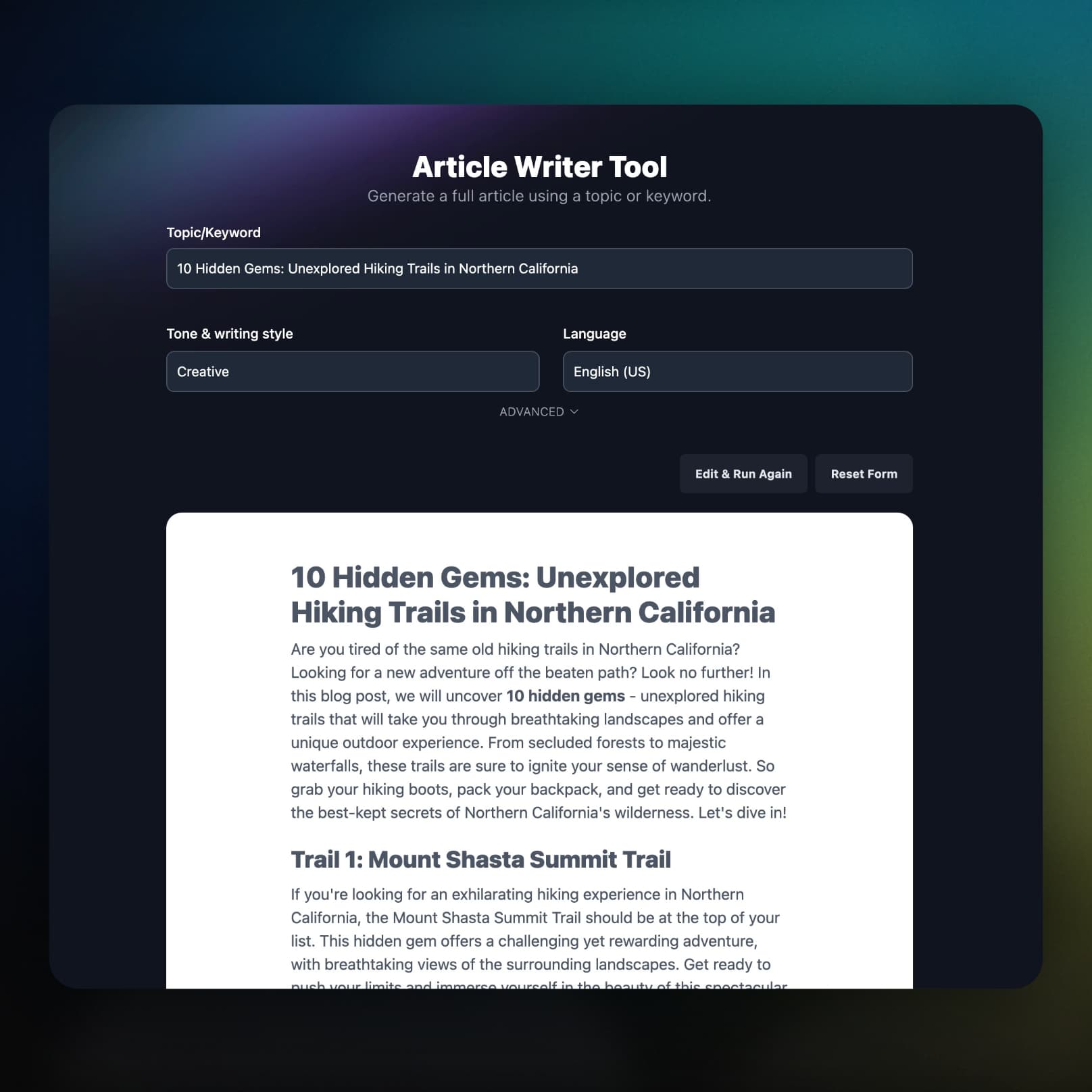
RightBlogger researches your keyword, writes a long-form article, and sends it to DropInBlog as clean HTML.
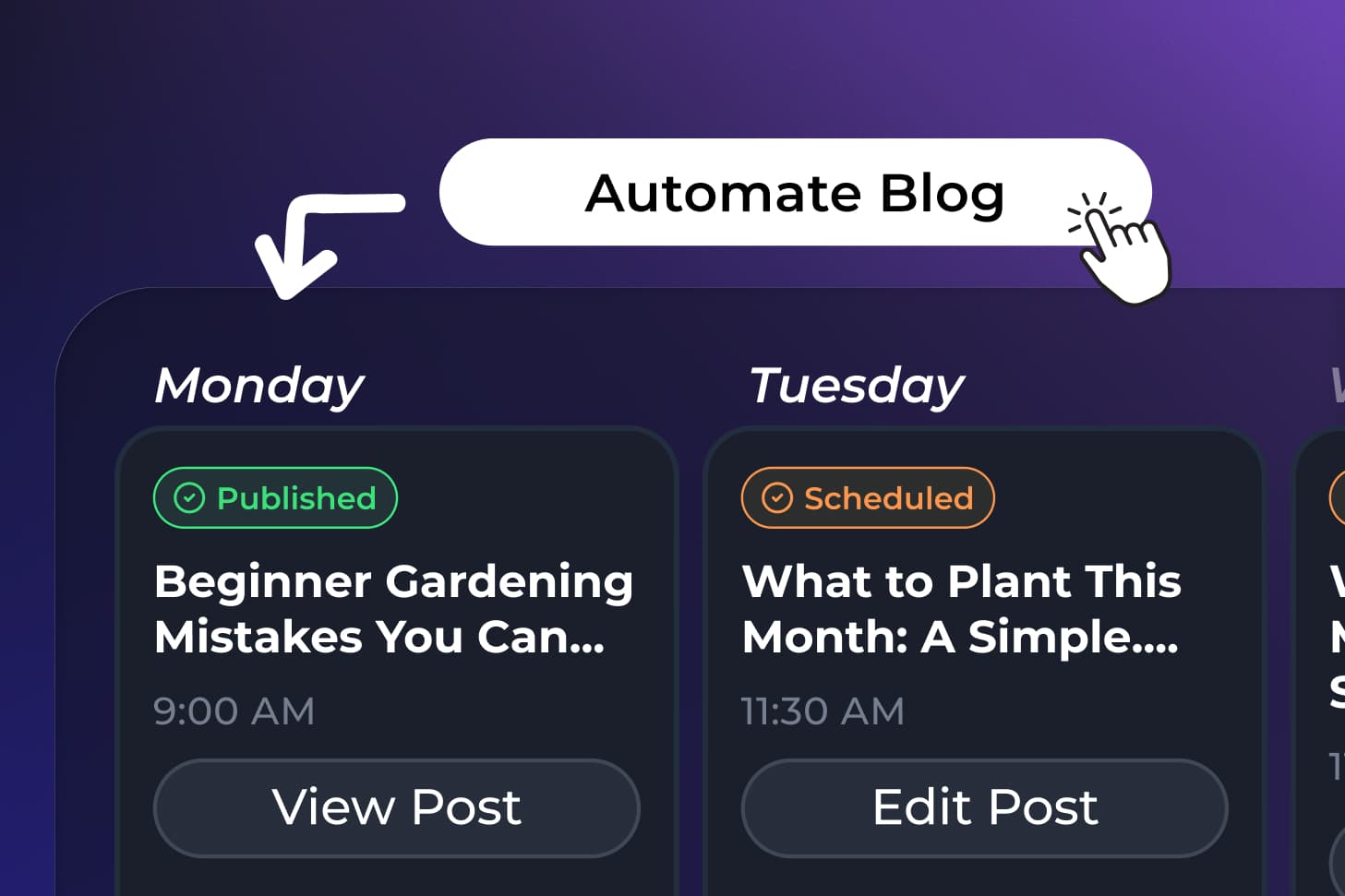
Save Drafts or Publish Immediately
Posts save as drafts you can review in DropInBlog, or publish the moment they arrive. Schedule a calendar of posts in the Content Planner and each one is sent on its day.
What Else Comes With the DropInBlog Integration
Your SEO fields, your images, your videos, and what happens when something breaks.
SEO fields filled on every post
An SEO title, SEO description, and focus keyword go into DropInBlog's built-in SEO fields.
Featured images included
An AI featured image is generated for each post and set as its featured image, with alt text to match.
You choose what is automated
Auto featured image and Auto SEO metadata are separate toggles, so you can supply your own instead.
YouTube videos embedded
A YouTube link on its own line arrives in DropInBlog as an embedded player, not a bare link.
You hear about failures
If a scheduled post cannot reach DropInBlog, you get an email with the reason and a link to that post in the planner.
Part of the full platform
Keyword research, the AI SEO editor, and Search Console reporting come on the same plan.
Frequently Asked Questions
Can't find an answer? Contact us.
How do I connect RightBlogger to DropInBlog?
Create a private API key under Account → API Keys in DropInBlog, then open your project settings, go to Integrations, choose DropInBlog under More platforms, and paste the key with your blog ID (shown in your DropInBlog embed code and account settings).
Why does it need a private API key?
Only private keys can create posts: DropInBlog's public keys just display your blog on your site. Keep the private key out of your site's code.
Do posts go live right away?
Only if you turn on Publish immediately in the DropInBlog connection settings. By default each post is saved as a draft so you can review it in DropInBlog first.
What does RightBlogger send to DropInBlog?
The title, the full article as HTML, a featured image with alt text, and an SEO title, SEO description, and focus keyword. YouTube links on their own line become embedded players. Categories and authors are not set, so assign those in DropInBlog if your blog uses them.
Can I schedule and automate posts to DropInBlog?
Yes. With Autoblogging, the Content Planner writes posts and sends them to DropInBlog on the days you choose, with no manual work in between.
Does the Site Agent work with DropInBlog?
No. Site Agent updates live posts on WordPress, Shopify, Webflow, Framer, Ghost, Wix, and Git. With DropInBlog, RightBlogger writes, schedules, and publishes new posts, and you edit published posts in DropInBlog.
RightBlogger also publishes to





Automated SEO Blog Posts for Your Site
Research, write, publish, and share from one account.
7-day free trial. Cancel anytime.




