SEO Content Strategy: How to Build a 90-Day SEO Plan (With a Real One)
A free worksheet and 15-job example show how Search Console data prioritizes title fixes, refreshes, page-two pushes, and new content.


An SEO content strategy decides which topics your site should own, which page answers each search, and how those pages link together. An SEO plan is the dated list of jobs that carries out that strategy over the next 90 days, picked from your own Search Console data: which titles to rewrite, which posts to refresh, which pages to push from page 2, and what to publish new.
I’m writing this because the old version of this post didn’t follow its own advice. Over the last 90 days it got 6,140 impressions on Google and 1 click, at an average position of 50. It was all strategy and no plan. So in this post, I’ll show you the plan template, then the real 90-day plan I built for my WordPress blog, smartwp.com, from its Search Console data. Let’s get into it.
What Is an SEO Content Strategy (and How Is It Different From an SEO Plan)?
An SEO content strategy is the long-term part. It answers what your site is about, who it’s for, which topics you want to be the best result for, and what a reader should do after they land. It changes maybe once a year. The pages it produces are SEO content: posts written to answer what a specific search is asking, so Google can match them to that search.
An SEO plan is the short-term part. It’s a list of specific pages, specific queries and specific jobs, each with a week and a date to check the result. It changes every quarter, because your Search Console data changes every quarter.
Most guides stop at the strategy. That’s why so many content strategies end up as a document nobody opens again. The plan is what actually gets done, so most of this post is about the plan.
The Free SEO Plan Template
Copy this table into a Google Sheet, a Notion page or your Content Planner. One row per job. There’s no sign-up and nothing to download.
| Week | Page | Query | Bucket | Evidence (last 90 days) | Job | Check on | Result |
|---|---|---|---|---|---|---|---|
| 1 | /your-post/ | main query | Low CTR | 12,000 impressions, position 8, 0.2% CTR | Rewrite title and meta | Week 5 and 9 | |
| 3 | /older-post/ | main query | Decay | Clicks 60 to 35 vs prior 90 days | Refresh the content | Week 7 and 11 | |
| 6 | /close-post/ | main query | Page 2 | 9,000 impressions, position 14 | Fill gaps vs top 3, add internal links | Week 10 and 14 | |
| 11 | (new) | new topic | Build more | What your top pages have in common | Publish a new page | Week 15 and 19 |
The rows above are placeholders to show the format. What each column means:
- Bucket: one of four. Low CTR (you rank on page 1 but few people click), Decay (clicks are falling), Page 2 (average position 11 to 20) or Build more (a new page modeled on what already works).
- Evidence: the numbers that put the page on the list, with the date range. If you can’t fill this column in, the job doesn’t belong in the plan.
- Check on: 4 and 8 weeks after the change goes live. Google has to recrawl the page before a change can count, so checking after a few days tells you nothing.
- Result: clicks and position for the 28 days before the change and the 28 days before each check.
A Real 90-Day SEO Plan for smartwp.com
smartwp.com is my WordPress tutorial blog. These are its real numbers from Search Console for August 8 to November 5, 2026, pulled on November 9. Over those 90 days it got 1,727 clicks and 588,716 impressions, at an average position of 15.7. Its top page by clicks is a free tool, the WordPress version checker (224 clicks).
I sorted the 40 pages with the most clicks into the four buckets. The plan starts November 10, 2026, so there are no results yet. Each row has its two check dates.
Weeks 1 and 2: Fix Titles on Pages That Already Rank
These pages sit on page 1 with thousands of impressions, but almost nobody clicks. For comparison, the version checker gets a 2.01% CTR at position 9. A new title and meta description is an hour of work per page and can be live the same day.
| Page | Impressions | Position | CTR | Clicks |
|---|---|---|---|---|
| /wordpress-rest-api/ | 43,274 | 9.9 | 0.06% | 28 |
| /kebab-case/ | 18,959 | 8.4 | 0.09% | 17 |
| /wordpress-get-title/ | 10,930 | 10.0 | 0.29% | 32 |
| /wordpress-salt-generator/ | 8,718 | 7.8 | 0.17% | 15 |
The login page gets a title rewrite in this block too. It averages position 12.3 across all its queries, but its main query, “wordpress login”, already sits at position 8.1 with 11,067 impressions and only 8 clicks.
One thing to check first: search each page’s main query yourself. If an AI Overview or a featured snippet already answers it completely, a better title won’t win many clicks back, and that page moves down the list.
Weeks 3 to 5: Refresh the Posts That Are Slipping
These lost clicks compared with the 90 days before (May 10 to August 7, 2026):
| Page | Clicks | Impressions | Position |
|---|---|---|---|
| /wordpress-get-page-slug/ | 67 to 43 | 31,801 to 9,202 | 7.7 to 7.9 |
| /disable-wordpress-new-user-notification-email/ | 69 to 54 | 8,588 to 3,673 | 10.6 to 14.7 |
| /wordpress-meta_query/ | 24 to 13 | 53,167 to 10,408 | 9.4 to 9.2 |
The first and third kept their position but lost most of their impressions, which usually means Google is showing them for fewer searches. The second dropped four places. For each one: compare it with what the current top 3 results cover, update the code for the current WordPress version, and fix anything outdated. A content audit is the same idea at site scale; this Ahrefs video walks through one:

Weeks 6 to 10: Push Page 2 Posts Onto Page 1
These are the page 2 posts (average position 11 to 20) with the most impressions in that export. Moving one onto page 1 is worth more than any single new post this quarter.
| Page | Impressions | Position | Clicks |
|---|---|---|---|
| /wordpress-login/ | 37,730 | 12.3 | 75 |
| /wordpress-versions/ | 33,255 | 12.6 | 46 |
| /uptime-checker/ | 15,242 | 16.3 | 33 |
| /woocommerce-get-product-id/ | 12,945 | 17.7 | 21 |
| /wordpress-staging-site/ | 10,084 | 17.4 | 17 |
The job for each: compare the post against the top 3 for its main query, add the sections and examples it’s missing, and add 2 or 3 internal links to it from smartwp.com posts that already get clicks. Check the intent first: if the top 3 are tools and the post is a tutorial (or the other way round), adding sections won’t close the gap.
Weeks 11 and 12: Build More of What Works
The pages that earn smartwp.com the most clicks are free tools and quick answers to one exact question. The version checker is #1 with 224 clicks, and the PHP version guide is #2 with 122. The child theme generator got 21 clicks from position 24, a 1.36% CTR, which is better than most of the site’s page-1 posts. So the two new pages this quarter are both free tools. Exact questions convert too: “how to check wordpress version without login” sends the version checker 23 clicks from 163 impressions at position 2.6.
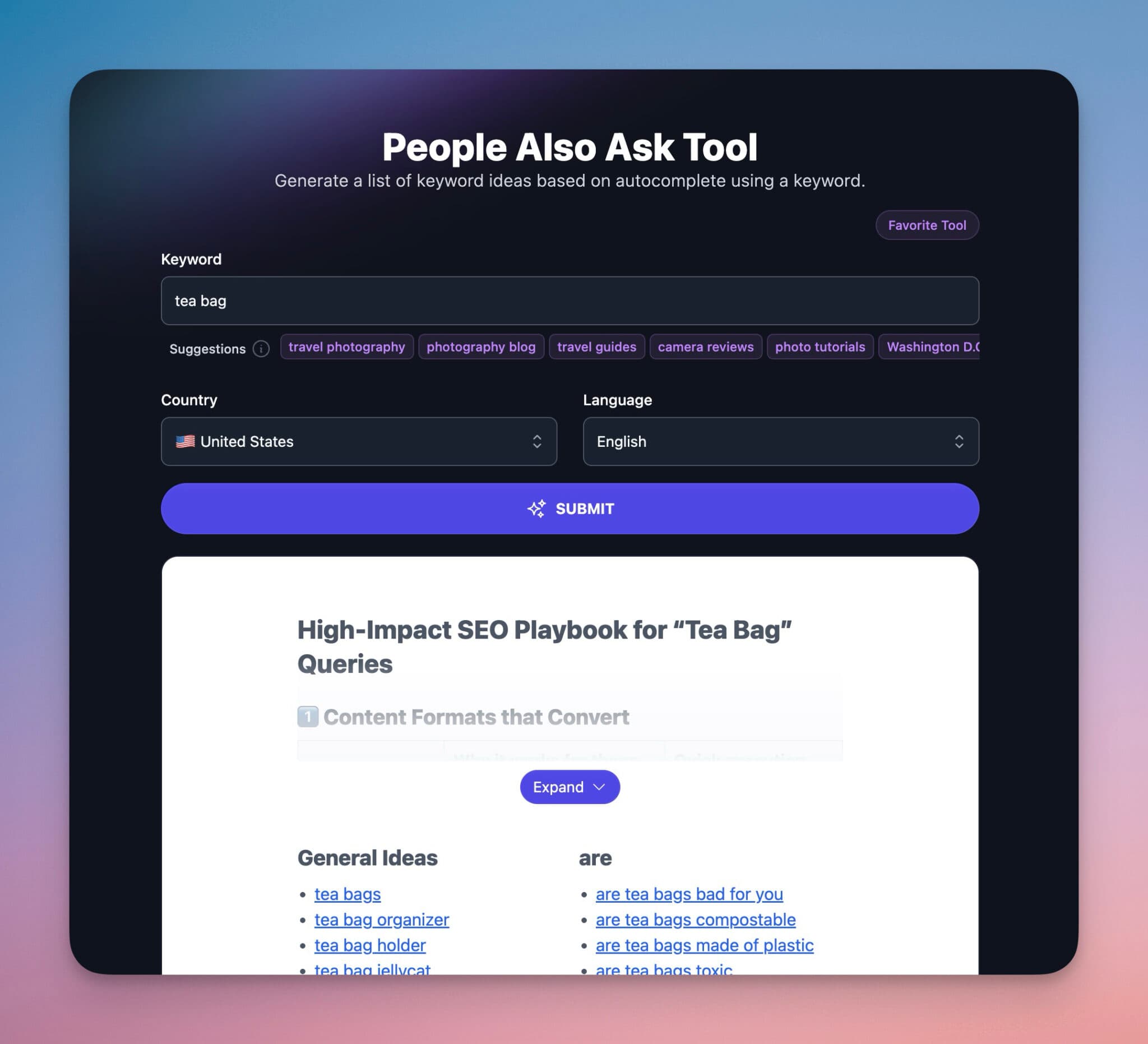
The plan leaves the two tool slots open until week 10 and picks them from the Search Console queries around the existing tools at that point, since the page 2 work will have changed what ranks. To find the questions, start with the People Also Ask results for the main query and the queries Search Console already shows for nearby pages.
What the Plan Skips (and Why)
- /autoblogging/ for “autoblogging ai”: 5,686 impressions at position 4.3 and 0 clicks. That query is the name of another company’s product. People searching it want that site, and no title fixes that.
- /best-wordpress-plugins/: 24,121 impressions at position 25. Getting from 25 to page 1 on a broad listicle needs a full rewrite, so it waits for next quarter’s plan.
How to Build Your Own SEO Plan From Search Console
You need 90 days of Search Console data and the 90 days before that.
- Export your pages. In Search Console, open Performance, set the date range to the last 3 months, compare it to the previous 3 months, and open the Pages tab. Export it. On a big site, bulk exports get around the 1,000-row limit. A technical check (pages indexed in the Search Console Pages report, no accidental noindex) comes before any content job.
- Sort every page into a bucket. Position 1 to 10 with lots of impressions and a CTR far below your own best pages is Low CTR. Clicks down against the previous 3 months is Decay. Average position 11 to 20 is Page 2. Your top 5 pages by clicks tell you what to Build more of. Before a page 2 push, check that the post matches the intent of the top results and has the on-page basics: the query in the title and first lines, clear headings and internal links.
- Cross things off. Drop queries that are another brand’s name, pages you changed in the last 6 weeks (their data doesn’t show the edit yet), and queries where your page doesn’t match what the searcher wants.
- Order by speed. Titles first (hours), then refreshes (an afternoon each), then page 2 pushes (a day each), then new pages. Fast jobs early means you have something to measure at the first check.
- Put dates on everything. Give each job a week and two check dates. A solo blogger can usually handle 1 or 2 jobs a week (title rewrites are short enough to batch) next to normal publishing; the smartwp.com plan has 15 jobs over 12 weeks.
Keep the list to what you can finish in 90 days. A plan with 60 jobs on it is a wish list.
Where Topic Clusters Fit in an SEO Content Strategy
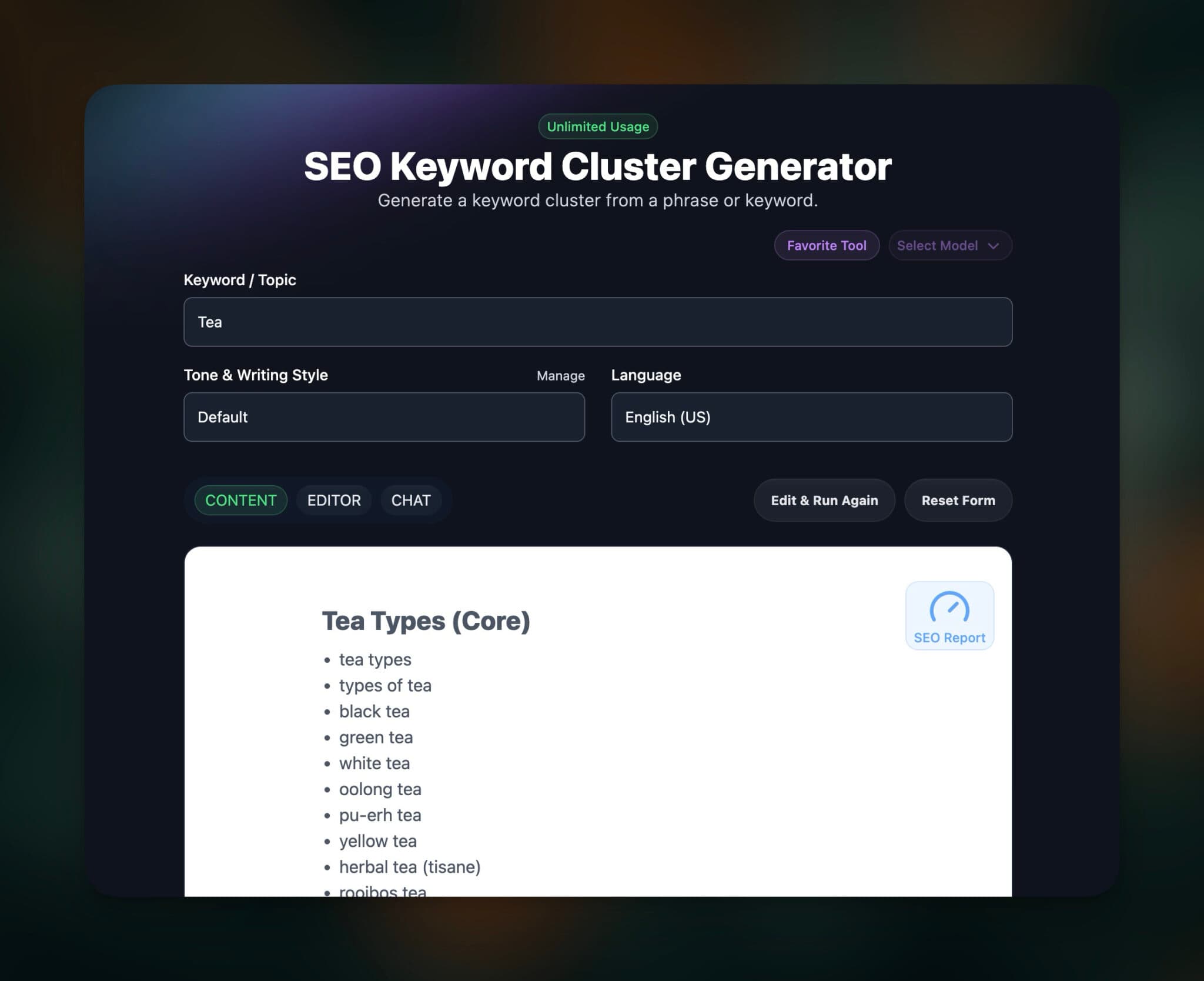
Clusters are the strategy layer: a pillar page covers a topic broadly, supporting pages answer the specific questions, and they link to each other. A topical map is the list of pages a cluster needs. The plan is where you decide which of those pages to fix or write this quarter.
Two rules keep clusters from backfiring. If two pages answer the same question, merge them, because they’ll compete for the same searches. And if a supporting page doesn’t need to exist, don’t publish it just to fill the map. Group keywords by meaning before adding anything new, for example with the Keyword Cluster tool; the keyword clustering guide shows how.
How to Measure Whether the Plan Worked
Measure each job against its own page’s numbers. For every row in the template, compare the page’s clicks and average position for the 28 days before the change with the 28 days before each check date. Site-wide traffic moves for a lot of reasons, so it can hide a job that worked or flatter one that didn’t.
Clicks are the first layer. Past that, look at what the visitors did: newsletter signups, tool use, trials or sales from those pages. A page that gets fewer clicks but more signups is a win.

Each post should also give the reader a next step you own, like an email opt-in tied to the topic, so the traffic doesn’t disappear if rankings move. The content promotion checklist covers the rest of that.
How I Run This With RightBlogger
I do the same thing for the RightBlogger blog, and that’s how this post got picked for a rewrite: 1 click on 6,140 impressions in 90 days put it on the list. The tools I use for each step:
- Search Console reports in RightBlogger show quick wins, content decay and keyword cannibalization, which covers the first three buckets without a spreadsheet. A weekly email picks one next step.
- The free Chrome extension shows a page’s Search Console numbers while you’re on it, and flags queries close to page one and top-five queries that get almost no clicks.
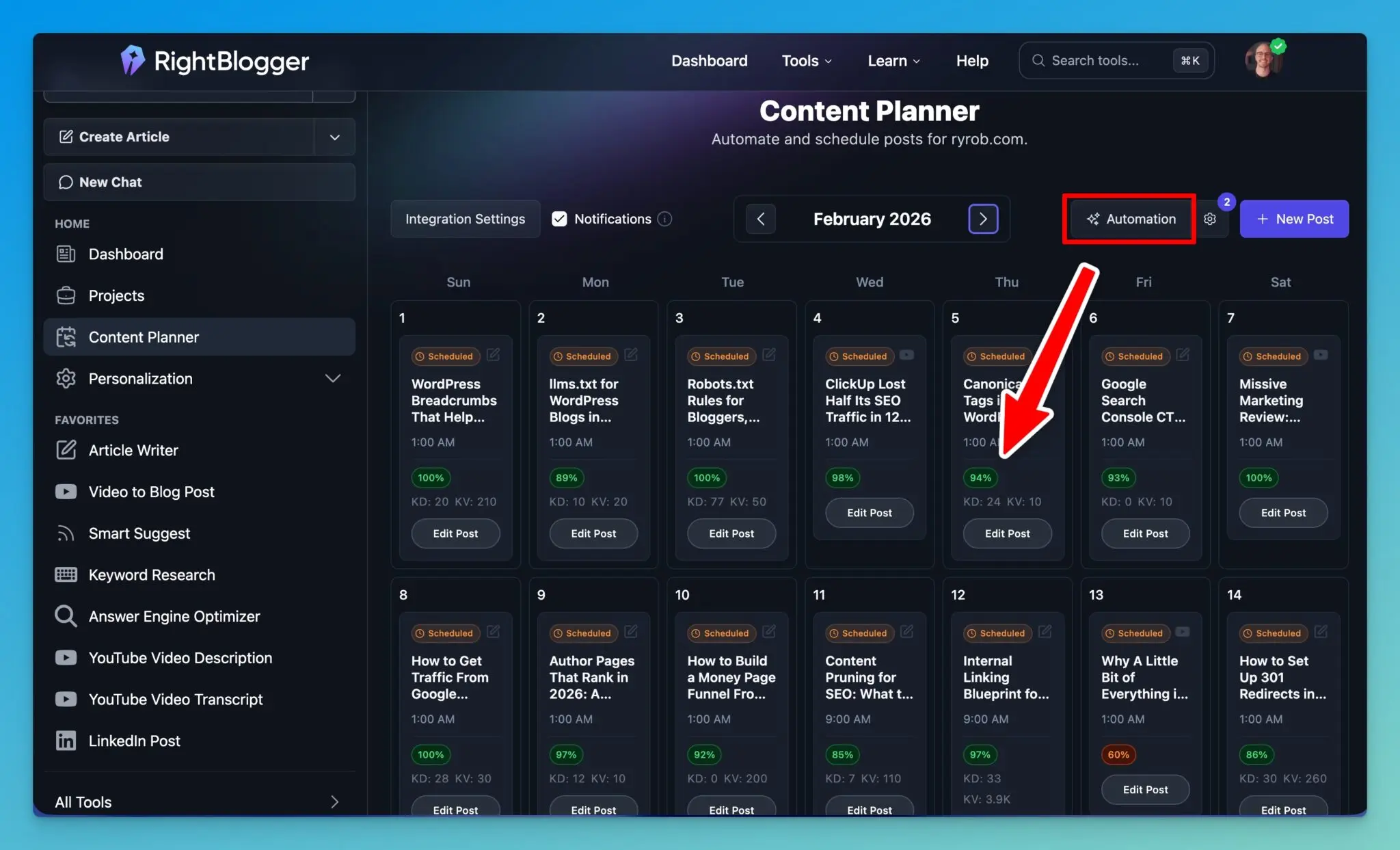
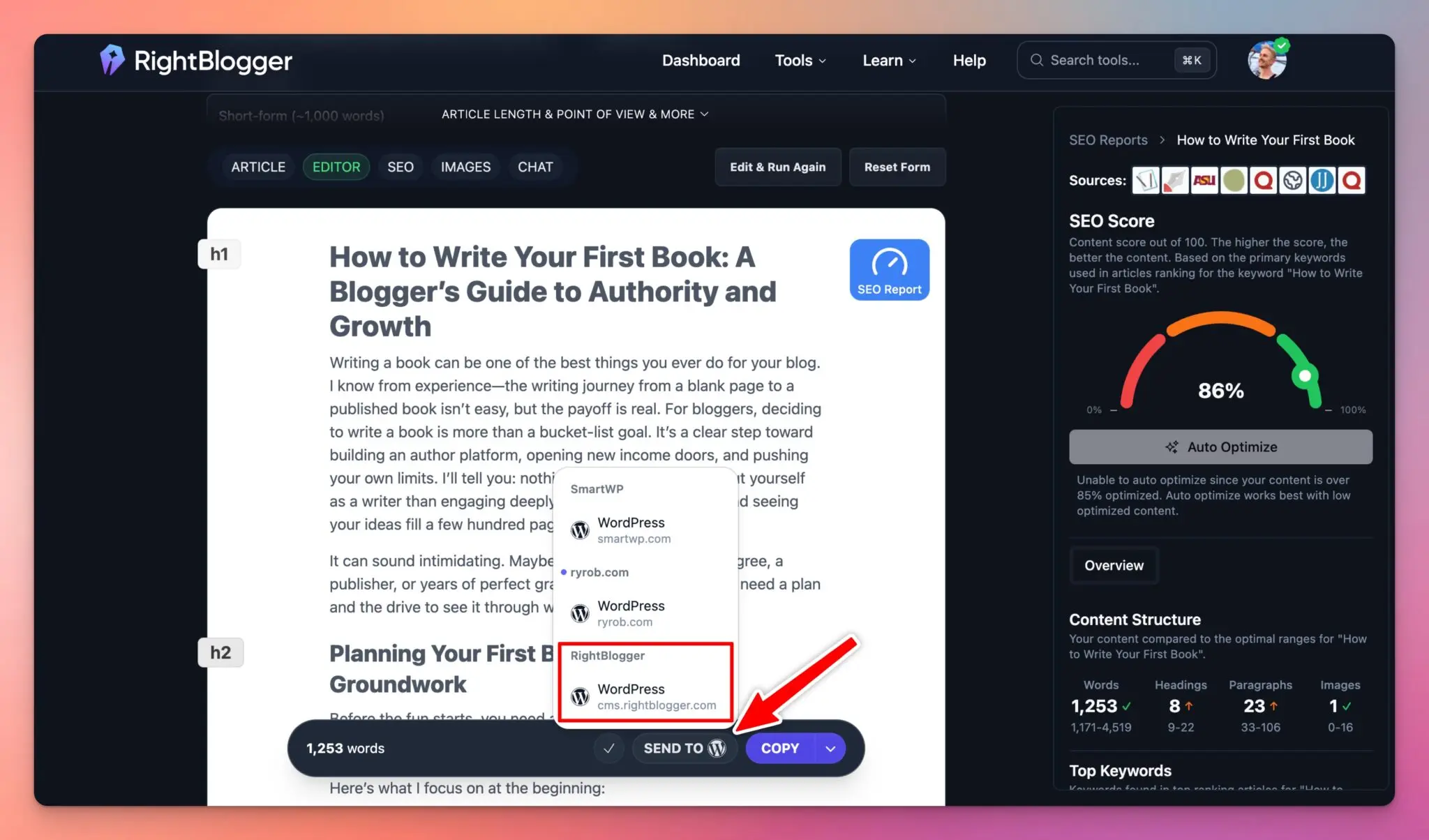
- The Content Planner is the calendar: each new post becomes a dated item and goes to WordPress or another connected site when it’s ready.
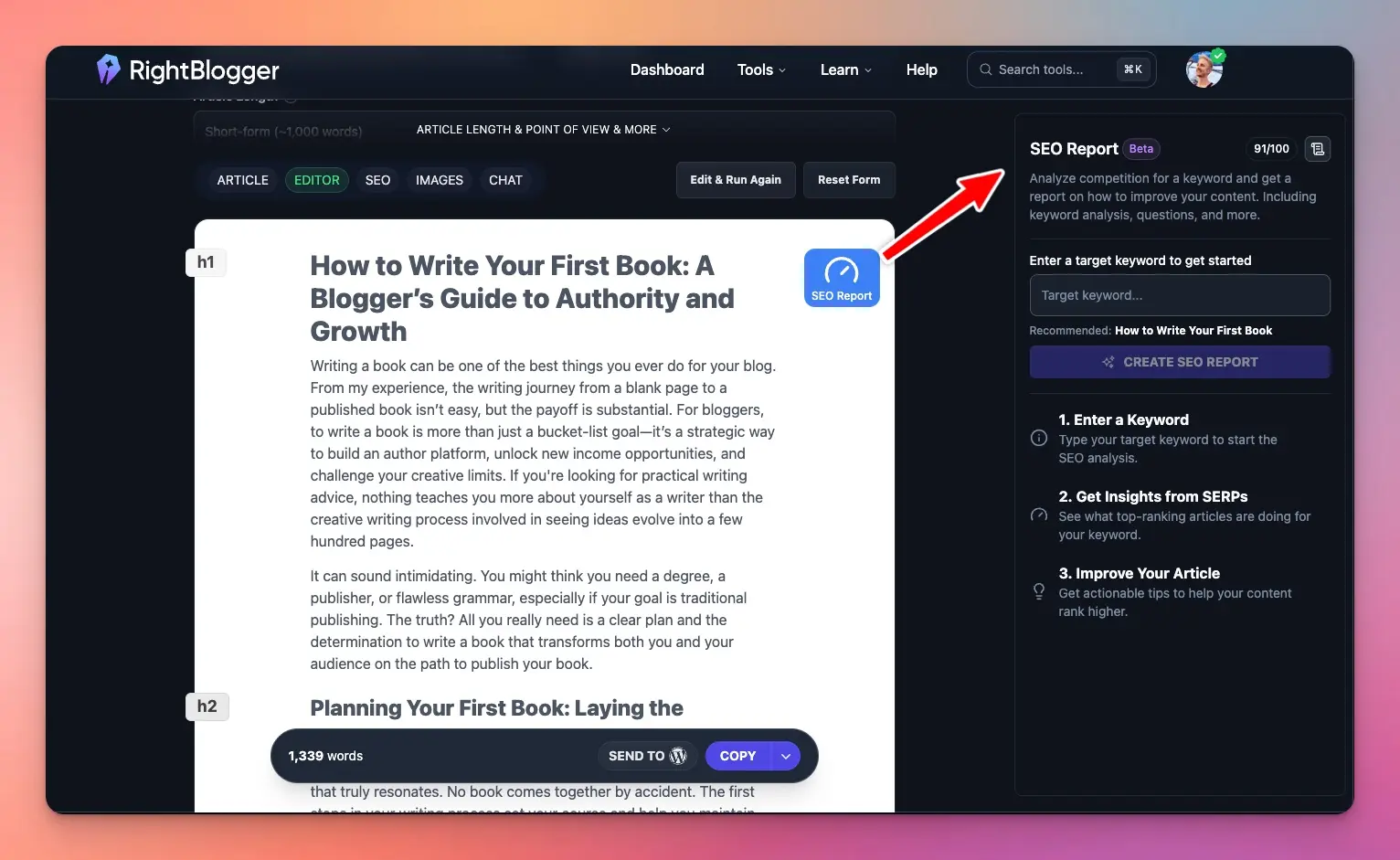
- The SEO report compares a draft against the pages ranking for its keyword, which is the page 2 job.
The Content Planner calendar, where each dated job lives:
An SEO report on a draft, used for the page 2 pushes:
Sending a finished post to WordPress from the editor:
For an ongoing schedule after the first quarter, the SEO maintenance guide covers what to check monthly versus quarterly.
SEO Content Advice That Wastes Your Time
- Picking topics by search volume alone. A 20,000-search query where you sit at position 60 is worth less this quarter than a 2,000-search query where you sit at 12.
- Publishing new posts while page 2 posts sit untouched. The page 2 bucket is usually the cheapest traffic you have.
- Changing the date on a post without changing the post. Readers notice, and it gives you nothing to measure.
- Planning without a check date. If nobody looks at the result, next quarter’s plan is a guess.
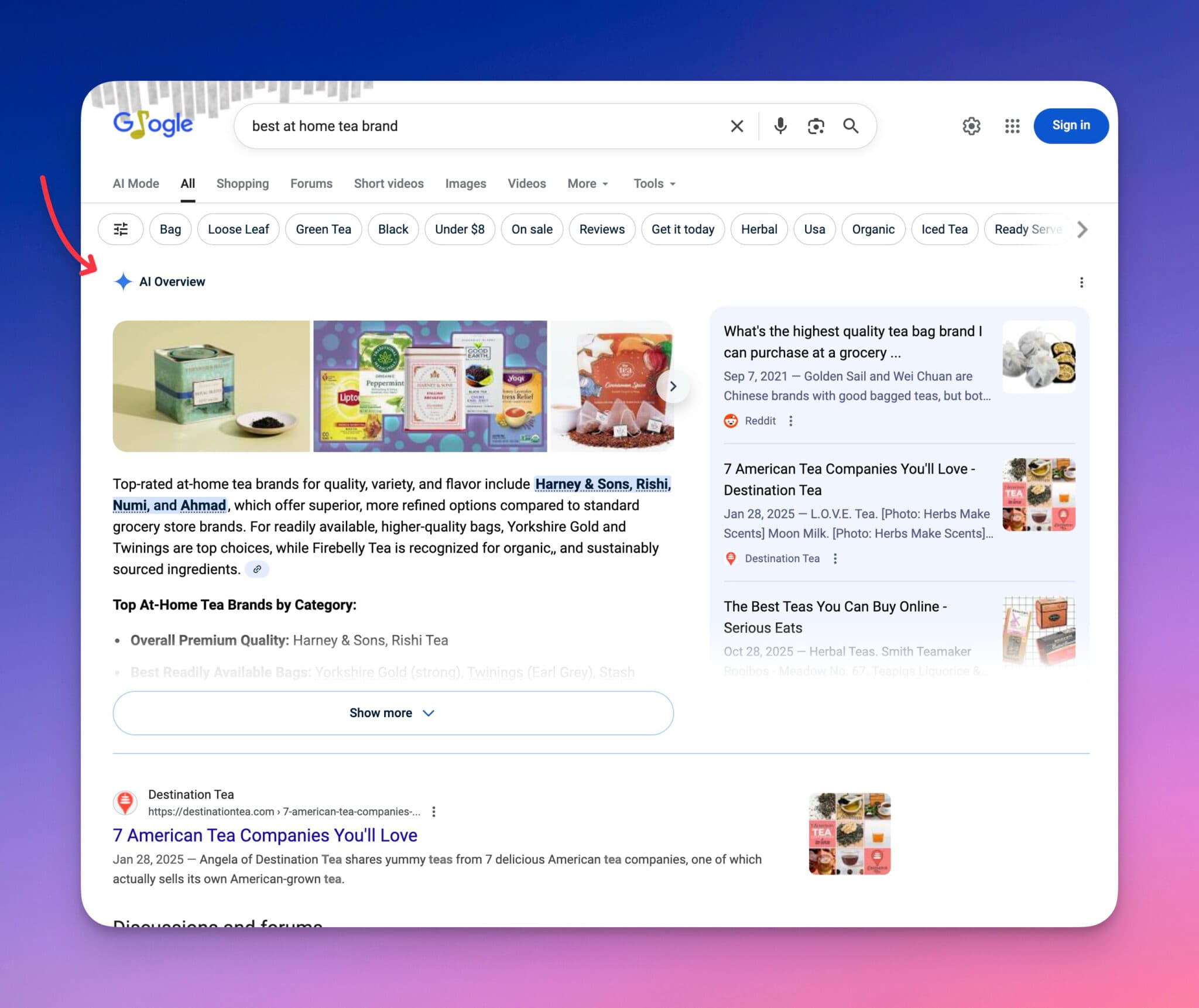
AI answers are part of the plan too. A clear answer in the first lines makes a page easier for AI Overviews and chat tools to quote, and that’s worth a pass on your Low CTR pages. The GEO vs SEO guide goes deeper.
Frequently Asked Questions About SEO Content Strategy
What is an SEO plan?
An SEO plan is a dated list of SEO jobs for a set period, usually 90 days. Each job names a page, the query it targets, the evidence that put it on the list, and when you’ll check the result.
When should you update your SEO plan?
Every quarter, from fresh Search Console data. Update it sooner if a top page loses a big share of its clicks, or after a Google core update moves a lot of your pages at once.
What is the difference between an SEO content strategy and a content calendar?
The strategy decides what you cover and why. The calendar is when each piece goes out. An SEO plan sits between them: it turns the strategy into dated jobs, and some of those jobs are new posts on the calendar.
Can AI content rank on Google in 2026?
Yes, if it’s helpful. Google’s guidance asks for helpful, reliable, people-first content and doesn’t ban AI-assisted writing. What ranks is the same either way: a clear answer, real examples and something the other results don’t have.
How long does an SEO plan take to show results?
Title and meta changes can show up once Google recrawls the page, which is why the template checks at 4 weeks. Refreshes and page 2 pushes take longer, so the second check is at 8 weeks. New pages often need more than one quarter.
Blog Automation That Keeps Your Posts Ranking
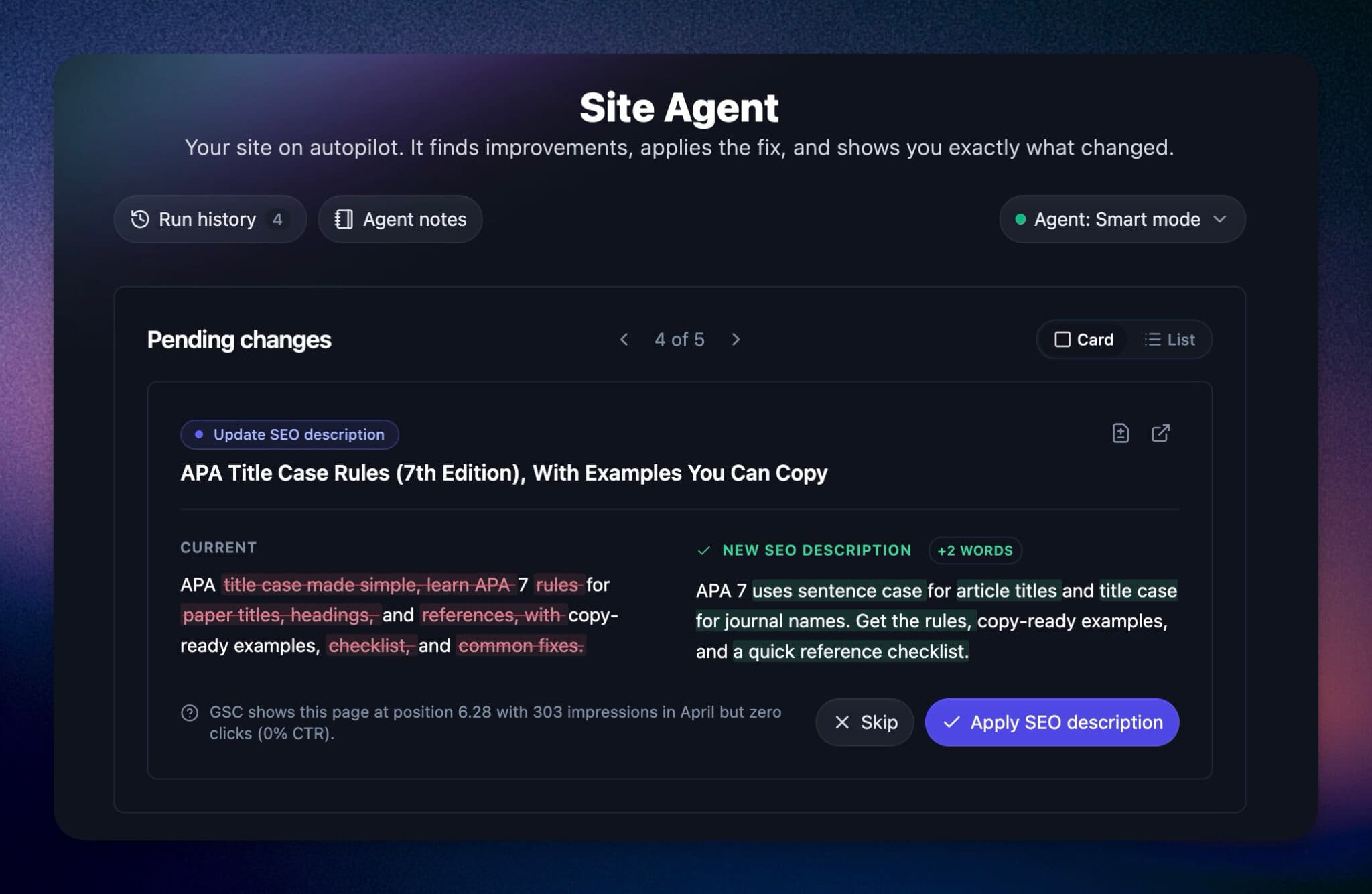
RightBlogger finds keywords, writes SEO articles, and publishes them to your blog. Then its Site Agent uses your Search Console data to keep older posts in shape, adding internal links, sharpening weak meta descriptions, and fixing stale years and broken links. Join 51,000+ bloggers using it to grow traffic from Google and ChatGPT.

RightBlogger Co-Founder Andy Feliciotti focuses on website development and shares his travel and photography adventures on YouTube and his blog.

Automated SEO Blog Posts for Your Site
Research, write, publish, and share from one account.
7-day free trial. Cancel anytime.





Leave a comment