SEO Automation: What to Automate and the Best Tools (2026)
Automate monitoring, audits, links, and content upkeep; keep strategy, original research, and editorial decisions human.

SEO automation is using software and AI to handle repetitive, rule-based SEO tasks like site audits, rank tracking, internal linking, meta descriptions, and reporting, so you can focus on strategy and original content. It does not replace SEO judgment. It removes the manual busywork around it.
That distinction matters, because most articles on this topic either oversell automation as a magic button or dismiss it as a way to make junk faster. This guide is the practical middle. You will get a clear answer to what SEO automation is, an honest take on what can and cannot be automated, the specific tasks worth handing to software, and the best SEO automation tools to do it in 2026.
I run automated SEO on my own blogs, including RightBlogger’s Site Agent on live posts, so this comes from real workflows rather than a feature sheet.
What is SEO automation?
SEO automation means using tools to perform SEO tasks that follow clear rules, on a schedule or a trigger, without a person doing each one by hand. Think of a crawler that checks your site for broken links every night, a report that builds itself every Monday, or an agent that rewrites a weak meta description the moment a page’s click-through rate starts to slip.
The key word is repetitive. The point is to automate SEO tasks that are consistent and measurable, like monitoring, auditing, formatting, and applying known fixes. Automation is not good at the parts that need taste and context, like deciding what to write about or how your brand should sound.
A newer category sits on top of this: the AI SEO agent. Instead of running one fixed task, an agent looks at your data, decides what to do next, and takes action, usually with your approval. Agentic SEO is the difference between a tool that reports a problem and a tool that fixes it. RightBlogger’s Site Agent is one example, and I will get into exactly what it does, and does not, do below.
Can SEO be automated?
Partly. Some of SEO can be automated almost completely, and some of it cannot be automated at all. Pretending otherwise is how people end up with thin, robotic sites that lose rankings. The honest split looks like this.
What you can automate
- Monitoring: rank tracking, traffic dashboards, and Search Console alerts
- Technical audits: broken links, redirect chains, crawl errors, and missing tags
- Internal linking between related posts
- Meta descriptions and title tweaks on pages with low click-through rates
- Reporting and stale-content checks
- Content freshness updates and broken outbound-link cleanup
- Schema markup and repurposing long posts into shorter formats
- Local SEO upkeep: keeping business listings consistent and tracking local rankings
What you cannot automate
- Strategy: deciding what to target and what to build
- Original research and first-hand experience
- Brand voice and a real point of view
- Relationship building: outreach, partnerships, and digital PR
- The final editorial call on whether something is good enough to publish
The teams that win treat automation as a way to clear the repetitive work so they can spend more time on the parts a machine cannot do. Automate the busywork and skip the thinking, and you get volume without value. Google’s spam policies now target scaled content abuse directly, and the systems behind them are very good at spotting it.
SEO tasks you should automate (and which to keep manual)
Knowing SEO can be partly automated is one thing. Knowing which tasks are actually worth it is another. On real sites, I split them like this, starting with the ones that pay off fastest.
Monitoring and reporting
Rank tracking, traffic dashboards, and Search Console alerts run fine on autopilot. Set them once and let them tell you when something changes. There is no judgment involved in watching numbers, so this is the easiest win and the first thing to automate.
On the reporting side, you can wire Google Search Console and GA4 into a Data Studio dashboard (Google renamed Looker Studio back to Data Studio in April 2026) that refreshes on its own, or have weekly rank and traffic summaries delivered to Slack or email so nobody has to log in and pull them. For one-off questions, you can also query Search Console from Claude in plain language. In 2026 it is also worth tracking your AI search visibility, since citations in AI Overviews are becoming their own signal to watch.
Technical audits and broken links
A scheduled crawl catches broken links, redirect chains, missing meta tags, and pages that fell out of the index. These are mechanical problems with clear fixes, which makes them a natural fit for software. You still decide what to act on, but you should never be the one hunting for them.
Internal links
Internal linking is one of the highest-impact tasks to automate, because it is rule-based but genuinely tedious. As you publish more, older posts stop getting links from the new ones they relate to, and that link equity goes to waste. An AI SEO agent can scan your library, find related posts, and add contextual links between them. This is exactly the kind of on-page upkeep RightBlogger’s Site Agent handles on a schedule.
Meta descriptions on low-CTR pages
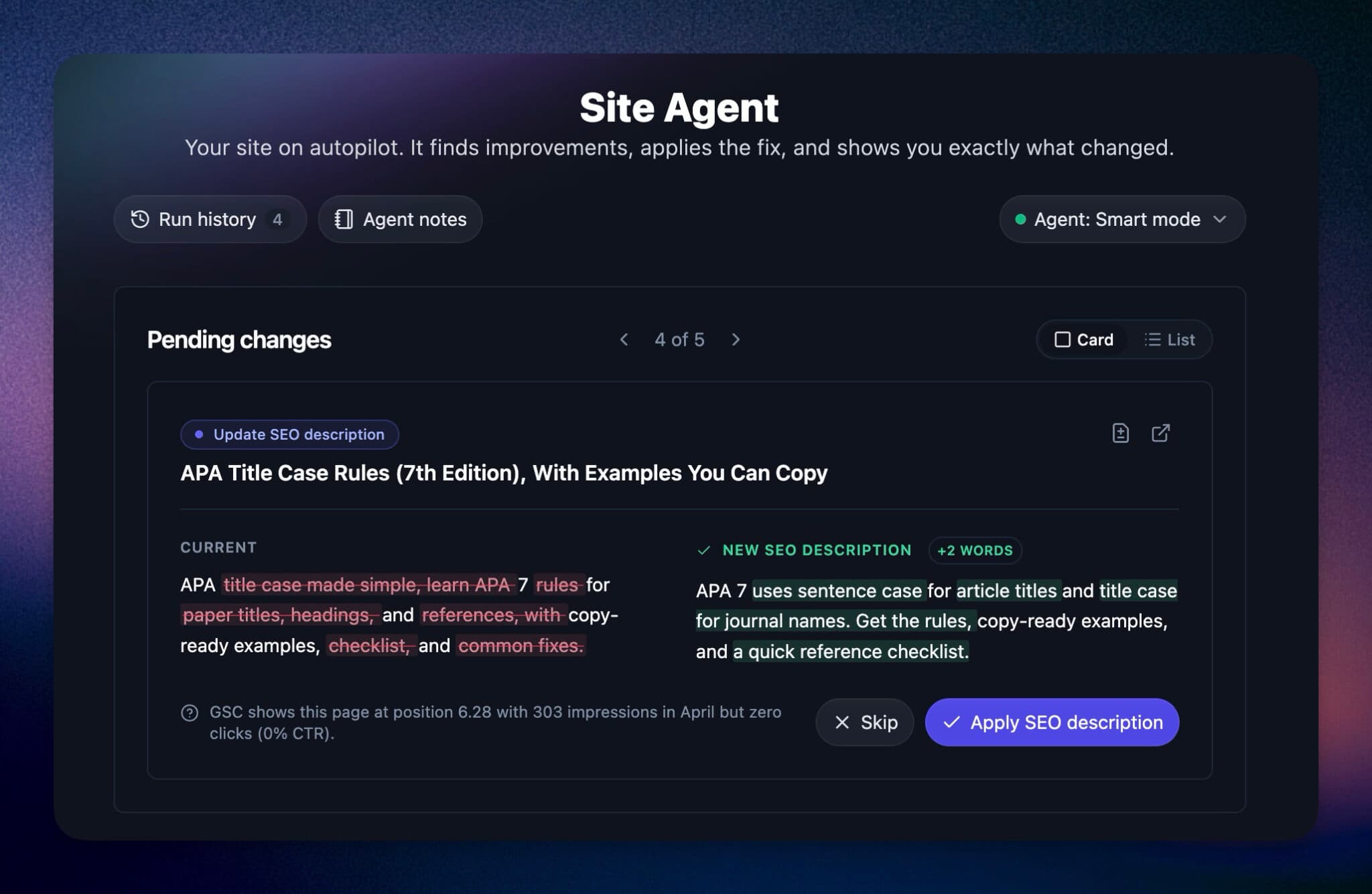
Some pages get plenty of impressions but few clicks. Often the fix is a sharper meta description, not a better ranking. Doing this by hand across a large site is miserable, which is why it rarely gets done. The Site Agent uses your Google Search Console data to find low-CTR pages and rewrites the description, and each suggestion shows an estimated plus X clicks per month so you can decide whether it is worth shipping.
Content freshness and broken outbound links
Stale year references in titles, like an old “in 2025” that should now read 2026, broken outbound links, and posts that have slowly slipped in rankings are all small, mechanical fixes that add up. Automating them keeps your library current without a quarterly cleanup project. If you want to do this round by hand first, our guide to running a content decay audit walks through the manual version.
Automate for AI Overviews and AI search
In 2026, ranking is only half the game. AI Overviews and assistants like ChatGPT pull answers from pages that already rank well and are easy to parse, and a lot of what earns those citations overlaps with good on-page SEO. The mechanical parts automate well: keeping schema markup in place, fixing broken links, refreshing stale facts, and tightening structure so a machine can lift a clean answer. Automating that upkeep keeps you eligible for AI citations without extra effort. What to say, and which questions to own, still belongs to you. For the dedicated playbook, see our guide on GEO vs SEO.
One important distinction: upkeep is not new content
Automating maintenance of content you already published is very different from automating new content, and mixing them up is where sites get into trouble. RightBlogger’s AI article writer writes new posts. Autoblogging schedules and publishes new posts (we cover the best autoblogging tools separately). The Site Agent does neither. It improves posts that already exist.
Automating ongoing upkeep is low risk. Automating new content without review is not. Keep those jobs separate.
Keep manual: strategy, original content, and voice
Do not automate the decisions. What to write about, the angle you take, the original data or experience you bring, and the final read before publishing are the parts that make a page worth ranking. These are also what separate your content from the wave of generic AI output flooding every niche. Hand the upkeep to software and keep this for yourself.
Best SEO automation tools in 2026
No single tool automates all of SEO, so the real question is which one automates the part you care about. The table below compares the main options, with the honest version of what each is best at. RightBlogger Site Agent is my pick for automated on-page maintenance, but it is not the right tool for every job, and I will say where it falls short.
What to look for in an SEO automation tool
Before you pick one, I run every option past the same short checklist:
- Integrations: does it connect to your CMS and Google Search Console without a workaround
- Fixes or flags: does it ship the change for you or only tell you what is wrong
- Approval and undo: can you review changes before they go live, with a one-click way to roll them back
- Real data: does it work from your actual Search Console numbers rather than generic guesses
- Cost against your time: does the plan cost less than the hours it saves you each month
- Security: are you comfortable with the access it needs to your site
| Tool | Best for | What it automates | Starting price | Standout |
|---|---|---|---|---|
| RightBlogger Site Agent | On-page maintenance of existing blog content | Internal links, meta descriptions, freshness fixes, broken links, GSC-driven suggestions | Free account to start; from $49/mo (Solo, billed annually) | Ships reversible fixes to live posts on a schedule, using your Search Console data |
| Surfer SEO | On-page content optimization | Content scoring against the SERP, term coverage | From $49/mo (billed yearly) | Real-time optimization score for a target page |
| Yoast SEO | WordPress on-page basics | In-editor checks, readability, schema defaults | Free plugin; Premium $118.80/yr | Live guidance while you write inside WordPress |
| Semrush / Ahrefs | Monitoring and audits at scale | Rank tracking, site audits, backlink data, alerts | Semrush Pro from $139.95/mo monthly (~$117/mo billed annually); Ahrefs Lite from $129/mo (Ahrefs Free is the limited free tier) | Deep research data and large-scale tracking |
| SearchAtlas OTTO | Hands-off technical fixes | Technical and on-page changes via a site script | From $79/mo billed annually (Starter; OTTO included) | Applies many technical fixes without manual edits |
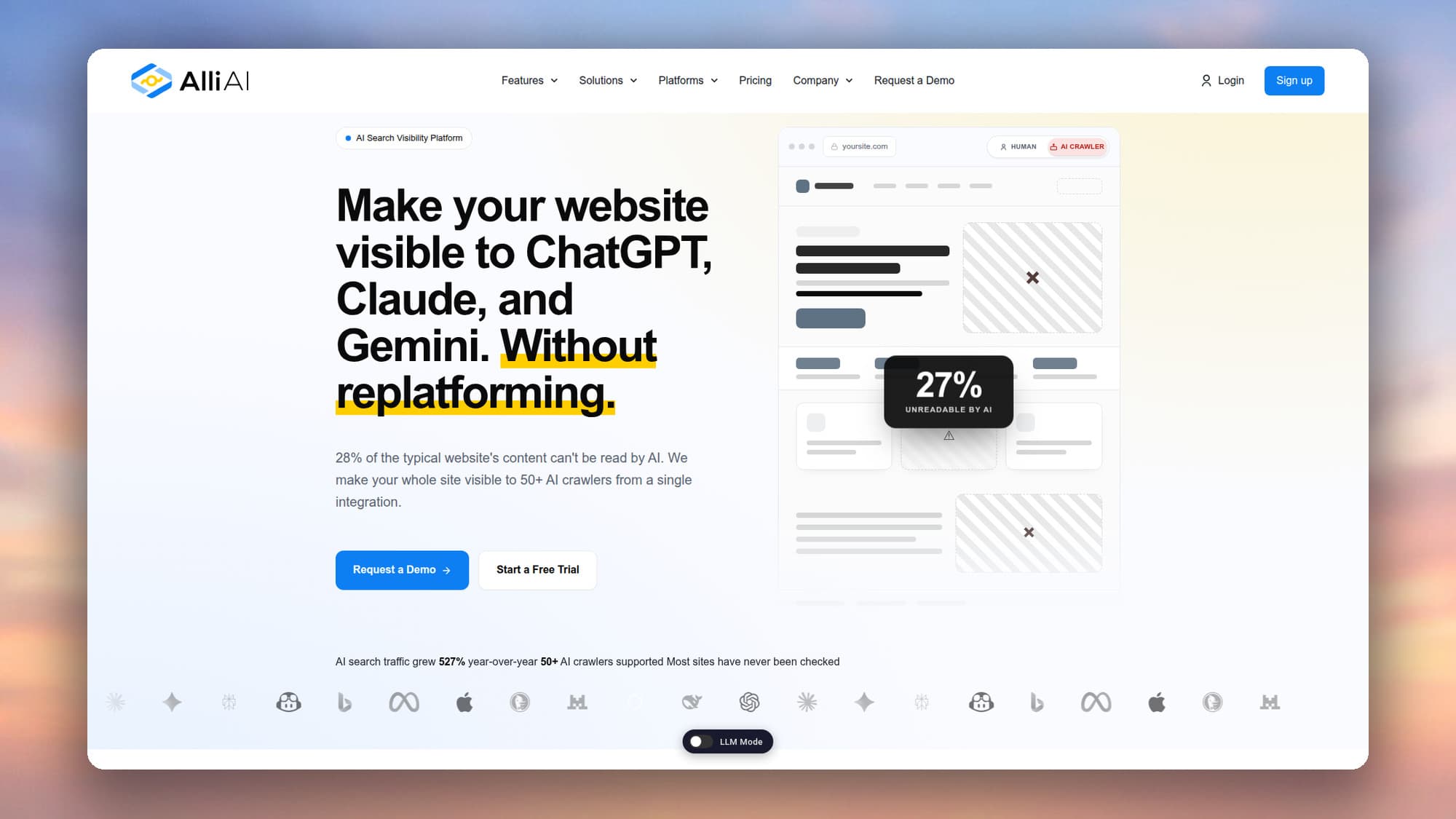
| Alli AI | Automated technical and schema changes at scale | Site-wide on-page and schema edits via a script | From $249/mo (billed annually) | Bulk on-page automation across most CMS platforms |
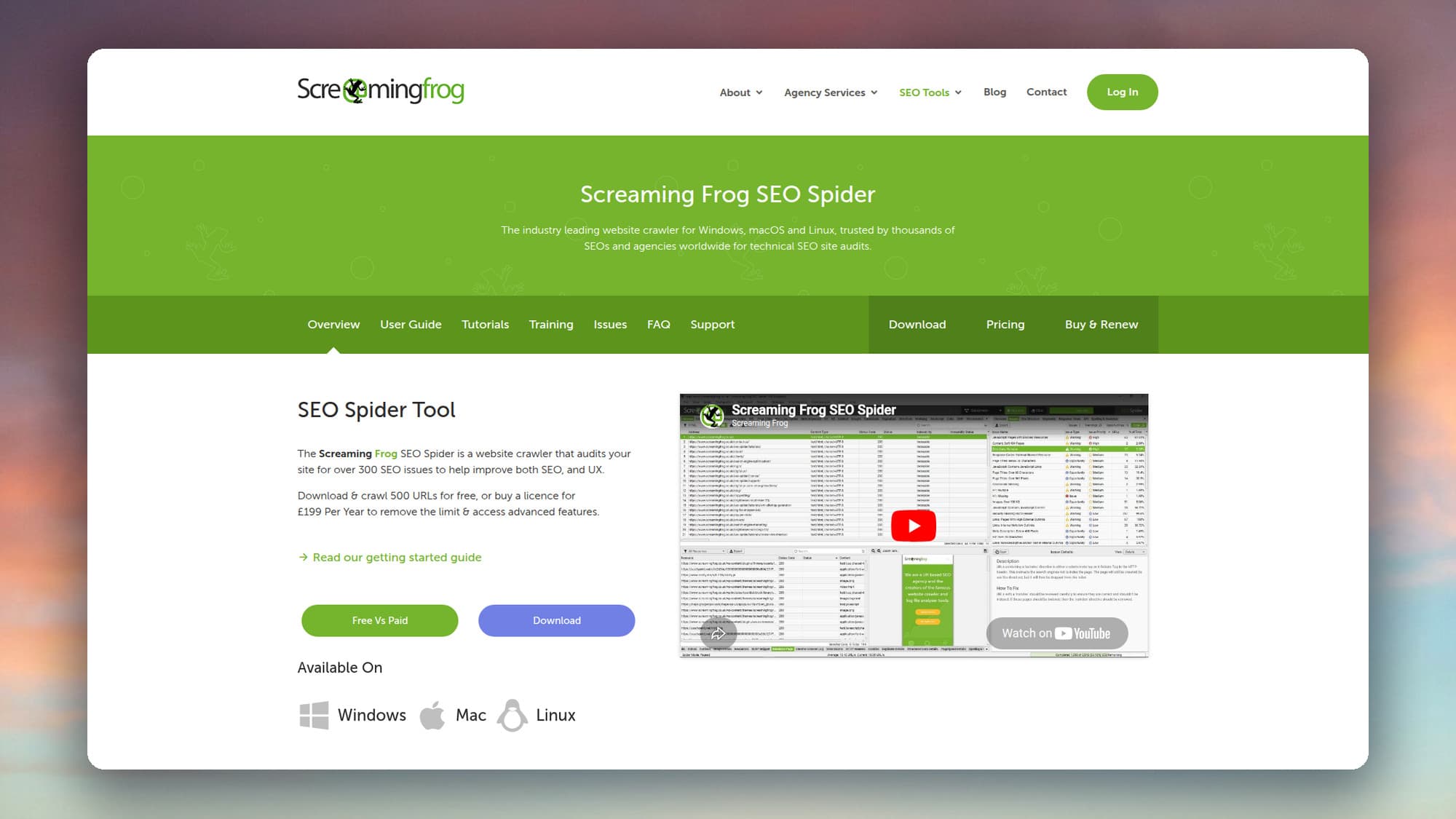
| Screaming Frog | Deep technical crawling | Full-site crawls, technical audit data | Free to 500 URLs; licence from £199/yr | The most granular crawl data you can get |
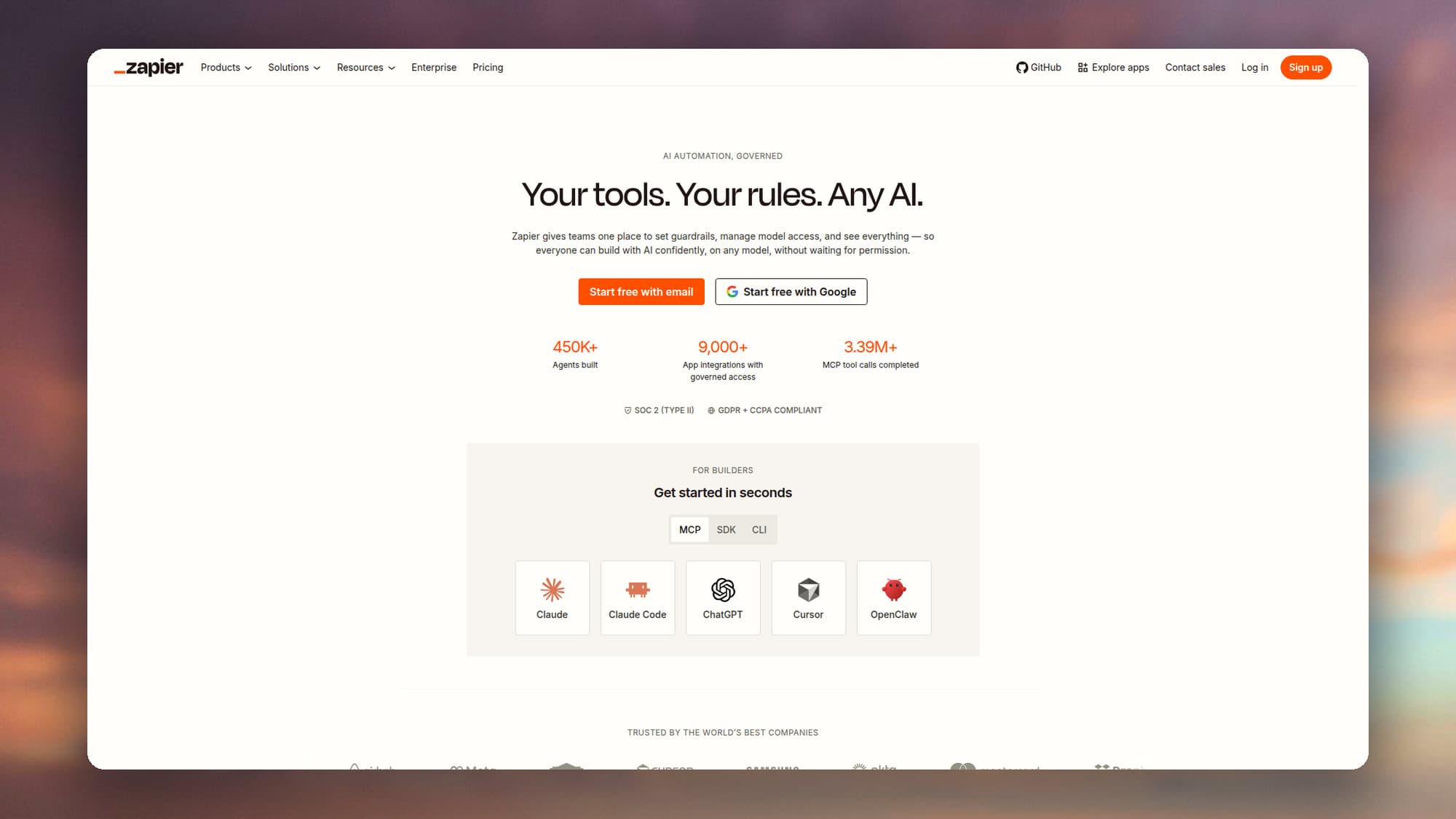
| Zapier / Make | Connecting your tools | Custom workflows between apps | Free tiers; paid from ~$12/mo | Glue for automations no single tool offers |
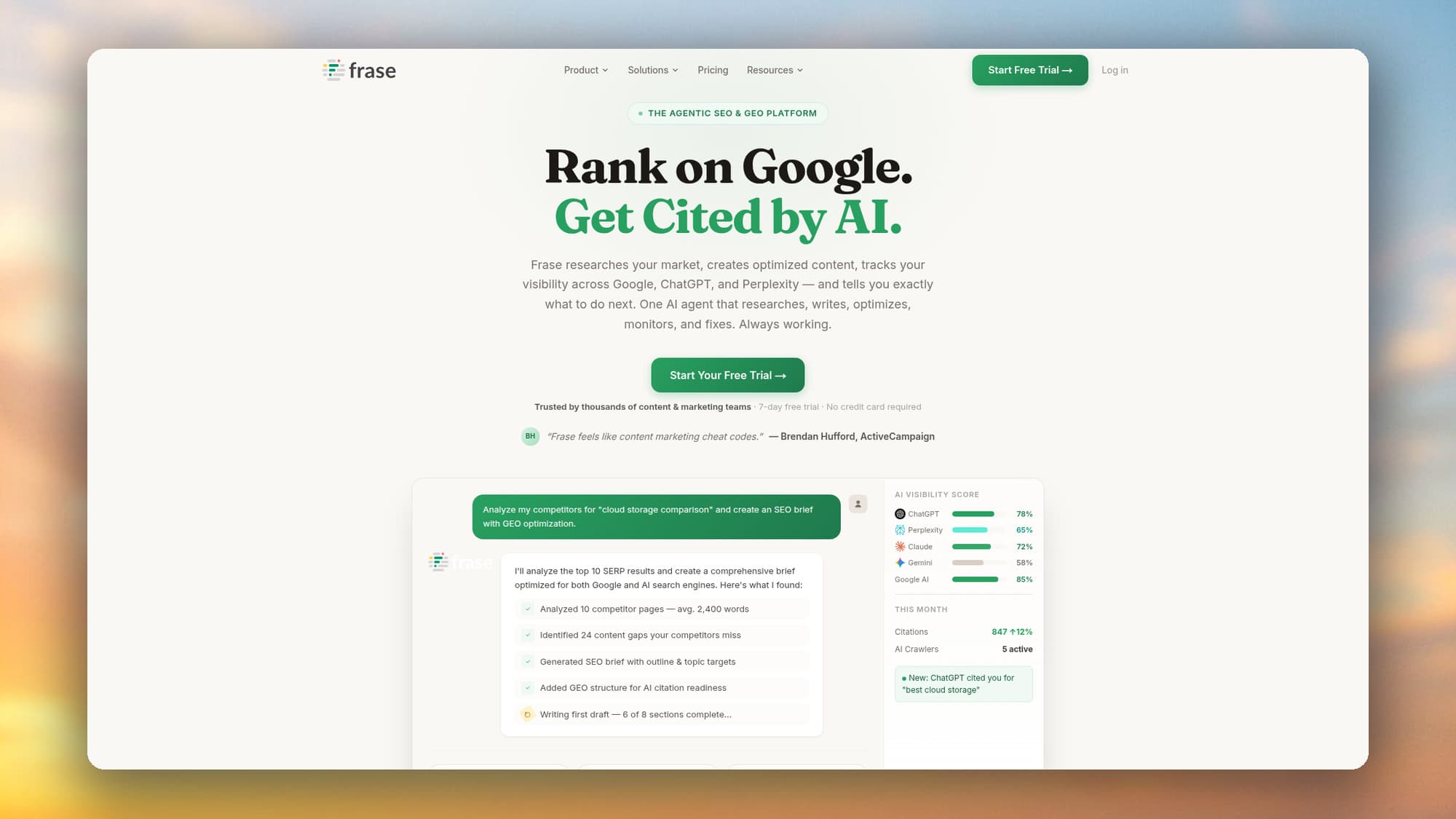
| Frase / Clearscope | Content briefs | Research-backed briefs and content scoring | Frase Starter from $39/mo billed yearly ($49 month to month); Clearscope Essentials from $129/mo | Turning a keyword into a writer-ready brief |
RightBlogger Site Agent: best for automated on-page maintenance
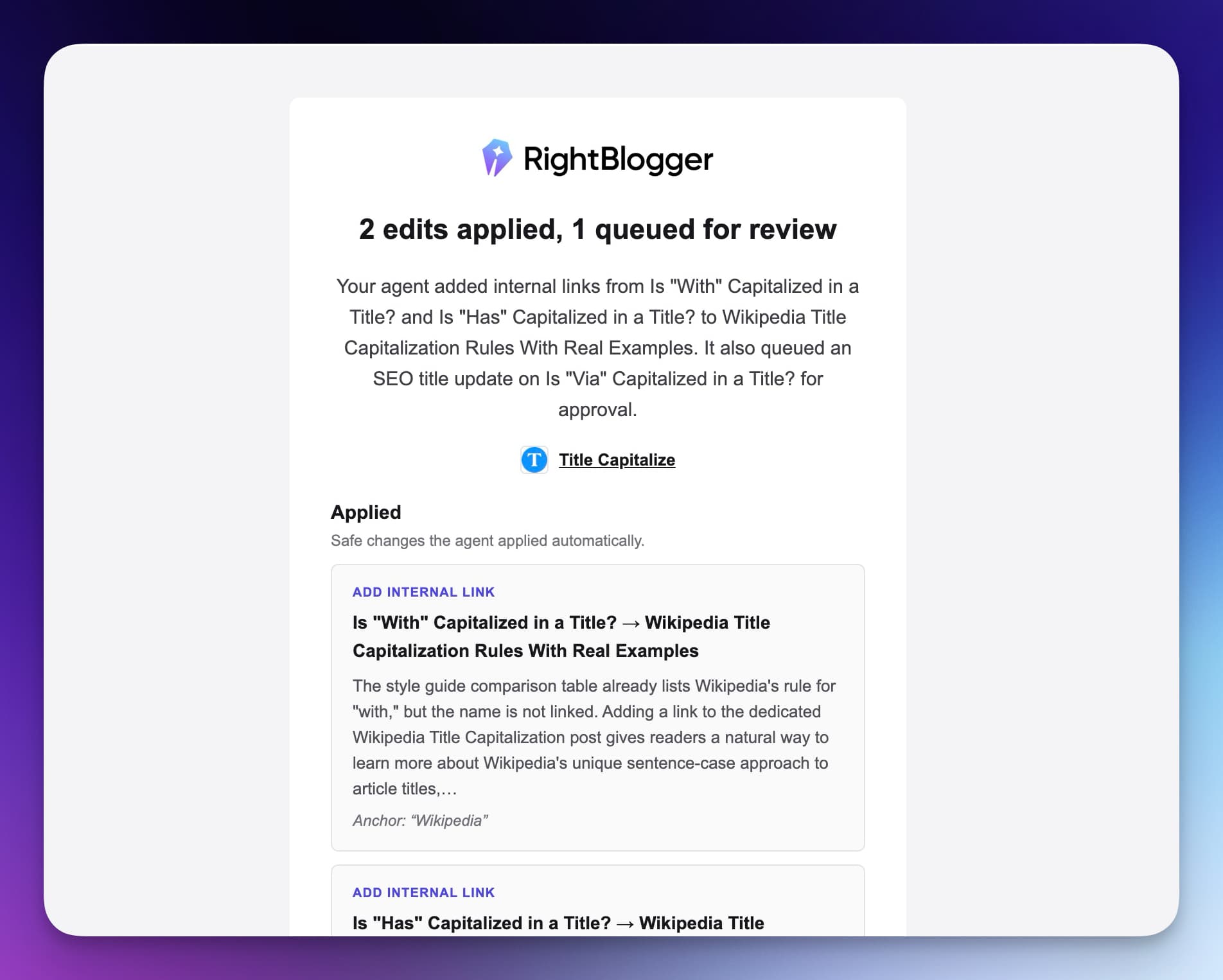
RightBlogger is an AI blog automation tool, and its Site Agent is the piece built for automated SEO. It connects to your blog, scans it about every three days on paid plans, and ships high-impact on-page fixes to your existing posts: internal links between related articles, sharper meta descriptions on low-CTR pages, stale year references in titles, and broken outbound links.
It reads your Google Search Console data to find the pages worth touching, and puts an estimated plus X clicks per month on each suggestion, so the value is clear before anything changes.
What makes it safe enough to leave running is the control and the safety net:
- Three run modes you can set per project or pause anytime: Ask Approval (every change waits for review), Smart (low-risk fixes auto-apply, bigger edits queue), and Fully Automatic
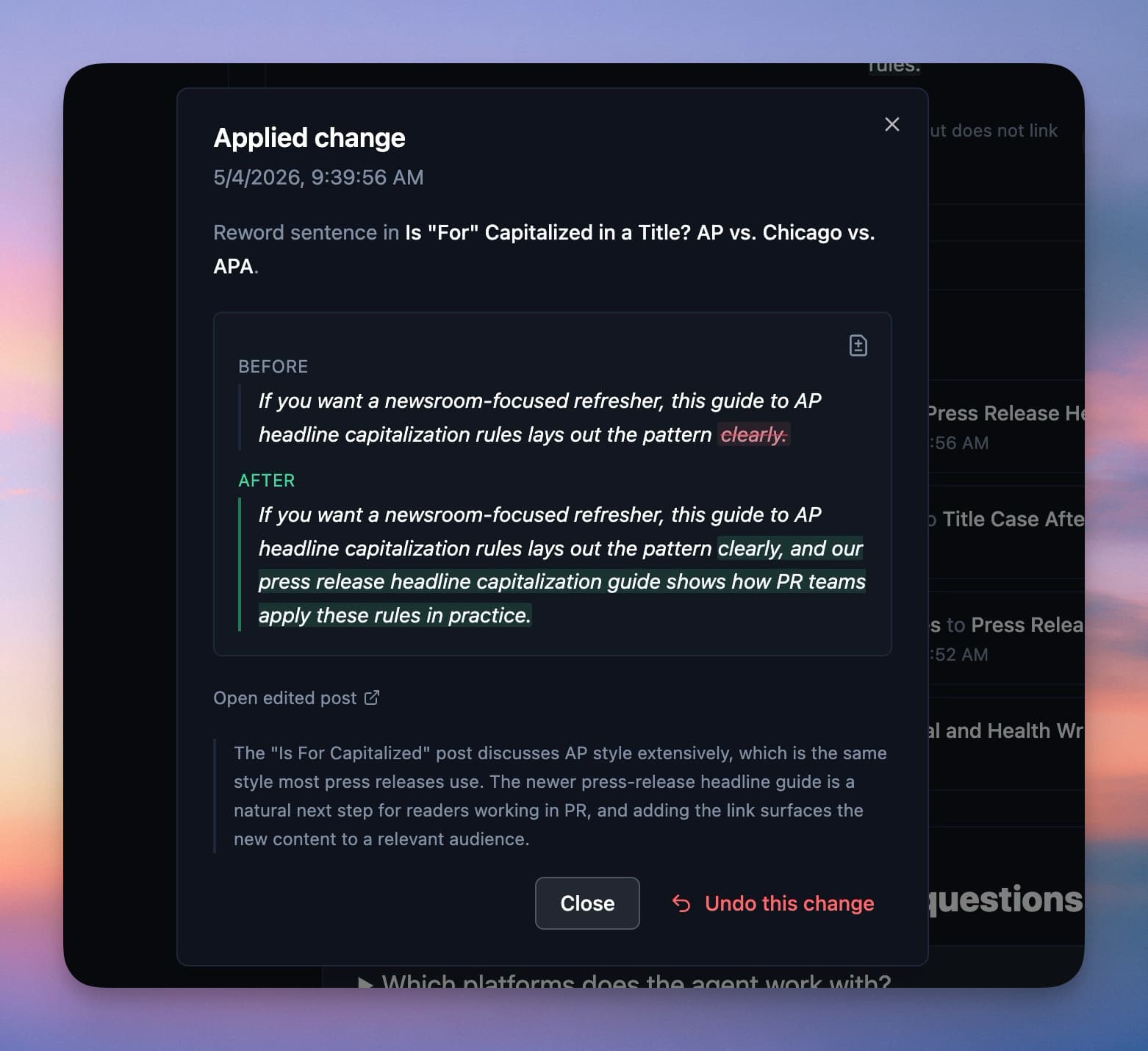
- Reversible by default, with a snapshot before each edit, a 30-day backup in two places, and one-click undo on every change
- It will not overwrite edits you made yourself since the last run, so it never quietly clobbers your work
- An email summary after each run, a full run history with diffs, and a memory of what you dismissed so it stops re-proposing it
It works with WordPress (through the RightBlogger plugin), Ghost, Webflow, Wix, Shopify, and Framer, and is included on the Solo, Pro, and Agency plans, which start at $49 a month. You can see how the Site Agent works here.
Where it is not the answer: it does not write new articles, run keyword research, or audit technical issues at the depth of a dedicated crawler. For those, pair it with the tools below.
Surfer SEO: best for on-page content optimization
Surfer scores a draft against the pages already ranking for your keyword and tells you which terms and topics to add.
- Beats the Site Agent at optimizing a single page while you write it
- Does not maintain your library or run on its own, so it complements an agent rather than replacing one

Yoast SEO: best for WordPress on-page basics
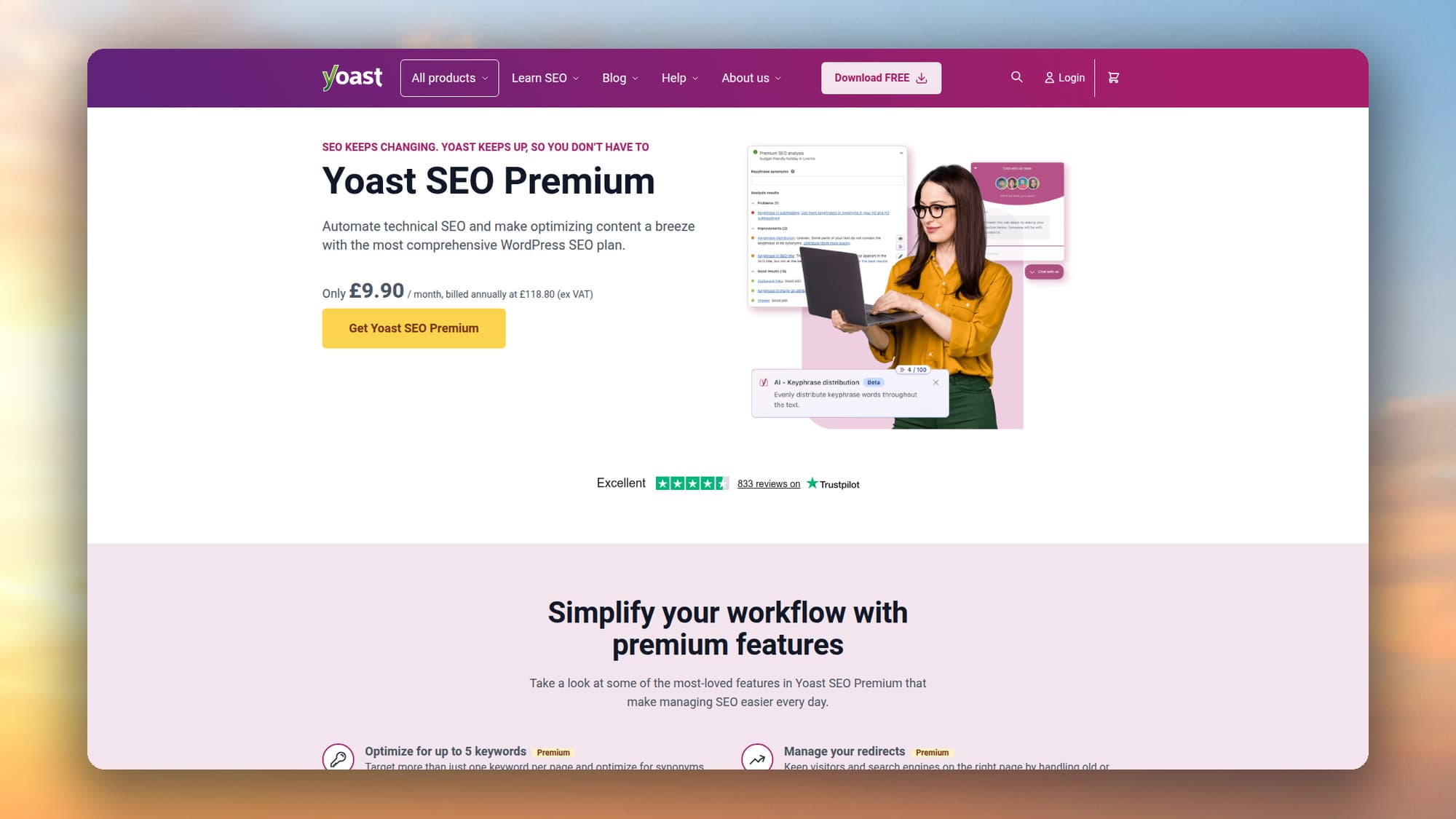
Yoast gives you live on-page feedback inside the WordPress editor, plus sensible schema defaults. It is better than the Site Agent at in-editor guidance as you write a new post. It is a manual assistant rather than an automation, though, so the work still happens one post at a time.
Semrush and Ahrefs: best for monitoring and audits at scale
Semrush and Ahrefs are the heavy machinery for rank tracking, site audits, backlink analysis, and alerts. They automate the monitoring side better than anything else, and their research data is deeper than any blog tool.
They tell you what to fix. Pair them with something that actually ships the change.

SearchAtlas OTTO: best for hands-off technical fixes
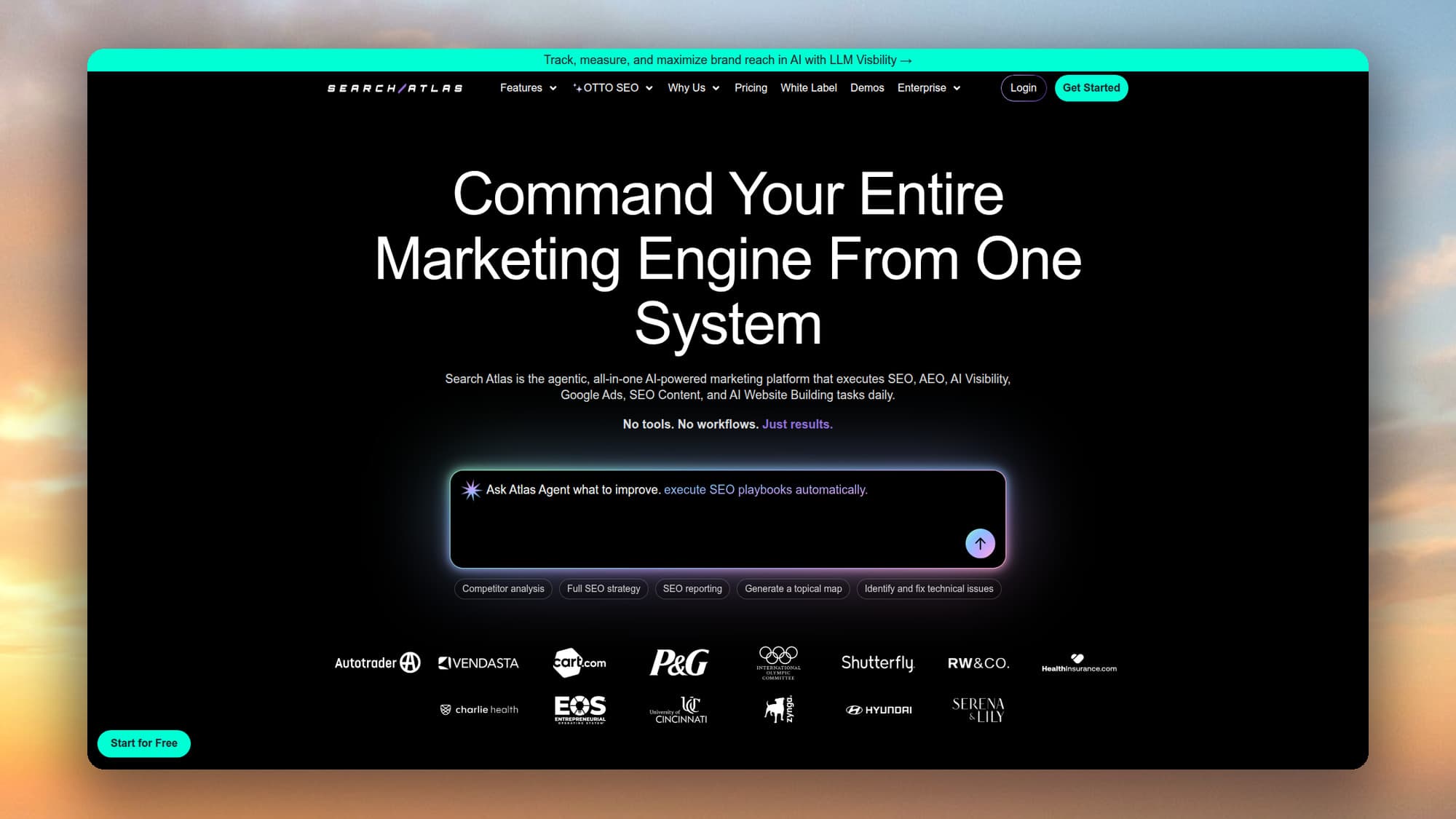
SearchAtlas’s OTTO pushes technical and on-page changes live through a script you add to your site, so it is strong at technical automation at scale, which the Site Agent does not focus on. The trade-off is less direct control, since everything runs through an external script rather than edits to the post itself.
Alli AI: best for automated technical changes at scale
Alli AI applies on-page and schema changes across your whole site through a small code snippet, in the same hands-off style as OTTO. It is built for automation at scale and works across most CMS platforms, so it suits larger or more technical sites.
Like OTTO, it leans on a script rather than editing posts directly, so you trade some control for reach. It is priced for agencies and teams rather than solo bloggers, and it is less focused on the blog-level, CTR-driven upkeep the Site Agent specializes in.
Screaming Frog: best for deep crawling
Screaming Frog is a desktop crawler that gives you the most detailed technical audit data available. Nothing here beats it for finding granular technical issues, though it reports rather than fixes and has a learning curve, so it suits people who want to dig into the raw crawl.
Heads up: the free tier caps at 500 URLs, so larger sites need the paid licence.
Zapier and Make: best for connecting your tools
Zapier and Make are the glue between tools. They automate connections, not SEO itself, so you bring the logic. A few automations worth building:
- Pipe Search Console alerts into Slack
- Log weekly rank changes to a Google Sheet
- Trigger a re-crawl whenever you publish a new post
Gumloop is a newer, AI-native take on the same idea, for building multi-step SEO workflows without code.
Frase and Clearscope: best for content briefs
Frase and Clearscope turn a keyword into a research-backed brief: the questions to answer, the terms to include, and a target content score to write against. That makes them strongest at the research and drafting stage, well before any maintenance work begins.
The honest takeaway: the Site Agent is the one I reach for to keep existing content healthy without thinking about it. The others each own a different slice, from research to crawling to monitoring. Most real setups use two or three of these together, not one.
Is automated SEO worth it?
For most blogs, yes, as long as you automate upkeep rather than mass content. Picture the manual version: checking a few hundred posts for broken links, stale year references, slipping rankings, and weak meta descriptions is realistically a day or two of tedious work every quarter, and it is the kind of task that quietly never gets done.
A tool that runs it in the background usually costs less per month than the hours it gives back, and the pages it fixes keep earning clicks you would otherwise lose to decay. The math only breaks when you point automation at new content and skip the human review, which is where quality and rankings slide.
How to set up an automated SEO workflow
You can put a basic automated SEO workflow in place this week. I would tackle it in this order.
- Connect Google Search Console. Almost every useful automation reads from it. If it is not connected, start here, because the data drives everything else.
- Automate monitoring first. Turn on rank tracking and Search Console alerts in a tool you already use, and wire Search Console and GA4 into a Data Studio dashboard, so problems come to you instead of waiting to be found.
- Automate on-page maintenance. Connect RightBlogger’s Site Agent to your blog and let it scan on a schedule. Start in Smart mode, where small fixes apply on their own and bigger edits wait for your approval. Watch the first few runs, then loosen or tighten the controls once you trust it.
- Schedule a deeper audit monthly. Run a full crawl once a month with a dedicated crawler to catch the technical issues lighter tools miss, and check your schema and AI search visibility while you are in there.
- Keep strategy and new content on your own calendar. Let automation own the upkeep. Keep topic selection, original research, and the final edit for yourself.
Done in that order, the repetitive work runs in the background and your attention goes to the parts that actually move rankings.
FAQ
What is SEO automation?
SEO automation is using software and AI to handle repetitive, rule-based SEO tasks, such as audits, rank tracking, internal linking, meta descriptions, reporting, and content refreshes. It runs that work on a schedule or trigger so you do not do each one by hand, freeing your time for strategy and original content.
Can SEO be automated?
Partly. You can automate monitoring, audits, internal links, meta descriptions, reporting, freshness updates, and broken-link cleanup. You cannot automate strategy, original research, brand voice, relationship building, or the final editorial call. The best results come from automating the repetitive upkeep and keeping the judgment-based work in human hands.
Is automated SEO safe, or does it hurt rankings?
Automation is safe when it applies known, low-risk fixes and keeps a human in the loop. It hurts rankings when it publishes generic content at scale with no oversight. Choose tools with approval controls and one-click undo, automate maintenance rather than mass content, and review what changes.
What is the best free SEO automation tool?
Google Search Console is the best free starting point, since it automates monitoring and alerts and feeds most other tools. For free on-page help, Yoast SEO covers WordPress basics, and Screaming Frog offers a free crawl tier. Most full automation tools, including agents that ship fixes, sit on paid plans.
What is an AI SEO agent?
An AI SEO agent is software that looks at your site data, decides which SEO fixes to make, and applies them, usually with your approval. Unlike a tool that only reports problems, an agent acts on them. RightBlogger’s Site Agent is one example, shipping on-page fixes to existing posts on a schedule.
What are the best SEO automation tools?
There is no single best tool, only the best one for each job. For automated on-page upkeep of existing posts, RightBlogger’s Site Agent is my pick. For optimizing a draft as you write, use Surfer. For monitoring and audits at scale, Semrush or Ahrefs. For deep technical crawls, Screaming Frog. For hands-off technical fixes at scale, SearchAtlas OTTO or Alli AI. Most real setups combine two or three of these.
Is automated SEO worth it?
For most sites it pays off, as long as you automate maintenance rather than new content. The repetitive upkeep automation handles, like internal links, broken links, freshness, and meta descriptions, would take a day or two of manual work each quarter on a large blog. A tool that does it in the background usually costs less than the time it saves, and it protects clicks you would otherwise lose to decay.
Automate the upkeep, keep the thinking
SEO automation is not about doing more for the sake of it. It is about clearing the repetitive upkeep so your time goes to the work that actually moves rankings. Automate the maintenance, keep the strategy and the writing, and your content stays healthy without the manual grind.
If you want the on-page maintenance handled for you, RightBlogger’s Site Agent scans your blog every few days and ships reversible SEO fixes to your existing posts, using your own Search Console data to decide what is worth touching. It is the simplest way to put the upkeep on autopilot while you keep control of everything that matters.

Article by
RightBlogger Co-Founder, Andy Feliciotti builds websites and shares practical SEO tips, photography, and travel stories.


Automated SEO Blog Posts That Work
Try RightBlogger for free, we know you'll love it.
7-day free trial. Cancel anytime.





Leave a comment
You must be logged in to comment.
Loading comments...