How to Automate Client Blogs for Marketing Agencies in 2026
Turn YouTube uploads and keyword plans into scheduled, SEO-optimized posts that match each client’s voice.

Most marketing agencies are still grinding out blog posts one by one. Research, writing, optimization, edits, publishing. Even with AI tools in the mix, this time expenditure adds up quickly. Marketing agencies that aren’t automating their client blogs are falling behind.
The hard part is this: the countdown clock with a new client starts on day one. If you don’t have the right systems in place, you can work nonstop and have very little results to show… then your new client doesn’t stay excited long-term.
That’s why I’ve automated almost my entire blog content workflow, both for my own sites and for my marketing agency clients. The goal is simple: consistent publishing that still drives organic SEO traffic growth, without me needing to keep my hands on the wheel every single day.
Key Takeaways to Automate Client Blogs Without Losing Quality
- I automate around content I’m already creating (especially YouTube videos), so I’m not starting from scratch every time.
- I rely on a my Content Planner + automations so blog posts move from idea to scheduled publishing without daily effort.
- I automate the AI & SEO-optimization inside my Content Planner process, so each new article is published pre-optimized for more Google & ChatGPT traffic from day one.
- I keep quality high by matching voice, using formatting, and making sure posts fit real search intent.
- I publish across different CMS platforms through direct integrations, so each post lands on the right site with one click.
The Real Cost of Manual Blogging (and Using Only ChatGPT) for Marketing Agencies
If you’ve ever managed content for clients (even with the help of ChatGPT), you know the pain points already. Every blog post seems “reasonable” until you stack them up across five clients and a few channels. Then it turns into a treadmill.

Here’s what usually breaks the marketing agency teams I work with:
- You spin your wheels without systems: You keep producing, but you’re always behind.
- You burn out before results show up: Clients want real traction, but rankings and traffic take time.
Meanwhile, clients don’t care that you wrote eight posts this month. They care that the blog is growing, leads are coming in, and their brand looks active. So if you want to automate client blogs in a way that actually helps, you need a setup where content keeps shipping even when you’re busy, plus a way to show clients the SEO results in language they understand. RightBlogger’s white-label SEO reports connect to a client’s Google Search Console in a few minutes and give you a branded dashboard you can share without the spreadsheet drag.
Why Content Automation Changed My Marketing Game
I’ve been doing this for 15 years. I’ve run content teams, worked with clients under my agency, and I’ve grown my own SaaS products using these same content frameworks.
What changed everything was deciding that content production needed a repeatable system that keeps running on the weeks I have no energy for writing.
Once I automated the workflow, my blog still published consistently. It still grew. Better yet, it still brought in daily traffic that supports my business. If you want the broader playbook, this pairs well with my step-by-step guide to automating your blog.
Proof from My Blog Traffic (and What the Numbers Really Mean)
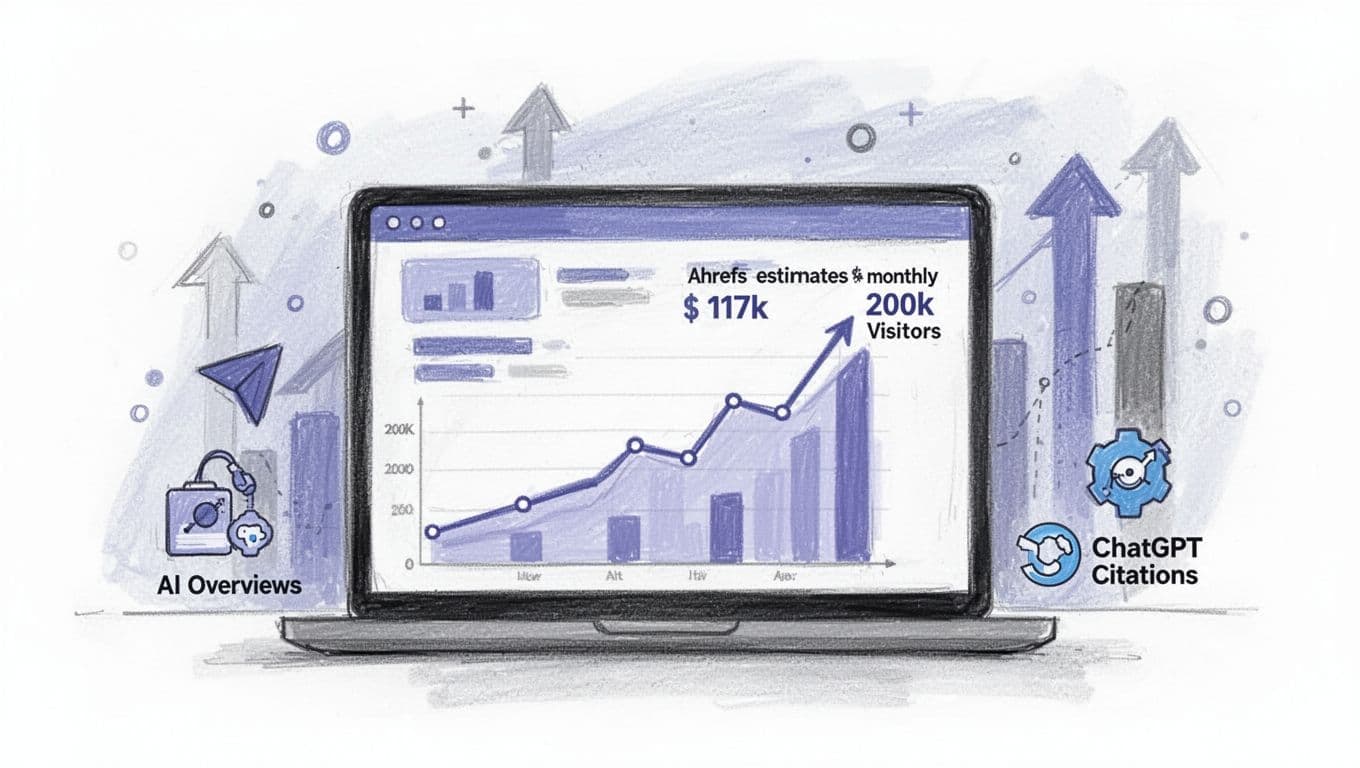
Here’s what my blog looks like today from an Ahrefs view. Their estimates suggest I’m driving about 117,000 monthly visitors. I can also see stats tied to AI overviews and ChatGPT-related visibility. On the traffic graph, there’s a peak last summer closer to 200,000.
Now, the honest footnote: Ahrefs is an estimate.
In my real analytics, my blog is typically more like 130,000 to 200,000 visitors per month, depending on seasonality and how often I’m updating content to keep rankings fresh.
The Workflow I Use to Publish on Autopilot (Without Posting Junk)
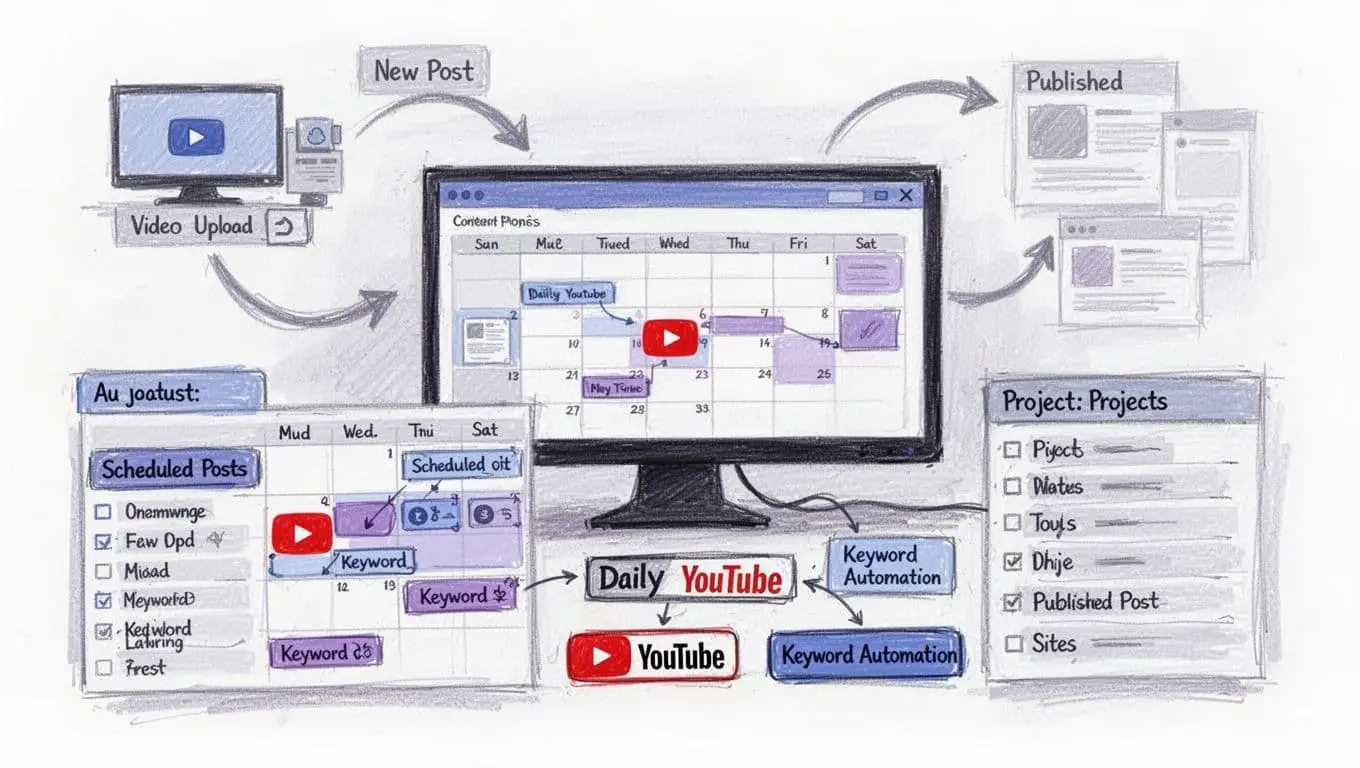
When you land on my blog, you’ll see I publish regularly. The important part is that I’m not doing a bunch of repetitive setup every time. I replicate the same system across my client sites and my own properties.
My most recent post was pulled straight from a YouTube video I published the day before. The video had a few hundred views (417 at the time), and the blog post went live without me manually writing, formatting, or uploading anything after the YouTube upload.
That’s the whole point: I want the work I already do (like filming) to create more assets automatically.
How My YouTube-to-Blog Automation Works
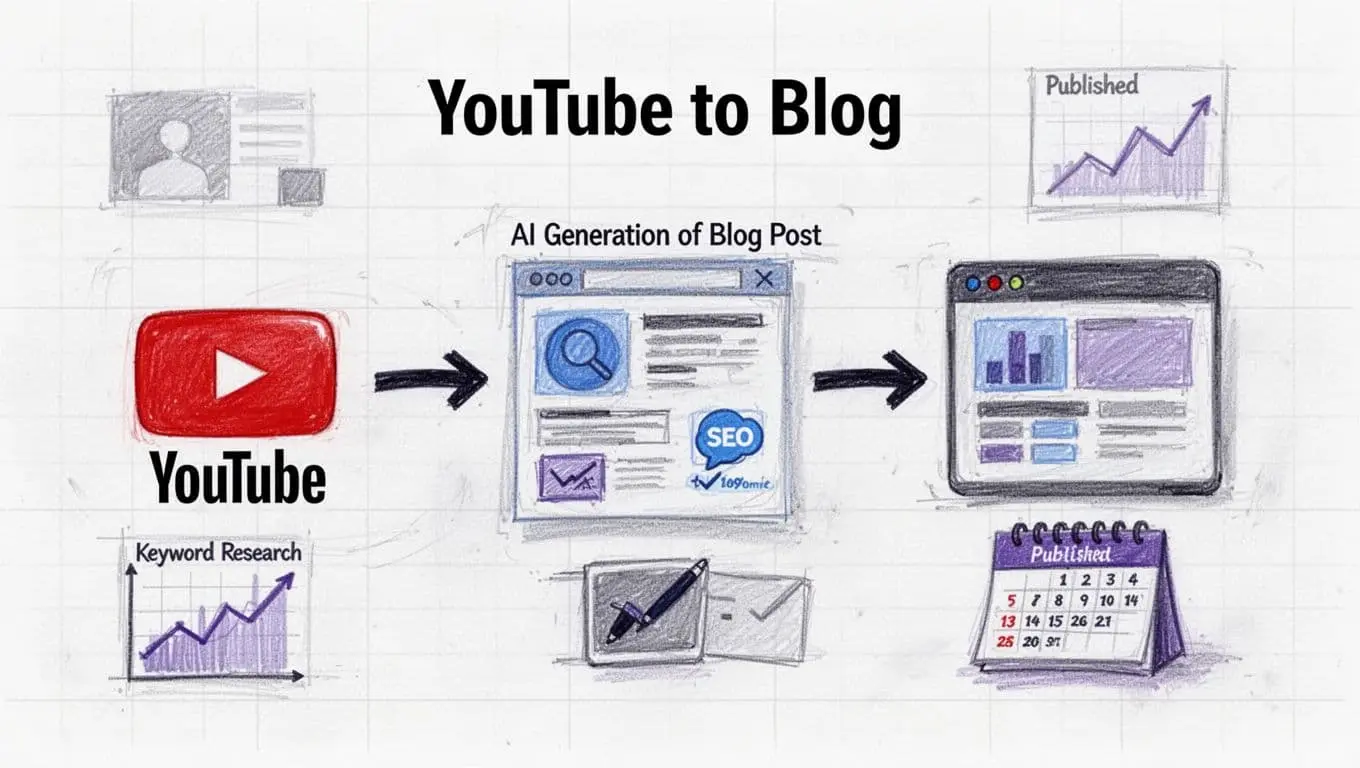
I use RightBlogger, which is my autoblogging platform with a full AI content planner and automation system built in. Where it really helps is doing the boring work for me on content I’m already making.
This is the exact loop for my daily YouTube automation:
- I upload a video to my YouTube channel.
- RightBlogger scans my channel and notices the new video went live.
- It generates an SEO-optimized blog post and publishes it straight to my site.
If you want to keep up with new videos, you can subscribe to the RightBlogger YouTube channel.
How I Keep Every Automated Post SEO-Optimized for Clients
One of the easiest ways automation fails is when the content goes live and then sits there unoptimized. So I don’t rely on “I’ll come back later.”
Inside RightBlogger, I can toggle on SEO optimization for every post using SEO Reports. That report researches the keyword phrase I’m targeting, looks at the SERP, identifies topic gaps, and matches the content to what people actually want when they search. Then it produces an SEO score.
When that’s on inside the automated content planner, posts publish pre-optimized, which helps them rank faster and earn citations in tools like ChatGPT. If you want the deeper setup, I break it down in my automated AI SEO optimization guide.
My rule is simple: if optimization is optional, it’ll get skipped when things get busy. I build it into the system.
The Second Automation: Keyword-Focused Posting on a Schedule for Clients
The other automation I run is keyword-focused. I connect a website, then the AI develops a plan of keywords and topics I should publish. After that, it schedules content to my calendar automatically.
I choose how often it runs (daily, weekly, or monthly), select the integration (so it publishes to the right CMS), and then it just keeps the pipeline full.
One example that published recently was “How to do free keyword research without paid tools.” That post had clean formatting, the keyword phrase worked naturally near the intro, and the structure was built for rankings and AI visibility.
If you’re building out a bigger stack for clients, it helps to understand the wider market too, so this list of top autoblogging tools for 2026 is a useful comparison.
Adding Extra Posts Without Breaking the System
Even with automations, I still like the option to add a post whenever I want. If I have a new idea, I hit “New Post,” then I check the Suggestions tab because it shows content gaps I haven’t covered yet.
For example, I might see a topic like keyword mapping for blogs (assign one keyword per page to avoid cannibalization). I select it, make sure it’s going to the right integration, toggle auto optimize, and schedule it. Then it drops into the next open slot on my content planner and renders in the background.
If you want another perspective on agency workflow automation, this content workflow automation for agencies guide matches a lot of what I’ve seen in the field.
Client Voice, Team Access, and CMS Integrations
Automation only works if it doesn’t flatten a brand into “generic blog voice.” That’s why RightBlogger lets me upload writing samples or videos from a client, so the AI learns their tone. The goal is for automated posts to sound in their voice from the start.
On top of that, I can invite team members into projects. That matters if I want partners at my agency or VAs involved in review and publishing.
Finally, integrations are non-negotiable when you’re managing multiple sites. RightBlogger integrates with WordPress, Webflow, Wix, Duda, Ghost, Shopify, and more, so content can publish where it needs to without extra steps.
If you want to try the autoblogging tools I’m using, I send people to RightBlogger’s autoblogging tools for agencies and marketers.
FAQs About Automating Client Blogs (Marketing Agencies)
Will automated blog posts hurt quality?
Not if the system bakes in structure, formatting, and optimization, and you set it up to match brand voice. Automation handles repeatable steps, then humans can focus on the parts that need taste and judgment.
Can I automate client blogs if they don’t have a YouTube channel?
Yes. I use a keyword-focused automation that builds a topic plan and schedules posts, even without any video content.
How often should agencies publish with automations?
It depends on the site, but the tool supports daily, weekly, or monthly schedules. I pick a cadence I can support with light oversight, then I increase frequency once results start stacking.
Which CMS platforms can I publish to automatically?
In my workflow, I publish to major CMS options like WordPress, Webflow, Wix, Duda, Ghost, and Shopify through integrations.
Final Thoughts on My Agency Blog Automation Process
If you want to automate client blogs in 2026, the win isn’t “more AI.” It’s building a system that keeps publishing without draining your team, while still aiming at topics that can rank and bring traffic.
Once you have that engine running, clients stop asking why content takes so long, because they can finally see results compounding week after week.
Blog Automation That Keeps Your Posts Ranking

RightBlogger finds keywords, writes SEO articles, and publishes them to your blog. Then its Site Agent uses your Search Console data to keep older posts in shape, adding internal links, sharpening weak meta descriptions, and fixing stale years and broken links. Join 51,000+ bloggers using it to grow traffic from Google and ChatGPT.

RightBlogger Co-Founder, Ryan Robinson helps agencies automate client blogs. He’s also a recovering side project addict who teaches 500,000 monthly readers.
![How to Automate Blog Posts in 2026 [Step-by-Step Guide]](/_next/image?url=https%3A%2F%2Fcms.rightblogger.com%2Fwp-content%2Fuploads%2F2025%2F12%2Fautomate-blog.jpg&w=1200&q=75)



Automated SEO Blog Posts for Your Site
Research, write, publish, and share from one account.
7-day free trial. Cancel anytime.





Leave a comment