How to Manage Multiple Blogs in RightBlogger Content Planner
Separate each blog’s ideas and drafts, then use one filtered calendar, simple statuses, and a two-week buffer to stay on schedule.


Managing multiple blogs is not difficult because of a lack of content ideas. More often, the challenge comes from disorganized workflows, duplicate topics, missed deadlines, and content scattered across different projects.
A well-structured RightBlogger Content Planner setup helps keep every blog organized and moving forward. Whether you manage niche sites, client blogs, or a growing content team, having a clear system makes it easier to track ideas, assign priorities, and maintain a consistent publishing schedule.
The key is treating each blog as its own project while still keeping a high-level view of your entire content operation. When organized correctly, RightBlogger Content Planner becomes a central hub that helps you plan, schedule, and publish content without losing track of what belongs where.
Key Takeaways for Managing Multiple Blogs in RightBlogger
- Give each blog its own home. Separate projects, notes, and content ideas help prevent content from overlapping across sites.
- Use one master calendar. A centralized view makes it easier to maintain a consistent posting schedule across multiple blogs.
- Filter by blog and status. Quickly identify which posts are in planning, writing, review, or publishing stages.
- Build a buffer. Schedule content ahead of time so unexpected delays do not disrupt your publishing workflow.
When every post is mixed into a single content pool, even the best blogging platform can become difficult to manage. A structured planning system helps keep your content organized, your deadlines visible, and your blogs growing consistently.
Start With One Blog Map for Each Site
Before you touch the calendar, define each blog on paper. What is the site for, who is the target audience, how often should it publish, and what types of content appear most often?
That simple map keeps the rest of the workflow organized. A review blog needs a different publishing rhythm than a how-to blog, while a client blog may require approvals before anything goes live.
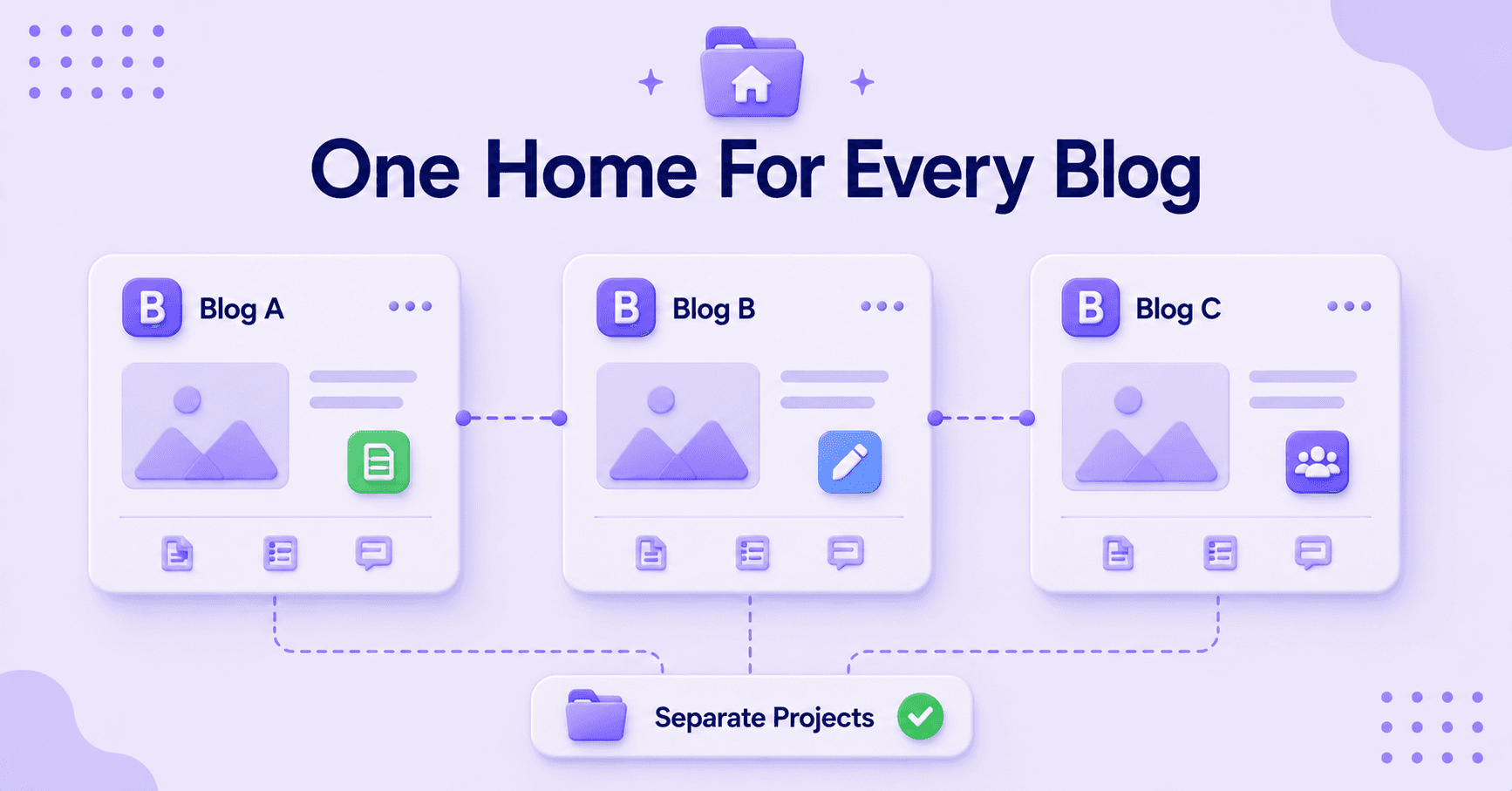
This is where separate projects matter. In RightBlogger, that structure helps prevent one blog from borrowing another blog’s drafts, deadlines, or content ideas. If you want a closer look at the planner, team access, and tools for your WordPress site, explore RightBlogger features.
What to Include in Your Blog Map
A useful blog map does not need to be complicated. A short note for each site is usually enough:
- What the blog covers and which niche topics it features
- How often it publishes
- Who approves content
- Which post types appear most often
That small amount of clarity saves a significant amount of time later. Without it, every new topic starts to feel like it belongs everywhere, even when it does not.
Keep the Calendar Clean and Easy to Scan
Your content calendar is where poor planning becomes obvious. If every post looks the same, you will constantly ask basic questions such as which site it belongs to, whether it is ready, or if it has already been moved.
A clean editorial calendar gives each blog its own place without forcing you to jump between tools. Keep the view broad enough to see all your sites while maintaining enough detail to understand what is happening.
If a post already exists, drag it to the appropriate date. If you have a new topic, start with a keyword and build a draft that is made for SEO from the start, shaped by how Google’s ranking algorithm has evolved.
That approach works especially well when one blog is ahead and another needs fresh content ideas. You can move completed posts into open publishing slots without rebuilding the entire month.
The goal is not to fill every space on the calendar. The goal is to make the calendar readable within seconds.
A Simple Calendar Rule
At a glance, you should be able to identify:
- Which blog a post belongs to
- When it is scheduled
- Whether it is ready to move forward
If your calendar cannot provide those answers immediately, it is probably too crowded.
Use Statuses and Filters to Keep Work Moving
When managing multiple blogs, status tags are more than visual labels. They help you understand exactly what needs attention and where each piece of content stands.
Keep your workflow simple. Draft, In Review, and Approved are enough for most teams and provide a clear path from creation to publication.
Recommended Content Statuses
- Draft
- In Review
- Approved
These statuses quickly show what is blocked, what needs editing, and what is ready to go live. You do not need dozens of labels to stay organized.
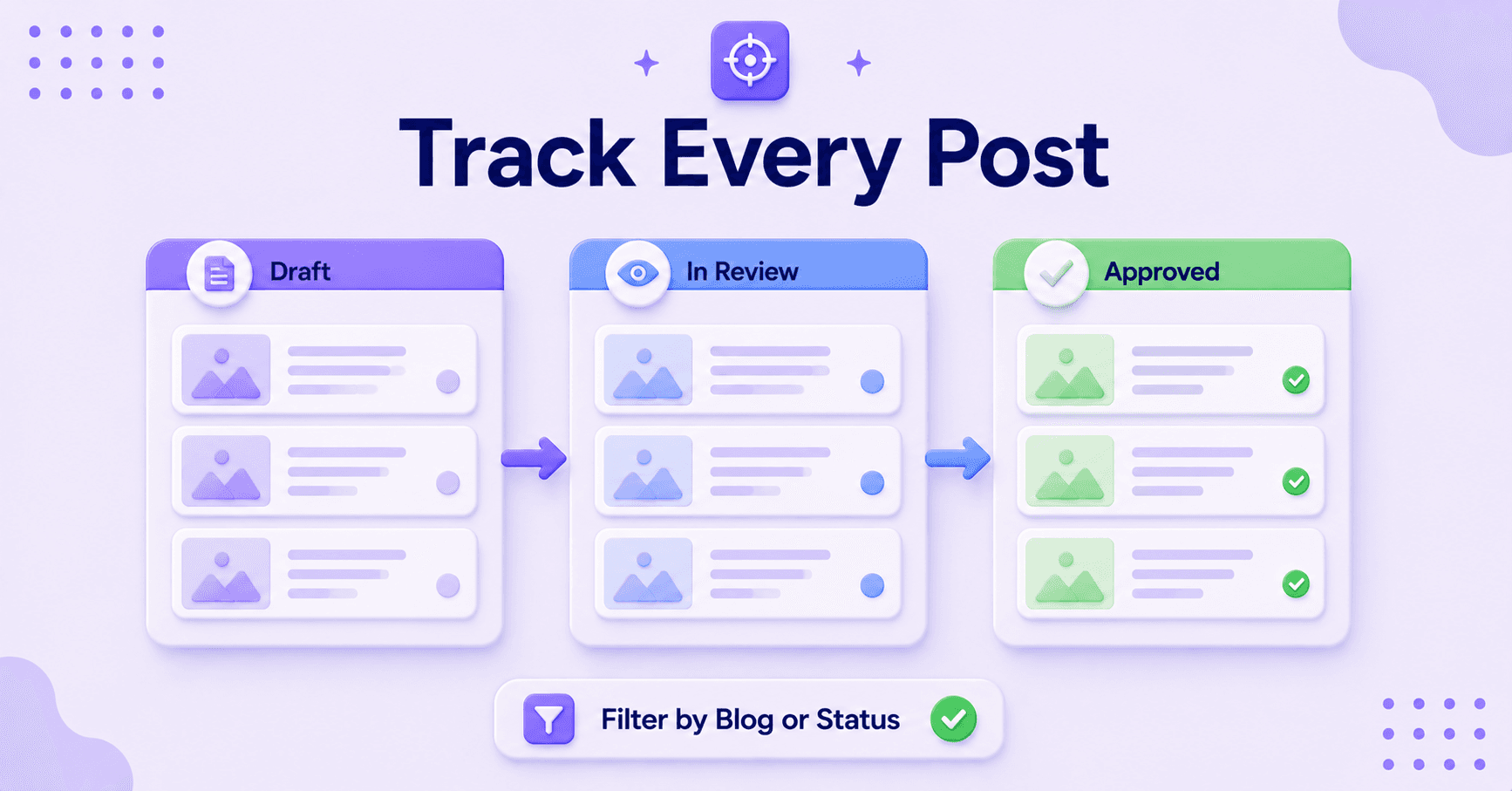
Filters are just as important. If you want to focus on Blog A, hide Blog B and Blog C so you only see the content that matters for that session.
You can apply the same approach to the rest of your workflow. If you manage social accounts alongside your blogs, the same filtering keeps those priorities clear too.
This level of focus prevents your content planner from becoming overwhelming. It is especially useful when multiple team members are working inside the same account.
Before every planning session, ask one simple question: what needs attention today? The answer should come directly from your planner, so nothing depends on memory.
Batch Ideas So Each Blog Has a Buffer
Planning one post at a time may work initially, but it eventually leads to empty calendar slots. Batching content ideas helps maintain momentum and keeps every blog moving forward.
Set aside dedicated planning time for one blog, load several content ideas, and then repeat the process for the next site. This is especially valuable when managing a multi-niche blog because it prevents unrelated content from becoming mixed together.
By keeping niche topics separate, you maintain a clearer content strategy for every site. If you already track your strategy in a spreadsheet, learning how to bulk schedule blog posts is a logical next step.
Why Content Buffers Matter
A content buffer creates flexibility and reduces stress.
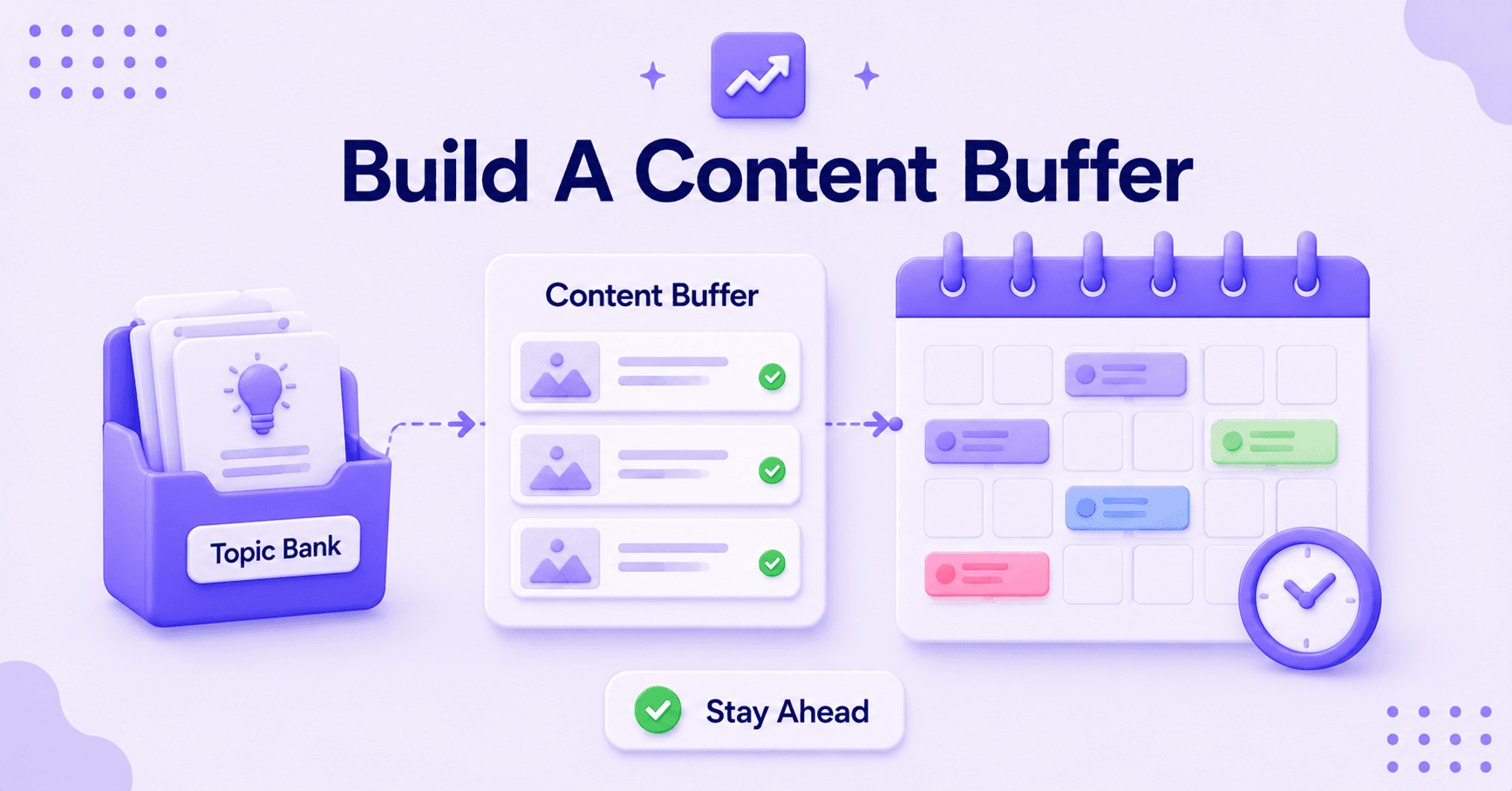
- A two-week buffer provides breathing room
- A month-long buffer offers stronger protection against missed deadlines
- Delayed posts no longer disrupt your entire publishing schedule
With a healthy buffer in place, you can focus on creating high-quality original content rather than constantly chasing deadlines.
Build a Topic Bank for Every Blog
This is also the ideal time to build a topic bank. Keep a running list of potential blog topics for each site and pull from that list whenever an opening appears on the calendar.
A blog with a ready-made idea bank is much easier to maintain than one that depends entirely on weekly inspiration.
If one site requires consistent output, automation tools can help fill scheduling gaps. You can automate your blog publishing and support affiliate programs without starting from scratch every time.
Automation works best when clear planning rules and human oversight remain in place.
Review the Plan Before It Starts Running You
A weekly review keeps your planning system healthy. Without it, even the best content planner begins to drift as posts slip, ideas accumulate, and priorities become unclear.
Use your review session to answer three questions:
- What is due soon?
- What is late?
- What can be batched next?
This quick check helps identify problems before they become urgent and protects your long-term website traffic goals. To bring real numbers into that review, you can pull each blog’s Search Console data into Claude and compare the sites side by side.
Look for Uneven Publishing Schedules
It is also important to review pacing across all blogs. One site may have several posts ready to publish while another has none scheduled at all.
Monitor your publishing frequency to ensure each blog maintains a consistent rhythm. If you are unsure where to focus next, compare how each blog is pacing and put your time where a site has gone quiet.
A planner for multiple blogs only works when every site remains balanced, organized, and consistently active.
If you work with a team, use this review session to assign the next round of content, clarify responsibilities, and remove potential bottlenecks before the upcoming week begins.
FAQs About Managing Multiple Blogs in RightBlogger Content Planner
Here are a few additional questions you might be curious about.
How should you separate multiple blogs in one planner?
Use separate projects or spaces for each blog. Keep the ideas, draft dates, publish dates, and notes tied to the right site from the start. That small habit prevents most of the mix-ups people run into and ensures you do not accidentally create duplicate content across your different properties.
Can one calendar work for every blog?
Yes, one calendar can work for every blog as long as it stays filtered and easy to read. One master view helps you see the big picture, while using custom categories lets you focus on specific topics or evergreen information when you need to narrow your view.
Whether you are managing multiple WordPress sites or a single personal brand, filters ensure your planning remains organized and actionable.
How often should you review the planner?
Once a week is enough for most blogs. If you publish more often or manage a high volume of WordPress content, check it more frequently to stay ahead of your schedule.
The point is to catch late posts and empty slots before they pile up, keeping your overall content strategy running smoothly.
Final Thoughts on Managing Blogs in RightBlogger
Managing multiple blogs becomes significantly easier when each site has a clear home, a defined pace, and a structured review loop. That is what transforms a crowded planner into a truly powerful publishing system.
By applying these blogging tips, you can manage multiple blogs without the workflow falling apart as you add more sites. The key is creating a system that keeps every site organized without adding unnecessary complexity.
Keep the blogs separate, maintain a readable calendar, and ensure you always have a buffer for your content. When those elements are in place, RightBlogger Content Planner stops being just a place to store ideas and becomes the backbone of your publishing workflow.
Whether you are aiming for a consistent posting schedule to boost your traffic or preparing high-quality posts for your WordPress site, this system provides the clarity you need to organize your blog topics and scale your reach.

RightBlogger Co-Founder Ryan Robinson teaches 500,000 monthly readers how to grow an online business and is a recovering side project addict.



Automated SEO Blog Posts for Your Site
Research, write, publish, and share from one account.
7-day free trial. Cancel anytime.





Leave a comment