How to Find AI Overview Keywords in Google Search Console
Use long, question-based queries, high impressions with weak CTR, page-level patterns, and live SERP checks to spot likely opportunities.

Google Search Console (GSC) doesn’t give you a clean report for AI Overview keywords. You have to find them the hard way by reading patterns in the data.
That might sound frustrating, but it’s also where the opportunity is. Once you know what to look for, you can spot long, question-based searches and pages getting visibility inside Google’s Generative AI-powered AI Overviews, even when clicks do not increase much.
For bloggers and content creators, this is one of the simplest ways to uncover topics Google already seems willing to surface in AI Overviews as part of a stronger SEO strategy. Here is the process I use.
Key Takeaways for AI Overview Keywords
- Google Search Console does not directly label AI Overview keywords, so I look for patterns and signals instead of relying on a built-in filter.
- Longer, conversational queries often reveal the strongest AI Overview opportunities.
- High impressions paired with weak click-through rates can signal zero-click searches where Google answers the query directly through AI Overviews.
- I always check the live SERP before treating a keyword like a real AI Overview opportunity.
What Search Console Can and Can’t Show
The first thing I do is stop expecting a magic button. Search Console does not have a dedicated report or filter specifically for AI Overview keywords. If I go looking for a search appearance filter labeled “AI Overview,” I will not find one because AI Overviews still lack direct labels and dedicated tracking.
One important update worth knowing: in December 2025, Google began rolling out an AI-powered configuration feature inside Search Console that lets you set up the Performance report in natural language (“show clicks for pages that include the word X” and similar). It is still experimental and limited to the Search results Performance report, and it is not an AI Overviews filter, so the manual pattern-spotting process below still applies. What it adds is speed: plain-language filtering makes it faster to slice your data once you know what you are looking for.
What Search Console does provide is still useful. Inside Performance > Search Results, I can see queries, pages, clicks, impressions, CTR, and average position from Google Search results. That is enough data to start spotting patterns.
If you need a refresher on the report itself, Search Engine Land’s guide to Search Console keyword research covers the basics well. I keep all four metrics turned on because the relationship between them is where the real clues appear.
Search Console gives me clues, not labels, and that is completely fine. Clues are enough.

I usually start with a 3-month or 6-month date range because a 7-day view is often too noisy. Then I open the Queries tab and look for searches that sound less like traditional keyword fragments and more like full questions someone would ask an AI assistant. If you would rather ask than scroll, you can query Search Console from Claude and have it flag those conversational searches for you.
High impressions paired with low clicks in Google Search results can often signal zero-click searches tied to AI Overviews. Those searches may still increase brand awareness even when they do not drive traffic directly, especially across mobile devices and other platform variations.
I usually look for patterns such as:
- “How do I”
- “What is the best way to”
- “Can you”
- “Vs”
- “For beginners”
Those phrases are not proof on their own, but they are usually a strong starting point for identifying AI Overview keywords and search intent.
The Filters I Use to Surface Likely AI Overview Queries
This is where the detective work starts.
The first thing I look at is query length. AI Overview keywords often appear on detailed, question-based searches. It is not true every time, but often enough that I treat long-tail keywords as a priority.
A short search like “email marketing” can still trigger AI results. But a search like “how to start email marketing for a small ecommerce store” gives me a much clearer signal tied to generative AI search intent.
To speed that up, I often filter for long-tail keywords with more words. Sometimes I also use a custom regex. The regex method for long queries is a useful shortcut, and ^(?:\S+\s+){9,}\S+$ is a solid starting point for queries with 10 or more words.
After that, I scan for patterns in the language. I pay attention to:
- Questions
- Comparisons
- Problem-solving phrases
- Time-based searches
- Buyer research terms
These are the kinds of informational queries where Google often tries to summarize the answer before the click, especially when the search intent aligns more with generative AI than direct commercial intent.
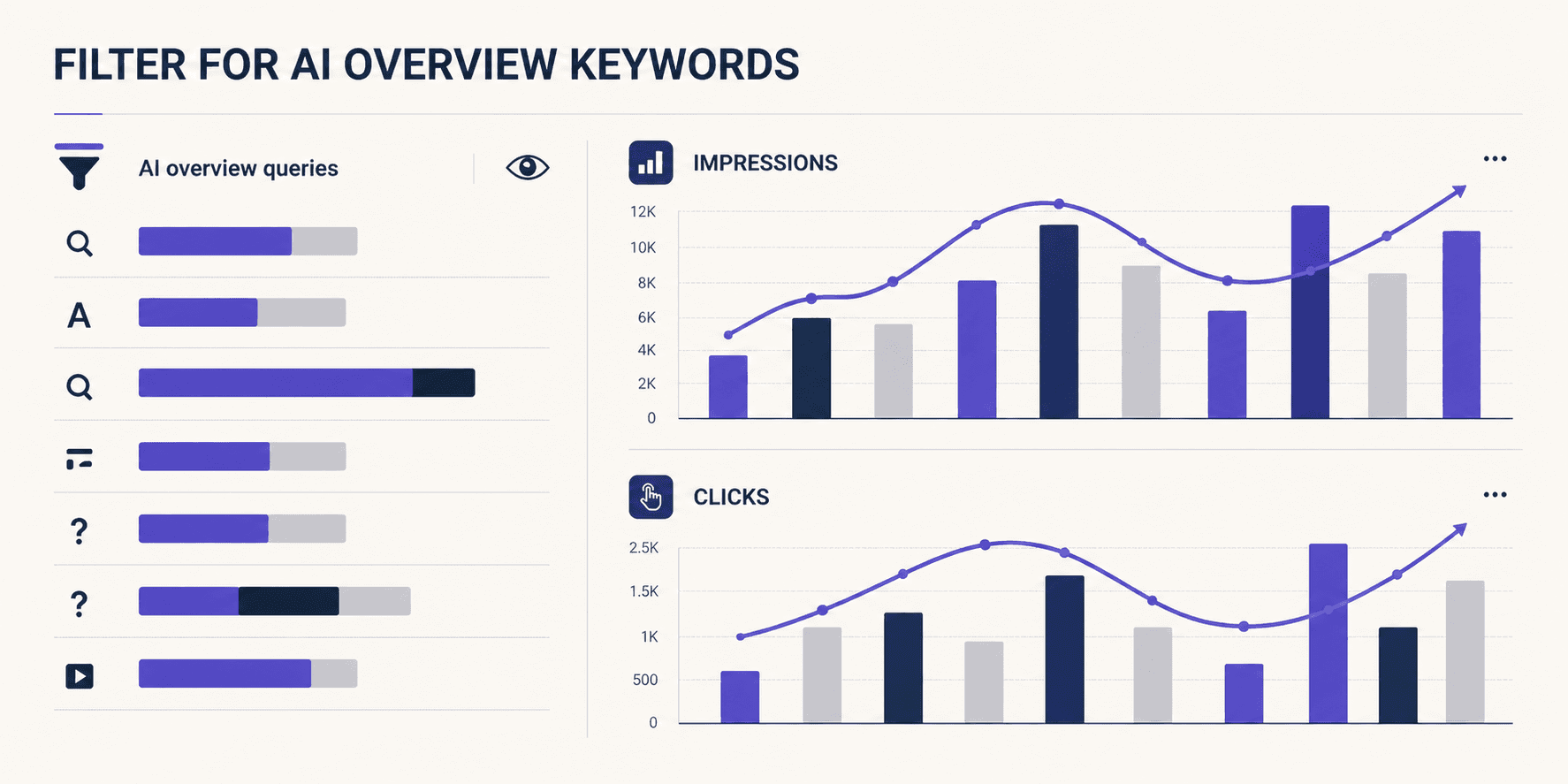
I also sort by search volume because context matters. A long-tail keyword with 3 impressions does not tell me much. But a query with 800 impressions and a weak CTR immediately gets my attention.
When I find one strong AI Overview keyword, I usually expand from there. I look for nearby variations and related angles, then use an AI-generated keyword ideas tool to explore the broader topic instead of treating the keyword like a one-off fluke.
Another filter I use constantly is page-level filtering. If one article starts attracting question-heavy queries, I click into that page and inspect only the searches tied to it. That helps me see the exact angles Google already seems willing to test in AI Overviews with my content.
How I Validate That a Query Is Tied to AI Overviews
This part matters, because Search Console data alone can fool me.
Once I spot a likely query, I search it manually. I use an incognito window, and I check a few close variations. I’m not looking for perfection here. I’m looking for a pattern like:
- Does Google show AI Overviews for that kind of search?
- Are the sources similar to my page?
- Is Google rewarding concise, answer-first content?
I also compare impressions and clicks over time to better understand user behavior. If impressions rise while clicks stay flat, it can mean the Google Search results are answering more of the query directly for the user.
Sometimes that points to AI Overviews. Other times it may come from Featured Snippets, People Also Ask, or other SERP features. That is why I never treat low CTR as proof by itself.
The page view helps a lot here. If one post starts attracting clusters of “how,” “what,” and “best” style queries, which signal informational intent, I treat it like a signal that the topic fits AI-assisted results. From there, it moves into my keyword to blog post process, where I decide whether to update the page or build a new supporting article.
One more thing, AI Overviews aren’t stable. They change by query, device, topic, and time. If I see one today and not tomorrow, I don’t panic. I look for repeated patterns across multiple related queries, not one screenshot.
What to Do With AI Overview Keywords After You Find Them
Once I have a strong batch of AI Overview keywords, I do not just drop them into a spreadsheet and move on. I turn them into content decisions.
Sometimes the best move is updating an existing post. If the page already ranks and the query closely matches the topic, I tighten the intro, add a clearer answer near the top, improve the subheads, and include quick comparisons or examples. AI Overviews tend to favor content that answers the question quickly and clearly (which is part of the broader pattern covered in our GEO vs SEO guide).
Other times, I create a supporting article around a new angle. That usually makes more sense when the search intent starts drifting away from the original page. If one article covers broad strategy but the new AI Overview keywords are mostly beginner questions, I split them into separate content.
Structure matters a lot here. I focus on short paragraphs, direct answers, plain language, clear subheads, and schema markup where it fits. That makes the content easier for Google to quote, summarize, and surface in AI Overviews as part of a stronger SEO content strategy.

I also avoid chasing every strange long-tail phrase. Some searches may look AI-friendly but still do not deserve their own post. Instead, I group related queries into themes first, then decide which topics deserve a dedicated page.
If you are scaling that process across a blog, these AI tools for bloggers can help speed up research and drafting without turning the content into mush.
After making updates, I usually watch the next 28 days closely. I look for more relevant impressions, stronger query coverage, improved organic rankings, and better alignment with AI Overviews. Unlike short bursts from Google Ads or Performance Max, those gains tend to compound over time.
FAQs About AI Overview Keywords
Here are some of the most common questions about AI Overview keywords.
Does Search Console Show AI Overview Traffic Directly?
No. Right now, Google Search Console does not provide a direct AI Overviews filter or traffic label. I have to infer AI Overview keywords from query patterns, impression behavior, and manual checks inside Google Search results.
What’s the Fastest Way to Spot Likely AI Overview Queries?
I usually start with long, conversational searches because transactional queries are less likely to trigger AI Overviews powered by Generative AI.
A regex filter for queries with 10 or more words is one of the fastest shortcuts. From there, I sort by impressions and look for question-style language that commonly appears in Google Search results tied to AI Overview keywords.
Should I Create a New Post for Every AI Overview Query I Find?
No, and doing that usually makes the blog worse.
I group similar AI Overview keywords by search intent first, then check Google Search results and keyword difficulty before deciding whether the topic belongs in an existing article or deserves a new page.
What Metrics Matter Most When Reviewing AI Overview Keywords?
Impressions usually matter first because they help surface discovery opportunities. After that, I look at clicks, CTR, and page-level query clusters together because one metric alone rarely tells the full story.
That is especially true for AI Overview keywords tied to Generative AI-powered search results.
Final Thoughts on AI Overview Keywords
Search Console won’t spell this out for me. I have to read between the lines.
The best clue is still the simplest one, long, question-based queries paired with manual SERP checks. When I combine those with page-level data, I can find AI Overview opportunities without guessing.
That turns Search Console from a report I glance at into a research tool I trust. This sharpens my SEO strategy to grow organic traffic while earning brand mentions in AI Overviews for greater visibility. One limit worth naming: Search Console only shows me Google’s side. To see whether ChatGPT, Gemini, Perplexity, and Claude mention my brand, I use the AI Brand Monitor, which is included with RightBlogger and closes the half of the picture GSC cannot see.
Blog Automation That Keeps Your Posts Ranking

RightBlogger finds keywords, writes SEO articles, and publishes them to your blog. Then its Site Agent uses your Search Console data to keep older posts in shape, adding internal links, sharpening weak meta descriptions, and fixing stale years and broken links. Join 51,000+ bloggers using it to grow traffic from Google and ChatGPT.

RightBlogger Co-Founder, Ryan Robinson teaches 500,000 monthly readers how to grow online businesses and writes about SEO, blogging, and content.



Automated SEO Blog Posts for Your Site
Research, write, publish, and share from one account.
7-day free trial. Cancel anytime.





Leave a comment