12 Best AI Blog Outline Prompts That Match Search Intent
Turn keywords into reader-focused outlines covering pain points, objections, and late-stage FAQs.

Ever publish a post you knew was solid, then watch it sink like a stone? Most of the time, it’s nothing to do with your actual writing. The problem lies earlier in the content creation process, with your outline.
When an outline doesn’t truly cover what the searcher is stressed about, confused by, or trying to solve right now, the whole post feels slightly off. It’s like you’re answering the wrong question.
In this guide, I’m sharing my favorite AI blog outline prompts to help you use AI tools to generate outlines that actually line up with searcher pain points.
Key Takeaways on Using AI Prompts to Create Blog Post Outlines
Want the quick highlights of using AI prompts to write blog outlines that consistently get clicks & nail your search intent? Here we go:
- Start with search intent, then name the real pain behind that
- Feed ChatGPT, Claude, Gemini, or your AI tool a persona, not just a topic
- Build your outline sections around objections and “why now”
- Add FAQs to cover anything else your reader might need to know
All of this is great for readers … and for search engine optimization (SEO) too.
Why Most AI Outlines Miss the Mark
AI is fast, but it’s not psychic. It doesn’t know everything about your blog that’s in your mind.
If you write a prompt like “Create an outline about email marketing,” you’ll get a competent but generic outline that would suit any audience.
The AI won’t know if the searcher is a stressed founder, a newbie creator, or a marketer who’s stuck at 2 percent open rates.
Pain points are the difference between:
- “Here’s what email marketing is”
- “Here’s how to stop bleeding leads this week”
So the goal isn’t “get an outline.” It’s “get an outline that matches the reason someone searched.” We’re going to look at some prompt engineering tips to make that happen … but first, it’s important to think about the pain point behind the query.
Map The Query to a Real Pain Point (Before You Prompt)
It’s often helpful to translate a search query (the keyword you’re optimizing for) into a simple chain:
Query → Intent → Pain Point → Sections

Let’s take the keyword “best AI writing tools”.
The intent behind this keyword is probably to compare different options before selecting a tool.
The pain point is the fear of picking the wrong tool for the job … and getting a poor result.
Sections could then include what “best” means for different use cases, and how to choose the right tool for what you need.
You can use this process to come up with outlines on your own … or you can use it to inform how you prompt the AI.
My Simple Prompt Format (So the AI Stops Guessing)
To get better outlines, you want to give the AI clear guidance around pain points and/or the specific audience you’re writing to.
If you’re using the Blog Outline Generator inside RightBlogger (recommended!) then there’s already space under the advanced settings to set your Target Audience. You can use the Additional Instructions field to explain what pain point(s) you want to address, using the prompts below or your own variations on them.
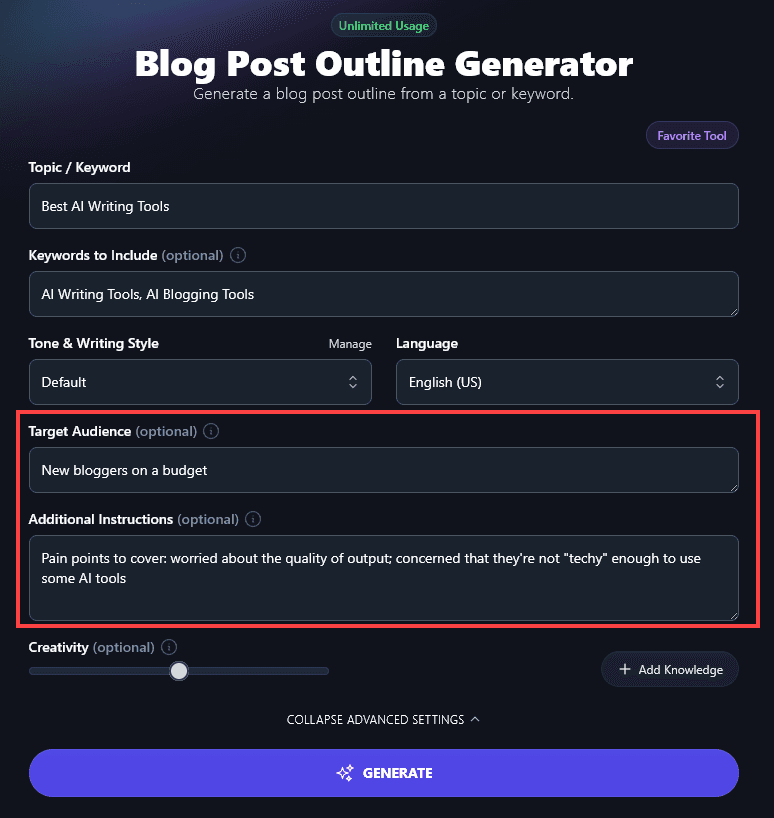
Tip: Use the Projects feature to set up a specific project for your blog (or for a particular category/audience of your blog). That way, you can re-use the same Target Audience without having to retype it each time. This also lets you set the writing style and language, along with key points you want to include under the Additional Instructions.
Now let’s get into the prompts.
12 AI Prompts to Generate Blog Post Outlines that Feel Like Mind Reading
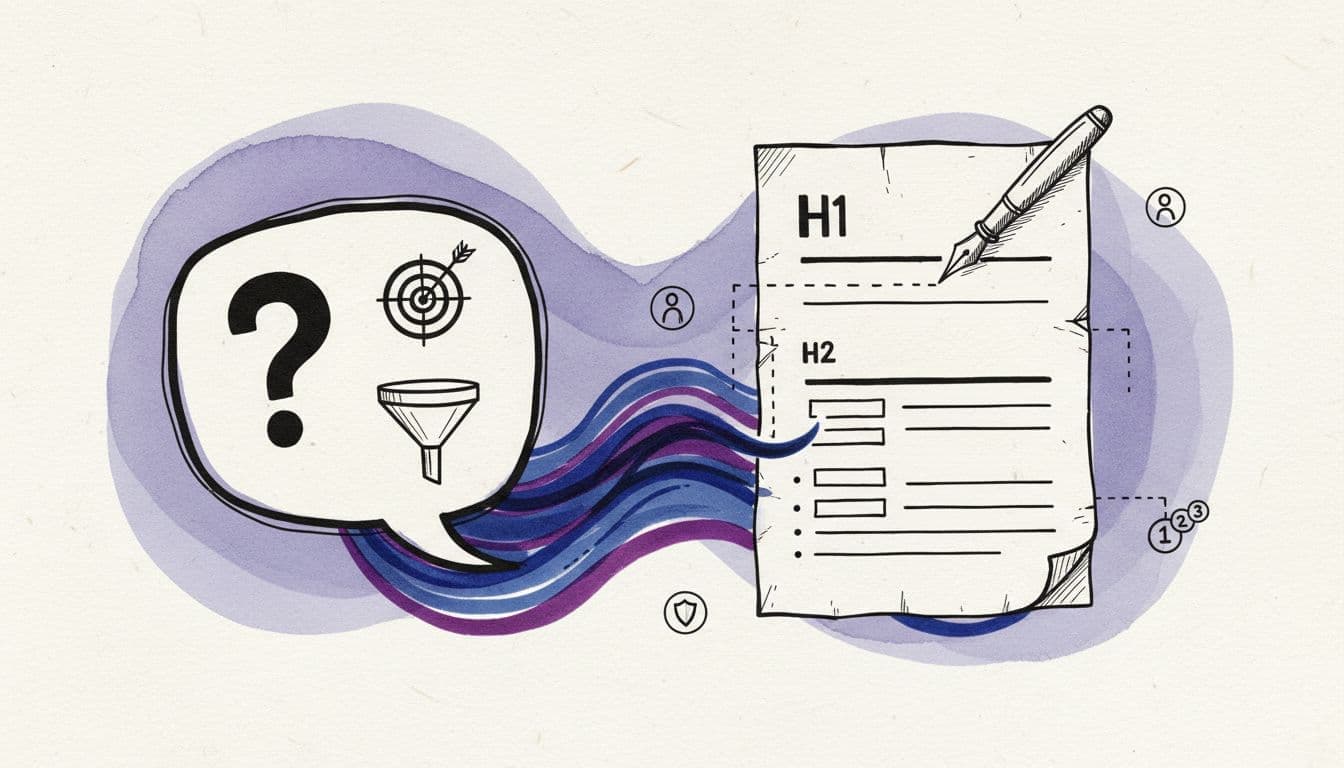
You can use these prompts with any chat-based AI tool, like ChatGPT, Claude, Copilot, or RightBlogger Chat to create high-quality outlines.
1) SERP Pain Point Extractor Outline
Use this when you want an outline shaped by what’s already ranking well in SERPs (search engine results pages).
2) Persona and “Bad Day” Outline
This is my go-to when the audience is specific.
3) Problem First, Then Options Outline
This prompt is perfect for search queries where someone’s stuck and there are multiple options for how to go forward.
4) Objection-Led Outline (The “Yeah, But…” Version)
If you’ve got a topic where readers are likely to be resistant to taking action, try this prompt.
5) Quick Win in the First 10 Minutes Outline
This prompt creates outlines that are designed to boost action and engagement faster (great for shareable posts).
6) “What To Do When…” Troubleshooting Outline
Ever turned to Google to solve an annoying tech or home maintenance problem? Here’s a prompt to help you create that kind of content.
7) Beginner to Confident Outline
If you’re targeting beginners, they might be stuck in “learning” mode instead of taking action. This outline gets them moving.
8) Advanced Reader “Skip the Basics” Outline
Readers who are familiar with your topic will want to get straight to advanced tips, instead of wading through stuff they’ve seen over and over again.
9) Alternatives and Comparisons Outline
If your search query includes “best,” “vs,” and “alternative”, this prompt comes up with outlines that perfectly match that intent.
10) Example-Heavy “Show Me” Outline
If your readers are skeptical of too much theory, use this prompt to give practical, real-world advice.
11) Refresh and Improve an Existing Post Outline
Looking to update a post instead of writing one from scratch? Try this outline prompt.
12) FAQ Expansion Outline (to Catch Late-Stage Doubts)
Losing readers at the end of your content, without them taking action? FAQs could swing things for you.
Still struggling to get the results you want? Use RightBlogger’s AI Prompt Improver to make your prompt even more specific and detailed.
Validate and Tighten the Outline in 10 Minutes
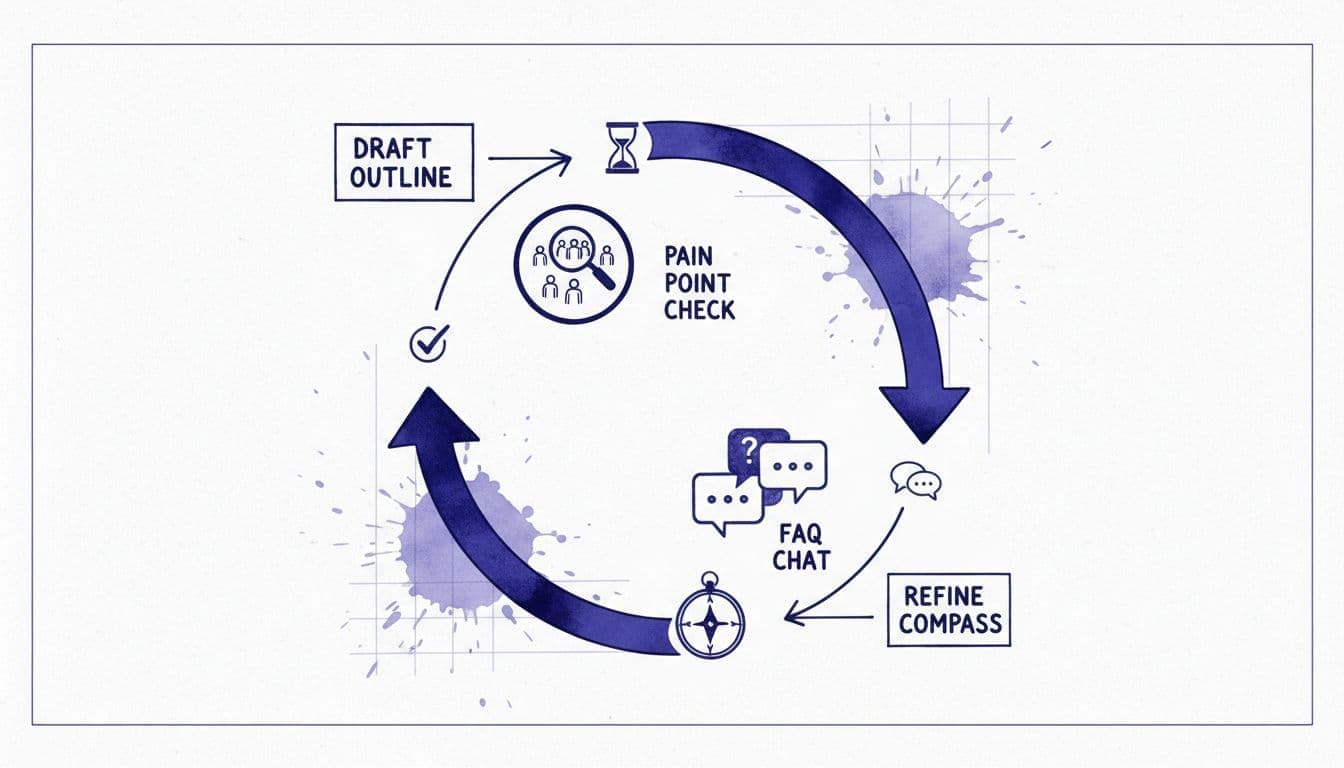
Once you’ve got your outline from the AI tool of your choice, it’s time to check these for things:
- Does every section solve a pain, or is it just “nice info”?
- Do I answer objections a real reader would have?
- Is the order emotional, not academic (solve stress first, cover theory later)?
- Do the FAQs match real search questions, not filler or keyword-rich fluff?
Make any tweaks you need … then your outline is good to go! You can write the first draft yourself or use our powerful AI Article Writer to do all the heavy lifting for you.
FAQs About AI Blog Post Outlines
Got questions about crafting AI blog post outlines? Here’s what you need to know.
How long should an AI-generated outline be?
This depends on your blog topic. I like 6 to 10 H2 sections, then I add depth with H3s where the reader needs clarity. Your outline doesn’t need to be super detailed unless you’re writing a really long post.
What if the outline feels generic?
Generic-sounding outlines are almost always missing context. Prompt the AI again, making sure you add the reader’s situation, constraints (time, budget, tools), and what success looks like. Remember, generic input creates generic output.
Can AI replace my judgment on pain points?
No. The AI can give suggestions, but you know your audience best: it’s up to you to have the final say on what pain points matter. Don’t just go with the AI-generated content if you have extra insights.
Final Thoughts on AI Blog Outline Prompts (and How to Use Them)
A great outline feels like a good conversation. It starts where the reader hurts, not where you want to teach.
Here’s a good way to start. Pick two of these blog outline prompts, run them back-to-back, and watch how quickly your structure snaps into place. Then write like a human, with opinions, examples, and plenty of your own voice.
If you’re using AI to speed things up, try setting up a custom MyTone in RightBlogger so that the AI sounds like you.
That way, you can go from a fantastic outline to a genuinely helpful post in next to no time.
Need more AI prompts? Check out our lists of the best ChatGPT prompts for writing, best ChatGPT prompts for editing, and best ChatGPT prompts for social media posts.

Article by
RightBlogger Co-Founder Ryan Robinson teaches 500,000 monthly readers how to grow an online business. He’s also a recovering side project addict.

Automated SEO Blog Posts That Work
Try RightBlogger for free, we know you'll love it.
7-day free trial. Cancel anytime.





Leave a comment
You must be logged in to comment.
Loading comments...