Track Perplexity Referral Traffic in GA4: A Simple 2026 Guide
Find `perplexity.ai / referral` in GA4, group AI sources into a custom channel, and measure conversions—not just visits.


Google Analytics 4 (GA4) can make a simple traffic question feel harder than it should. The first time I went looking for perplexity referral traffic, I found it, but only after clicking through more menus than I wanted.
The good news is that you don’t need a fancy setup to see whether Perplexity is sending visitors. You need the right report, one smart filter, and a habit of watching the metrics that matter.
Key Takeaways
- Perplexity AI referral traffic usually appears in GA4 as perplexity.ai / referral.
- The fastest check is inside Traffic acquisition with Session source / medium.
- A custom channel group makes AI traffic much easier to track over time.
- I watch engagement metrics like engaged sessions, key events, and revenue, not sessions alone.
See Perplexity Referral Traffic in GA4 Fast
I always start with the built-in report because it tells me, in under a minute, whether Perplexity is already sending clicks.
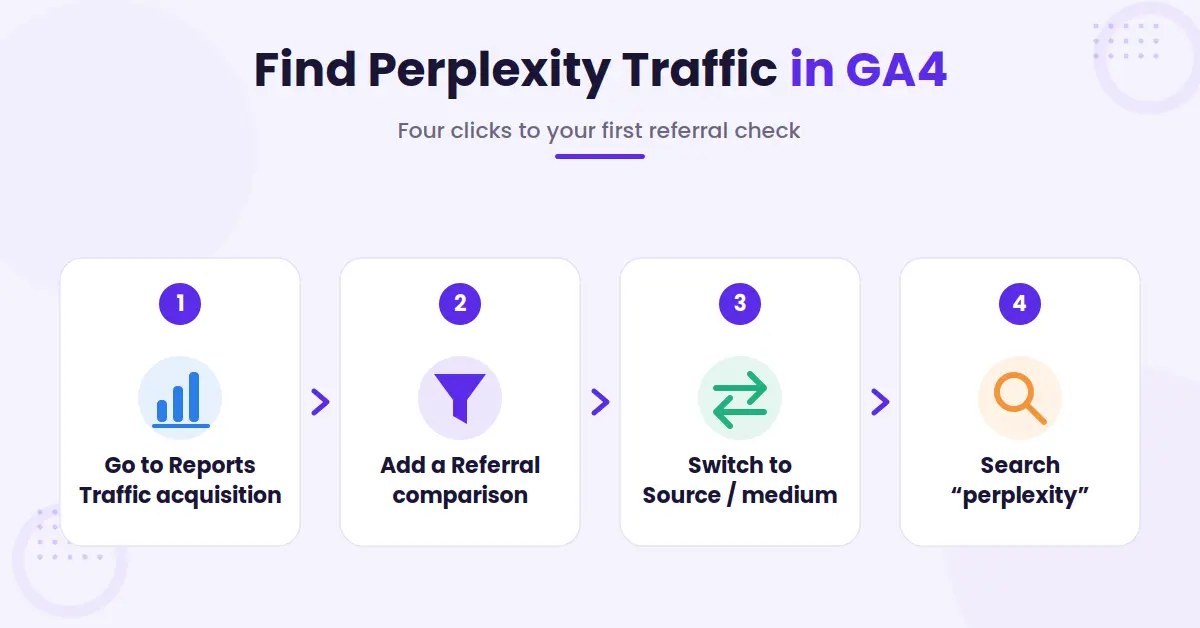
Here are the steps I use:
- Open Google Analytics 4 and go to Reports → Acquisition → Traffic acquisition.
- Add a comparison for Session default channel group = Referral.
- Change the main dimension to Session source / medium.
- Search for “perplexity” in the report.
In most accounts, Perplexity shows up as perplexity.ai / referral. That’s the line I want to see first. If you’re trying to confirm the setup against other recent walkthroughs, I found this GA4 AI referral guide useful. It matches what I see in real properties.
Once I find the source, I stop staring at sessions alone. For bloggers and creators, better engagement metrics are engaged sessions, average engagement time, key events, and revenue. If Perplexity sends fewer visits than Google but those visitors subscribe, buy, or click affiliate links at a higher rate, that traffic matters.
If you only look at default channel groups, Perplexity usually disappears inside “Referral.” That quick report works well for spot checks. Still, it gets old fast if you’re checking AI traffic every week.
Create a Custom Channel So You Stop Repeating Filters
After a few manual checks, I set up a custom channel group, which is a practical piece of any Generative Engine Optimization strategy. That gives Perplexity, ChatGPT, Google Gemini, and other AI sources their own bucket.
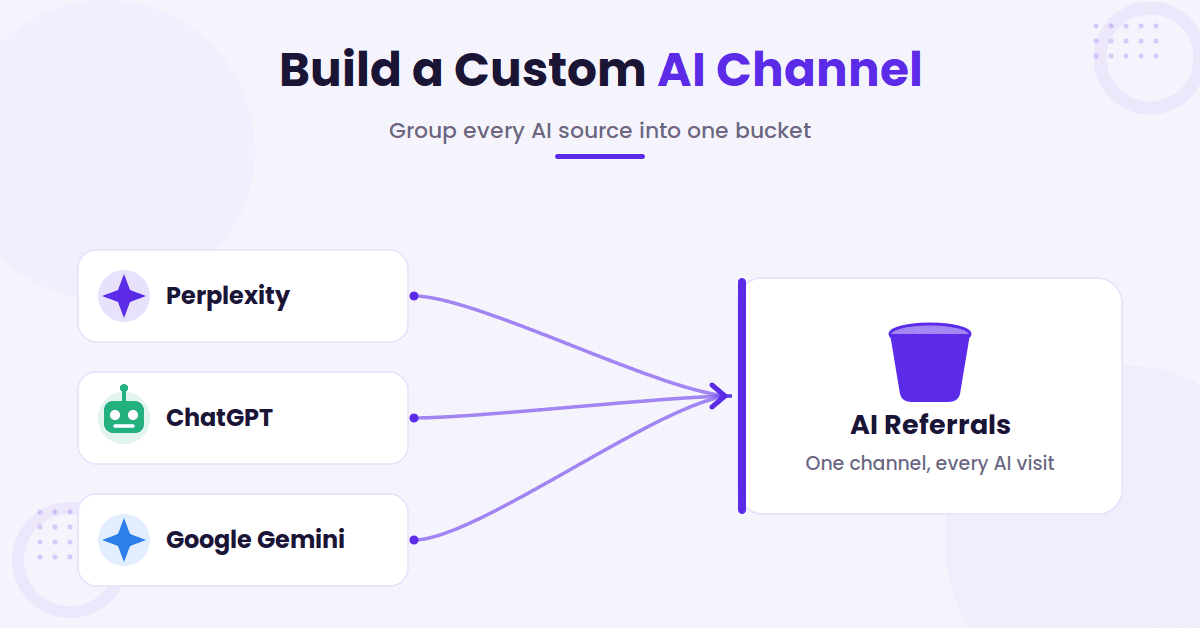
In GA4, I go to Admin → Channel groups under Data display, then create a new channel group. If I only care about Perplexity, I add a rule where Source matches regex .*perplexity\.ai.* (that wildcard also catches www.perplexity.ai). If I want one channel for all AI referrals, I widen the regex to include ChatGPT, Gemini, Claude, and the other major tools. Either way, drag the new AI rule above the built-in Referral rule so GA4 checks it first, otherwise Perplexity keeps getting filed under Referral and the custom channel stays empty.
This setup saves time because I no longer have to rebuild the same report every time. It also makes trend lines easier to read. When I want to compare AI traffic against organic search, social, or email, the report is already organized.
Traffic from Perplexity usually passes referrer data cleanly, including from its Comet browser. Even so, some AI-driven visits still land as Direct.
That happens when a browser strips referrer data, a user copies a link, or an app handoff breaks attribution. When I see a direct spike on a page that recently earned AI citations, I take that as a clue, not proof.
If I want more pages to earn those citations, I tighten content structure and clarity with Answer Engine Optimization (AEO).
Measure What Perplexity Traffic Is Really Worth
Finding the source is step one. The real work starts when I try to judge whether that traffic is useful.
I compare Perplexity visitors against my other channels on three numbers: engagement, conversion rate, and revenue. For my own sites, a conversion might be an email signup, an affiliate click, or a product sale.
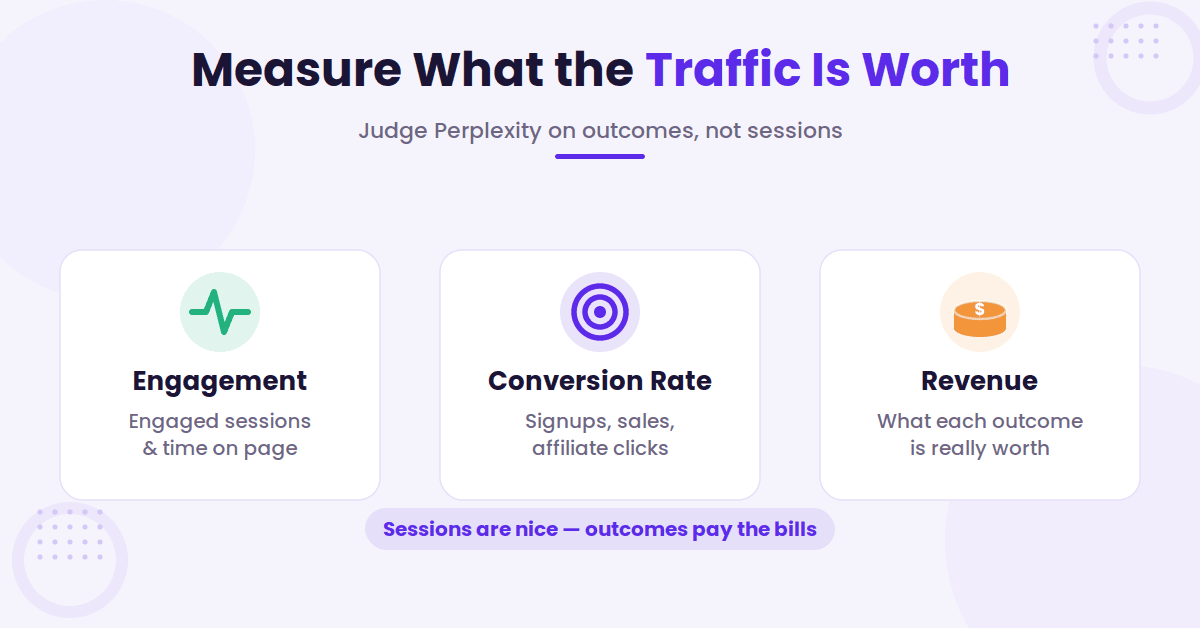
For a service business, it could be a booked call or form fill. Sessions are nice, but outcomes pay the bills.
UTM tags help, but only in one case: when I control the link. If I run a partnership, a sponsored mention, or a test inside a space where I can place my own URL, I’ll add UTMs. I can’t add UTMs to an organic citation that Perplexity creates on its own.
That’s a common misunderstanding. And there’s a bigger blind spot behind it: GA4 only shows the visits that clicked through. Perplexity can mention my site in answers that never send a click, and referral data will never show those. To see whether Perplexity (and ChatGPT, Gemini, and Claude) actually name my brand, I check the AI Brand Monitor, which is included with RightBlogger and tracks mentions whether or not anyone clicks.
I also liked Optizent’s GA4 guide for AI traffic because it explains how AI sources can mix with referral and direct traffic.
When I find a post that already gets cited, I improve that page before I publish more content. I tighten headings, add direct answers near the top, and refresh weak sections with the AI SEO Editor tool.
That’s usually a faster win than writing a brand-new article and hoping it gets picked up.
FAQs About Perplexity Referral Traffic
Here are a few additional questions you might have.
What source name should I look for in GA4?
Most of the time, I see perplexity.ai / referral. This is the specific source/medium for perplexity referral traffic. If you’re only using the default channel report, it may sit inside the broader Referral bucket until you filter for the source.
Can I track Perplexity traffic with UTMs?
Only when you control the link. UTMs work for partnerships, campaigns, and experiments. They don’t work for organic citations that Perplexity creates on its own.
Why does some AI traffic show up as Direct instead?
Referrer data isn’t perfect. Privacy settings, copied URLs, and app handoffs can strip the source. When that happens, I check landing pages and timing to see whether a direct spike lines up with a recent citation.
Final Thoughts on Perplexity Referral Traffic
Google Analytics 4 still hides simple answers behind too many clicks. Still, once I set up a custom channel and watch the right metrics, perplexity referral traffic stops feeling invisible.
What matters most is which pages bring real readers.
When I can see that clearly, I know what to update, what to double down on, and where AI search is already working for me.

RightBlogger Co-Founder, Ryan Robinson teaches creators how to grow online businesses and track what drives their traffic.




Automated SEO Blog Posts for Your Site
Research, write, publish, and share from one account.
7-day free trial. Cancel anytime.





Leave a comment
You must be logged in to comment.
Loading comments...