17 Best AI Content Creation Tools in 2026 (By Category)
Compare 17 picks across nine output types, with each tool’s best use, pricing limits, and when to skip it.

“AI content creation tools” is a broader category than “AI writing tools.” It includes anything that helps you produce a creative artifact: text, image, video, audio, or design. This guide covers 17 AI content creation tools worth using in 2026, organized by what they actually make.
Each entry follows the same format: what it makes, who it’s best for, where the free tier (if any) hits a wall, and what to skip it for. No padded list, no own-tool-at-#1, no marketing/CRM tools sneaking in (those belong in a different list).
The 9 categories of AI content creation tools
- Writing and long-form: ChatGPT, Claude, Jasper, Copy.ai
- SEO and content optimization: Surfer SEO, Frase
- Image generation: Midjourney, Canva (Magic Studio)
- Video generation: Synthesia, Runway
- Video editing and repurposing: Descript, Opus Clip
- Voice and audio: ElevenLabs, Suno
- Research: Perplexity
- Editing and polish: Grammarly
- All-in-one creator suite: RightBlogger
You don’t need all 17. Most creators run 4-6 across two or three categories. The point is to pick well in the categories that match your output.
Writing and long-form
1. ChatGPT
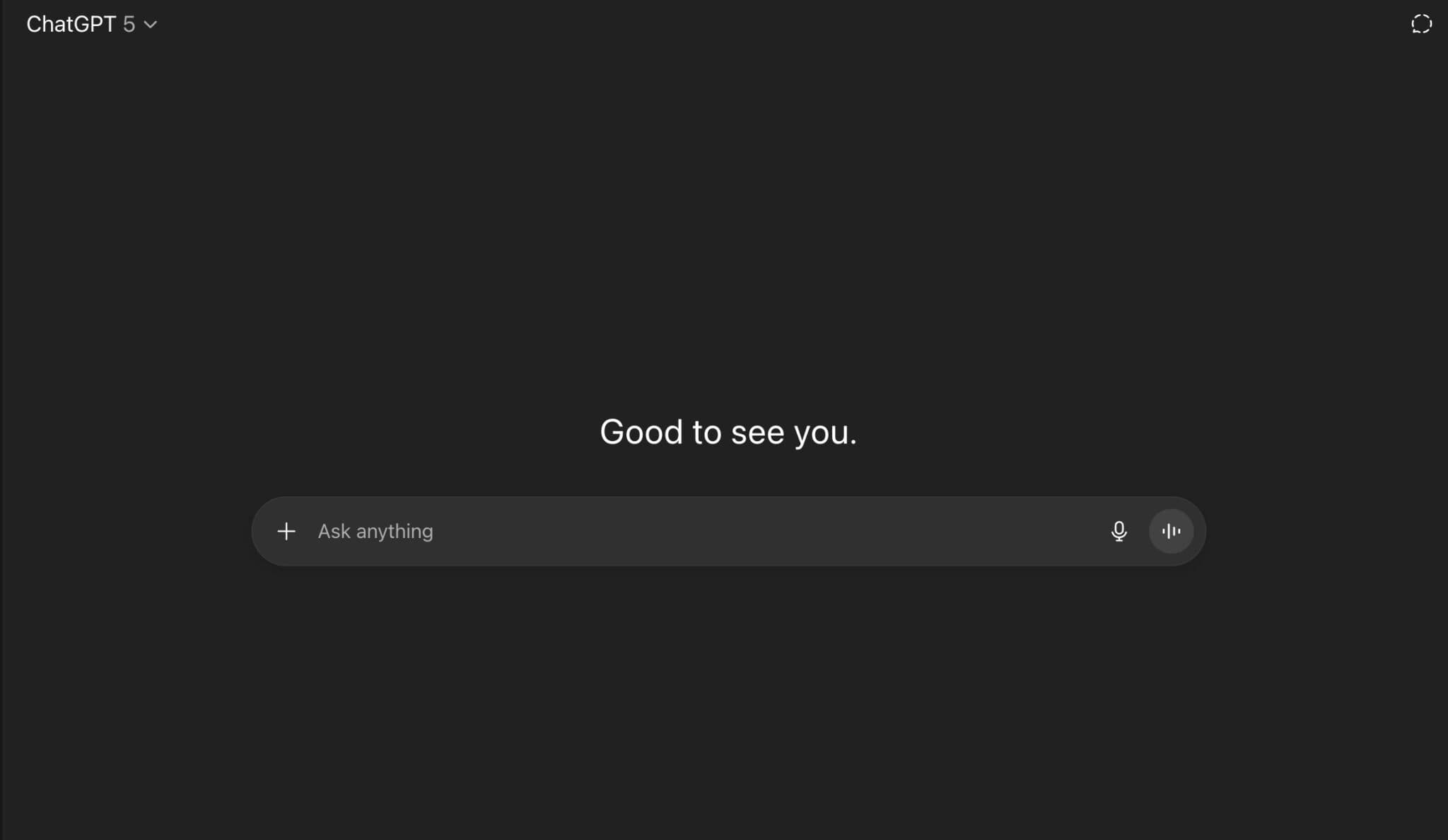
ChatGPT is the default starting point for most creators. The free tier handles brainstorming, briefs, outlines, and most short-form writing. The paid tier ($20/month) gets you the higher reasoning models, image generation via GPT Image 2, and unlimited file uploads.
Best for: the planning and drafting layer of nearly every content task. Use it for first drafts, then edit hard.
Skip if: you need long-form content that sounds genuinely human without heavy editing, or you need real keyword data (it doesn’t have that).
2. Claude
Claude (by Anthropic) has become the writer’s preference for long-form work. Output reads cleaner than ChatGPT’s, instruction-following is sharper, and the 200K-token context window means you can paste in entire docs, transcripts, or competitor content for analysis.
Best for: long-form essays, content audits, and any task where you’re feeding the model a lot of source material. $20/month for Pro.
Skip if: you want native image generation, voice mode, or the broader ChatGPT plugin ecosystem.
3. Jasper
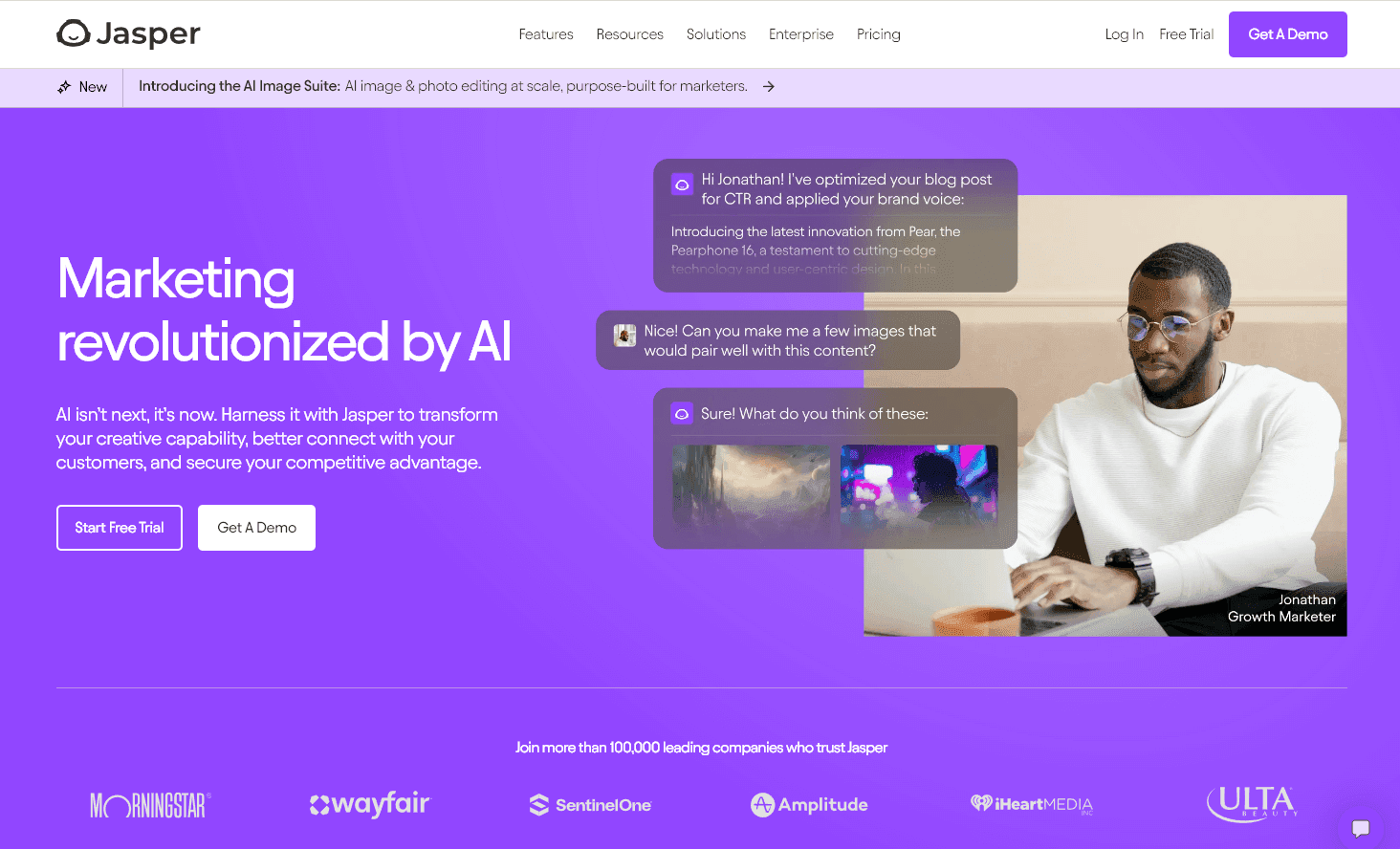
Jasper is built for marketing teams that need one writing tool across blog, ads, email, and social. Brand Voice and Knowledge Base features keep output consistent at scale, and the template library covers most marketing content formats.
Best for: in-house teams of 3+ people that publish across multiple channels and need brand-voice control.
Skip if: you’re a solo creator (the $49/month entry plan is steep), or you mostly write long-form blog content (a focused blogging tool is cheaper and tighter).
4. Copy.ai

Copy.ai leans into short-form marketing copy: ads, product descriptions, social posts, email subject lines. Less long-form than Jasper, but the workflow templates are well-tuned for creators who write a lot of small pieces.
Best for: performance marketers and DTC operators who write high volumes of ad copy.
Skip if: long-form blog content is your main output. Free tier exists; paid plans start at $49/month.
SEO and content optimization
5. Surfer SEO
Surfer SEO scores your draft against the top-ranking pages for any keyword and tells you what to add, remove, or adjust. The closest thing to a real-time on-page coach for content that needs to rank.
Best for: teams that already have a writing workflow and want a heavyweight optimization layer on top.
Skip if: you want one tool for the full draft-to-publish workflow ($99/month, and it’s an editor not a writer).
6. Frase
Frase combines content research, SERP-driven outline building, and AI drafting. The standalone GEO Score Checker (free) is genuinely useful for auditing existing content for AI-citation readiness.
Best for: middle-of-the-road buyers who want SERP-driven outlines plus AI drafting at a reasonable price ($15/month entry).
Skip if: you want polished AI writing out of the box. Frase’s drafting often needs more editing than dedicated AI writers.
Image generation
7. Midjourney
Midjourney is the most aesthetically polished of the AI image generators. Output quality on style consistency, lighting, and atmosphere consistently beats general-purpose generators like GPT Image 2 and Stable Diffusion for marketing imagery that needs to feel premium.
Best for: blog hero images, ad creative, and brand visuals where polish matters. $10/month entry plan.
Skip if: you need exact text rendering inside images (Ideogram is better) or one-click integration with a design tool (Canva’s Magic Media is more convenient).
8. Canva (Magic Studio)
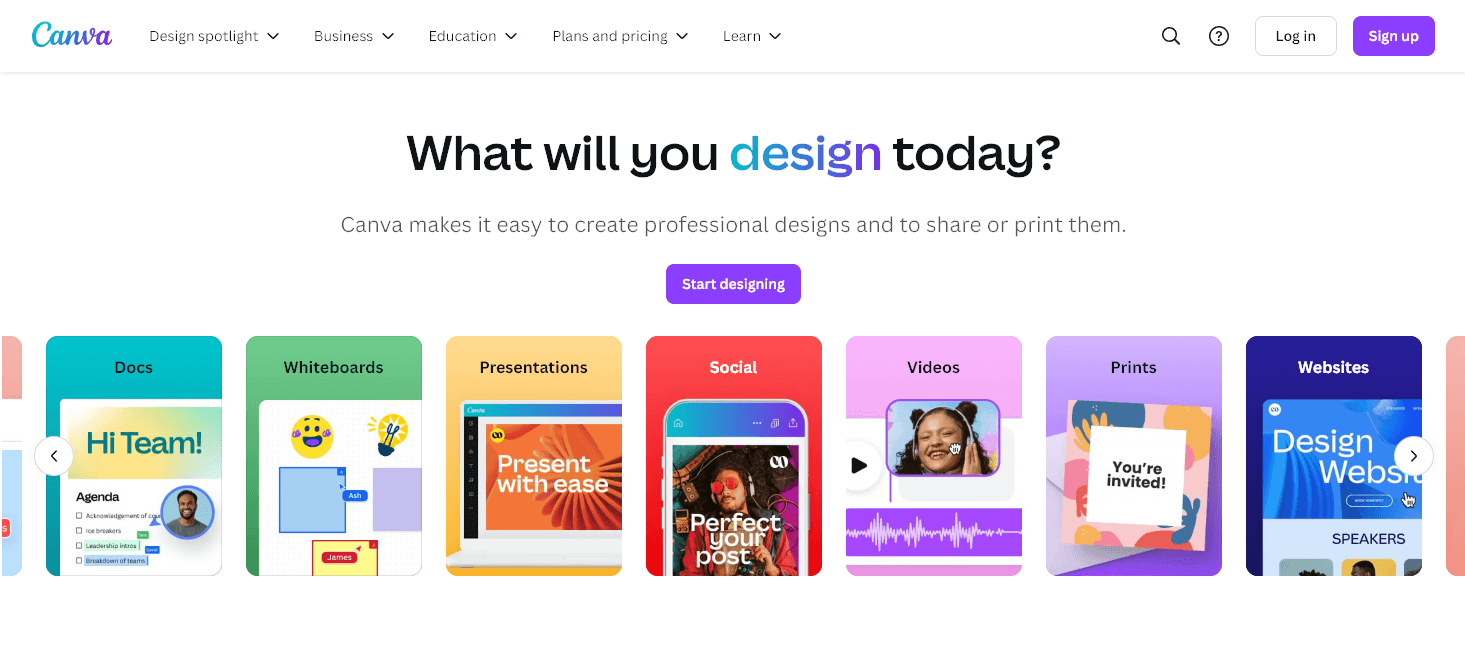
Canva’s Magic Studio bolts AI directly onto Canva’s design tooling: Magic Write for copy, Magic Resize for adapting designs to every social size, Magic Edit for image manipulation, and Brand Voice for consistency.
Best for: non-designers who need to ship branded social graphics, blog thumbnails, and presentations fast. Free tier is generous; Canva Pro is $15/month.
Skip if: you need pro-grade vector or photo work (use Figma or Adobe).
Video generation
9. Synthesia
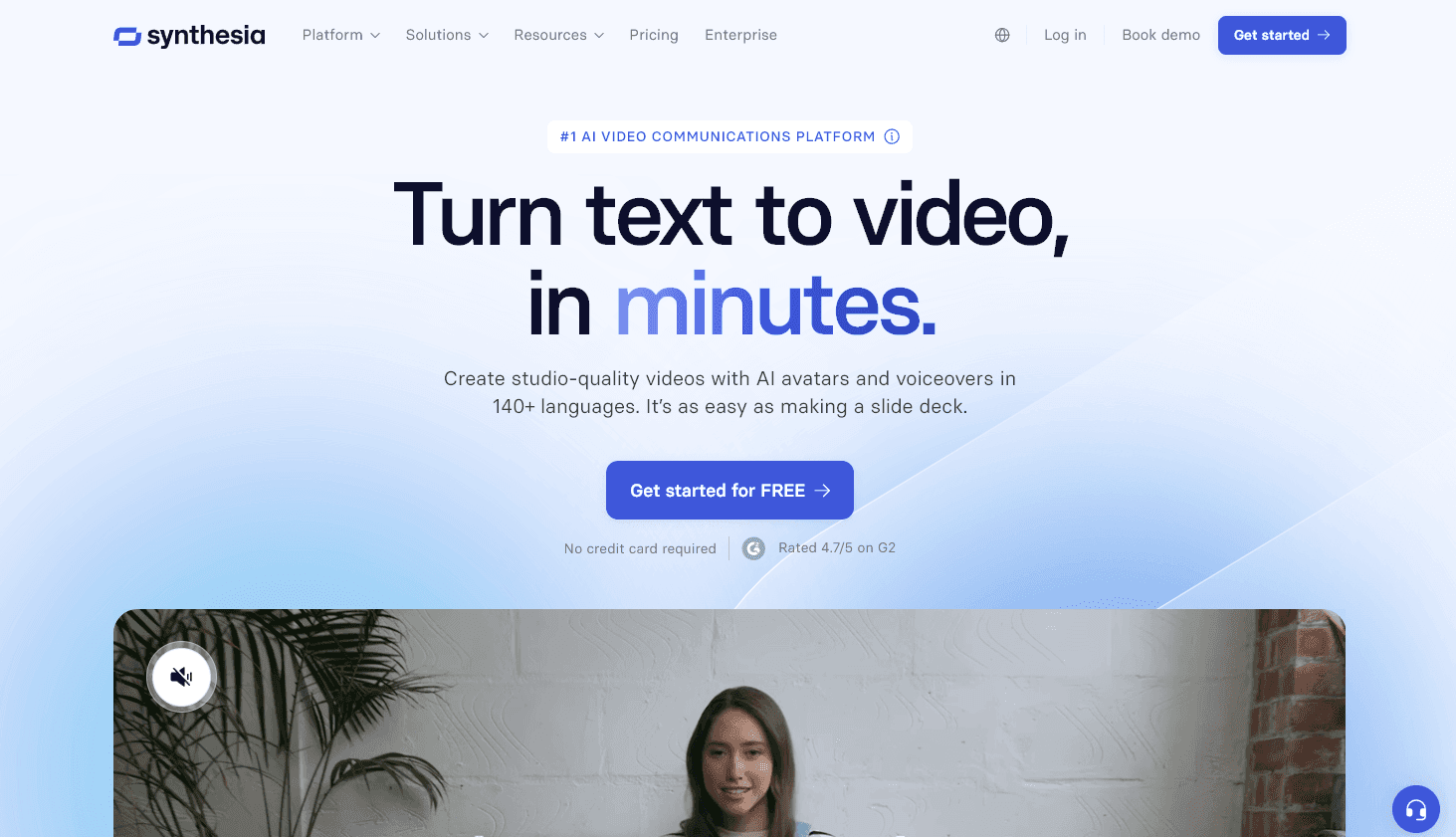
Synthesia generates video from a script using AI avatars in 140+ languages. The avatars are good enough for explainer videos, product walkthroughs, internal training, and localized content where you’d otherwise need to hire a voice actor.
Best for: internal training video, multilingual product explainers, and creators who hate being on camera. Plans from $29/month.
Skip if: you’re publishing for audiences who specifically value seeing the real human creator (most lifestyle and personal-brand niches).
10. Runway
Runway is the leading AI video generation platform. Gen-3 produces realistic short-form video from text or image prompts, and the in-app editor handles green-screen, motion brush, and inpainting tasks that used to require Premiere or After Effects.
Best for: short-form video ads, social cuts, and B-roll generation. Plans from $15/month.
Skip if: you mostly edit existing footage (Descript is faster) or you need talking-head AI avatars (Synthesia or HeyGen).
Video editing and repurposing
11. Descript
Descript edits video and audio by editing the transcript. Cut a word, the video cuts. Rearrange paragraphs, the recording rearranges. Studio Sound cleans bad audio, Overdub clones your voice, and AI Speakers handle multi-speaker editing.
Best for: podcasters, video creators, and content teams who want to edit recordings as fast as they edit text. Plans from $15/month.
Skip if: you need generative video creation (Runway) or your editing is too pro-grade for transcript-based workflows.
12. Opus Clip
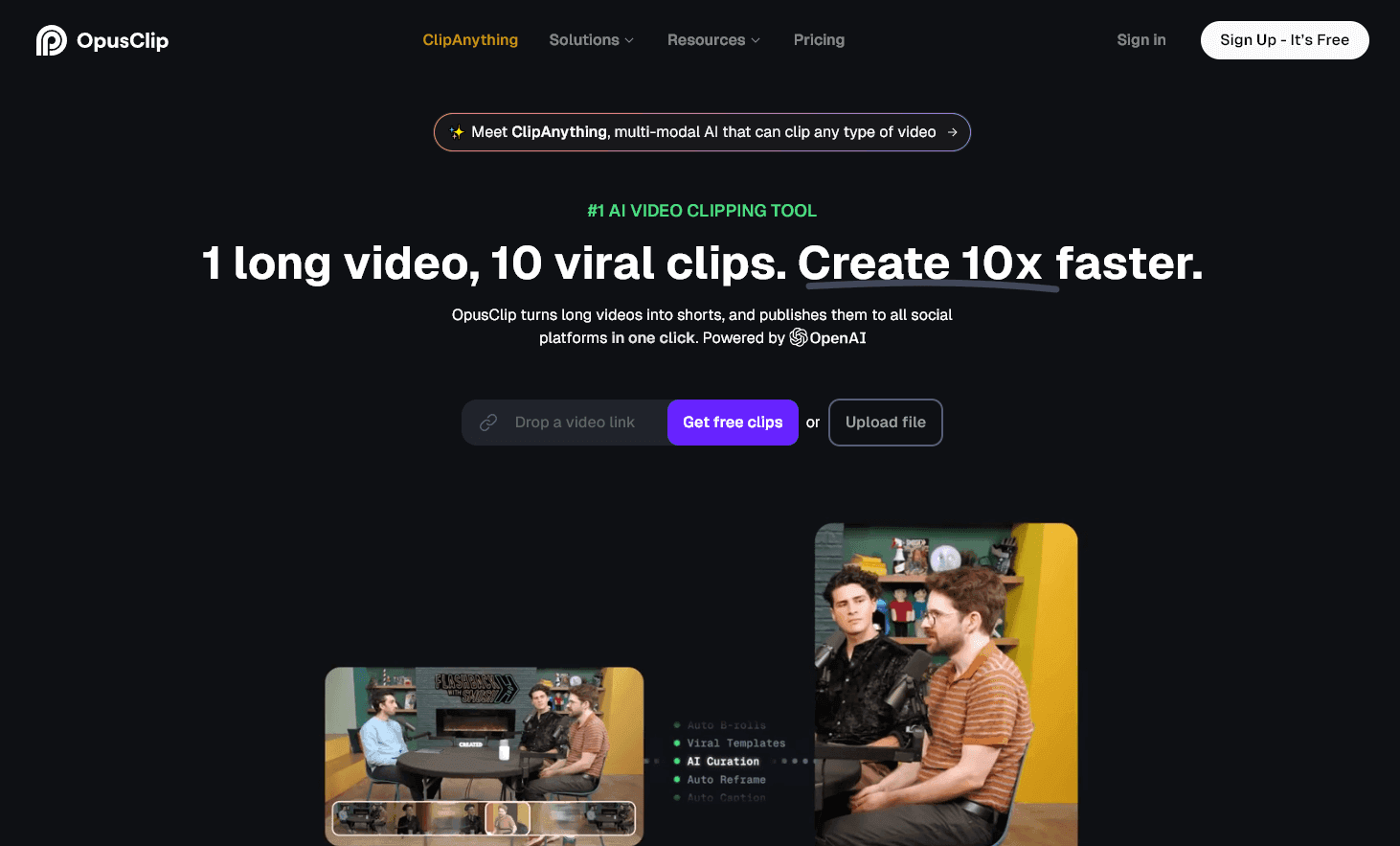
Opus Clip takes a long-form video (podcast, webinar, YouTube long-form) and auto-cuts it into vertical short-form clips with captions, transitions, and viral-score predictions. The output isn’t always perfect but it saves hours of manual editing.
Best for: YouTubers and podcasters repurposing existing long-form into TikTok, Reels, and Shorts at scale. Free tier with watermark; paid from $15/month.
Skip if: you don’t already have a library of long-form video to repurpose (Opus Clip is a repurposing tool, not a creation tool).
Voice and audio
13. ElevenLabs
ElevenLabs is the leading AI voice generator. Voice quality is genuinely indistinguishable from real recordings, and the voice cloning feature lets you generate audio in your own voice for podcasts, video voiceovers, and audio versions of blog posts.
Best for: video voiceovers, audio versions of written content, multilingual narration. Free tier covers casual use; paid plans from $5/month.
Skip if: ethical concerns around voice cloning are a deal-breaker for your brand, or you only need basic text-to-speech (browser-native works).
14. Suno
Suno generates full songs (with lyrics, vocals, and instrumentation) from a text prompt. The output quality has improved fast through 2026 and the free tier produces commercially-usable tracks.
Best for: background music for video, podcast intros, brand jingles, and short-form social audio.
Skip if: you need rights-cleared music for major commercial use (Suno’s licensing is still evolving) or you’re producing music as your actual product.
Research
15. Perplexity
Perplexity is the research layer. Unlike ChatGPT or Claude, Perplexity searches the live web for every query and shows its sources inline, which makes it the safer choice when you need verifiable facts before writing.
Best for: fact-checking, source-finding, and any content task where citations matter. Free tier covers most casual research; Pro is $20/month.
Skip if: you want a general-purpose chatbot for drafting (Perplexity is research-first, drafting-second).
Editing and polish
16. Grammarly
Grammarly is the default editing layer for most teams. The newer GrammarlyGO features add tone shifts, rewrites, and ideation alongside the classic grammar/spell/clarity checks.
Best for: a single editing assistant across docs, email, browser, and Slack. Free tier covers grammar; paid ($12/month) adds tone, rewrites, and brand voice.
Skip if: you write mostly in a single editor (Notion, Google Docs) where you’re already getting AI suggestions natively.
All-in-one creator suite
17. RightBlogger
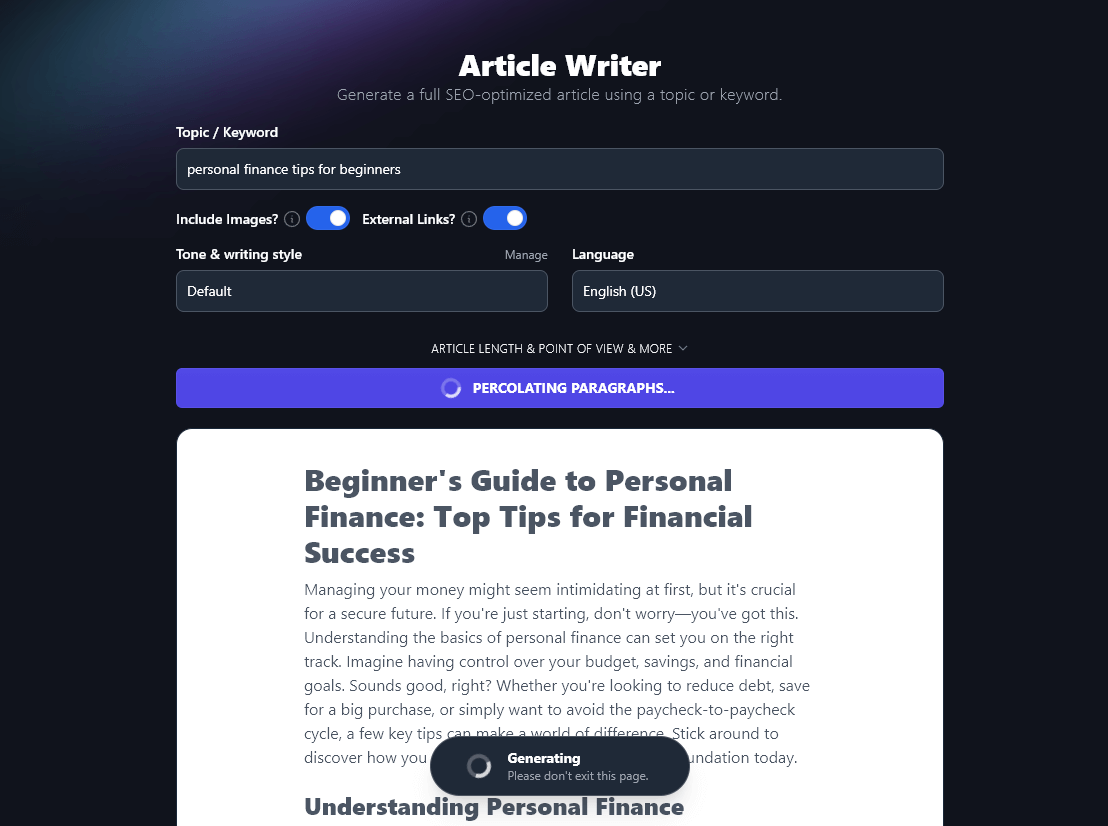
RightBlogger bundles 80+ AI tools for the blogging and content creation workflow into one subscription: an AI article writer, keyword research, content gap analysis, an SEO editor, an image generator, autoblogging, and CMS publishing. A Site Agent even maintains your already-published posts on a schedule, which none of the single-purpose tools above do. Many of the tools are free to try with no sign-up, including a free Midjourney prompt generator. Disclosure: this is our tool, so weigh accordingly.
Best for: bloggers and solo creators who want one subscription instead of stacking 6-8 separate SaaS bills. Plans start at $49/month with unlimited articles included.
Skip if: you only need one piece of the stack (a single-purpose SEO editor like Surfer may be all you need; our Surfer SEO alternatives roundup compares five), you want enterprise team features (Jasper is built for that), or you mostly produce non-blog content (video, image, audio creators are better served by tools in those categories).
Quick comparison by category
| Category | Top pick | Best alternative | Free option |
|---|---|---|---|
| General LLM writing | ChatGPT | Claude | Both have free tiers |
| Marketing-team writing | Jasper | Copy.ai | Limited free |
| SEO-driven writing | Surfer SEO | Frase | Frase GEO Score |
| Image generation | Midjourney | Canva Magic Studio | Canva free tier |
| Video generation | Runway | Synthesia (avatars) | Limited free |
| Video editing | Descript | Opus Clip (repurposing) | Both have free tiers |
| Voice / TTS | ElevenLabs | OpenAI TTS | Free tier available |
| Music | Suno | Udio | Free tier available |
| Research | Perplexity | ChatGPT (with browse) | Free tier covers most |
| Editing | Grammarly | Native AI in editor | Free tier covers basics |
| Bloggers (all-in-one) | RightBlogger | Stack of single-purpose tools | Free trial available |
AI content creation FAQ
What is the best AI tool for content creation?
There isn’t a single best one. ChatGPT or Claude is the universal starting point for any creator. From there, the right tool depends on your output: Midjourney for images, Runway for video, Descript for audio/video editing, ElevenLabs for voice. Most professional creators use 4-6 tools, not one.
Which AI is best for creating content for free?
For genuinely free content creation: ChatGPT (free GPT-6 Luna, with caps on uploads and images), Claude (free Sonnet with caps), Canva Magic Studio (generous free tier), Suno (free song generation), and Perplexity (free research). Most “free” tools have meaningful free tiers, not 7-day trials.
What’s the difference between AI content creation tools and AI marketing tools?
Content creation tools make the artifact (text, image, video, audio). Marketing tools distribute and measure the artifact (CRM, automation, analytics, ads, social scheduling). Tools like HubSpot, Hootsuite, and Brand24 belong in the marketing category. Tools like Jasper, Midjourney, and Descript belong here.
Is AI-generated content okay for SEO?
Yes, when a human takes editorial responsibility. Google’s stance is that AI-generated content isn’t penalized by default, but pure-AI content with no human review tends to score poorly on E-E-A-T signals. Use AI for first drafts and structure; add genuine experience, real screenshots, and original insight before publishing.
How do you use AI for content creation?
The pattern that works: research with Perplexity, brief and outline with ChatGPT or Claude, draft long-form with Jasper or your editor of choice, optimize with Surfer or Frase, illustrate with Midjourney or Canva, voice with ElevenLabs, edit with Grammarly. The fastest creators run a tight stack of 4-6 tools, not 30.
Building your content creation stack
Start with one universal LLM (ChatGPT or Claude) and add tools by category as you actually need them. The mistake most creators make is buying a tool because it’s on a “best of” list, not because it solves a specific friction in their workflow.
Pick one new tool, use it on a real project for two weeks, and decide if it earned the spend. Repeat. That’s how the strongest content stacks get built, one tool at a time, each one earning its slot.

Ali Luke is a freelance writer and author who blogs about writing, blogging, and fiction at Aliventures.com. She lives in Leeds, UK.
Automated SEO Blog Posts for Your Site
Research, write, publish, and share from one account.
7-day free trial. Cancel anytime.





Leave a comment
You must be logged in to comment.
Loading comments...