The Best AI Productivity Tools in 2026 (Work Smarter, Not Harder)
For most people, ChatGPT or Claude covers everyday tasks; add niche tools only for recurring needs like transcription or video editing.


Using AI productivity tools is one of the fastest ways to get more done without hiring. The right ones take tedious, repeatable work off your plate, summarizing long docs, transcribing calls, editing video, cleaning up writing, so your time goes to the work only you can do.
The tricky part is knowing which ones are actually worth paying for. New AI tools launch every week, and most of them are thin wrappers around the same underlying models. Below is our current stack, the tools we personally use (or have tested thoroughly), ranked by how much of a productivity lift they deliver for most people.
A note on honesty: RightBlogger is our product. We included it near the bottom of this list for the specific people it’s built for (bloggers and content creators) rather than putting it at the top. If you’re looking for a general AI productivity tool, start with ChatGPT or Claude, they’re genuinely the best starting point for most people, and we’ll tell you why below.
Key Takeaways
- For most people, a single general-purpose assistant (ChatGPT or Claude) replaces five or six niche tools. Start there.
- ChatGPT and Claude are close enough in quality that picking either one is fine. ChatGPT starts at $8/month (Go) or $20/month (Plus); Claude Pro is $20/month.
- For images, Gemini’s Nano Banana 2 is the best default for most people (free in the Gemini app). Midjourney is still the pick for artists and power users, from $10/month.
- For transcription, MacWhisper runs Whisper locally on your Mac. One-time license (about $75), no subscription, no uploads.
- Choose tools that plug into workflow you already repeat daily. Tools you don’t use cost more than they save.
Here are the AI productivity tools we actually recommend in 2026, what each is best at, where it falls short, and what it costs.
1. ChatGPT
ChatGPT from OpenAI is the most flexible productivity tool on this list. Treat it less like a writing tool and more like a universal assistant: it can summarize a 40-page PDF, turn an unformatted list into a clean table, build a meal plan from your pantry photo, draft replies to long email threads, debug code, and plan a trip, all in one chat window.
A little prompt engineering goes a long way here. The difference between “write a blog post about X” and a structured prompt with your goal, audience, examples, and constraints is roughly the difference between a bad intern and a good one.
Pros of ChatGPT
- Handles almost any text-based task, writing, analysis, cleanup, planning, coding
- Memory feature carries context across chats (if you turn it on in settings)
- Projects and Custom GPTs let you set up reusable workspaces for recurring tasks
- Free plan is generous, unlimited basic use, limited access to advanced models
- Voice mode is genuinely useful for thinking out loud while commuting or walking
Cons of ChatGPT
- No pre-built templates, new users often don’t know where to start
- Can be a time sink if you fall into prompt-tweaking rabbit holes
- Writing voice out of the box is generic and needs editing for anything public
Pricing of ChatGPT
Free plan includes limited access to the latest models. ChatGPT Go is $8/month for expanded access. Plus is $20/month with the full reasoning models. Pro starts at $100/month, with a $200 tier for the heaviest usage.
Blog Automation That Keeps Your Posts Ranking

RightBlogger finds keywords, writes SEO articles, and publishes them to your blog. Then its Site Agent uses your Search Console data to keep older posts in shape, adding internal links, sharpening weak meta descriptions, and fixing stale years and broken links. Join 51,000+ bloggers using it to grow traffic from Google and ChatGPT.
2. Claude
Claude (from Anthropic) is close enough to ChatGPT in day-to-day quality that picking between them is mostly personal preference. Where Claude tends to pull ahead: long-form writing that needs voice, careful reasoning through a complex problem, and coding tasks where you want clean, well-explained output. It also handles much larger documents in a single prompt, useful if you regularly work with long PDFs, transcripts, or codebases.
Honest take: if you already pay for ChatGPT, you probably don’t need Claude, and vice versa. If you’re picking your first AI tool, try both free tiers for a week and keep whichever one you reach for more often.
Pros of Claude
- Writing voice tends to be more natural out of the box than ChatGPT
- Much larger context window, you can paste in entire books or repos
- Projects feature keeps reference docs loaded across chats
- Claude Code is excellent for terminal-based coding workflows
Cons of Claude
- No native image generation (you’d use a separate tool)
- Smaller ecosystem of third-party integrations than ChatGPT
- Usage limits on the free plan are tighter than ChatGPT’s
Pricing of Claude
Free plan with daily limits. Pro is $20/month. Max plans run $100 to $200/month for heavy users.
3. Gemini (with Nano Banana 2)
Google’s Gemini app is worth using for one reason in particular: Nano Banana 2 (officially Gemini 3.1 Flash Image) is now the default image model, and it’s the best free image generator most people have access to. It handles text rendering inside images, keeps characters and objects consistent across multiple edits, and outputs up to 4K, all things that were painful on the old default.
If you need quick graphics for a blog post, social post, thumbnail, or internal deck, Gemini is now the fastest “type a prompt, get something usable” option. It’s built directly into the free Gemini app, Google Search AI Mode, and AI Studio.
Pros of Gemini
- Nano Banana 2 produces noticeably better images than previous default models
- Best-in-class text rendering inside images (headlines, signs, UI mockups)
- Maintains subject consistency across edits, up to 5 characters, 10 objects
- Free to use in the Gemini app, with generous daily limits
- Tight integration with Google Workspace (Docs, Sheets, Gmail)
Cons of Gemini
- Chat quality for pure text tasks still feels a half-step behind ChatGPT and Claude
- Image style options less tunable than Midjourney for artistic work
Pricing of Gemini
Free with a Google account (includes Nano Banana 2). Google AI Pro (the plan formerly sold as Gemini Advanced) is $19.99/month; a lighter Google AI Plus tier is $4.99/month, and Google AI Ultra runs $99.99 to $199.99/month.
4. Midjourney
Midjourney is still the pick for artists, designers, and power users who want fine-grained control over style, lighting, composition, and aesthetic. For a “good enough, fast” image, Gemini wins. For a polished piece you’d put in a portfolio, Midjourney wins.
It has a small learning curve, parameters, style references, image weights, but the ceiling is noticeably higher than general-purpose models. We’ve got a Midjourney Prompt Generator inside RightBlogger if you want help crafting prompts.
Pros of Midjourney
- Still the gold standard for artistic and photorealistic output
- Deep style control through parameters and style references
- Strong creative community and public gallery for inspiration
- Web UI now matches the Discord experience in features
Cons of Midjourney
- No free tier, every user pays
- Text rendering inside images still weak compared to Nano Banana 2
- Default-public images on lower plans (need Pro or higher for private)
Pricing of Midjourney
From $10/month (Basic), $8/month billed annually. Standard at $30/month unlocks unlimited relaxed generations. Pro at $60/month adds private image mode.
5. MacWhisper
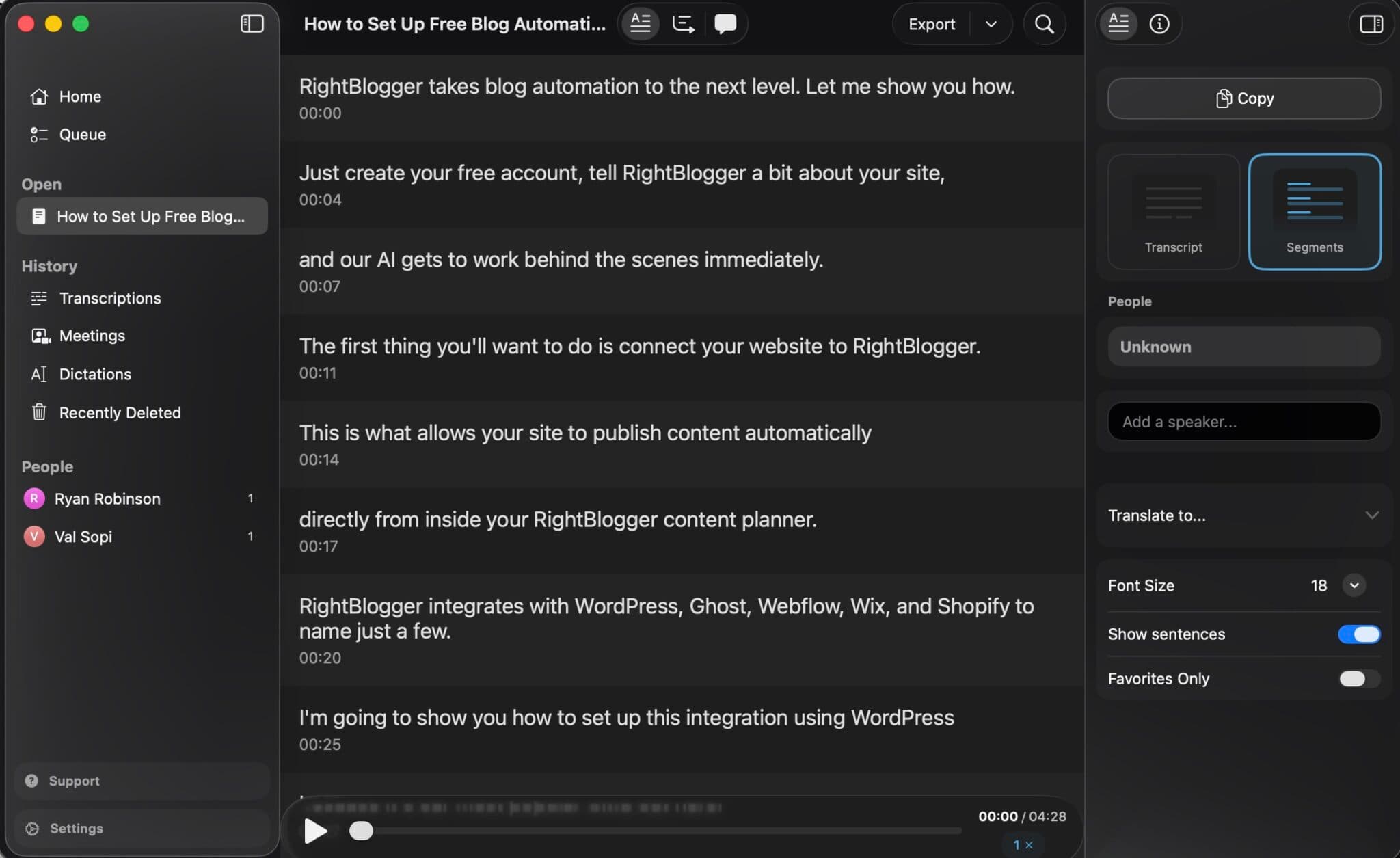
MacWhisper is our favorite transcription tool, and one of the rare apps where we’d recommend it over every cloud competitor. It runs OpenAI’s Whisper model locally on your Mac, so your audio never leaves your machine. Drag in a meeting recording, voice memo, podcast, or YouTube link and it spits out a clean transcript with speaker labels.
The killer feature is the system-wide dictation replacement: hit a hotkey anywhere on your Mac and MacWhisper transcribes what you say into the active app. It’s faster and dramatically more accurate than Apple’s built-in dictation. Once you’ve used it for a week, typing feels slow.
Pros of MacWhisper
- Runs 100% locally, no cloud uploads, no privacy concerns, works offline
- One-time license, no subscription
- Supports 100+ languages with speaker diarization on Pro
- Built-in system-wide dictation replacement
- Batch processing and watch folders for recurring workflows
- Can transcribe YouTube videos by pasting a link
Cons of MacWhisper
- Mac-only, no Windows version
- Larger models require a reasonably modern Apple Silicon Mac to run fast
- No built-in team collaboration features (it’s a single-user app)
Pricing of MacWhisper
Free version includes the small models, enough to test the app. Pro license is a one-time purchase of 69 euros (about $75) and unlocks the large models (much higher accuracy), batch processing, and speaker identification. No subscription.
6. Notion AI
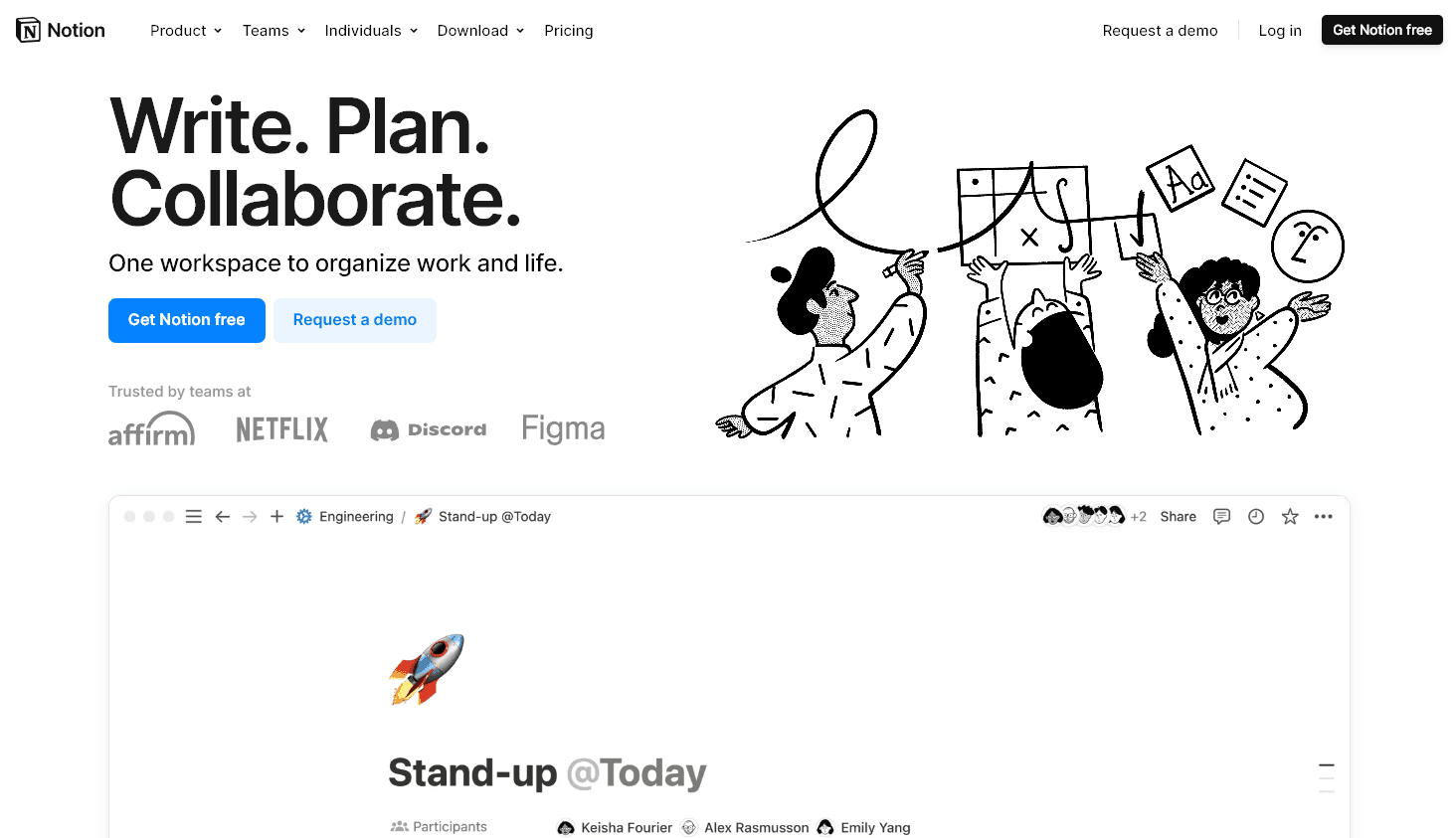
If Notion is already your workspace for notes, projects, and docs, Notion AI is the cheapest productivity upgrade you can add. It answers questions using everything in your workspace as context, search your meeting notes for the decision you made three weeks ago, summarize last quarter’s project docs, or pull action items out of a transcript you pasted in.
Pros of Notion AI
- Searches across your entire Notion workspace for context
- In-line writing assistance, draft, improve, translate, summarize inside any page
- Automatically generates meeting summaries and action items
- Low friction for teams already on Notion
Cons of Notion AI
- Only useful if you actually keep your work in Notion
- Full AI now requires the Business plan, not a cheap add-on
- Summaries can feel generic without careful prompting
Pricing of Notion AI
Notion no longer sells AI as a separate add-on. Full Notion AI is bundled into the Business plan at $24/member/month ($20 billed annually); Free and Plus plans only get a limited AI trial.
7. ClickUp
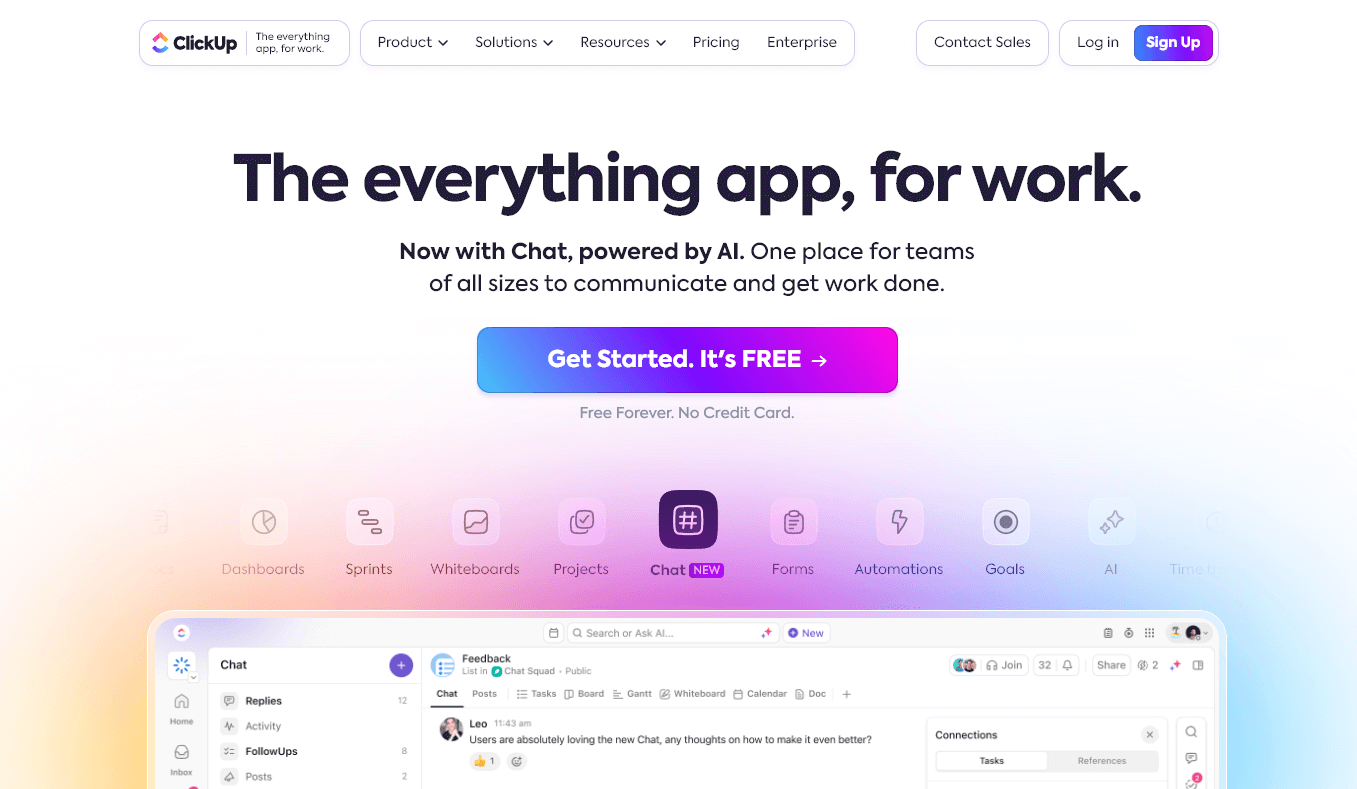
ClickUp is a project management platform with AI layered throughout via ClickUp Brain. If you’re managing a team and shipping work across sprints, boards, and docs, the AI features, auto-generated standups, summarization of long threads, action-item extraction, can take real admin weight off whoever runs operations.
Pros of ClickUp
- Comprehensive project and task management in one tool
- No-code automations handle repetitive workflow tasks
- Built-in time tracking for spotting efficiency gaps
- Integrates with Slack, Google Drive, Zapier, GitHub, and more
- Generous free plan for small teams or individuals
Cons of ClickUp
- Number of features can be overwhelming for solo users
- ClickUp Brain is an additional per-user cost on top of your plan
- Interface can feel slow with large workspaces
Pricing of ClickUp
Free Forever plan for small teams. Paid plans from $10/user/month ($7 billed annually). ClickUp Brain (AI) is an additional $9/user/month on annual billing.
8. Grammarly
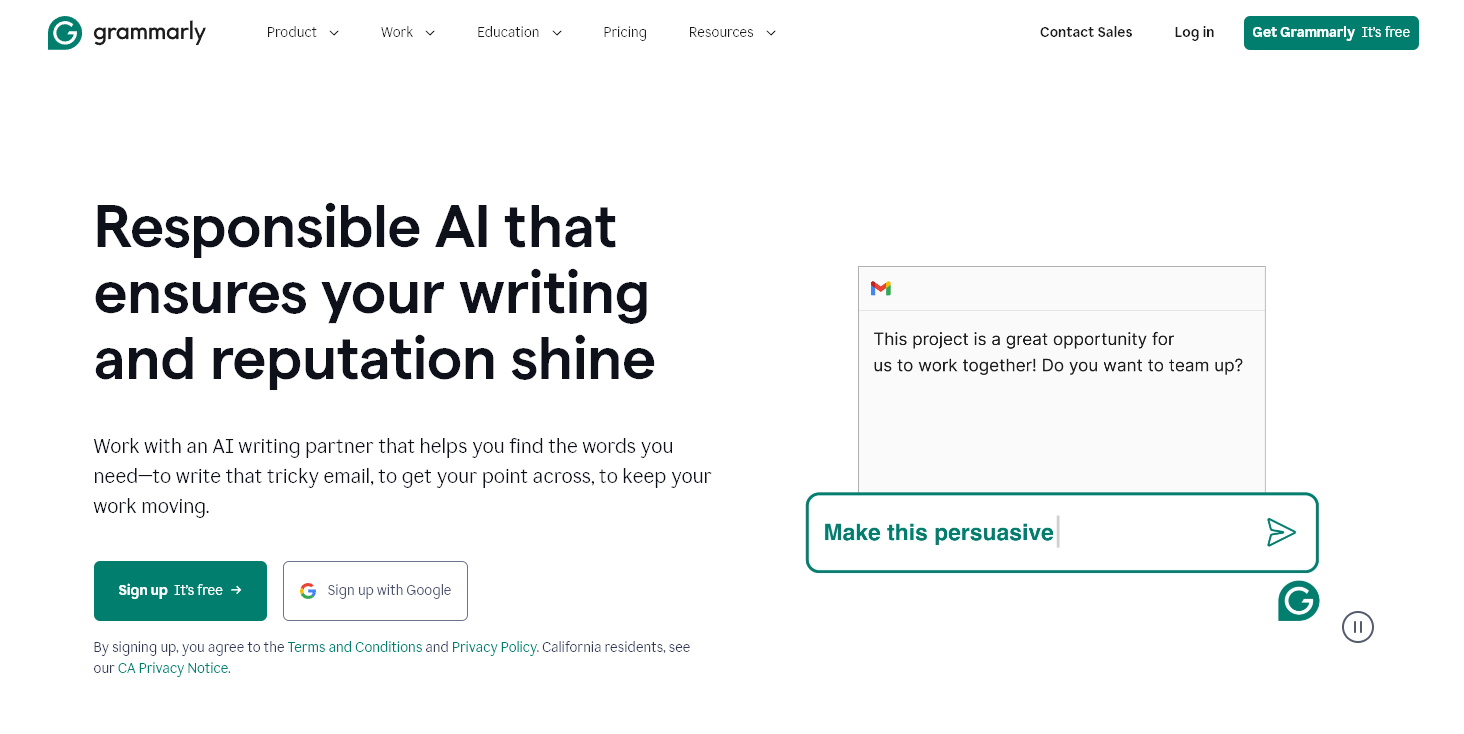
Grammarly remains the best always-on writing layer across everything you type, Gmail, LinkedIn, Google Docs, Slack, your CMS. It catches errors traditional spell checkers miss (misspellings that happen to be valid words) and the AI writing assistant can rewrite, shorten, or change tone inline.
Pros of Grammarly
- Works everywhere you type, browser, desktop, mobile
- Catches real-word spelling errors traditional checkers miss
- Inline rewrite and tone-shift features for fast edits
- Team features include shared style guide and brand tone
- Free plan is usable for basic spelling and grammar
Cons of Grammarly
- Stylistic suggestions can flatten voice if you accept them blindly
- Team seats priced individually
- Occasionally flags correct grammar as errors
Pricing of Grammarly
Free for basic features. Pro is $30/month ($12/member/month billed annually) and covers teams too. Larger orgs move to a custom-priced Enterprise plan.
9. Microsoft Copilot
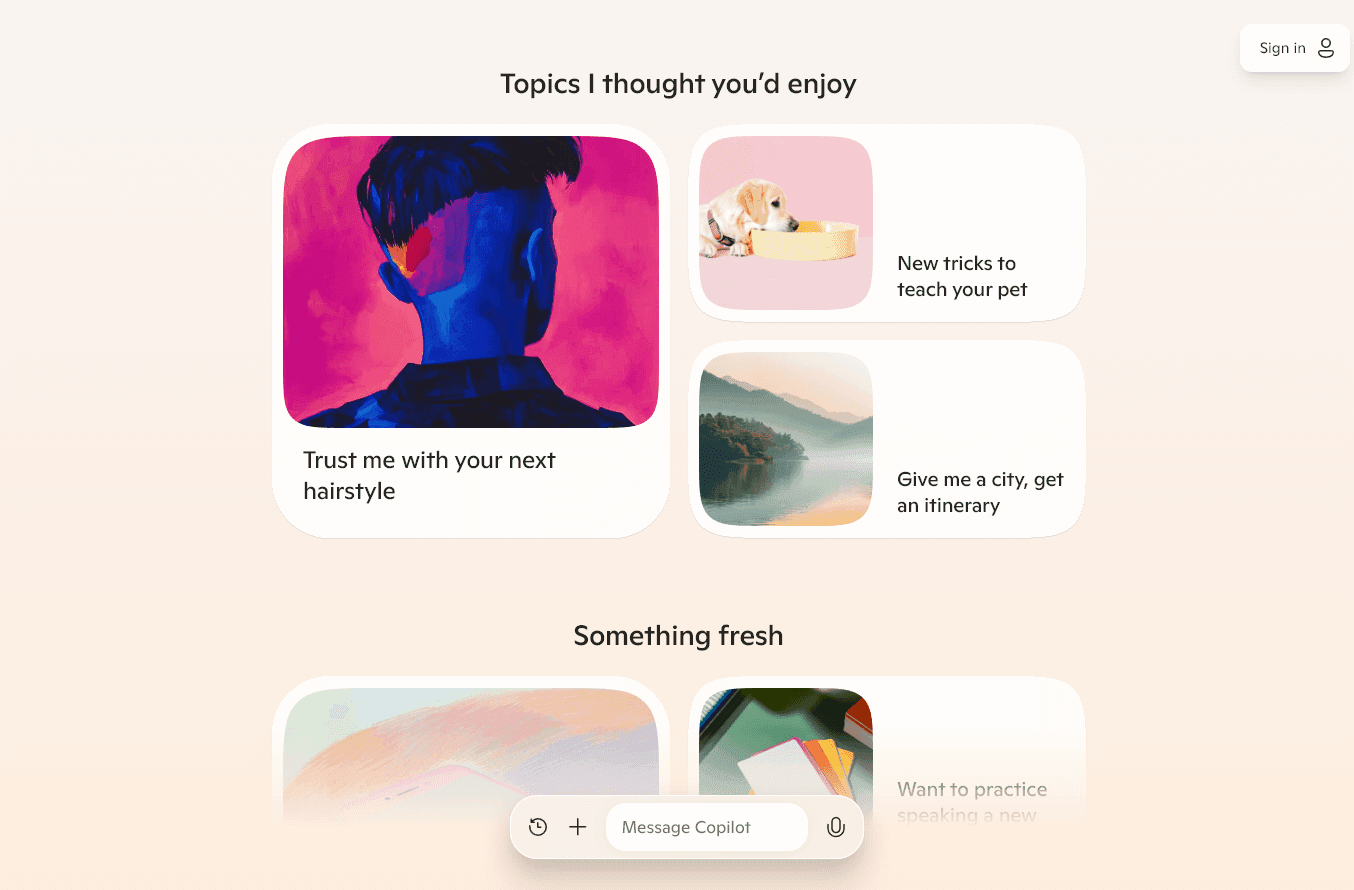
If your team lives in Microsoft 365, Copilot is the AI layer that makes the most sense, it’s integrated directly into Word, Excel, PowerPoint, and Outlook, with full access to your documents and email. For everyone else, the standalone Copilot chatbot is roughly a ChatGPT alternative with Bing search baked in.
Pros of Microsoft Copilot
- Deep integration with Word, Excel, PowerPoint, Outlook, and Teams
- Can pull context from your email and documents with permission
- Voice and text input, plus web-grounded responses via Bing
- Enterprise-grade data handling for regulated industries
Cons of Microsoft Copilot
- Most useful features require Microsoft 365 + paid Copilot license
- Less useful outside the Microsoft ecosystem
- Output quality lags ChatGPT and Claude for open-ended tasks
Pricing of Microsoft Copilot
Free tier available on the web. Microsoft retired Copilot Pro; individuals now get Copilot through Microsoft 365 Premium at $19.99/month. Microsoft 365 Copilot for work is $30/user/month billed annually, on top of an eligible Microsoft 365 business plan.
10. OpusClip
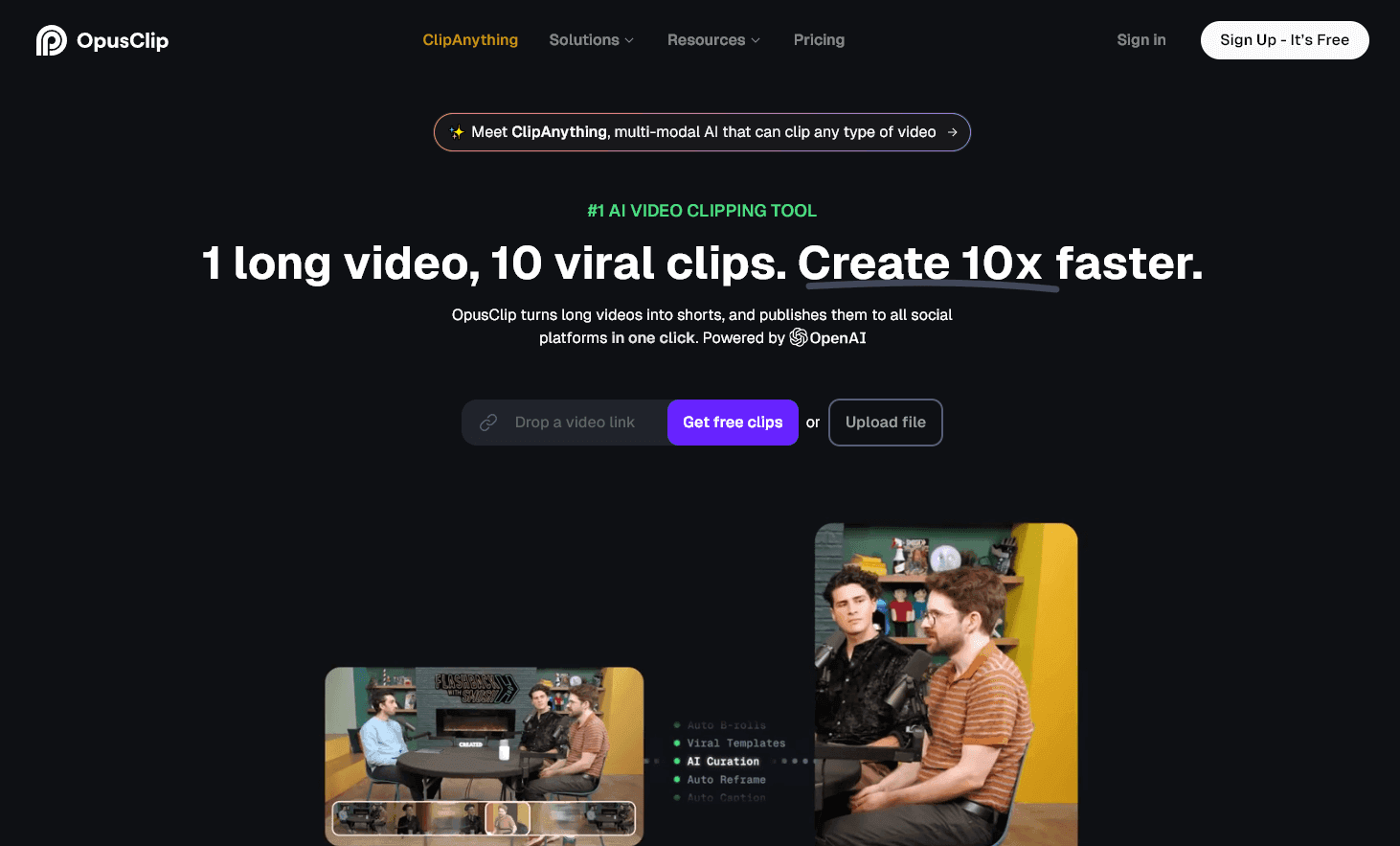
OpusClip turns long-form video (podcasts, interviews, lectures, YouTube uploads) into short-form clips for TikTok, Reels, and Shorts. It finds the moments most likely to perform, crops to vertical, adds captions, and can auto-post to your social accounts.
Pros of OpusClip
- Fastest way to get 10+ shorts out of one long video
- AI viral score flags clips worth publishing first
- Animated captions with keyword highlighting
- Auto-posts to YouTube Shorts, TikTok, Reels, LinkedIn, X
Cons of OpusClip
- Clip selection isn’t always the strongest moment, manual review helps
- Editor playback can be sluggish on long source videos
- Free plan outputs include a watermark
Pricing of OpusClip
Free plan with watermark. Starter at $15/month. Pro at $29/month, with a discount for annual billing.
11. Gling
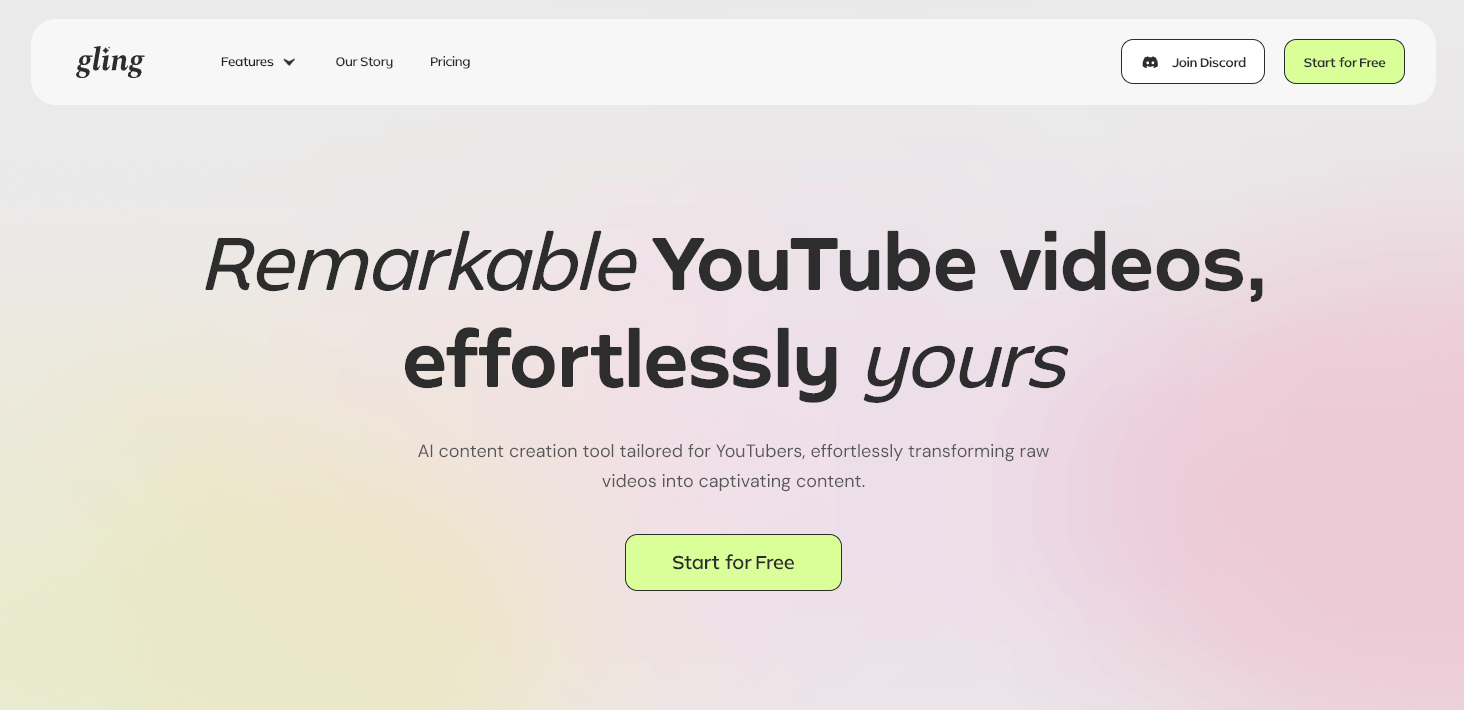
Where OpusClip turns long video into short clips, Gling cleans up the long video itself. It scans raw talking-head footage, removes silences, filler words (“um,” “uh,” “like”), and bad takes, and hands you a rough cut you can refine. If you record YouTube videos or course lessons, it replaces an editing pass that would otherwise take hours.
Pros of Gling
- Removes silences and filler words automatically
- Text-transcript editing lets you cut video by deleting words
- Improves audio quality and removes background noise
- Exports to Final Cut Pro and Premiere for fine editing
Cons of Gling
- Narrow use case, built for talking-head video specifically
- Free plan caps at one hour of total processing
Pricing of Gling
From $20/month ($10/month billed annually) for 10 hours of processing. The Elite plan is $100/month ($50/month billed annually) for 100 hours.
12. Buffer AI Assistant
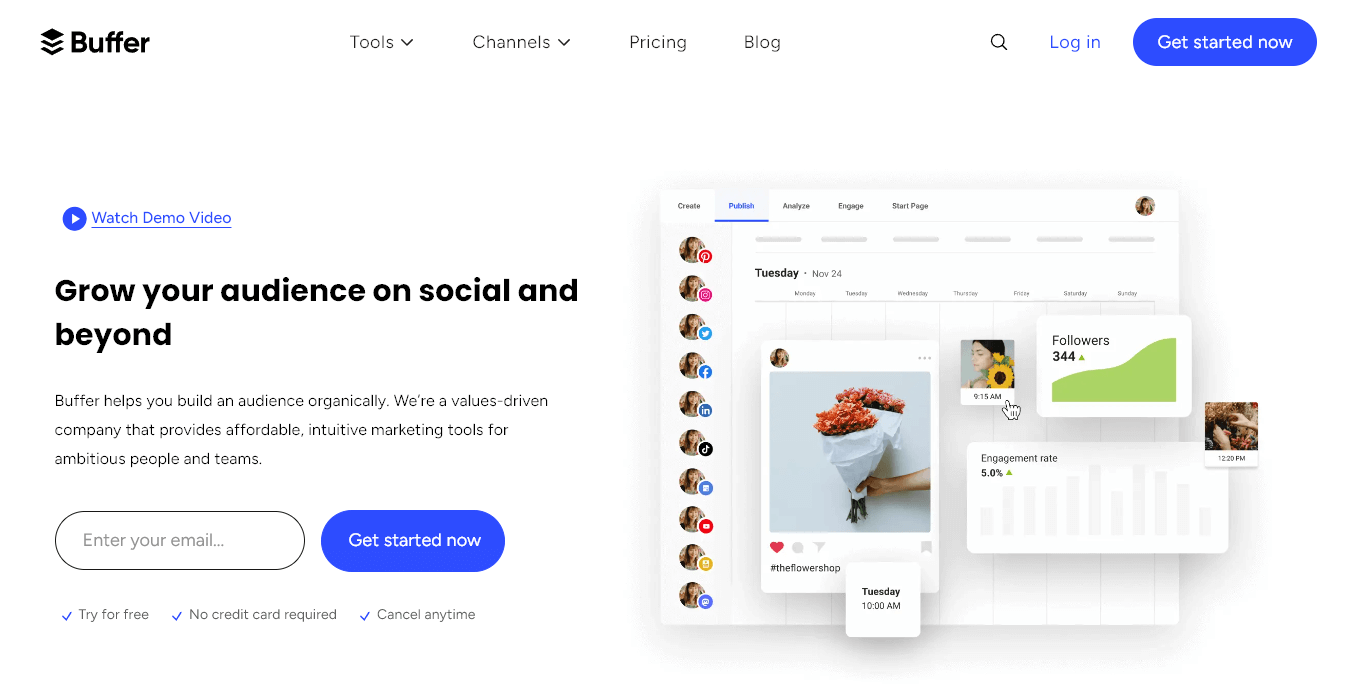
Buffer handles social scheduling across X, LinkedIn, Instagram, Facebook, and more. The built-in AI Assistant generates post ideas, repurposes one post into platform-specific variants, and offers one-click rewrites (“Rephrase,” “Shorten,” “Expand,” “More casual”). Not flashy, just removes the blank-page problem for whoever runs your social.
Pros of Buffer AI Assistant
- Generates platform-specific variants from a single source post
- Translates posts to multiple languages in one click
- A/B variant generation for headline testing
- Free plan includes AI assistant plus 3 channels
Cons of Buffer AI Assistant
- Cost scales fast as you add channels
- Output quality is middle-of-the-road, better as a starting draft than final copy
Pricing of Buffer
Free plan for 3 channels. Paid plans from $6/channel/month ($5/channel/month billed annually).
13. RightBlogger (our product, for bloggers)
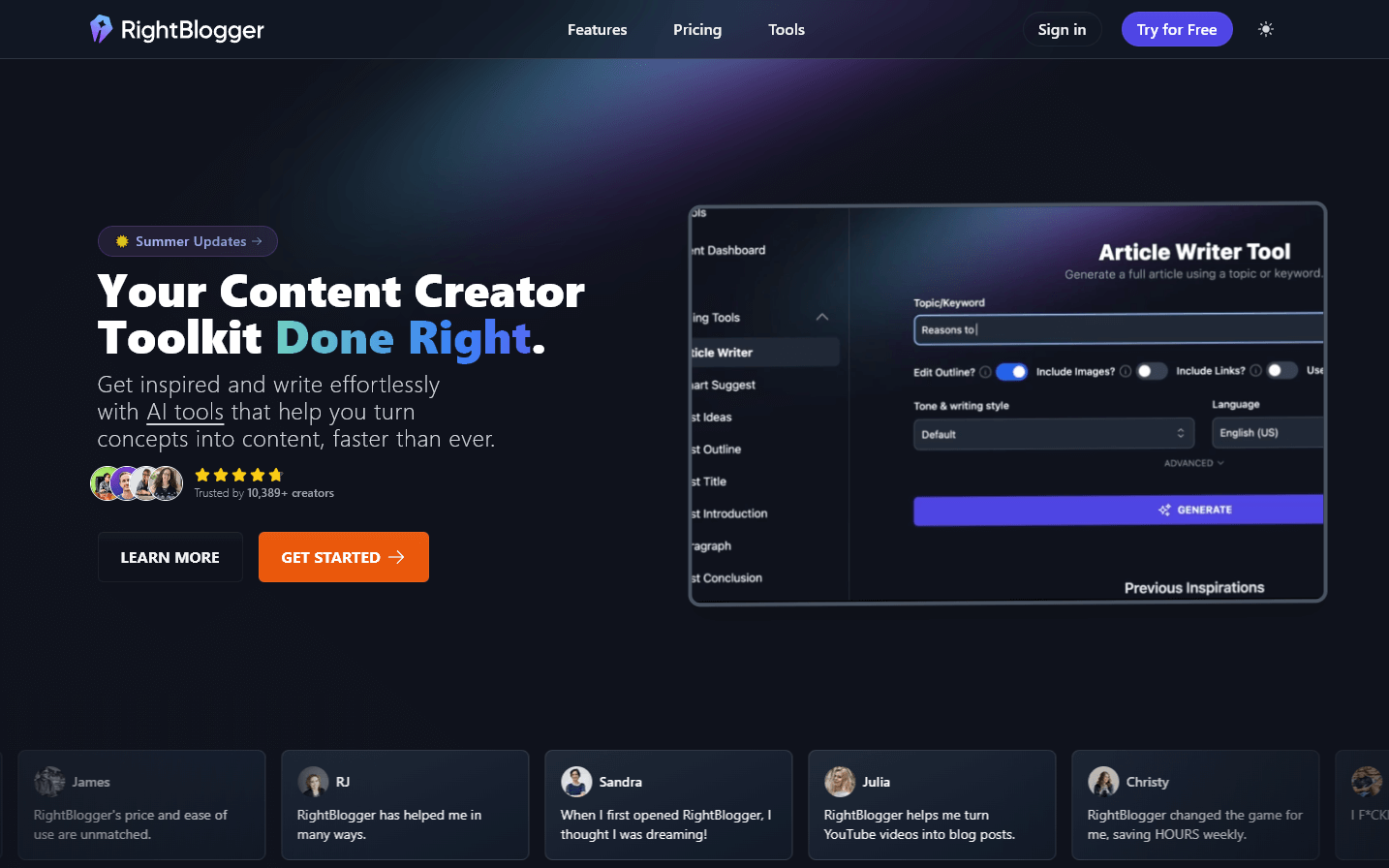
Disclosure: we built RightBlogger, so we’re obviously biased. Here’s when it actually makes sense, and when it doesn’t.
RightBlogger is purpose-built for bloggers, solopreneurs, and content creators. It’s a full suite of tools (article writer, SEO reports, internal linking, keyword clustering, summarizer, translate, AI image generator, and more) wrapped around a content workflow, not a general assistant. If your day revolves around writing and ranking blog posts, it replaces a stack of separate tools (Grammarly + a keyword tool + an SEO tool + an AI writer + an image generator).
If you’re not a blogger or content creator, skip this one. ChatGPT or Claude does most of what RightBlogger does for general tasks, and you don’t need another subscription.
Pros of RightBlogger
- Purpose-built for blogging workflows, article writer, SEO reports, auto-optimize
- Flat pricing, no per-word credits or usage caps on paid plans
- 30-day money-back guarantee on all plans
- Internal linking and topical authority tools you don’t get from general AI assistants
Cons of RightBlogger
- Overkill if you don’t actively run a blog or publish content for SEO
- Not a general-purpose assistant, use ChatGPT or Claude for that
- Full access needs a paid plan, though there is a limited free account, a 7-day free trial, and a 30-day money-back guarantee
Pricing of RightBlogger
Plans start at $49/mo (Solo, billed yearly; $59 month-to-month) for unlimited AI words on one site. Pro is $69/mo billed yearly ($89 monthly) with 3 team seats and 90 SEO reports a month. Every paid plan starts with a 7-day free trial and has a 30-day money-back guarantee.
How to Build Your AI Productivity Stack
The fastest way to waste money on AI tools is to subscribe to five of them before figuring out what you actually do all day. A better sequence:
- Track your time for a week. Pay attention to anything you repeat, answering similar emails, summarizing docs, editing video, writing social posts, pulling quotes from calls. Those are the AI-shaped holes in your day.
- Start with one general assistant. ChatGPT or Claude will cover 70% of text-based work. Don’t buy a niche tool until you’ve hit a specific limit the general one can’t solve.
- Add niche tools only where you see real volume. Hours of meetings every week? MacWhisper. Posting shorts daily? OpusClip. Running a blog? RightBlogger. Recording YouTube videos? Gling. Don’t collect tools for problems you don’t have.
- Cancel anything you haven’t opened in a month. Subscription creep is the silent killer here. Review quarterly.
The Honest Bottom Line
For most people, the right AI productivity stack in 2026 is narrower than the internet makes it look. A general assistant (ChatGPT or Claude), an image tool (Gemini or Midjourney), and one or two niche tools that match your actual workflow will do more for your output than twelve overlapping subscriptions.
The tools that earn a place in your stack are the ones you’d notice if they disappeared tomorrow. Everything else is a tab you forgot to close.
Blog Automation That Keeps Your Posts Ranking
RightBlogger finds keywords, writes SEO articles, and publishes them to your blog. Then its Site Agent uses your Search Console data to keep older posts in shape, adding internal links, sharpening weak meta descriptions, and fixing stale years and broken links. Join 51,000+ bloggers using it to grow traffic from Google and ChatGPT.

Ali Luke is a freelance writer and author who shares tips on writing smarter and making the most of your time at Aliventures.com.




Automated SEO Blog Posts for Your Site
Research, write, publish, and share from one account.
7-day free trial. Cancel anytime.





Leave a comment
You must be logged in to comment.
Loading comments...