AI tools for YouTubers. Turn videos into blog posts.




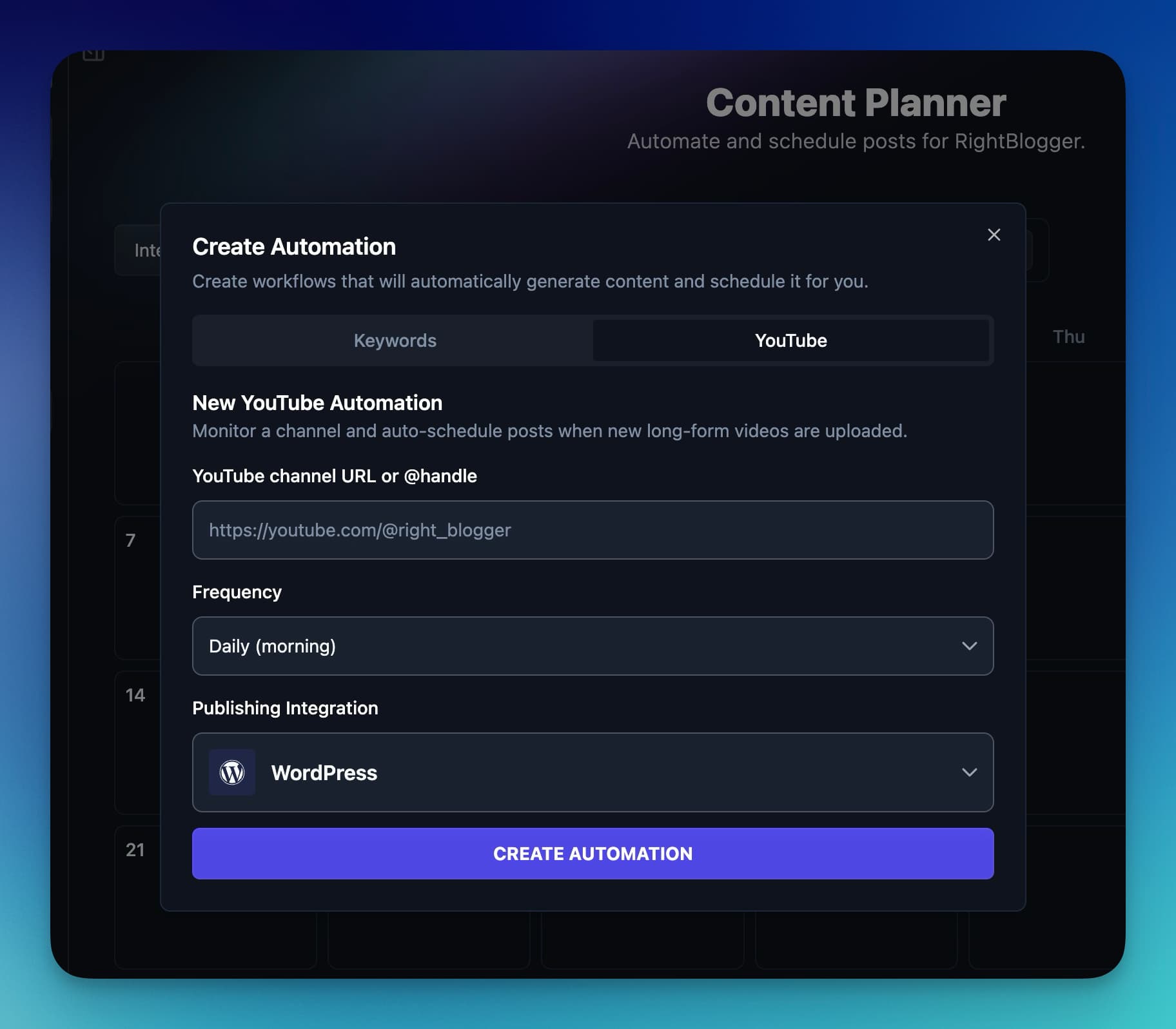
Turn new uploads into blog posts automatically
Add your channel to a YouTube automation and RightBlogger checks it on the schedule you set. Each new upload becomes a blog post with the video embedded.
- Pick what counts.
Regular videos, Shorts, livestreams, or all three, filtered by length, views, or words in the title.
- Fill quiet weeks.
When a run finds no new upload, it can repurpose a recent video that doesn't have a post yet.
- Publish or draft.
Posts go straight to your connected site, or wait as drafts for you to review.
Find video ideas and write the script
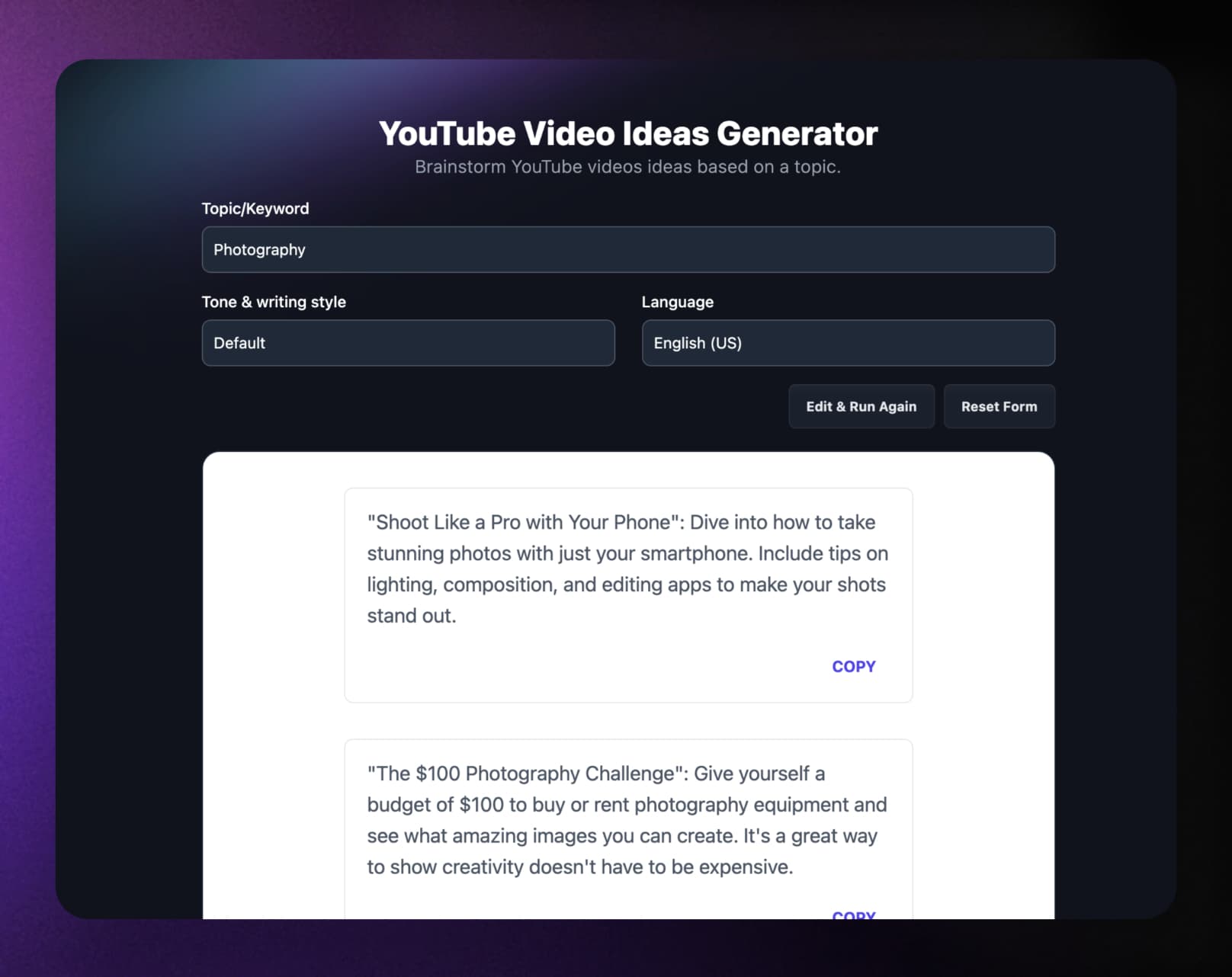
Start from a topic or keyword. RightBlogger drafts ideas, a script, and title options for you to edit into your own words.
- YouTube Video Ideas
A list of video ideas for a topic or keyword.
- Video Scripts
A full script for YouTube or Shorts, or talking points if you'd rather not read one.
- YouTube Video Title
Title options from a topic, a working title, or the video's URL.
Outline the video, then fill in YouTube Studio
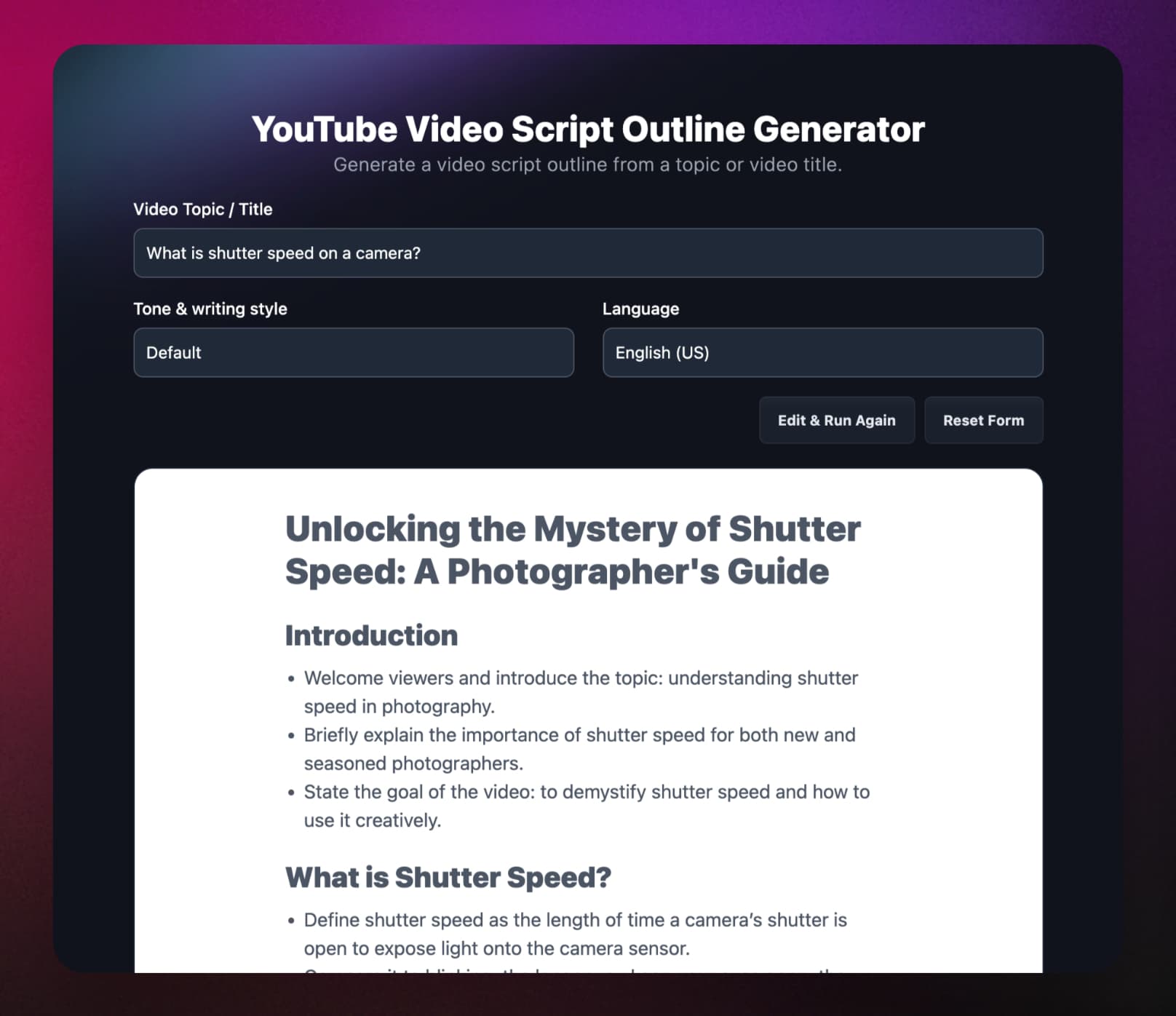
Structure the video before you film, then get the description and tags to paste in when you upload.
- YouTube Video Outline
A script outline from a topic or video title.
- YouTube Video Description
A description from a topic, URL, or transcript, with optional timestamps and hashtags.
- YouTube Video Tags
Tags from a topic or video URL, kept under YouTube's 500-character limit.
Repurpose any video from its link
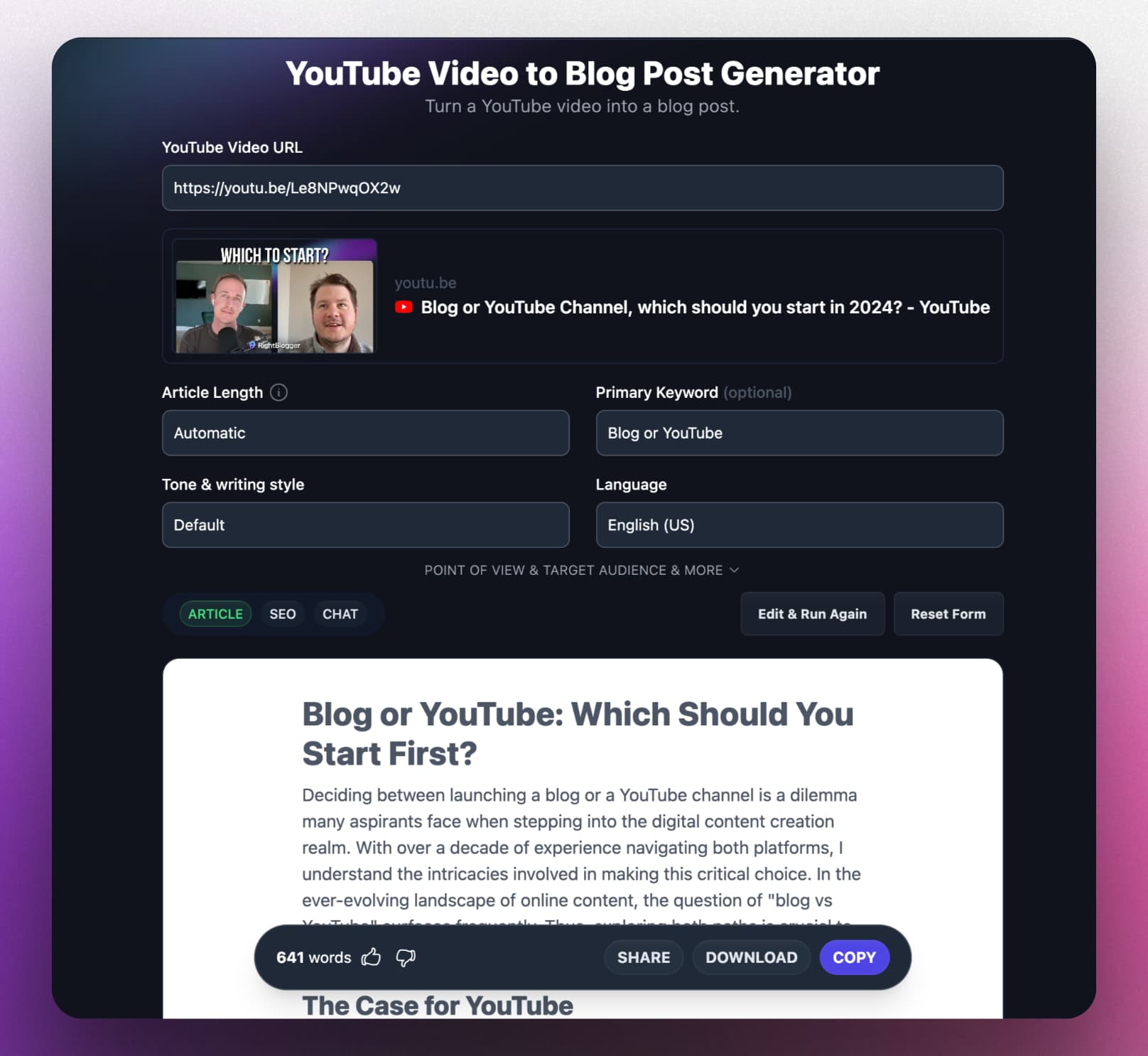
Paste a YouTube URL and RightBlogger works from the video's transcript, so one upload becomes a blog post, a transcript, and posts for X.
- YouTube Video to Blog Post
A full post with the video embedded. Edit the outline first if you want.
- YouTube Transcript
Download a video's transcript with timestamps, or cleaned up for reading.
- YouTube Video to Tweets
A list of X post ideas from the video.
- MyTone
Build a voice from your own video links so posts sound like you.
Frequently Asked Questions
Can't find an answer? Contact us.
What can RightBlogger do for YouTubers?
RightBlogger turns your YouTube videos into blog posts for your own site, one video at a time or automatically as you upload. It also has AI tools for the video itself: video ideas, scripts, outlines, titles, descriptions, tags, and transcripts.
How does the YouTube automation work?
A YouTube automation checks your channel on the schedule you set and writes a blog post for each new upload, with the video embedded. You choose regular videos, Shorts, livestreams, or any mix, can filter by length, views, or words in the title, and either publish to your connected site or save drafts to review. Automations come with the Solo, Pro, and Agency plans; every tool on this page also works one video at a time. Each site on a paid plan includes one YouTube automation that does not count against your other automations.
Which videos can I turn into blog posts?
Any public YouTube video with captions (auto-generated ones count), including Shorts and finished livestreams. RightBlogger works from the video's transcript, so paste the URL into YouTube Video to Blog Post or paste a transcript directly. For a video without captions, upload the video or audio file to Transcribe first. A brand-new upload can take a few minutes before its transcript is available.
How do the scripting tools work?
Enter a video topic or working title and each tool returns a draft to edit. Video Script writes a full script for YouTube or Shorts, or just talking points; Video Script Outline gives you the structure; YouTube Video Ideas suggests topics to film next.
Can RightBlogger help with YouTube SEO?
Yes, with the metadata you write. Video Title, Video Description (optional timestamps and hashtags), and the YouTube Tag Generator (tags kept under YouTube's 500-character limit) work from a topic, keyword, or video URL. RightBlogger does not track YouTube rankings or channel analytics.
Can I try it for free?
Yes. The Free plan includes 2,000 AI words a month and one MyTone voice, enough to turn a video into a blog post and try the video tools. YouTube automations and unlimited words come with Solo ($49/month billed annually, or $59 month to month), Pro, and Agency, each with a 7-day free trial.
Publish to the site you already have.






Every Upload, a Blog Post
Connect your channel once and each new video becomes a post on your site.
7-day free trial. Cancel anytime.
