
Blog Post Title Generator
Generate a blog post title from a topic or keyword.
Better blog titles get more clicks from Google and from social. RightBlogger’s free Blog Post Title Generator uses AI to write 10 SEO-optimized title options from any topic or keyword in seconds, so you can stop staring at a blank field trying to land on the perfect headline.
Built for bloggers, content marketers, and SEO writers. It’ll generate titles that follow the patterns Google rewards (clarity, intent match, optimal length under 60 characters) plus the patterns that drive click-through (numbers, specificity, curiosity gaps).
How to Use the Blog Title Generator (Step-by-Step)
We (Andy and I) built the title generator to be fast. Here’s how to use it.
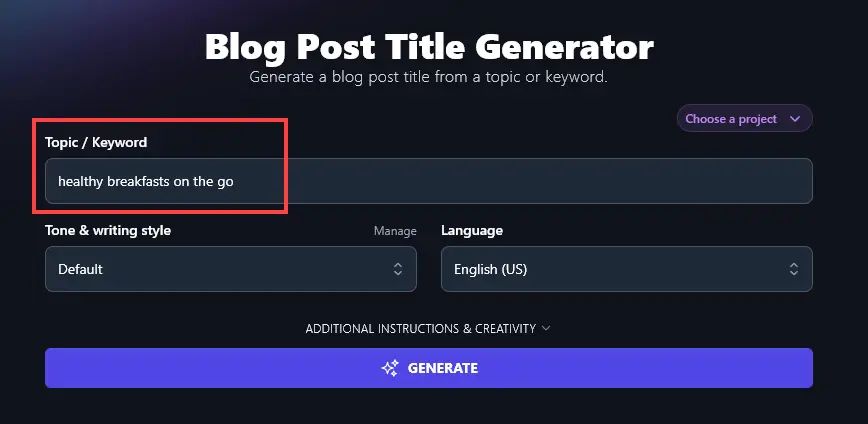
1. Enter Your Keyword or Topic
Type in the keyword or topic for your blog post. The AI can’t come up with a title without any information!
If you’ve got a “working title” for your post, you can put the whole thing in here.
2. Select Your Tone
Pick a tone that matches your blog’s voice using the Tone & Writing Style dropdown.
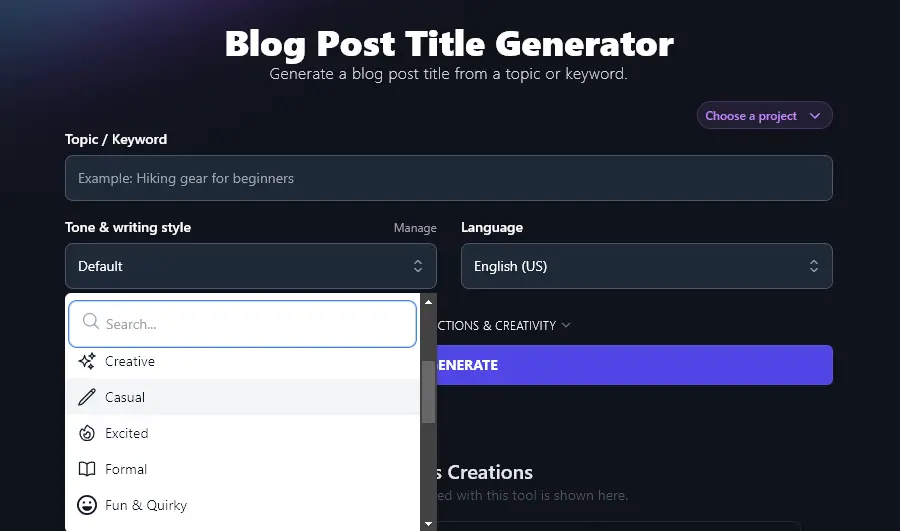
Tip: The AI will prioritize SEO-friendly titles, so you may not see as dramatic a shift between different style options as you get in tools like the Article Writer.
3. Choose Your Language
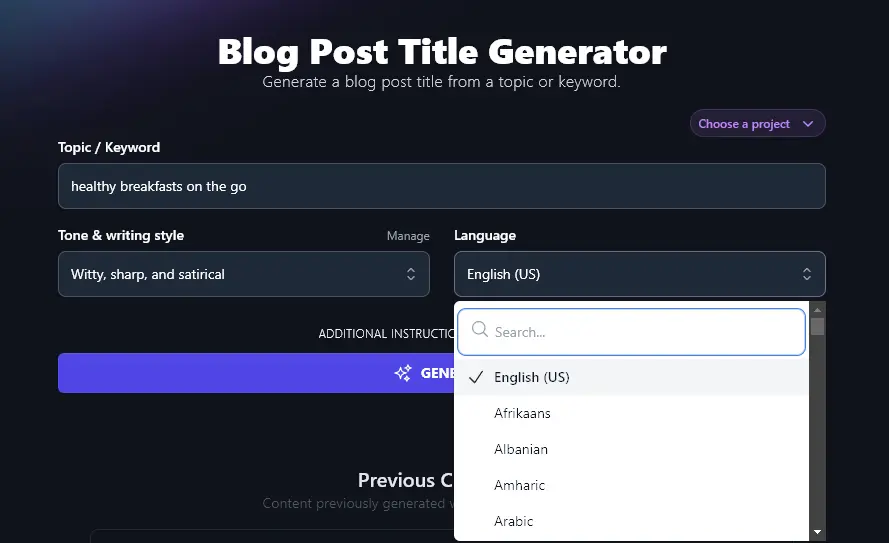
RightBlogger defaults to English (US) as that’s what most of our users prefer. But if you’re blogging in a different language (or even a different variety of English), you can choose from 100+ languages here.
Once you’ve entered your topic/keyword and (optionally) selected your tone and language, the AI will come up with 10 title suggestions for you to choose from:
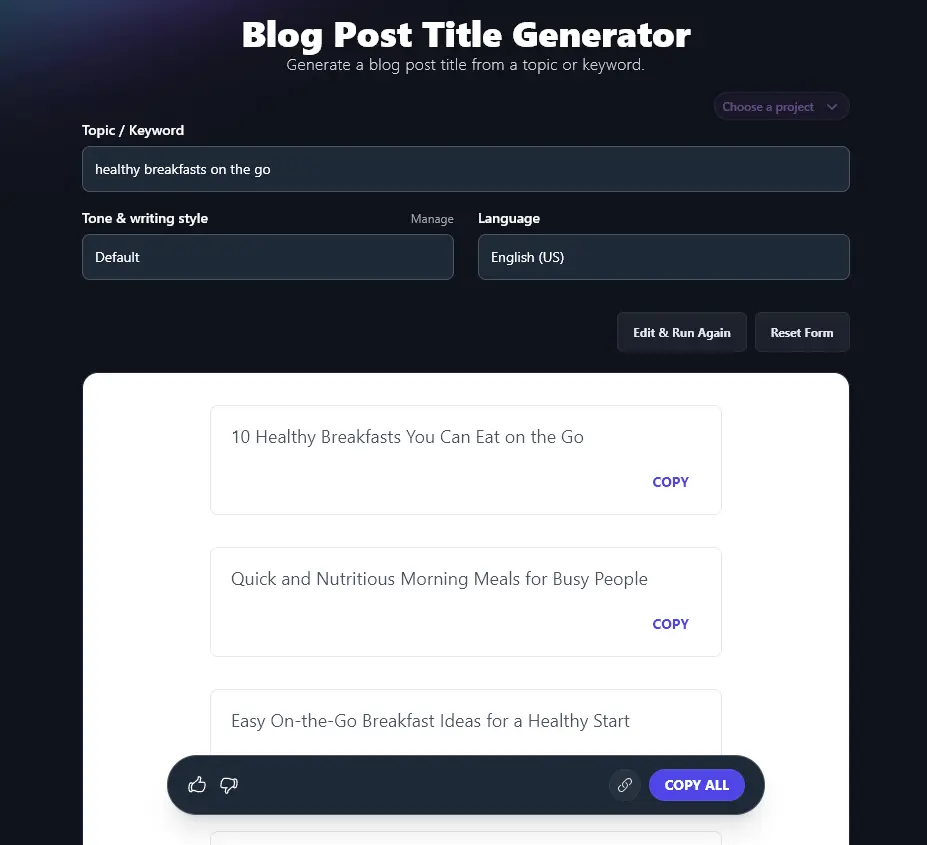
You can copy any/all of these to a separate document, or create a link to share them with others on your team.
Bonus: My Blog Post Title Checklist
This is my personal blog post title checklist. Whether you’re using AI or writing titles by hand, you want a “yes” on every question.
- Is your primary keyword in the title?
- Is the title clear and specific?
- Is there a power word in the title?
- Is there a number in the title? (Not essential but most popular posts include a number in the headline.)
- Is the title under 60 characters, ideally nearer 50? (This way, it should display in full in Google’s search results.)
- Would YOU want to read this post, based on the title?
Each Feature, Explained (Plus Advanced Options)
Our blog title generator is very simple to try out. If you want to go a bit further or create titles to a specific pattern, here’s how to use its more advanced features.
1. Keyword/Topic (More Precise = Better Results)
You can use the blog title generator as more of an idea generator … but you’ll get better results if you already have a clear topic in mind. If you’re keen to get good search engine traffic, you’ll want to pick a suitable keyword to use here.
Here, for instance, we used the keyword “healthy breakfast muffin recipes” to come up with some very specific titles:
- “10 Healthy Breakfast Muffin Recipes You Need to Try”
- “Easy High-Protein Muffins for Busy Mornings”
- “How to Make Low-Calorie Muffins Without Sacrificing Taste”
- “Gluten-Free Breakfast Muffins Everyone Will Love”
- “Quick and Healthy Muffin Recipes for On-the-Go Families”
- “Kid-Friendly Breakfast Muffins Packed with Nutrition”
- “5-Minute Prep Muffin Recipes for a Healthy Start”
- “Banana Oat Muffins: A Simple and Healthy Recipe”
- “Best Sweet and Savory Muffin Ideas for Breakfast”
- “Healthy Muffins Without Sugar: Simple Swaps That Work”
Tip: Need a hand coming up with keywords? Use our Keyword Research tool and look for (relevant) low-difficulty keywords with a volume of 1,000-10,000. These should be reasonably easy for you to rank well for. For more options, see our roundup of free keyword research tools.
2. Tone and Writing Style (Tailor Your Titles to Your Voice and Brand)
With the blog title generator, the “Default” tone and style works just fine for most bloggers … but if you feel the titles aren’t quite the right fit for your blog, go ahead and experiment with the tone & writing style dropdown.
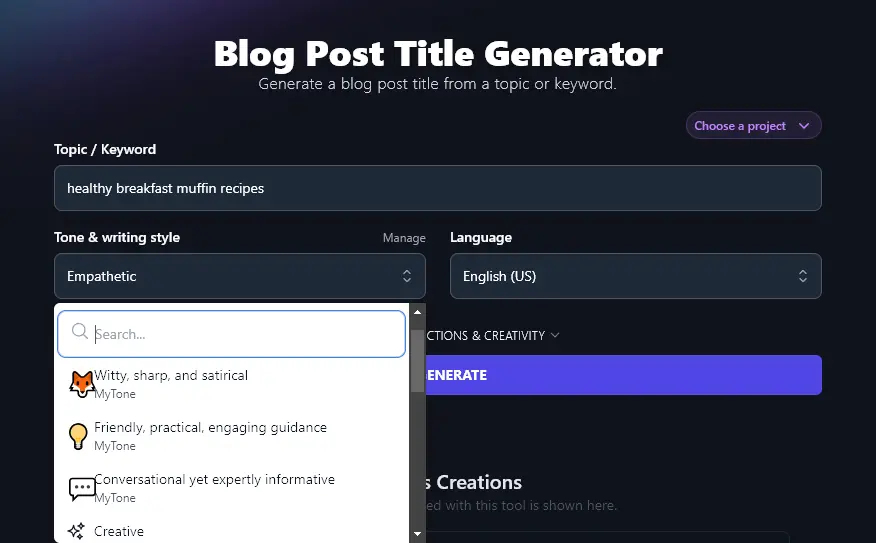
RightBlogger comes with 16+ tones built-in, like Casual, Fun & Quirky, Empathetic, Direct, and Passionate. You can use any of these to create eye-catching titles.
Tip: On any RightBlogger plan, you can set up your own MyTone. You can use this in all our tools with a Tone & Writing Style dropdown. You can see some we created below.
3. Language (Select Any of 100+ Languages)
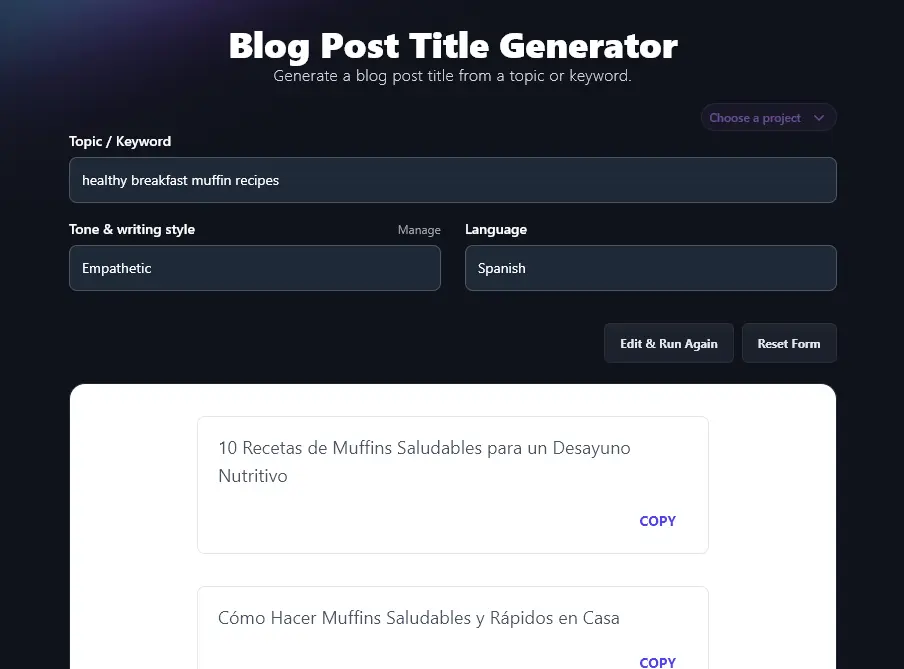
RightBlogger can write titles in more than 100 different languages, letting you craft content for a global audience. Whether you have a multilingual website or you just want to create titles in your own language, you’ve got all the options you need here. Just select the language you want from the dropdown.
4. Additional Instructions (Tailor Your Titles to Your Needs)
Maybe you’ve got some specific requirements for your title. If you want your primary keyword included in full, for instance, you can add that here.
We asked the AI to: Include the primary keyword “healthy breakfast muffin recipes” in each title you create. Also include a number in every title.
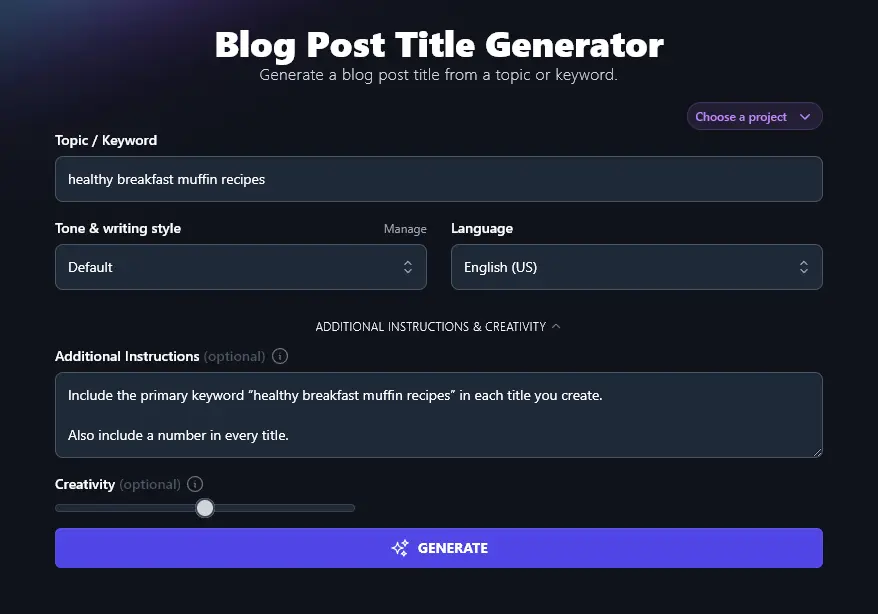
The AI came up with a list of titles that met those requirements (with slight variations on the keyword in #3 and #7):
- 10 Healthy Breakfast Muffin Recipes to Start Your Morning Right
- 7 Easy Healthy Breakfast Muffin Recipes You Can Make Ahead
- 12 Healthy Muffin Recipes for a Quick Breakfast Boost
- 15-Minute Healthy Breakfast Muffin Recipes That Kids Love
- 9 Gluten-Free Healthy Breakfast Muffin Recipes to Try This Week
- 5 High-Protein Healthy Breakfast Muffin Recipes for Busy Mornings
- 8 Low-Sugar Healthy Breakfast Muffin Ideas for Healthier Eating
- 10 Healthy Breakfast Muffin Recipes for Weight Loss Goals
- 6 Healthy Breakfast Muffin Recipes with Simple Ingredients
- 11 Healthy Breakfast Muffin Recipes Packed with Fruits and Veggies
5. Creativity (Make Your Titles More Conventional or More Unusual)
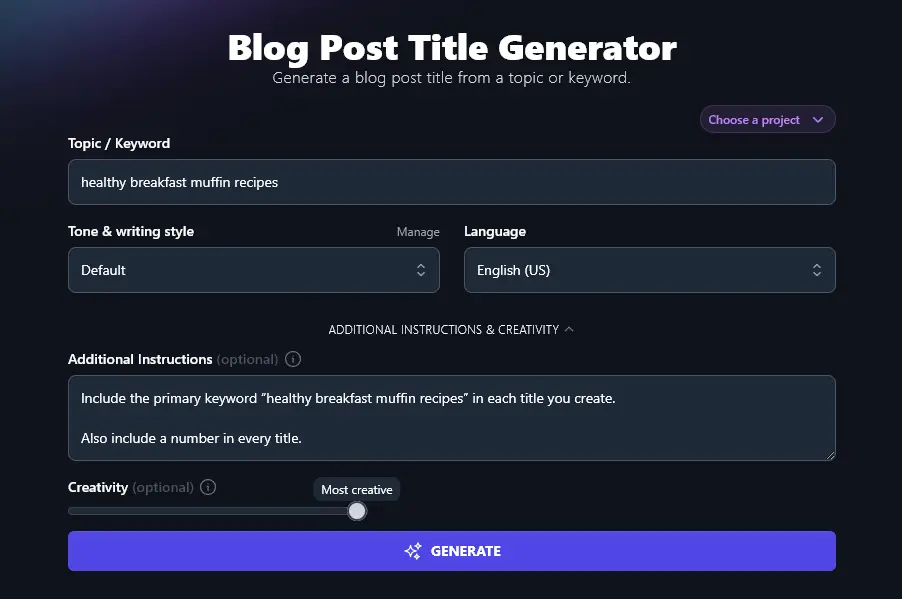
By default, RightBlogger’s AI will aim for a balance between the expected and the unexpected. You don’t want your titles to be exactly the same as everyone else’s … but you do want them to draw on common principles that work.
If you feel your titles aren’t quite hitting the mark, though, you can adjust the AI’s creativity using the Creativity slider.
Blog Title Generator FAQs
What Makes a Good Blog Title?
The best blog titles are both clear and catchy! They let readers know exactly what to expect, without making overblown promises … and they’re also attention-grabbing.
A good blog post title also needs to be well-matched to your target audience. Catchy titles that would go down well with Gen Z aren’t going to work for an audience of retirees.
The best blog post titles are quite specific. ‘How to Eat Better’ is much too broad to work well as a blog post title. ‘How to Eat a Healthy Breakfast When You’re Always On the Go” is a much better option.
How Can I Come Up With Title Ideas?
You can brainstorm title ideas based on your keyword or blog topic, or you can use a title generator (sometimes called a headline generator).
If you’re using a title generator, make sure it’s a real AI-powered tool. You don’t want a title generator that just sticks a word into pre-set templates. One we tried came up with titles like “Don’t Waste Time! 7 Facts Until You Reach Your Blogging”, “Why Blogging Is The Only Skill You Really Need”, and “7 Romantic Blogging Vacations”.
Instead, use a high-quality AI-powered title generator like ours, which can come up with intelligent, coherent titles geared to your piece of content. You can also study real titles that work, see our roundup of 21 great blog post examples for inspiration.
What’s the Difference Between a Blog Title Generator and a Content Idea Generator?
You can use a blog title generator and a content idea generator in a similar way, but generally, blog title generators will assume that you already have a clear idea in mind.
If you’re not too sure what to write about, it makes sense to begin with a blog post idea generator. You could put in a broad idea then refine it to get a more creative title starting point.
Is This a Free Blog Title Generator?
Yes, our AI blog title generator is included in every RightBlogger plan. You just need a RightBlogger account to start using it.
(Every paid plan includes unlimited words, so you can generate as many titles as you need.)
What Other AI Tools Can I Use to Develop Blog Posts?
Along with our blog title generator tool, we have a bunch of other great AI writing tools to help you with your content creation and content marketing.
These include:
Article Writer: create an AI-generated blog post draft almost instantly
Smart Suggest: get the AI to suggest ideas based on your existing blog posts (just pop in your URL)
Post Outline: come up with a detailed outline for your next blog post, based on your target keyword
Post Introduction: craft a compelling introduction that grabs the reader’s attention
Post Conclusion: round off your blog post with a strong conclusion and call to action
Paragraph Generator: beat writer’s block and save time by quickly drafting a paragraph on any topic
Alongside our blog post tools, we’ve got social media AI tools and AI sales tools too, with over 90 AI tools packed into RightBlogger.
Who is the Blog Title Generator Designed For?
We made the blog title generator for bloggers, content creators, digital marketers, SEO agencies, small businesses … basically anyone who wants catchy headlines and engaging titles for their content!
How Do I Sign Up For RightBlogger and How Much Does it Cost?
You can sign up for RightBlogger and start generating titles right away. Every plan comes with a 7-day free trial and a 30-day money-back guarantee.
All plans include advanced features like MyTone, Projects, and Chat, plus unlimited words on every paid plan. Monthly plans are Solo $59, Pro $89, and Agency $299 (annual billing, charged monthly, is $49 / $69 / $199).