How to Start a Web Design Business: Christy Price Interview
Christy Price shares how she found clients, chose Squarespace, and grew beyond custom design into products and courses.

An online veteran with more than 25 years of web design experience under her belt, RightBlogger customer, Squarespace web designer, and online educator, Christy Price, began her career helping to build the original Mall.com website in the late ’90s, and she’s never looked back.
From building stunning websites to running her own diversified online business today, Christy’s journey as a web designer and Squarespace expert, is packed with wisdom we can all learn from. Whether you’re an entrepreneur or an aspiring web designer, you’re gonna love her story.
Please enjoy today’s conversation from our RightBlogger Customer Spotlight series, with the lovely, the fantastic, Christy Price. Tune in right here:

Fancy yourself the read-for-my-insights type? Read on, my friend. I wrote this SEO-optimized companion blog post (below) in about 30 minutes with the help of RightBlogger’s Video to Blog Tool. Take it for a spin, you’ll love how quickly this tool can create content that looks, feels, and sounds like you.
Blog Automation That Keeps Your Posts Ranking

RightBlogger finds keywords, writes SEO articles, and publishes them to your blog. Then its Site Agent uses your Search Console data to keep older posts in shape, adding internal links, sharpening weak meta descriptions, and fixing stale years and broken links. Join 51,000+ bloggers using it to grow traffic from Google and ChatGPT.
Meet Christy Price: 25 Year Web Designer Turned Squarespace Expert
Christy’s introduction to website design started in grad school when she first dipped her toes into coding in the 1990s. After deciding academia wasn’t exactly her life’s passion, she made the move to pursue web design full-time, joining a startup to work on coding projects.

Fast forward to today, Christy’s an online business owner with a wide range of products including website templates, courses, a podcast, YouTube channel, service offerings, and more. She’s a certified Squarespace expert and trainer who helps others create stunning, high-converting websites.
🔑 Christy’s ability to adapt to a constantly changing industry and teach herself new skills, is a superpower you’ll be wise to learn from. By 2018, her focus shifted to Squarespace exclusively, and she now helps solopreneurs & small businesses get the tools, education, and help they need to build engaging websites that bring them more customers.
Fun fact: Christy also has her M.A. degree in Cognitive Psychology 👀 she’s awesome, I know.
The Early Days: Christy’s Journey into Web Design
Christy’s first commercial job was working for mall.com, a startup in the late ’90s that created a virtual mall with the goal of becoming an online shopping marketplace.

At a time when websites were hand-coded with rows and columns, Christy learned a lot from working alongside other designers and developers. This challenge taught her how to bridge the gap between technical coding and creative design, skills she carried into her freelancing years.
Christy’s freelancing journey wasn’t easy at first. She admits she made every mistake in the book… from accepting low-paying clients, to overlooking red flags early in projects. But each misstep helped her refine her services, set boundaries, and find the types of clients she actually enjoyed working with.
Why Squarespace Became Her Platform of Choice
After experimenting with every website builder on the block, Wix, Weebly, Strikingly, WordPress, and more, Christy landed on Squarespace as the best fit for the types of clients she wanted to work with.
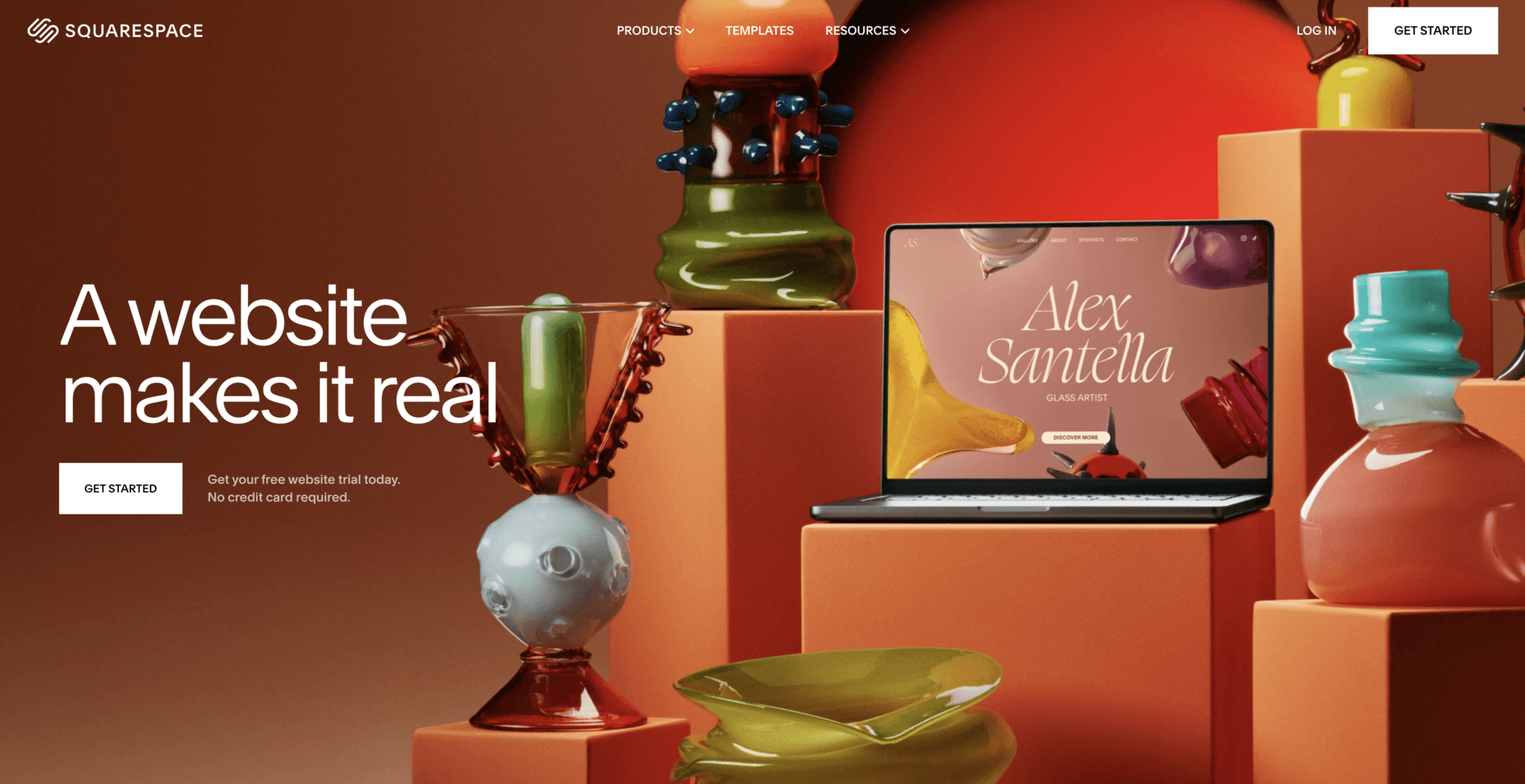
Christy chose the platform because it offers intuitive tools and a level of flexibility that made it super easy for business owners (without coding skills) to maintain their websites long after launch.
What stood out the most is its simplicity. Squarespace removes much of the technical complexity found in other platforms like WordPress, making it ideal for solopreneurs and small businesses. If you’re interested in a comparison of platforms, check out our guide on How to Choose a WordPress Theme for more insights into the ways these website building platforms function.
3 Most Common Website Design Mistakes (and How to Avoid Them)
Building a website that works is more than just throwing some text and a few images onto a page, hitting publish, and expecting to get customers.

Christy shares a few of the most common pitfalls she sees with DIYers:
- Vague Messaging: A homepage that says “Welcome to my website” won’t do much to inform or engage visitors. Instead, your message should clearly explain who you are, what you do, and why it matters. Refine your value proposition into a clear, simple statement that your target audience (your ideal customers) will immediately resonate with.
- Overloading Text: Walls of text will instantly overwhelm readers and potential customers. Break up your text content with formatting elements like headings, bullet points, and bolded phrases to keep it scannable. Sprinkle in value-adding images as often as possible.
- Poor Use of Images: While stock photos can work in some limited use cases, mismatched visuals can hurt your site’s professional vibe and ability to convert visitors into customers. Christy recommends sticking to a cohesive color theme, and ideally, hiring a brand photographer to create some custom visuals with you.
Sound like a lot of work? Take it one step at a time. Your website doesn’t need to be perfect the day it launches… especially if you don’t immediately have hundreds of people visiting it right away.
DIY Website Advice: Getting Started on Squarespace
For those of you tackling your own website projects, Christy has some super practical advice to share:
- Start with a Plan: Before anything else, you need to decide what the goal of your website is. Sketch out a flowchart of your site’s overarching structure. Outline the main pages (e.g., Home, About, Services, Contact) and how they connect. Think through how you want people to interact with your website. This plan ensures consistency and avoids feeling lost as you begin the process of actually building.
- Use Squarespace Tools: Squarespace’s “Blueprint” feature now uses AI to create a draft of your website based on your preferences and some quick instructions. This tool won’t make a perfect website for you in one go, but it can definitely save DIYers a lot of time.
- Think Mobile First: With mobile device Internet traffic at an all-time high, this is critical. Don’t forget to optimize the pages of your site for mobile. Many people design on desktops, but neglect to check how the site looks on their phones or tablets. Squarespace has some useful tools for checking this.
- Use Clear Calls-to-Action: Every page should direct visitors to take the next step with you, whether that’s booking a consultation, purchasing a course, signing up for your free digital download, or reading another blog post. Leaving visitors at a dead end is a missed opportunity.
Christy emphasizes starting with simple and refining the look & feel of your website as you go.
Building a Diversified Online Business (in the Web Design Space)
While Christy started with just one core service (custom web design), she quickly realized the value of diversifying her offerings, and began experimenting.
Today, her income streams span through a wide range of things like client work, short duration consulting packages, affiliate marketing, digital products like courses, her podcast, YouTube channel, templates, training for aspiring web designers, and more.

Quick note from Ryan 👋: As an experienced online business operator myself, I wanted to highlight just how big of a deal it is to diversify your income streams as quickly as possible. This gets you away from the risky position of over-dependence on just one type of business model (or a small number of clients) and into a stage where you have the opportunity to grow in multiple different ways. My guide to making money with AI is a great primer on this too.
Here are a few actionable pointers for anyone looking to follow a path similar to Christy:
- Start Small: Christy’s first clients came from word-of-mouth. She even wore a “Web Designer” T-shirt to spark conversations and network in her community. In fact, she still sometimes wears that shirt and it’s done wonders for her business.
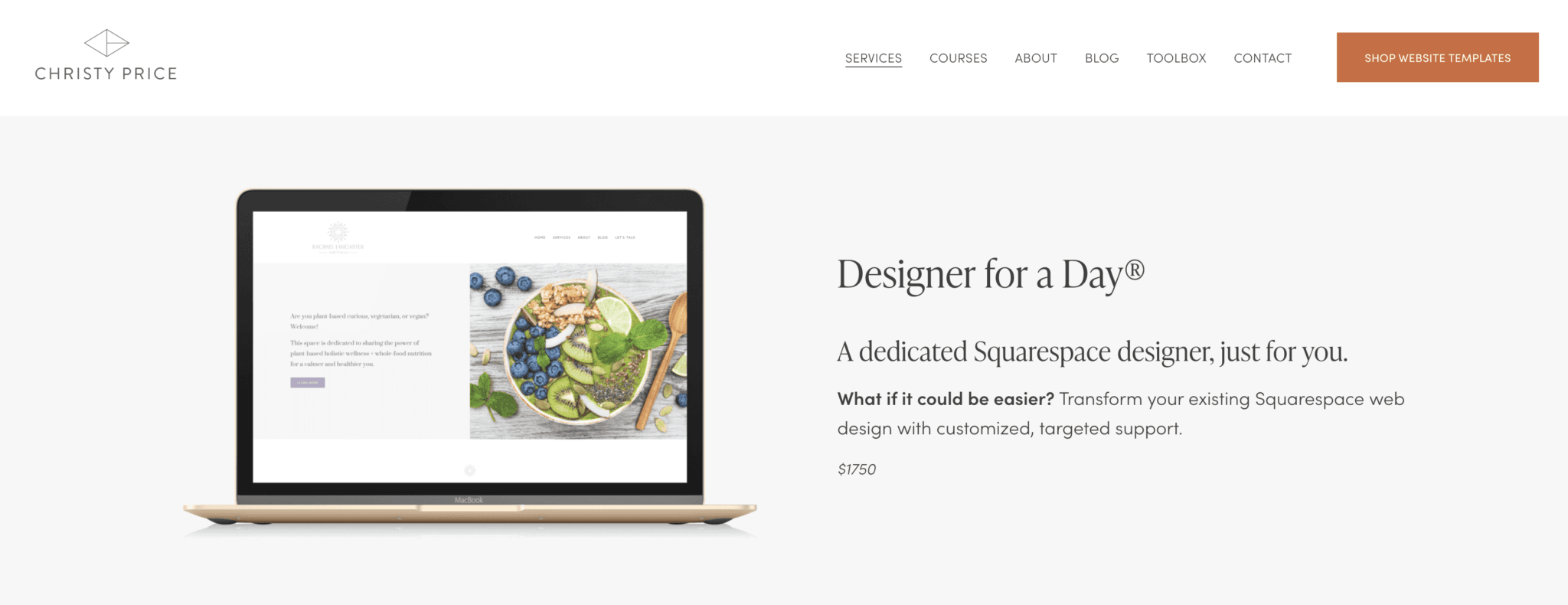
- Create Tiered Offerings: Not everyone will need, or can afford, a custom website design. Options like hourly support, starter templates, or a “Designer for a Day” package can make your services accessible to a broader audience.
Scale with Digital Products: Once you’ve honed your expertise, consider creating tutorials or templates. Christy’s courses and guides allow her to share knowledge while adding passive income streams to her business model. This is much more scalable income, and it allows her to reach a much wider audience than just what client work alone can afford.
Want more actionable ideas? Check out How to Make Money with AI, my guide that’s packed with strategies for earning income online in the age of AI.
Growing an Audience Today: Social Media & Blogging as Traffic Drivers
Christy’s path to growing her audience started with blogging. By answering common client questions in blog posts, she quickly attracted targeted search traffic in the Squarespace niche and established herself as an authority in web design. This is still a meaningful source of her traffic & leads.
In recent years, SEO has shifted a bit though. With AI-generated snippets answering simple queries directly on search engines, platforms like YouTube have become more appealing.
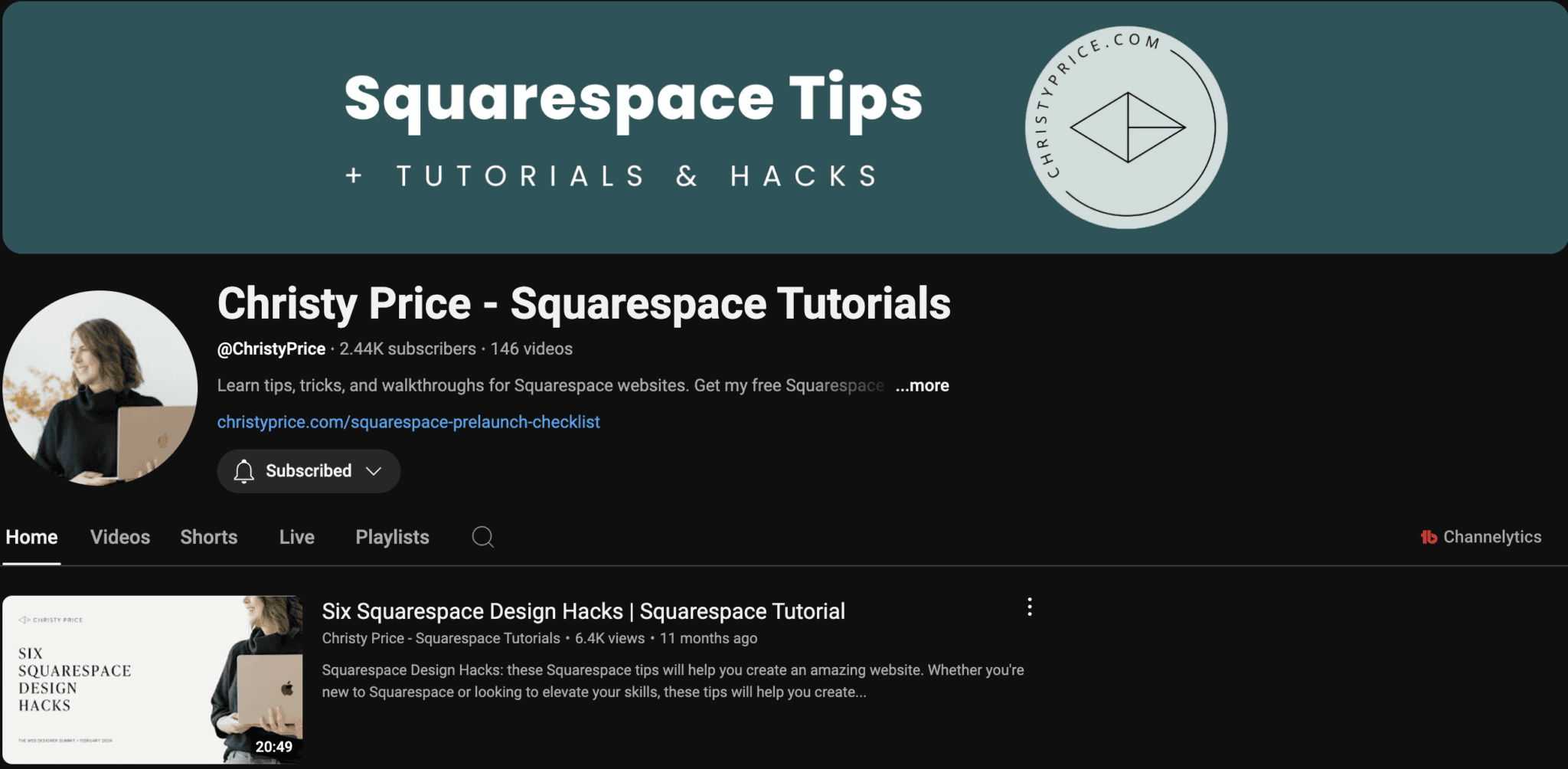
Christy now posts weekly videos offering Squarespace tips and sees this as an exciting new avenue to reach her audience in a format that’s more engaging (and more future proof).
First and foremost, choosing where to focus your efforts on audience growth comes down to what sparks joy for you. Whether that’s Instagram, LinkedIn, or blogging, consistency is key.
As Christy puts it, “Success isn’t like a microwave where results come instantly, it’s a slow, steady build, like cooking with a Crockpot.“
I couldn’t agree more.
Final Thoughts on Starting Your Web Design Journey
If there’s one takeaway I’d like to give you from Christy’s storied career so far, it’s this, start messy, stay open to learning, and build as you go.

Whether you’re DIYing your first website or considering freelancing as a web designer yourself, small steps in the right direction can bring big growth over time.
For those looking to streamline their web design business, check out Christy’s Web Designer’s Playbook – it’s a complete system with templates and processes to help you manage clients more efficiently and deliver exceptional results.
I hope you’ve enjoyed our Christy Price interview! For more from Christy, head on over her website at ChristyPrice.com and check out her YouTube channel. For our most powerful tools to make blogging and content creation easier, be sure to sign up for a free account with RightBlogger.
Blog Automation That Keeps Your Posts Ranking
RightBlogger finds keywords, writes SEO articles, and publishes them to your blog. Then its Site Agent uses your Search Console data to keep older posts in shape, adding internal links, sharpening weak meta descriptions, and fixing stale years and broken links. Join 51,000+ bloggers using it to grow traffic from Google and ChatGPT.

Article by
RightBlogger Co-Founder Ryan Robinson teaches readers how to grow an online business. He’s also a recovering side project addict.




Automated SEO Blog Posts for Your Site
Research, write, publish, and share from one account.
7-day free trial. Cancel anytime.





Leave a comment
You must be logged in to comment.
Loading comments...